
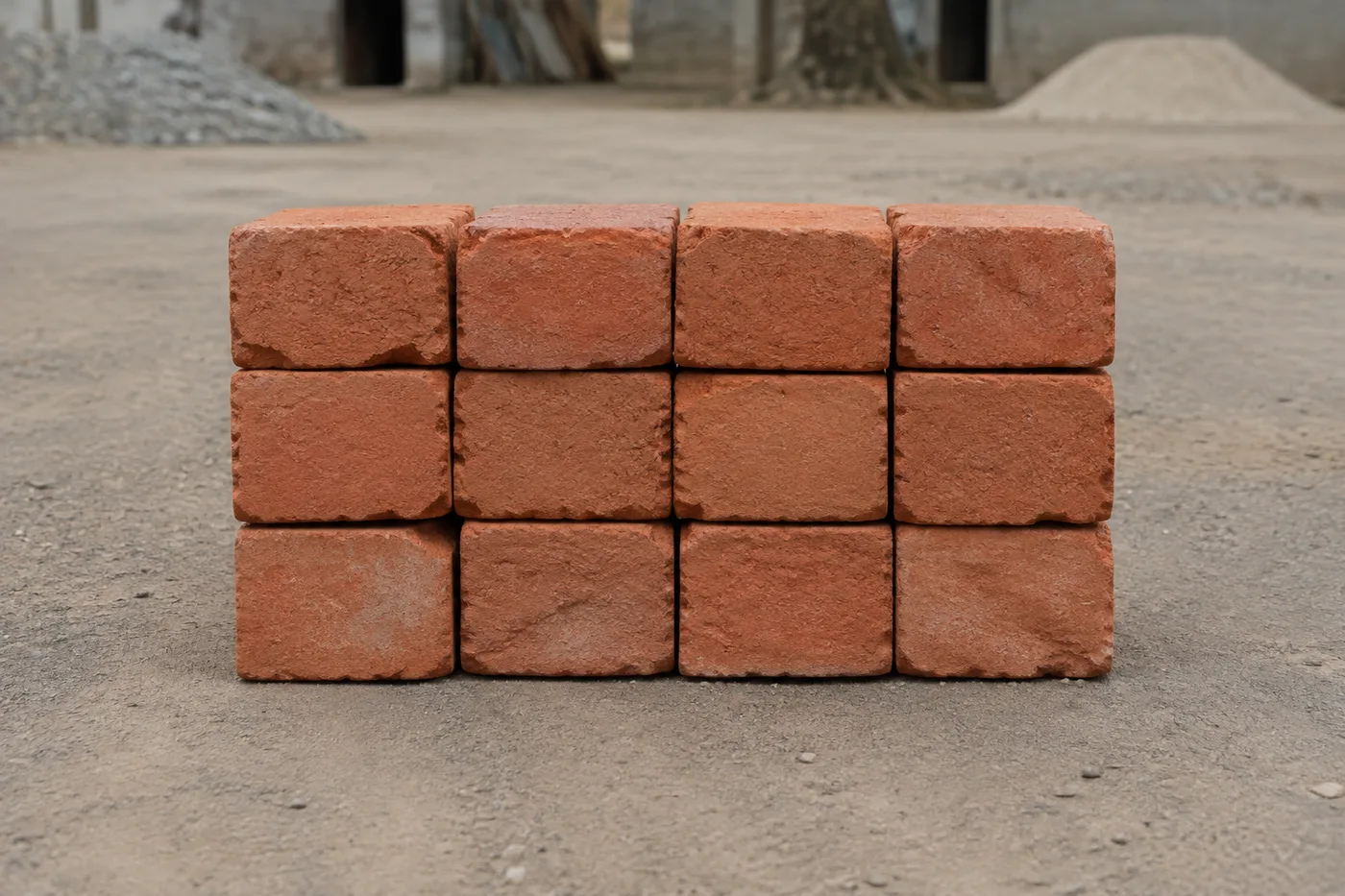
数照片中的砖块 — AI 砖块计数器
支持 JPG、PNG、WEBP 图片格式 · 免费方案上限为 20 MB,Premium 套餐上限为 50 MB
Photograph the stack, pallet or delivery, upload the photo and review the tally markers against the photo. Built for delivery checks, site stock counts and yard audits.
- 检查照片,然后统计可见的 砖块
- Upload a photo and get an automatic count
- Review the markers to catch bricks counted twice or missed
- 免费使用 · 无需注册 · 无水印
上传图片
精准计数的小贴士
• 使用光线均匀、曝光良好的照片,并确保 砖块 完整位于画面中
• Keep your bricks visible and avoid overlapping items
• 点和热图显示保留的检测 - 检查并更正计数
了解工具:砖块计数器
The brick counter counts visible bricks from your photo and marks detections for review. Counting starts automatically once the photo and item are ready. Visibility, overlap and similar-looking items can affect the total. Built for builders, site managers and building-material suppliers.
工作原理
1. 拍摄您的 砖块
2. Upload your photo to count bricks automatically
3. Review the markers and correct the tally if needed
4. 添加到统计表,并将计数结果导出为 CSV
适用场景
• 审查砖块和块交付草案
• 各阶段之间的现场库存清点
• 建材商场堆场盘点
• 估算剩余物料
使用 砖块计数器 可以做什么
在开始之前查看主要功能。
- 清点堆垛和托盘上的砖块和砌块
- 快速核对到货和现场库存估算结果
- 检查每个砖块计数标记并修正总数
- 在一次批量流程中审核多个托盘
- 跨已标记的装载批次持续累计计数
- 检查紧密排列的砖行,核实是否有漏数或重复计数
设置参考
14 个设置
砖块计数器 的可用控件。
上传
- 单张照片 / 批量审计预设
- 选择单张照片计数或高级批量审核。检查每一个结果。选项: 单张照片批量审计
数量
- 已计入的标记滑块范围: 0–1 · 默认: 0.21
- Starts at 21%; slide toward Show more to include weaker markers or Only strongest to hide them.
- 叠加样式预设
- 选择点、热图、两者或干净的预览。选项: 两者点热感无
高级
- 结果叠加层下拉框
- Choose how count markers appear in the on-screen preview; the download keeps its own markers.选项: 圆点 + 热力图仅圆点仅热力图
统计
- 添加到统计一键
- Add this count to the tally sheet under the name of the object that was counted. Signed-in accounts add finished counts automatically unless that is turned off under Account settings; in bulk mode every photo also has its own Add to tally button.
- 标签文字输入
- Rename a tally row. Edits and removals wait until you choose Save changes, so you can fix several rows at once.
- 数量数字输入框
- Correct a row's count; totals, the chart and exports follow once the change is saved.
- Save changes一键
- Apply every edited or removed tally row in one step, or choose Discard changes to leave the sheet as it was.
Chart
- By object预设
- The chart is the same in every counting tool and covers the tallies of all of them. By object draws a separate line chart for each tally name, such as pipes and people. By tool draws a chart for each counting tool.选项: By objectBy tool
- 时段预设
- Choose how far back the chart looks. Days without a count appear as zero.选项: 7 days30 days90 days12 months
History
- Counting setup图库
- Keep comparable counts together. A first setup is created for you, so the first count can be saved straight away.
- Observed at文字输入
- The date and time of the count, shown as a date and a time field.
- 音符文字输入
- Starts with every detected object and its count, one per line, such as Pipes - 11. Edit it before saving.
- Save count一键
- Save the count to your account history. Open a saved count later to correct it or download its source photo.



常见问题
砖块计数器 如何助您完成任务
它每天为企业、创作者和日常任务解决实际问题。找到适合您的用例并开始。
卸货前核验砖块到货数量
拍摄托盘以获得砖块的初步清点结果,然后核对实际到货、修正标记,并在卡车离开前完成正常的送货单核查。
跟踪各阶段之间的剩余物料
拍摄剩余堆垛以获得 AI 辅助估算,然后对照实际库存核对并修正,再规划下一个施工阶段。
一批次盘点整个堆场
打开批量审核以在每张堆叠照片上运行不同对象模式,然后在使用组合码总数之前检查每个结果。
用手机清点工地库存
拿着手机相机走遍工地,逐堆拍照,把每个结果都加入盘点表,再将当天的工地库存导出为 CSV 或 PDF 报告,交给工地负责人。
从混杂的工地废料中分拣砖块
在计数运行之前,在“示例”设置中标记一块完整的砖块,这样块和瓦砾就不会被误认为是砖块,然后在使用总数之前检查每个标记。
从单张正面照片估算整托盘总数
清点矩形砖堆一个面上可见的砖块数量,再乘以已知的深度,即可快速估算整托砖的数量——在繁忙工地上,绕着砖堆攀爬拍摄每一面并不现实,此法尤为实用。























