
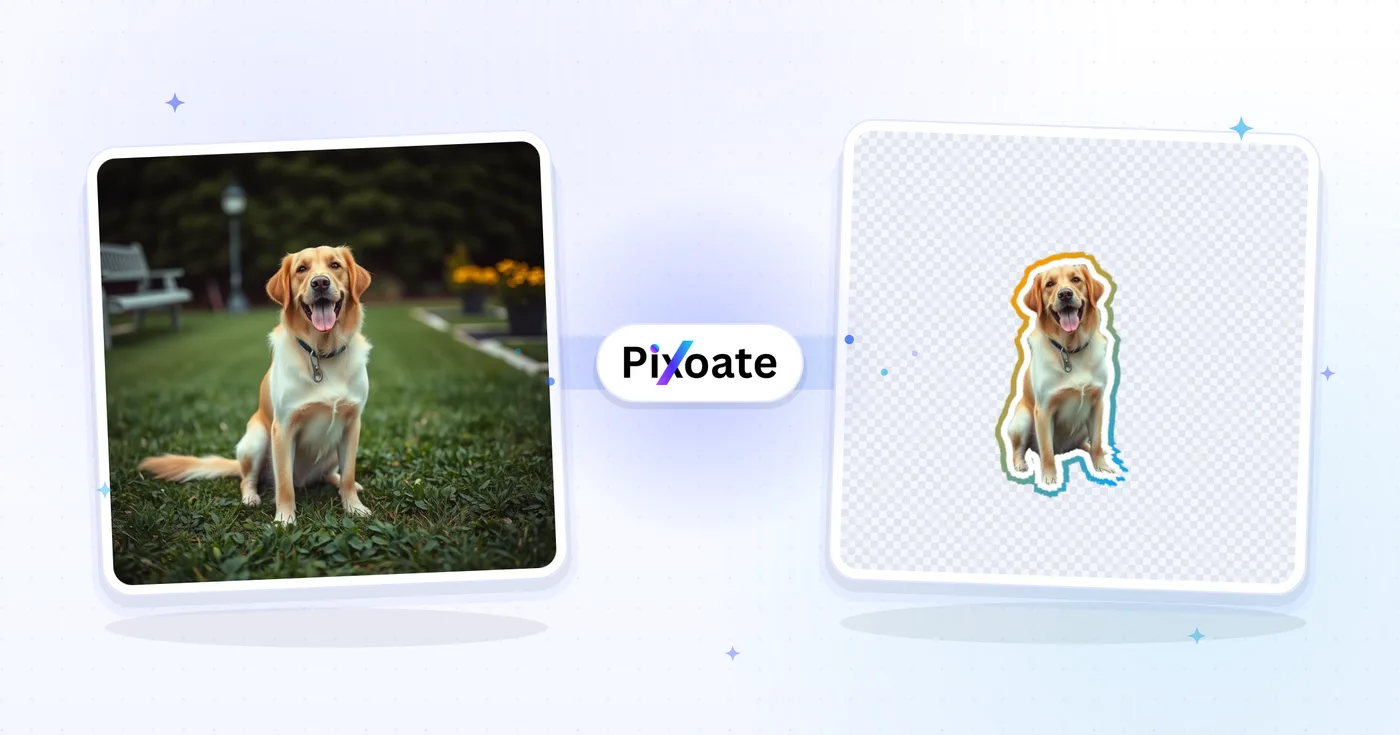
Sticker Maker — 将照片变成 WhatsApp 贴纸
删除照片背景、添加轮廓并导出支持的消息格式的贴纸。
使用 图片转贴纸 可以做什么
在开始之前查看主要功能。
- 将支持的照片变成印刷风格的贴纸
- 为抠图添加可自定义的白色描边
- 制作适用于 WhatsApp、Telegram 和 iMessage 的贴纸
- 自动移除主体背景
- 添加投影,打造可撕下贴纸的效果
- 按喜好调整描边粗细和颜色
设置参考
15 个设置
图片转贴纸 的可用控件。
- 处理模式预设
- 可逐个处理输入内容,也可切换到 Premium 批量模式,将同一设置应用于多个输入。可用的输入类型取决于所用工具。选项: 单张图片批量
描边
- 描边粗细滑块范围: 0–40px · 默认: 12px
- 设置沿抠出主体绘制的模切白边宽度,从 0 时的无描边到最大 40px;8-15px 左右在聊天贴纸尺寸下清晰可辨。
- 轮廓样式预设
- 在单色边框和平滑的双色渐变边框之间进行选择;像日落和海洋这样的一键预设对无需任何色彩理论即可赋予贴纸包优质的外观。选项: 纯色渐变
- 描边颜色取色器
- 选择贴纸边框的颜色 - 默认白色呈现经典贴纸外观;在渐变模式中,您可以选择边框渐变的两种颜色。
- 角度滑块范围: 0–360° · 默认: 180°
- 设置渐变边框的方向:从上到下180°淡出,从左到右90°淡出;预览栏显示完成的贴纸将使用的确切填充。
- 渐变预设预设
- 一键设置渐变的两种颜色。边框或轮廓线样式选择渐变后,即可看到这些预设。选项: 日落海洋紫罗兰金色石灰糖果
- 渐变起始颜色取色器
- 选择渐变模式下描边的第一种颜色。
- 渐变结束颜色取色器
- 选择渐变模式下描边的第二种颜色。
特效
- 格式预设
- 选择导出格式:拖放到任何背景上的透明 PNG(默认),或直接导入 WhatsApp 和 Telegram 的 512×512 透明 WebP。 Premium 或积分可以以原始分辨率解锁 PNG,以进行打印和更大的设计。选项: 透明PNGWhatsApp / Telegram · 512px WebP
- 投影开/关
- 在描边抠图后方添加柔和阴影,营造模切印刷贴纸的质感;关闭后贴纸边缘完全平整。
- 水平滑块范围: -100–100px · 默认: 0px
- 将贴纸的阴影向左或向右移动。将其保留为 0 会使光线直接位于头顶上方;偏移它意味着光源偏离一侧。
- 垂直滑块范围: -100–100px · 默认: 12px
- 向上或向下移动阴影。正值会将其置于切口下方,这就是贴纸从页面上抬起的意思。
- 模糊滑块范围: 0–100 · 默认: 12
- 设置阴影边缘的柔和程度:0 给出硬剪纸偏移,较高的值将其扩散到剪纸下方的柔和雾霾中。
- 不透明度滑块范围: 0–100% · 默认: 35%
- 设置阴影的强度。大约 35% 的人认为该贴纸不与其竞争; 0% 与关闭阴影相同。
- 阴影颜色取色器
- 选择阴影投射的内容 - 黑色表示正常阴影,白色表示将贴纸从深色背景上揭开,或明亮的颜色表示轮廓周围的霓虹灯。
免费使用 · 无需注册 · 无水印上传过程全程加密传输已根据我们的数据保留政策移除



常见问题
图片转贴纸 如何助您完成任务
它每天为企业、创作者和日常任务解决实际问题。找到适合您的用例并开始。
社交媒体
WhatsApp 表情贴纸
把群聊照片变成大家都喜爱的内部梗表情贴纸。朋友的脸、宠物、美食照——任何素材都能做成比表情符号有趣 10 倍的贴纸。
社交媒体
Telegram 贴纸包
为你的社群、品牌或粉丝圈定制专属贴纸包。每张照片都会变成一枚贴纸,采用统一的描边样式,让整套贴纸风格协调一致。
社交媒体
iMessage 贴纸投放
用照片制作的 iOS 贴纸让你可以将表情贴纸贴到消息上。把一张精彩的自拍或宠物照片转换成永久保存在 iMessage 贴纸库中的贴纸。
面向创作者
Discord 服务器表情
Discord 允许每个服务器设置自定义表情和贴纸。将社区梗图、吉祥物画作和圈内梗截图转换为尺寸合适的 PNG 贴纸以供上传。
社交媒体
宠物网红内容
宠物账号创作者将每个可爱姿势制成贴纸版本,用于粉丝互动和周边设计。贴纸也非常适合作为众筹回馈(可打印的异形贴纸)。
活动
婚礼与活动纪念品
把婚纱照做成贴纸版本,用于婚期通知卡、感谢卡或宾客留言簿的装饰。新娘们都很喜欢,而且印在不干胶纸上效果极佳。
面向电商
按需印刷贴纸店铺商品
将客户照片或宠物肖像转化为 Etsy 或 Redbubble 贴纸店的产品模型 - 选择透明 PNG,然后使用 Premium 或锐利模切打印所需的原始分辨率文件的积分。
面向企业
品牌包装与致谢贴纸
小店把标志或吉祥物照片变成模切贴纸,用于订单包装内的插页,选择品牌配色的描边,让每次发货都符合品牌风格。
效率办公
Slack 与 Microsoft Teams 自定义表情
同事们把团队合影或内部梗做成职场聊天用的自定义表情,把轮廓粗细保持细一些,让它在极小的表情尺寸下依然清晰可辨。
个人使用
笔记本电脑与水瓶贴纸设计
将喜爱的照片变成贴花式贴纸,供笔记本电脑、水瓶或规划师使用 - 导出透明 PNG,并通过 Premium 获取原始分辨率文件或在不干胶乙烯基上打印的积分。























