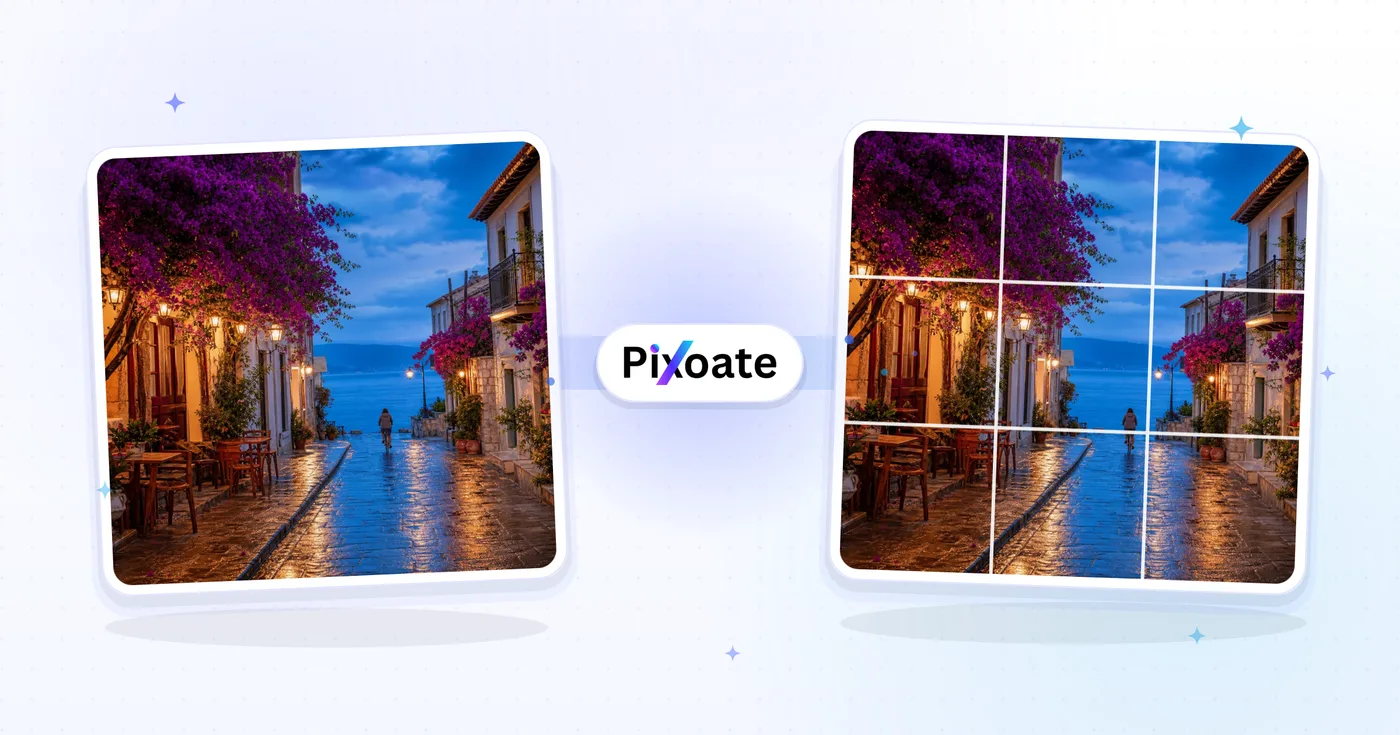
Instagram 九宫格切图工具——切分图片打造 3×3 信息流与全景拼图
将一张图片切割成完美的 Instagram 网格。3×3 信息流、3×1 全景,或任意自定义行×列。下载每一块拼图,按倒序发布。
拖入你想拆分为宫格的图片
Instagram 九宫格分割已完成?不妨试试这些
与 Instagram 九宫格分割搭配使用的精选工具。继续编辑,不丢失你的文件。
Instagram 尺寸调整
让整张照片完整显示在 Instagram 上而无需裁剪——添加智能填充(模糊或自定义颜色),不再因正方形比例而切掉边缘。免费、无需注册、无水印。
立即试用照片拼图制作器
将多张照片组合成网格图、并排拼接、纵向叠放或创意拼图,并可自定义间距、边框和渐变背景。
立即试用裁剪图像
实时预览裁剪 JPG、PNG、WebP、GIF 或 SVG 图片。可裁剪到精确像素或自定义宽高比。免费、无需注册、无水印。
立即试用调整图片尺寸
将 JPG、PNG、GIF、WebP 或 SVG 图片调整为精确的宽度和高度,或按百分比缩放——可调整单张图片,也可一次性批量调整多张并打包为 ZIP。实时预览,保持宽高比和画质。免费、无需注册、无水印。
立即试用将图片压缩到指定 KB
将 JPG、PNG、WebP 等图片压缩到精确的目标大小——20KB、50KB、100KB 或你需要的任意 KB 数——且不损失可见画质。免费批量压缩多张图片。
立即试用照片滤镜与特效
用 23 多种专业效果变换照片:艺术风格、复古滤镜、现代效果和特殊变换。
立即试用Frequently Asked Questions
上传一张图片,选择 3×1、3×2 或 3×3 的网格布局,工具便会将其切分为相应数量、完美对齐的正方形切块。按顺序下载每一块,并以倒序发布到 Instagram,这样网格就能在您的个人主页上整齐拼合。
usage可以。每个图块都会精确导出为 1080 × 1080 像素——Instagram 原生的方形尺寸——而且工具会按发布顺序为文件编号,让九宫格无论在手机还是桌面端都能严丝合缝、不留可见接缝。
technical可以。使用 3×1 版式可将宽幅全景图切成三张相连的方形帖子,访客浏览你的主页时会看到连续一体的风景画面——这在旅行、房产和新品发布类账号中颇受欢迎。
social对于 3×3 网格,请上传至少 3240 × 3240 像素(3 × 1080)的方形图片。尺寸更小的图片会被放大,可能显得模糊。对于 3×2 网格,建议使用 3240 × 2160 像素。
technicalInstagram 会将你最新的帖子显示在左上角,所以要按相反顺序发布切片:先发右下角,最后发左上角。生成器会从左上到右下将文件命名为 1、2、3——请按从大到小的编号顺序发布。
tipsYour photo is uploaded to our secure server so the grid tiles can be generated, then it is deleted automatically after processing — we never store, share, or reuse it. If a strict never-uploaded workflow is a hard requirement for unreleased campaign visuals, use an offline image editor with a built-in grid-slicing feature instead.
privacyUse the Columns and Rows steppers to set any grid from 1×1 up to 10×10 — click the +/- buttons or type a number directly into the field. The live preview updates immediately so you can see exactly how your photo will be sliced before downloading, which is handy for wide multi-row murals or a five-post carousel spread.
featuresThey instantly set the Columns and Rows values to the most common Instagram grid shapes — 3×3 for a classic profile mural, 3×1 for a horizontal panorama split across three posts, and 2×2 for a smaller four-tile block. Tap a preset instead of manually adjusting both steppers when you want a standard layout.
tipsYes. As soon as you upload the image and set Columns and Rows, the preview panel shows the exact grid overlay with your photo positioned across every tile, including tile numbering. Check the preview before downloading to confirm no important subject falls right on a seam between tiles.
usageHow Instagram Grid Splitter helps you get it done
Real problems it solves every day — for businesses, creators, and everyday tasks. Find the use case that fits you and start in seconds.
品牌发布与新品揭晓九宫格
品牌借助 3 × 3 九宫格发布新产品线和换新形象,这些格子在主页上拼合成广告牌式的主视觉,从而带动主页访问和粉丝增长
摄影师作品集主视觉网格
婚礼、时尚和旅行摄影师将代表作分割为 3 × 1 全景图和 3 × 3 九宫格,让 Instagram 主页变身为精心策划的作品集画廊
房产展示
房产经纪人将房源的宽幅全景照片切分为 3 × 1 的一行,让整个房屋正面在三个帖子中呈现为一幅无缝衔接的画面
旅行日记全景图
旅行博主将日出全景、连绵山脉和天际线照片切分成 3 × 1 横向网格,在个人主页信息流中呈现为连续的风景画卷
餐厅菜单与美食摆盘
餐厅以 3 × 2 九宫格展示完整的菜单摆盘、早午餐餐桌或季节系列,在粉丝点进网站之前先预览整体体验
引言与排版网格
作者、教练和励志创作者将一句三行的排版语录拆分到三条帖子中,让关注者访问主页时,整句话如同一幅广告牌般呈现
专辑与单曲发行封面揭晓
Musicians and labels split new album artwork into a 3×3 grid drop, posting tile-by-tile so the full cover art assembles on the profile as fans refresh it on release day.
Milestone Countdown Grids
Turn a birthday, anniversary or launch date into a day-by-day countdown by setting a custom Rows/Columns split and posting one tile per day leading up to the big reveal.
Conference & Event Sponsor Walls
Event organizers split a sponsor-logo board or speaker lineup graphic into a grid so each sponsor gets individual visibility across a run of posts instead of one crowded image.
Serialized Comic Strip & Story Grids
Comic artists and visual storytellers slice one wide strip or multi-panel story into a custom Rows/Columns split so each panel posts individually but still reads as one continuous strip when a follower scrolls through the profile grid.
Pixoate