TikTok 封面图尺寸调整工具 - 9:16 视频、照片与头像尺寸

将图片调整为 TikTok 的精确尺寸:9:16 视频/封面(1080×1920)、图片轮播、头像和缩略图。可选填满、适应或拉伸,并支持画质控制。

拖入你想为 TikTok 调整尺寸的图片

文件在处理后自动删除通过 HTTPS 安全处理

Frequently Asked Questions

TikTok 视频封面为 1080 × 1920 像素(9:16,竖屏全屏)。安全区为居中的 1080 × 1440 区域——上方或下方的内容可能会在「为你推荐」信息流中被用户名、文案和操作按钮遮挡。

social

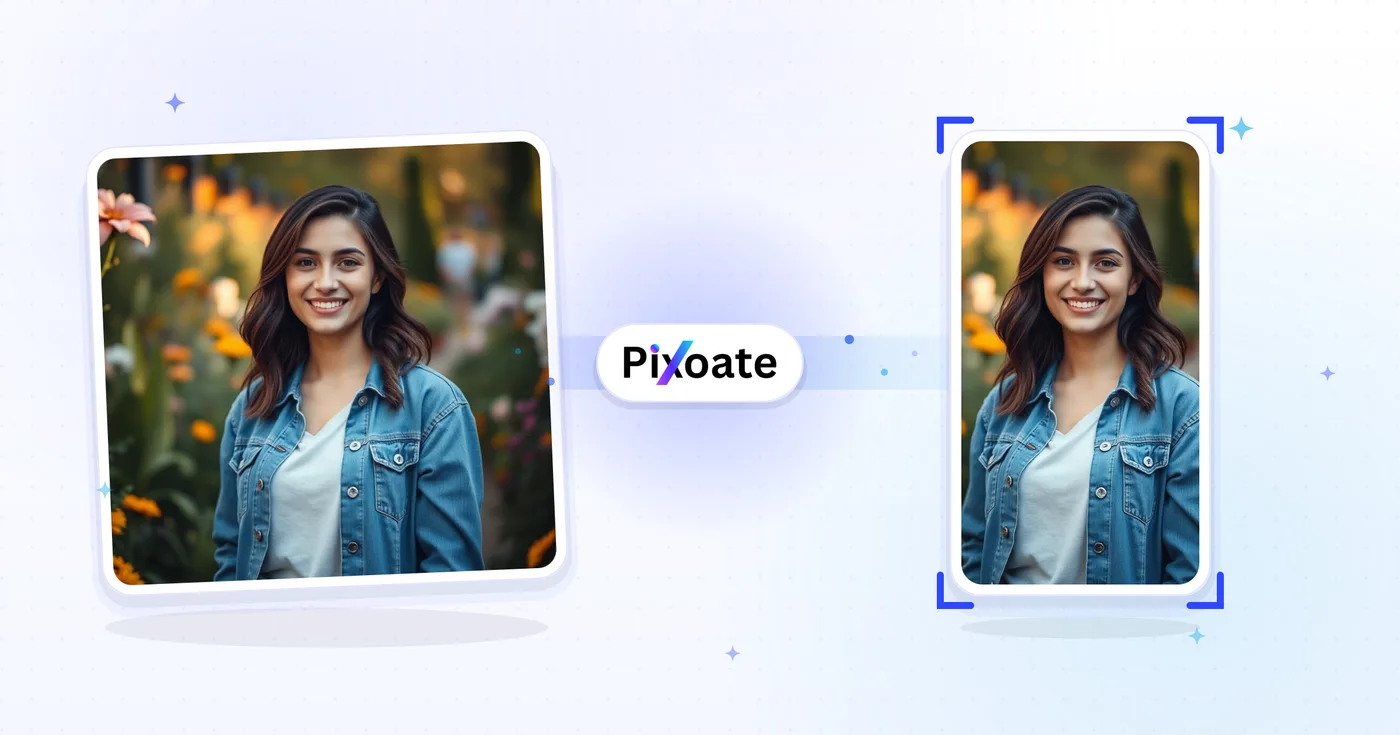
上传图片,选择 TikTok 封面预设(1080 × 1920),将焦点拖到安全区域标记内进行定位,然后下载竖版 PNG 或 JPEG。安全区域参考线可确保文字和人脸不会被 TikTok 的界面元素遮挡。

usage

让底部 280 像素保持空白(字幕、用户名和音乐滚动条都在那里),并让右侧边缘避开操作按钮(点赞、评论、分享)。将标题居中放在顶部中间区域,以获得最大曝光度。

tips

可以。预设涵盖 TikTok 头像(200 × 200)、视频封面(1080 × 1920)、信息流广告封面(720 × 1280)和 TopView 广告封面(1080 × 1920)——全部都是 TikTok 广告平台所要求的尺寸。

features

80–90% 质量的 JPEG 最适合照片类封面(文件更小,上传更快)。当封面包含清晰文字、渐变或透明区域,且 JPEG 压缩会产生明显瑕疵时,PNG 是更好的选择。

technical

Your image is uploaded to our server over HTTPS to perform the resize, then automatically deleted right after processing — we never store it long-term or share it with anyone, so unreleased content, brand visuals and influencer drafts stay confidential.

privacy

Cover scales your image to fill the whole frame and crops any overflow — best when your subject is centered. Contain shrinks the image to fit entirely inside the frame and fills the leftover space with your chosen background color — best when you can't afford to lose any edges. Stretch forces the image to the exact preset dimensions, which can distort the aspect ratio, so use it only when the source is already close to 9:16.

features

Open the background color picker in Settings — it's only visible when the Contain fit leaves empty space around your image. Pick a brand color or a solid black/white bar instead of the default so the letterboxing looks intentional rather than accidental.

features

在"格式"下拉菜单中从 JPG、PNG、WEBP 或 AVIF 中选择;质量为 85-90 的 JPG(可用质量滑块调整)是照片类封面最稳妥的默认选择。对于带清晰文字或徽标的封面则选 PNG,因为质量滑块对 PNG 是禁用的(它始终无损)。

technical

On circular-crop presets like TikTok's Profile picture, a toggle button lets you show or hide a circular safe-zone guide over the square canvas. Turn it on to check that faces and logos stay inside the circle TikTok actually displays, since the corners of the square get cropped away.

usage

Pick the Video/Cover preset (1080×1920), use Contain fit if your source photo isn't already 9:16, set the background color to match your brand or a plain black bar, and export as JPG at quality 90 for a crisp, undistorted cover.

tips

The Photo carousel preset exports at 1080 x 1920 pixels — identical to the Video/Cover preset — because TikTok displays carousel (slideshow) posts in the same full-screen 9:16 frame as video. Pick Photo carousel when you're resizing images for a multi-photo slideshow post rather than a single video thumbnail; the output dimensions are the same either way, it's just a clearer label for your export queue.

features

TikTok lets you upload a short looping video as your profile picture instead of a static photo, and it expects a slightly larger frame — 207 x 207 pixels — for that first frame, compared to 200 x 200 for a static Profile picture. Because the preset name contains 'profile' and the frame is square, the same circular safe-zone guide used on the static Profile picture preset also appears here, so you can confirm your subject survives TikTok's circular avatar crop before exporting.

features

TikTok's app chrome — the username, caption text and side icons — sits over a black background, so when Contain fit leaves empty space around your image, black bars (#000000) blend in and look intentional rather than like an accidental white letterbox. Open the background color swatch in Settings any time to switch it to white, your brand color, or any custom hex value instead.

features

Thumbnail exports the same 9:16 vertical frame as Video/Cover but at a lower 720×1280 resolution, which is enough for a draft cover, an internal review copy, or anywhere a smaller file matters more than maximum sharpness. Square thumbnail instead crops to a 1:1 1080×1080 frame, matching the square preview TikTok links show when embedded on other sites, in link-preview cards, or in third-party grid layouts that can't display a 9:16 image.

features

How TikTok Cover Resizer helps you get it done

Real problems it solves every day — for businesses, creators, and everyday tasks. Find the use case that fits you and start in seconds.

Social Media

创作者视频封面品牌设计

TikTok 创作者通过统一的字体、配色和标题设计风格一致的视频封面,让个人主页的九宫格呈现为精心策划的品牌形象,而非杂乱无章的缩略图

For Business

餐厅与美食品牌封面

餐厅、咖啡馆和美食品牌将主打美食摄影调整为 TikTok 封面尺寸,吸引粉丝观看菜品视频并访问简介中的菜单链接

For Creators

美妆与护肤教程封面

美妆创作者和护肤品牌按 TikTok 的合适尺寸设计前后对比教程封面,最大化「For You」推荐流滑动中的点击率

Social Media

健身与锻炼视频封面

健身创作者、教练和居家健身品牌在 TikTok 封面上标注训练名称、时长和难度,让用户一目了然地知道自己即将开始什么样的训练

For Business

电商产品演示封面

直面消费者(DTC)品牌将产品演示封面调整为 TikTok 尺寸,用于 TikTok Shop、信息流广告和带动转化的自然产品视频

Education

教学与教程视频封面

教育科技创作者、语言教师和技能分享讲师设计简洁清晰的 TikTok 封面,让用户在点击播放前就能看到课程标题和核心要点

For Creators

Music Release & Podcast Clip Covers

Musicians and podcasters export a Video/Cover (1080x1920) image announcing a new single or episode, then use Photo carousel for slides teasing the tracklist, all cropped to the same 9:16 frame.

Real Estate

Property Walkthrough Reel Covers

Real estate agents resize listing photos to TikTok's Video/Cover preset with Contain fit so a wide-angle living-room shot isn't cropped, keeping the whole room visible before the walkthrough video plays.

Marketing

SaaS Feature Launch Covers

Product marketers use Contain fit with a branded background color to fit a full desktop screenshot inside the 9:16 frame without cropping the UI, for feature-announcement and demo clips.

Events

Conference & Event Recap Carousels

Event organizers use the Photo carousel preset to resize a set of session photos into a matching 9:16 slideshow post recapping a conference or meetup for attendees who missed it.

For E-commerce

TikTok Shop Product Video Covers

TikTok Shop sellers resize product photography into the Video/Cover frame for shoppable video posts and use Photo carousel for multi-angle product showcases, keeping storefront video covers native to TikTok's vertical feed instead of looking like a cropped e-commerce photo.