كيف تعمل
Upload a photo where someone blinked. AI draws natural open eyes on each clear face to suit the face and the light, then places only the face back onto your photo, so hair, clothing and background stay as you shot them.


Rescue the shot where someone blinked by opening their eyes with AI.
قم بمراجعة إمكانيات التأثير المتاحة قبل البدء.
Upload a photo where someone blinked. AI draws natural open eyes on each clear face to suit the face and the light, then places only the face back onto your photo, so hair, clothing and background stay as you shot them.
Upload a photo, adjust the Open Closed Eyes intensity, compare its processed preview with the source, and download the finished result.
Use the intensity control to balance the Open Closed Eyes treatment with the detail and character of your original photo.
A reduced Open Closed Eyes preview keeps adjustments responsive. Free downloads are clean and web-size; Premium or a credit unlocks the original resolution.
Open Closed Eyes uploads are processed on secure servers and automatically removed under the normal Pixoate retention policy.
Upload a photo where someone blinked. AI draws natural open eyes on each clear face to suit the face and the light, then places only the face back onto your photo, so hair, clothing and background stay as you shot them.
Open Closed Eyes uses an AI action. Any separate allowance is shown before this effect starts processing.
wedding portraits, family photos, team shots and solo portraits where one frame is perfect apart from a blink, with faces sharp and turned towards the camera.
أقل ملاءمة ل: side profiles, faces covered by hands or sunglasses, very small faces, and large group shots, where some blinks may stay closed.
أدوات للخطوات التالية الشائعة بعد تأثيرات الصور.
الإبداع والتصميم
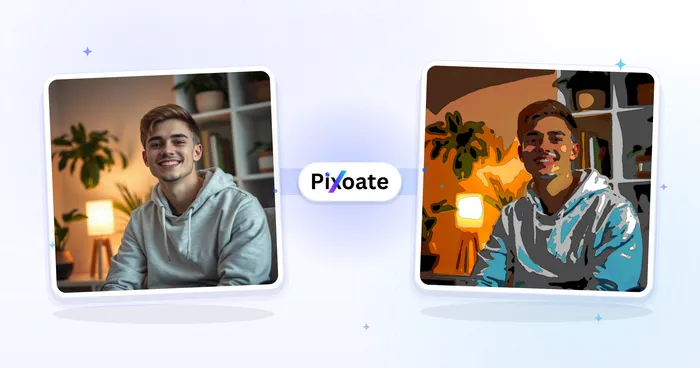
حوّل صورة إلى عمل كرتوني كلاسيكي أو بأسلوب القصص المصوّرة أو ملصق أو ألوان مائية أو أسلوب مخصص، مع توجيهات ذكاء اصطناعي قابلة للتحرير.
جرّبه الآنالإبداع والتصميم
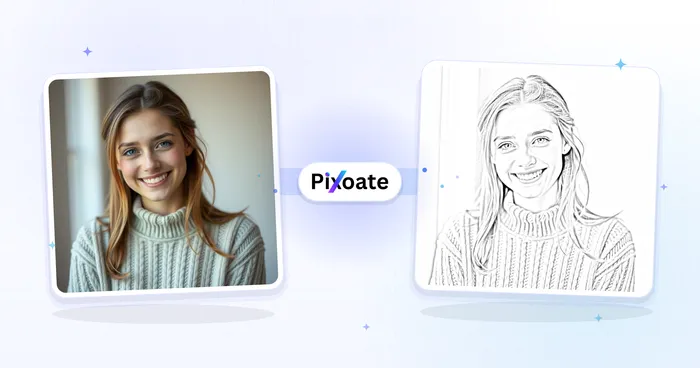
قم بتحويل الصورة إلى صورة بنمط رسم بالقلم الرصاص واضبط عمق الظل قبل التنزيل.
جرّبه الآنتحرير الصور والأدوات المساعدة
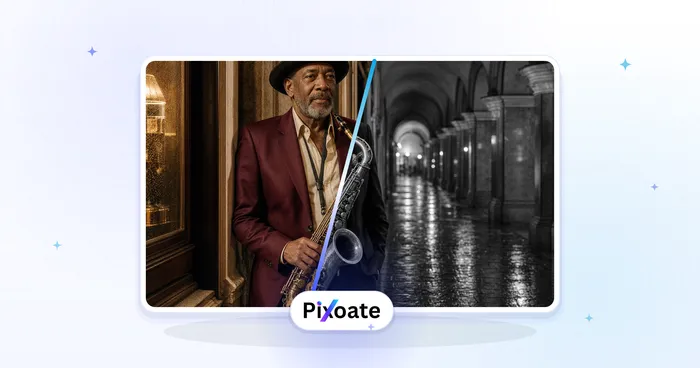
حوّل صورة إلى الأبيض والأسود. اضبط الشدة وعاين النتيجة.
جرّبه الآنأقوى اللقطات ذات التأثير تتصدر هذا الحزام قبل بقية الكتالوج.