
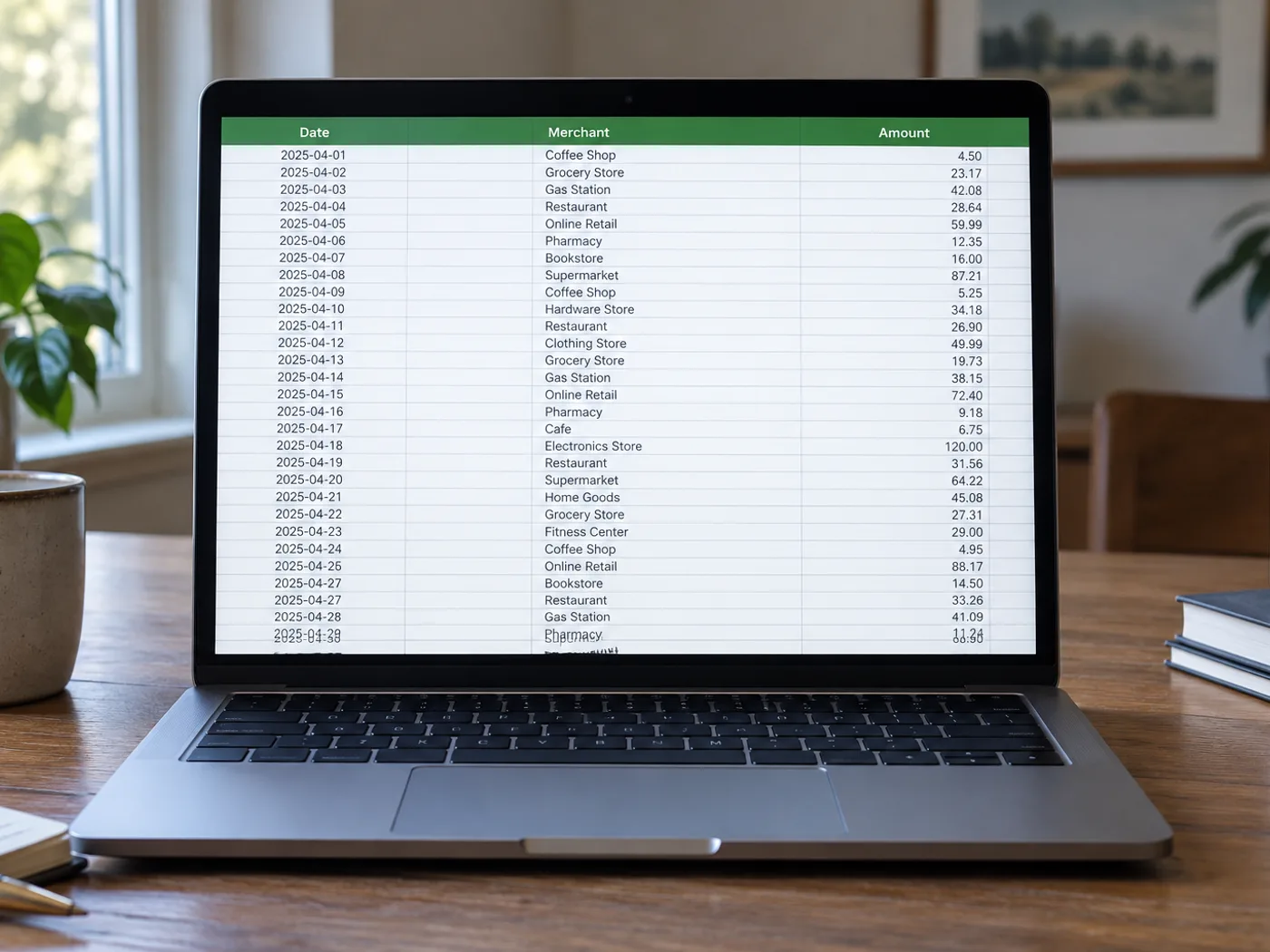
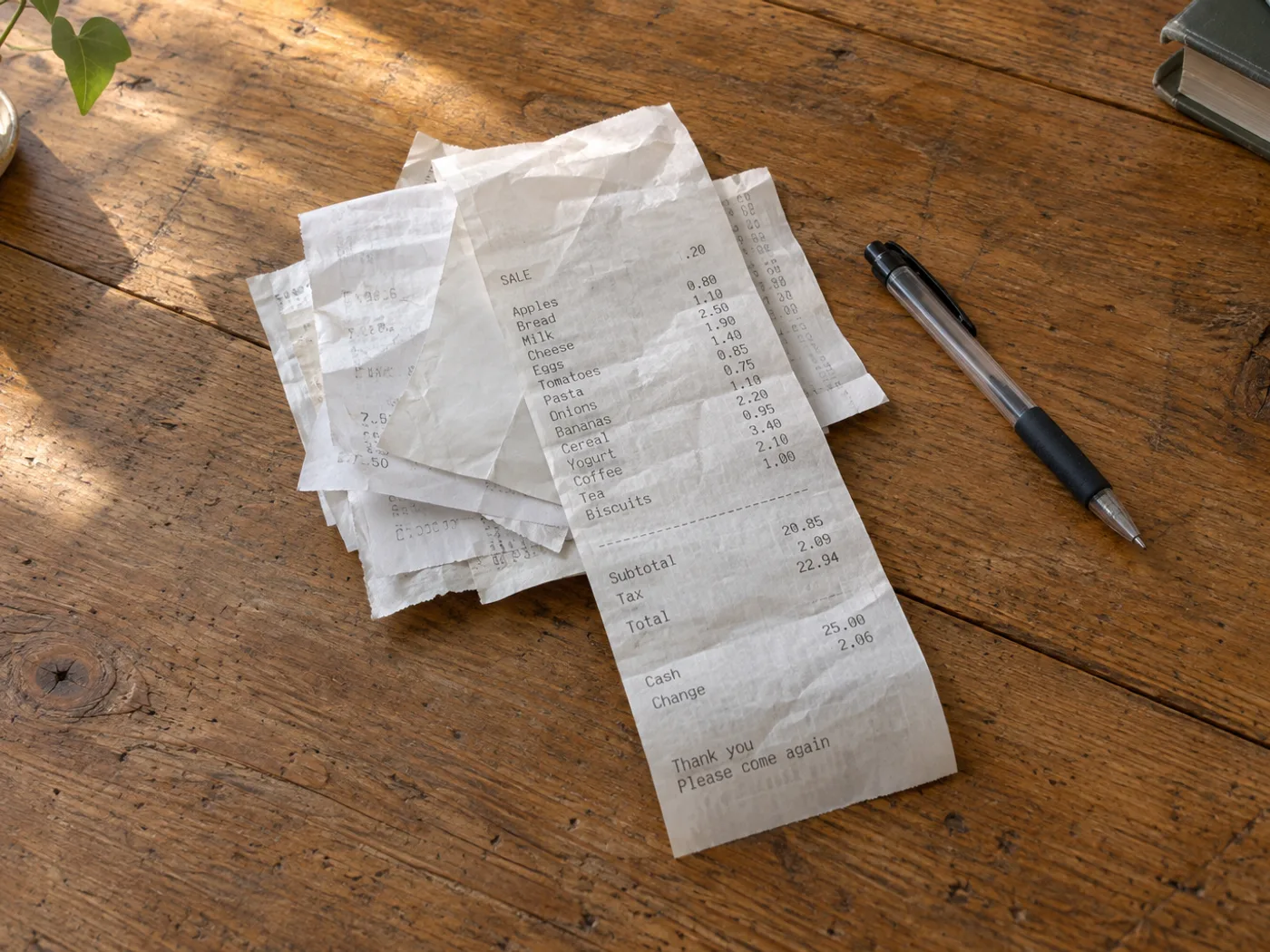
Gør en bunke specificerede indkøb til et regneark, du kan gennemgå
Forvandl den specificerede del af et foto af en kvittering til rækker i et regneark, så du kan gennemgå udgifterne. Termotryk, rabatter og ombrudte produktnavne kan forvirre genkendelsen, så sammenlign alle vigtige beløb med den originale kvittering.
Specificeret gennemgang af rejseudgifter
Adskil købte varer fra afgifts- og betalingslinjer, før du tildeler dine egne udgiftskategorier i et regneark.
Sammenligning af gentagne indkøb
Saml varelinjer fra kvitteringer over tid, og standardisér derefter produktnavnene manuelt, før du sammenligner enhedspriser i Excel.
Kontrollér kvitteringsposter, før udgiftskategorier tilføjes
- Glat kvitteringen ud, og fotografér den i jævnt lys, så falmede cifre forbliver synlige.
- Udtræk og gennemgå tekstombrydninger i beskrivelser, negative rabatter og par af antal og pris.
- Sørg for, at subtotal- og afgiftsrækker kan skelnes fra varer, og eksportér derefter den kontrollerede projektmappe.
Falmede kvitteringer, rabatter og totaler, der ligner varelinjer
- Kategoriserer kvittering til Excel automatisk udgifterne?
- Den udtrækker synlige tabeldata. Tildel regnskabskategorier, og afgør, hvilke køb der hører til i en udgiftsafregning, efter at du har gennemgået projektmappen.
- Kan en falmet termokvittering stadig konverteres?
- Kun læselige mærker kan genkendes pålideligt. Prøv et bedre belyst nærbillede, og ret usikre beløb; manglende tryk kan ikke genskabes med sikkerhed.
- Hvorfor vises totalen på min kvittering som en ekstra vare?
- Kvitteringer adskiller ofte totaler med mellemrum frem for tydelige kolonner. Gennemgå gitteret, og skeln mellem subtotal, afgift, drikkepenge og betalingsrækker før analyse.
- Er den udtrukne projektmappe en erstatning for kvitteringen?
- Bevar den originale kvittering som dokumentation. Projektmappen er en transskription til gennemgang og kan indeholde genkendelsesfejl.


























