
Pemilih Warna & Roda Warna
Harmoni warna
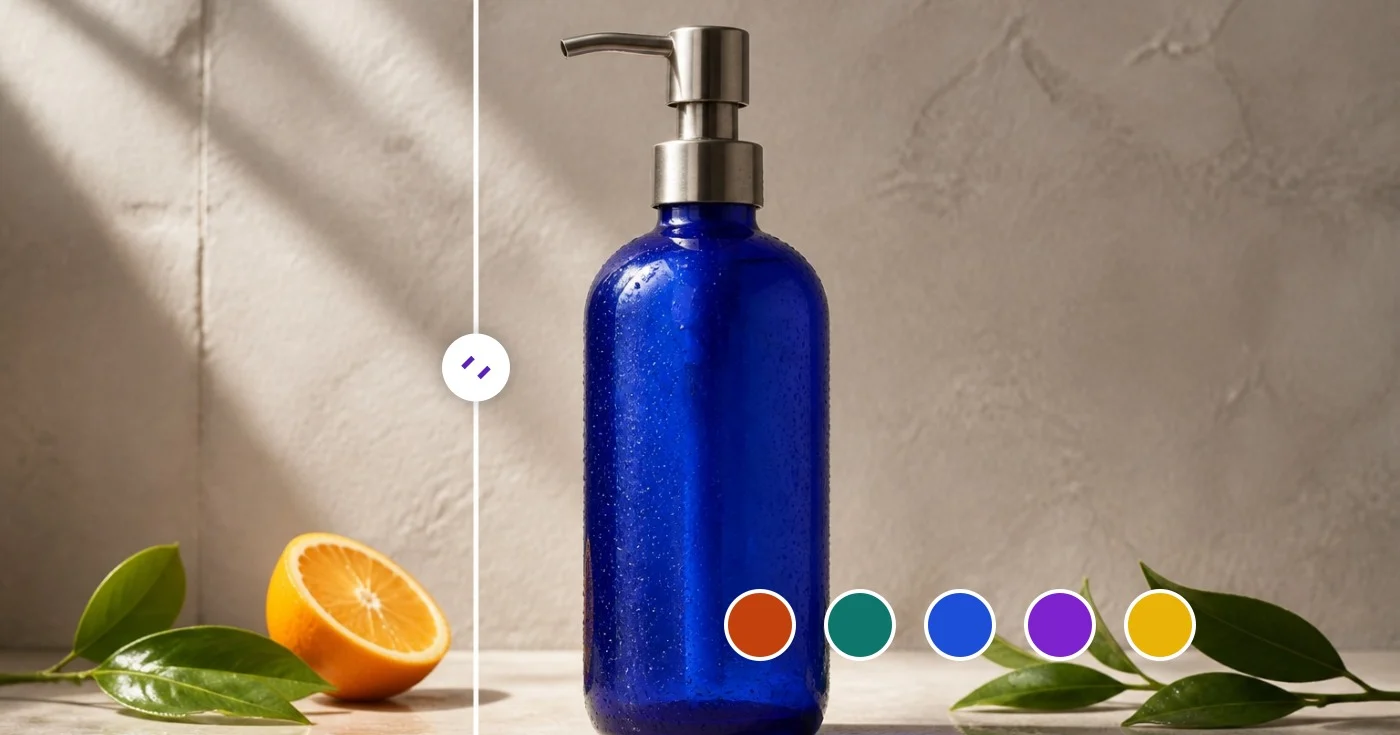
Pemilih Warna dari Gambar — Dapatkan Kode Warna HEX dan RGB
Pilih piksel untuk membaca nilai HEX, RGB, dan HSL, atau ekspor palet dominan sebagai variabel JSON atau CSS.
Jatuhkan gambar — klik piksel mana saja untuk kodenya atau ekstrak seluruh paletnya
PNG, JPG, WEBP, GIF
Apa yang dapat Anda lakukan dengan Pemilih Warna
Tinjau kemampuan utama sebelum Anda mulai.
- Pilih warna apa pun dari foto seperti HEX, RGB, atau HSL
- Ekstrak palet warna dominan dari sebuah gambar
- Ambil warna merek dari tangkapan layar atau logo
- Salin kode warna untuk desain Anda
- Ekspor palet sebagai variabel JSON atau CSS
- Buat skema warna dari foto referensi
Referensi pengaturan
9 pengaturan
Kontrol yang tersedia untuk Pemilih Warna.
- Mode pemrosesanPreset
- Proses satu masukan atau beralih ke mode massal Premium untuk memproses beberapa masukan dengan pengaturan yang sama. Jenis masukan yang tersedia bergantung pada alat.Opsi: Gambar tunggalMassal
Pemilih Warna & Roda Warna
- AcakSatu klik
- Beralih ke warna acak yang baru dalam satu klik untuk inspirasi cepat; nilai HEX, RGB, HSL, dan palet harmoninya ikut diperbarui bersamaan.
- Saturasi dan kecerahanPenggeserJangkauan: 0–100%
- Seret penanda di dalam kotak untuk mengatur seberapa hidup warnanya (kiri ke kanan) dan seberapa terang atau gelapnya (atas ke bawah).
- RonaPenggeserJangkauan: 0–360 · Bawaan: 211
- Geser di sepanjang bilah pelangi untuk memilih rona dasar, bergerak dari merah melewati kuning, hijau, biru, dan magenta, lalu kembali ke merah.
- HEXMasukan teks
- Ketik atau tempel nilai warna apa pun — kode HEX, notasi rgb() atau hsl(), atau nama warna CSS — untuk langsung menuju warna persis tersebut.
- RGBMasukan angkaJangkauan: 0–255
- Atur kanal merah, hijau, dan biru satu per satu dari 0 hingga 255 saat Anda perlu menyamakan nilai RGB yang persis dari spesifikasi desain.
- HSLMasukan angkaJangkauan: 0–360
- Atur rona (0–360) plus saturasi dan kecerahan (0–100) dalam bentuk angka — berguna untuk membuat warna sedikit lebih terang atau lebih redup tanpa mengubah ronanya.
Palet Dominan
- Ukurantarik-turun
- Menentukan berapa banyak warna dominan yang diekstrak dari gambar yang diunggah (bawaan 8); pilih jumlah kecil untuk palet merek yang bersih atau jumlah besar untuk memunculkan warna aksen.Opsi: 58101624
- Warna TerpilihPemilih warna
- Klik atau ketuk di mana saja pada foto yang diunggah untuk mengambil warna piksel tepat di titik itu; setiap pilihan menambahkan sampel warna lengkap dengan nilai HEX, RGB, dan HSL, yang bisa dihapus satu per satu atau sekaligus.
Alat terkait untuk Pemilih Warna
Alat untuk langkah umum selanjutnya setelah Pemilih Warna.
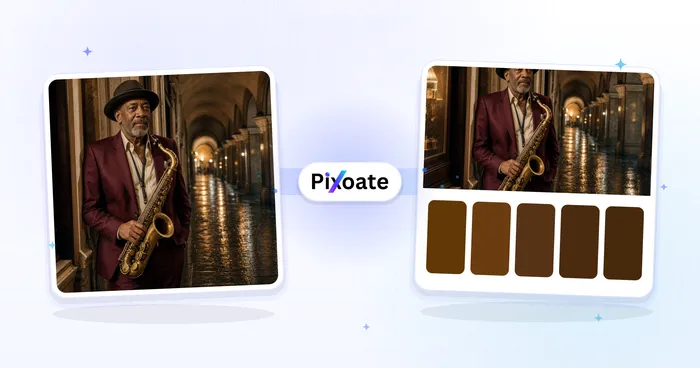
Kreatif & Desain
Pembuat Palet Warna
Hasilkan 3–8 palet warna dengan mode harmoni, kunci dan bagikan warna, lalu ekspor variabel PNG, CSS, atau JSON.
Coba sekarang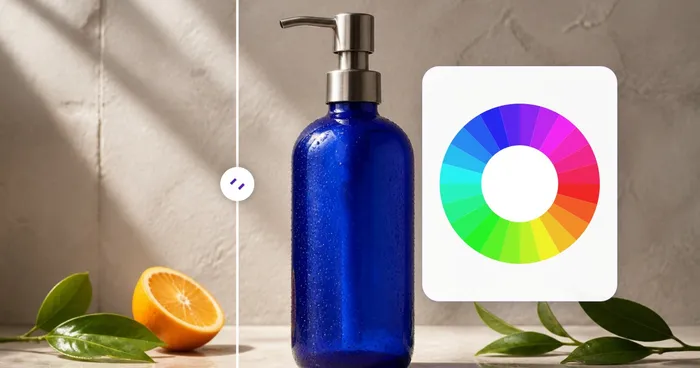
Kreatif & Desain
Roda Warna
Gunakan roda warna interaktif untuk menemukan harmoni komplementer, analog, triadik, tetradik, dan persegi dengan kode HEX yang dapat disalin.
Coba sekarang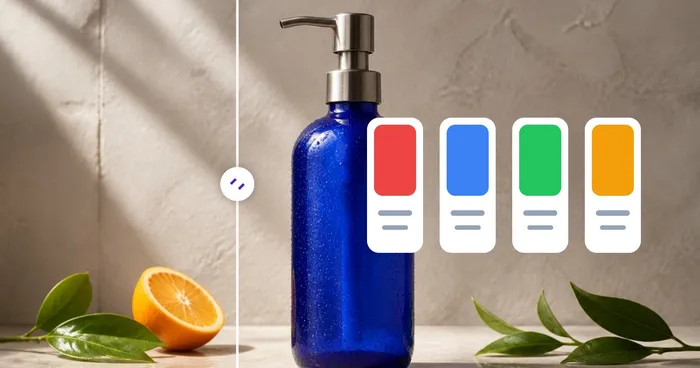
Kreatif & Desain
Arti Warna
Jelajahi makna warna, psikologi, simbolisme, konteks budaya, contoh merek, dan pasangan yang disarankan untuk nilai HEX apa pun.
Coba sekarangPertanyaan yang Sering Diajukan
Bagaimana Pemilih Warna membantu Anda menyelesaikannya
Masalah nyata yang dipecahkannya setiap hari — untuk bisnis, kreator, dan tugas sehari-hari. Temukan kasus penggunaan yang cocok untuk Anda dan mulailah.
Audit Identitas Merek
Tarik nilai HEX yang tepat dari logo atau aset pemasaran yang sudah ada untuk dimasukkan ke panduan gaya Anda. Cocokkan warna merek pesaing untuk deck positioning atau presentasi penawaran.
Penyusunan Palet Desain Web
Ekstrak warna dominan dari sebuah foto atau mood-board, ekspor sebagai variabel CSS, lalu masukkan ke stylesheet Anda. Rentang ideal 5-8 warna mencakup warna primer, aksen, dan netral untuk benih sistem desain yang lengkap.
Daftar Produk E-commerce
Cocokkan warna latar foto produk dengan tema toko Anda. Pilih warna aksen dominan dari foto sepatu atau gaun dan gunakan sebagai sorotan utama pada listing.
Inspirasi Interior & Fashion
Potret ruangan atau busana yang Anda sukai dan ekstrak paletnya. Gunakan untuk memilih cat, kain, atau aksesori yang melengkapi skema yang ada — mengubah inspirasi visual menjadi sampel warna yang siap dipakai.
Skema Visualisasi Data
Hasilkan palet kategoris berisi 10-16 warna yang diambil dari gambar yang ingin Anda jadikan inspirasi (mis. lukisan cat air untuk grafik bernuansa lembut, matahari terbenam untuk gradien hangat-ke-dingin). Lebih baik daripada memilih warna generik.
Alur Kerja Aset Game & UI
Ekstrak palet warna terindeks dari karya sprite atau mockup UI untuk dimasukkan ke alat pixel-art atau game engine. Ekspor palet JSON terintegrasi dengan Aseprite, Photoshop, dan sebagian besar alur kerja aset.
Pemeriksaan Kontras WCAG Sebelum Anda Merilis
Atur pasangan warna teks dan latar belakang di Pemilih & Roda Warna mandiri dan baca rasio kontrasnya terhadap putih dan hitam secara instan, sehingga Anda menangkap kegagalan aksesibilitas AA/AAA sebelum mencapai produksi.
Atur Warna Cat & Cetak Kustom
Lewati foto sepenuhnya — ketik nilai HEX, RGB, atau HSL yang tepat, atau seret kontrol saturasi/rona, untuk menentukan campuran cat tertentu, spot color, atau nada merek, lalu periksa warna bernama terdekatnya untuk komunikasi mudah dengan pemasok.
Papan Swatch Multi-Titik dari Satu Foto
Klik beberapa titik pada satu foto referensi — langit, gaun, bunga — untuk membangun set swatch multi-warna yang terkurasi alih-alih mengandalkan palet dominan yang diekstrak otomatis, lalu ekspor sebagai JSON atau CSS untuk mood board klien.
Set Harmoni Warna Merek Instan
Masukkan kode HEX merek untuk menghitung contoh komplementer, triadik, dan komplementer terpisah untuk ditinjau di template sosial atau palet iklan.
Ekstrak Palet Design Token dari Tangkapan Layar Pesaing
Unggah tangkapan layar situs web atau aplikasi pesaing alih-alih foto, dan ekstraktor palet-dominan menarik warna latar, aksen, dan teks persisnya sebagai kode HEX yang dapat Anda ekspor sebagai variabel CSS — cara cepat untuk merekayasa balik skema warna untuk komp atau pitch deck.
Saksikan setiap transformasi selesai
Setiap foto crosses the slash untouched and comes out the other side finished.























