
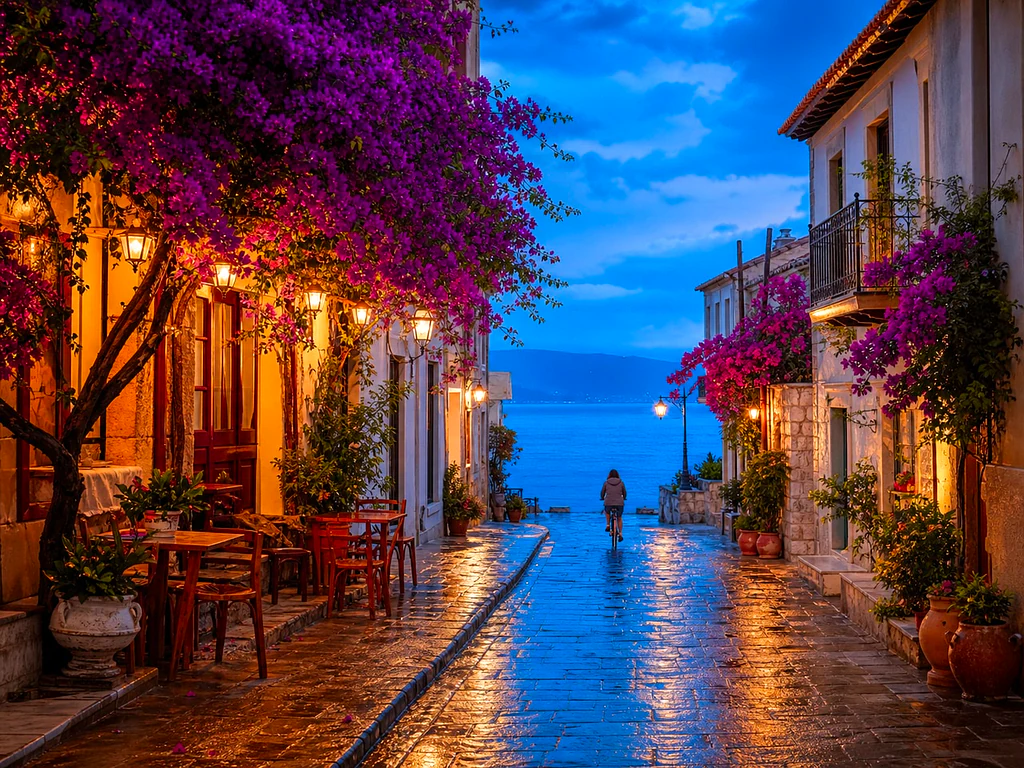
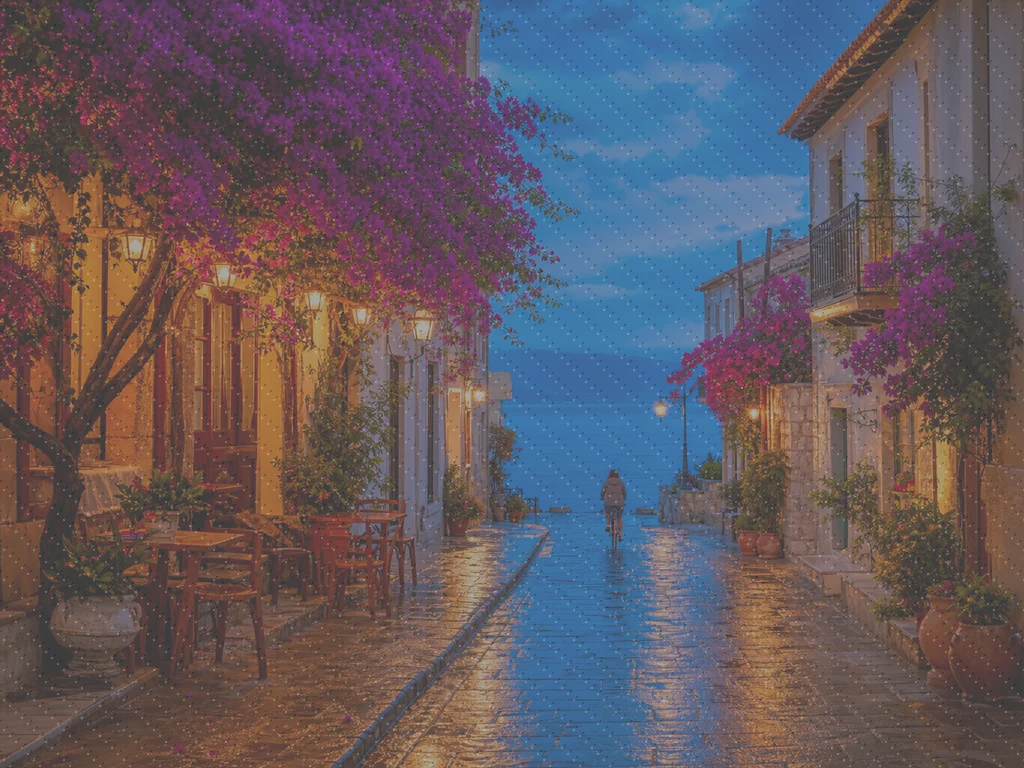
Peningkat Foto AI — Peningkat Gambar AI Online Gratis
Bekerja dengan JPG, PNG, WEBP
Fotonya gelap, berbintik, atau sedikit tidak fokus, dan ini adalah satu-satunya salinan yang ada. Tingkatkan dalam satu klik dan bandingkan sebelum Anda menyimpannya.
- One click: denoise, sharpen, auto color and a 2x boost for small photos
- Cocok untuk foto lama, gelap, berbintik, atau sedikit buram
- Selamatkan satu-satunya salinan foto penting yang Anda miliki
Hapus foto yang kusam atau buram — dapatkan kembali versi yang tajam dan jelas
Tips untuk hasil terbaik
• Kekuatan yang halus terlihat paling alami pada potret
• Gunakan pengaturan lebih kuat pada foto gelap atau berbintik
• Mulai dari dokumen asli terbesar yang Anda miliki — salinan yang sudah dikompresi membatasi apa yang dapat dipulihkan
Tentang Peningkat Foto AI
Our photo enhancer combines several fixes into one click: noise reduction, edge-aware sharpening, automatic brightness, contrast and color correction, and a 2x enlargement for small photos. It turns dull, dark or low-res phone photos into crisp, vivid images without any manual editing.
Cara Kerjanya
1. Unggah foto Anda
2. The enhancer denoises, sharpens and fixes color
3. Sesuaikan kekuatan sesuai selera
4. Unduh hasil yang telah ditingkatkan
Cocok Untuk
• Foto ponsel yang kusam atau terlihat datar
• Foto gelap, minim cahaya, dan berbintik
• Gambar lama atau beresolusi rendah
• Foto produk, listing, dan media sosial
Apa yang dapat Anda lakukan dengan Peningkat Kualitas Foto AI
Tinjau kemampuan utama sebelum Anda mulai.
- Menyelamatkan foto ketika tidak ada kemungkinan untuk melakukan pemotretan ulang
- Hilangkan noise dan butiran dari bidikan gelap
- Mempertajam foto ponsel yang buram atau lembut
- Perbaiki pencahayaan kusam dan warna datar
- Ubah foto beresolusi rendah menjadi gambar yang tajam dan jelas
- Kontrol seberapa kuat tampilan peningkatannya
Referensi pengaturan
2 pengaturan
Kontrol yang tersedia untuk Peningkat Kualitas Foto AI.
- Mode pemrosesanPreset
- Proses satu masukan atau beralih ke mode massal Premium untuk memproses beberapa masukan dengan pengaturan yang sama. Jenis masukan yang tersedia bergantung pada alat.Opsi: Gambar tunggalMassal
Sesuaikan
- Intensitas peningkatanPenggeserJangkauan: 0–1 · Bawaan: 0.7
- Skala seluruh pembersihan sekali klik (pengurangan noise, penajaman, peningkatan warna otomatis dan detail) dari Halus ke Kuat — tetap rendah untuk potret alami, naikkan untuk foto gelap atau berbintik.
Alat terkait untuk Peningkat Kualitas Foto AI
Alat untuk langkah umum selanjutnya setelah Peningkat Kualitas Foto AI.

foto Enhancement
Pembesar Gambar AI
Tingkatkan gambar sebesar 2×, 3×, atau 4× dan tinjau hasil yang disempurnakan sebelum diunduh.
Coba sekarang
Potret & Foto Kepala studio
Penghapus Noda Wajah
Mengurangi noda, flek, dan tanda hitam yang terlihat sambil meninjau efeknya pada tekstur kulit di sekitarnya.
Coba sekarang
Potret & Foto Kepala studio
Percantik Wajah
Terapkan penghalusan kulit dan koreksi warna kulit yang dapat disesuaikan sambil meninjau detail dan tepi wajah.
Coba sekarangPertanyaan yang Sering Diajukan
Bagaimana Peningkat Kualitas Foto AI membantu Anda menyelesaikannya
Masalah nyata yang dipecahkannya setiap hari — untuk bisnis, kreator, dan tugas sehari-hari. Temukan kasus penggunaan yang cocok untuk Anda dan mulailah.
Sempurnakan Foto Keluarga yang Dipindai
Geser slider kekuatan Enhancement ke arah Strong pada foto keluarga lama yang dipindai atau pudar untuk menghilangkan noise dan memulihkan detail yang hilang akibat usia, resolusi rendah, atau pindaian asli berkualitas rendah.
Pertajam Foto Produk Sebelum Listing
Jalankan foto produk dengan pengaturan Kekuatan Halus untuk membersihkan kelembutan kecil pada kamera ponsel dan warna kusam tanpa pemrosesan berlebihan, sehingga daftar terlihat akurat dan dapat dipercaya.
Bersihkan Foto Acara & Konser Cahaya Rendah
Foto gelap dan berbintik dari konser, pesta, atau tempat remang-remang dibersihkan dari noise, dicerahkan, dan dipertajam dalam satu klik — geser kekuatan ke arah Kuat untuk pembersihan noise yang paling dramatis.
Poles Foto Listing Properti
Menghilangkan noise, mempertajam, dan koreksi warna dengan sekali klik mengubah foto interior dan eksterior ponsel yang datar atau redup menjadi gambar daftar yang lebih tajam dan menarik tanpa alur kerja pengeditan foto yang lengkap.
Siapkan Pindaian dan Tangkapan Layar untuk Dokumen
Karena bekerja sebagai peningkat gambar umum, bukan sekadar foto, jalankan dokumen hasil scan, foto papan tulis, atau screenshot melaluinya untuk menajamkan teks dan membersihkan artefak kompresi sebelum dibagikan atau diarsipkan.
Panduan untuk alat ini
- How to Improve Shopify Product Images in Bulk for Better ListingsImprove Shopify product images in bulk with Pixoate. Review backgrounds, detail, resolution and file size to create a clearer, more consistent catalogue.
- How to Improve Etsy Product Photos for Handmade and Custom ItemsImprove Etsy photos of handmade and custom products with Pixoate. Show texture, finishing and personalisation clearly without changing the real item.
Saksikan setiap transformasi selesai
Setiap foto crosses the slash untouched and comes out the other side finished.























