
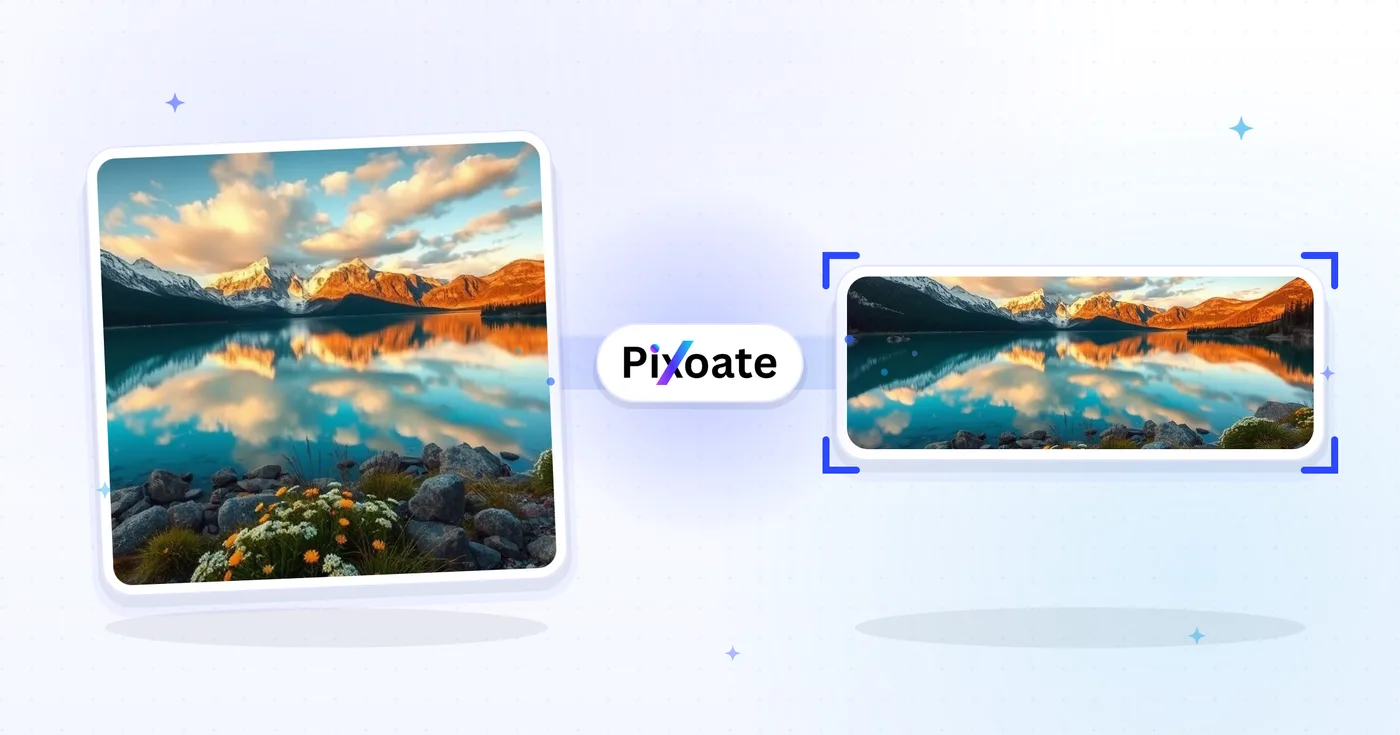
LinkedIn foto Resizer — Profil 400×400 and Banner 1584×396
Ubah Ukuran a foto for Anda LinkedIn Profil picture (400×400) or Banner (1584×396), or pick a logo, post or article preset, Posisi the gambar and unduhan the dipilih dimensions.
Jatuhkan gambar — pilih spanduk, profil, atau ukuran kiriman
Ukuran Gambar LinkedIn
Pilih dari sampul pribadi, sampul perusahaan, dan preset postingan yang terdaftar, lalu pilih bagaimana gambar sesuai dengan kanvas target. Persyaratan platform dapat berubah, jadi konfirmasikan panduan LinkedIn saat ini sebelum dipublikasikan.
Apa yang dapat Anda lakukan dengan Pengubah Ukuran Gambar LinkedIn
Tinjau kemampuan utama sebelum Anda mulai.
- Ubah ukuran foto menjadi spanduk LinkedIn 1584×396
- Ukuran gambar untuk gambar profil dan logo perusahaan
- Sesuaikan karya seni dengan postingan LinkedIn dan header artikel
- Pratinjau zona aman sebelum Anda mengekspor
- Isi tepi kosong dengan warna latar belakang yang dipilih
- Ekspor sebagai JPG, PNG, atau WebP sesuai kualitas Anda
Referensi pengaturan
8 pengaturan
Kontrol yang tersedia untuk Pengubah Ukuran Gambar LinkedIn.
- Mode pemrosesanPreset
- Proses satu masukan atau beralih ke mode massal Premium untuk memproses beberapa masukan dengan pengaturan yang sama. Jenis masukan yang tersedia bergantung pada alat.Opsi: Gambar tunggalMassal
Ukuran
- Ukuran LinkedInPreset
- Pilih penempatan LinkedIn tempat Anda mengunggah; dimensi piksel yang tepat untuk posisi tersebut (misalnya banner pribadi 1584×396, gambar unggahan 1200×627) diterapkan secara otomatis.Opsi: Spanduk pribadiSpanduk perusahaanGambar profilLogo perusahaanLogo persegiPosting gambarSampul artikelSampul acara
Keluaran
- SesuaikanPreset
- Choose how the photo fills the target size: Cover crops to fill edge-to-edge, Contain keeps the whole image with padded space. To force the exact size instead, untick Maintain aspect ratio; that may distort.Opsi: SampulMuat
- Latar BelakangPemilih warna
- Mengatur warna isian untuk ruang kosong di sekitar gambar bermode Muat; defaultnya biru LinkedIn, tetapi bisa disesuaikan dengan warna merek apa pun. Disembunyikan untuk PNG, yang membiarkan ruang tersebut transparan.
- Formattarik-turun
- Menentukan jenis file hasil: JPG untuk foto, PNG untuk transparansi, WEBP atau AVIF untuk file yang lebih kecil saat Anda meng-hosting sendiri gambarnya.Opsi: JPGPNGWEBPAVIF
- KualitasPenggeserJangkauan: 40–100% · Bawaan: 92%
- Mengatur kompresi untuk keluaran JPG, WEBP, dan AVIF; nilai lebih tinggi menjaga teks dan logo tetap tajam, nilai lebih rendah memperkecil ukuran berkas. Tidak ditampilkan untuk PNG yang selalu lossless.
Pratinjau
- Tampilkan zona amanHidup / Mati
- Muncul pada preset Profile picture: menampilkan overlay pemotongan lingkaran yang benar-benar ditampilkan LinkedIn, meredupkan sudut-sudut persegi yang terpotong sehingga wajah atau logo Anda tetap berada di dalamnya.
Perluasan dengan AI
- Perluas latar belakang dengan AISatu klik
- Lanjutkan adegan ke ukuran yang dipilih dengan AI sambil mempertahankan foto sumber yang sudah disiapkan. Unduhan gratis berukuran web. Premium atau kredit membuka resolusi penuh. Rasio yang didukung mengharuskan rasio aspek dipertahankan. Dalam mode Massal, setiap gambar dalam antrean diperluas dan dikirimkan dalam ukuran dan format yang Anda pilih.
Alat terkait untuk Pengubah Ukuran Gambar LinkedIn
Alat untuk langkah umum selanjutnya setelah Pengubah Ukuran Gambar LinkedIn.

Sosial Publishing
Ubah Ukuran Facebook
Ubah ukuran gambar untuk sampul Facebook yang terdaftar, profil, dan dimensi kiriman dengan kontrol pas dan isi.
Coba sekarang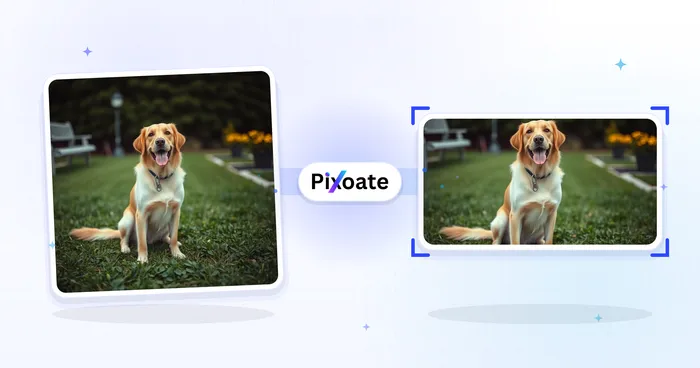
Sosial Publishing
Pengubah Ukuran Gambar X / Twitter
Ubah ukuran gambar untuk dimensi header, profil, postingan, kartu, dan iklan X yang terdaftar.
Coba sekarang
Bisnis generators
Pembuat Kartu Nama
Pilih tata letak kartu nama, atur konten dan warna, dan unduh PDF A4 10-up untuk dicetak.
Coba sekarangPertanyaan yang Sering Diajukan
Bagaimana Pengubah Ukuran Gambar LinkedIn membantu Anda menyelesaikannya
Masalah nyata yang dipecahkannya setiap hari — untuk bisnis, kreator, dan tugas sehari-hari. Temukan kasus penggunaan yang cocok untuk Anda dan mulailah.
Banner Merek Pribadi & Pencarian Kerja
Pencari kerja dan pembangun personal branding merancang banner LinkedIn yang memperkuat headline, industri yang dituju, dan ketersediaan mereka saat ini — hal pertama yang dilihat perekrut
Banner Profil Pendiri & Eksekutif
Pendiri startup, CEO, dan eksekutif memublikasikan banner yang menampilkan logo perusahaan, peluncuran produk terkini, dan pengakuan investor untuk visibilitas pemangku kepentingan
Banner Utama Halaman Perusahaan
Tim pemasaran mendesain foto sampul halaman perusahaan dengan tangkapan layar produk terbaru, logo pelanggan, dan penghargaan Glassdoor untuk mengubah kunjungan profil menjadi pengikut dan pelamar
Banner Pembicara & Penulis Konferensi
Tukar spanduk speaker atau podcast untuk musim saat ini tanpa harus selalu membuat ulang tata letaknya
Banner Perekrut & Manajer Perekrutan
Perekrut memublikasikan banner yang mempromosikan lowongan, manfaat employer brand, dan foto tim untuk mengubah kunjungan profil menjadi lamaran dan DM kandidat yang masuk
Banner Penjualan & Pengembangan Bisnis
BDR, account executive, dan pemimpin penjualan memakai banner untuk menonjolkan nilai jual produk mereka, logo pelanggan dari studi kasus, dan ajakan bertindak yang jelas bagi calon pelanggan
Foto Profil LinkedIn Aman-Potong
Pilih preset Profile picture dan aktifkan overlay Safe Zone untuk melihat persis sudut mana yang akan dipotong oleh pemotongan melingkar LinkedIn, sehingga wajah dan logo tidak pernah terpotong setelah Anda menerbitkannya.
Sampul Acara Webinar & Meetup
Gunakan preset Event cover (1776×444) dengan mode Contain dan latar warna brand agar tanggal webinar, nama pembicara, dan logo Anda tetap terlihat sepenuhnya alih-alih terpotong oleh pemotongan event LinkedIn.
Satu Logo, Setiap Penempatan LinkedIn
Ekspor tanda merek yang sama melalui preset logo Perusahaan (300×300) dan logo Kotak (60×60) dengan warna latar belakang yang serasi, lalu tinjau setiap ukuran di LinkedIn.
Grafik LinkedIn yang Cepat Dimuat
Ekspor ukuran gambar Post dan sampul Article sebagai WebP atau AVIF pada kualitas 85%+ ketika Anda menghosting grafiknya sendiri, menjaga waktu muat tetap cepat tanpa kehilangan ketajaman pada teks atau logo.
Saksikan setiap transformasi selesai
Setiap foto crosses the slash untouched and comes out the other side finished.























