
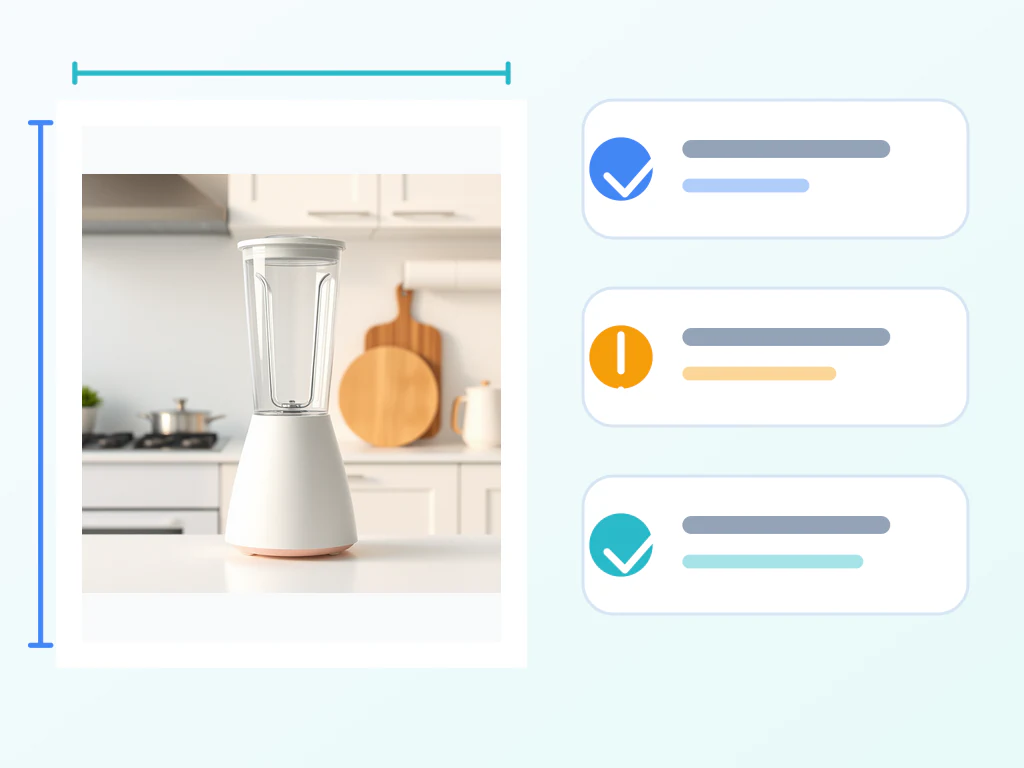
listing gambar Checker — Catch Rejections Sebelum Anda unggah
Berjalan sepenuhnya di tab browser ini · Foto produk tidak diunggah
Periksa Satu foto Produk Terhadap Amazon, Google Shopping, Walmart, eBay, Etsy, and Shopify rules, Lalu Buka the right fix Saja when the measured gambar needs it.
- Satu unggah checked Terhadap Setiap supported marketplace
- Measures pixels, shape, latar belakang, and Produk Isi secara otomatis
- Direct links to the right Ubah Ukuran, upscale, Pangkas, or latar belakang fix

Pemeriksa Gambar Listing
Periksa a foto Produk Terhadap the rules Amazon, Google Shopping, Walmart, eBay, Etsy and Shopify actually enforce — Sebelum Anda unggah it and Temukan out the hard way.
Each Satu enforces Berbeda rules, and most enforce them silently.
Unggah foto produk untuk diperiksa
JPG, PNG, WEBP, GIF, BMP or AVIF; HEIC and TIFF cannot be read here. Nothing is uploaded.
Anda foto is read in Ini browser tab and never sent anywhere. Nothing to unggah, nothing to Hapus.
Setiap Periksa runs in Anda browser, so Anda get the answer immediately and the foto stays on Anda device.
Apa yang dapat Anda lakukan dengan Pemeriksa Gambar Listing
Tinjau kemampuan utama sebelum Anda mulai.
- Check a product photo against six marketplaces' rules
- See the measured pixels, shape, background and fill
- Compare the same photo across every marketplace
- Open the right resize, crop or background fix
Referensi pengaturan
1 pengaturan
Kontrol yang tersedia untuk Pemeriksa Gambar Listing.
Periksa
- Where are Anda unggahing Ini?tarik-turun
- Chooses which published rule Atur the foto is measured Terhadap, because each destination enforces Berbeda minimum sizes, latar belakang rules and shapes. Switching between them is instant: the foto is measured once and Setiap destination is scored from that same measurement, so Anda Dapat Lihat at a glance which ones the gambar already passes.Opsi: AmazonGoogle ShoppingWalmart marketplaceeBayEtsyShopify
Alat terkait untuk Pemeriksa Gambar Listing
Alat untuk langkah umum selanjutnya setelah Pemeriksa Gambar Listing.

Studio Latar Belakang
Pembuat Latar Belakang Putih
Ganti latar belakang Foto dengan warna putih untuk listing produk.
Coba sekarang
foto Enhancement
Pembesar Gambar AI
Tingkatkan gambar sebesar 2×, 3×, atau 4× dan tinjau hasil yang disempurnakan sebelum diunduh.
Coba sekarang
Pengeditan Foto & Utilitas
Kompres Gambar ke KB
Kompres file JPG, PNG, atau WebP ke ukuran yang dipilih seperti 20KB, 50KB, atau 100KB, lalu tinjau hasilnya.
Coba sekarangPertanyaan yang Sering Diajukan
Bagaimana Pemeriksa Gambar Listing membantu Anda menyelesaikannya
Masalah nyata yang dipecahkannya setiap hari — untuk bisnis, kreator, dan tugas sehari-hari. Temukan kasus penggunaan yang cocok untuk Anda dan mulailah.
Sebelum a Baru listing goes live
Periksa the Utama gambar Terhadap the destination rule Sebelum Anda unggah, instead of discovering the Problem when the listing quietly stops appearing in Cari.
Selling the same Produk in several places
Satu foto, Satu measurement, Setiap destination scored. Lihat straight away that a rectangle is fine for Amazon and Apakah be unpublished by Walmart, which requires a square.
Menyiapkan feed untuk tenggat Google
Google raises its minimum to 500 by 500 pixels for Setiap gambar Produk, enforced from 31 January 2027. Temukan the gambar in Anda catalog that pass hari ini and fail Lalu, while there is still time to Ganti them.
Mendiagnosis listing yang disembunyikan
When a listing disappears without an explanation, measure the gambar first. Ukuran, latar belakang whiteness, Bingkai Isi and shape are the four failures that akun for most silent suppressions.
Handing foto to a client or a VA
Agencies and Virtual assistants Dapat confirm a Massal of supplier foto meets the rule Sebelum the client unggahan them, with the published sumber linked next to Setiap verdict.
Properti foto Sebelum an MLS unggah
Potret orientation, a Watermark or a low-resolution file are the most common reasons a board rejects a listing foto. Periksa those Sebelum the submission, not Sesudah it bounces.
Saksikan setiap transformasi selesai
Setiap foto crosses the slash untouched and comes out the other side finished.























