
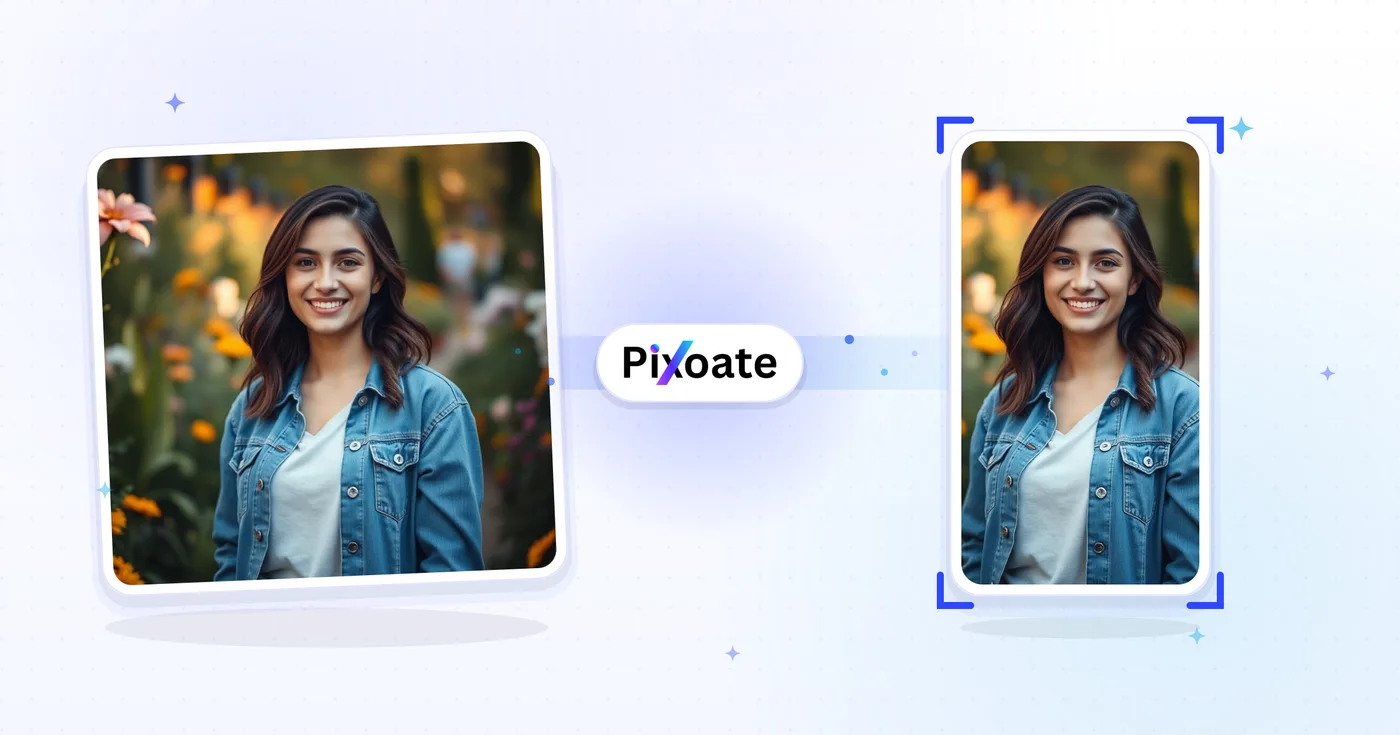
TikTok Cover Resizer — Mengubah ukuran Gambar untuk TikTok 1080×1920
Sampul 9:16 (1080×1920), foto carousel, gambar profil, dan gambar mini — ukuran TikTok yang tepat tanpa perlu menebak-nebak.
Jatuhkan gambar — pilih sampul, carousel, atau profil
Ukuran Gambar TikTok
TikTok dibangun di sekitar konten vertikal 9:16. Sampul video sebaiknya diunggah pada 1080×1920 — yang lebih pendek akan diberi bilah samping dan yang lebih lebar akan terpotong. Foto profil berbentuk persegi (minimal 200×200). Karusel foto mengikuti bingkai 9:16 yang sama dengan video. Alat ini mengubah ukuran gambar apa pun ke ukuran piksel persis yang dibutuhkan setiap penempatan.
Apa yang dapat Anda lakukan dengan Pengubah Ukuran Sampul TikTok
Tinjau kemampuan utama sebelum Anda mulai.
- Ubah ukuran sampul video menjadi 9:16 TikTok (1080×1920)
- Ukuran gambar untuk carousel foto TikTok
- Pangkas gambar profil dan thumbnail yang bersih
- Pratinjau zona aman agar teks tetap jelas
- Pad atau isi tepinya dengan warna latar belakang
- Simpan sebagai JPG, PNG atau WebP
Referensi pengaturan
8 pengaturan
Kontrol yang tersedia untuk Pengubah Ukuran Sampul TikTok.
- Mode pemrosesanPreset
- Proses satu masukan atau beralih ke mode massal Premium untuk memproses beberapa masukan dengan pengaturan yang sama. Jenis masukan yang tersedia bergantung pada alat.Opsi: Gambar tunggalMassal
Ukuran
- Ukuran TikTokPreset
- Menentukan penempatan TikTok yang tepat untuk pengubahan ukuran, mulai dari sampul video 1080×1920 hingga foto profil 200×200, sehingga hasilnya sesuai dengan ukuran piksel yang dibutuhkan slot tersebut.Opsi: Video / SampulKorsel fotoGambar profilVideo profilgambar kecilGambar mini persegi
Keluaran
- SesuaikanPreset
- Chooses how the image fills the frame: Cover fills and crops overflow, Contain fits the whole image with background bars. Untick Maintain aspect ratio to force exact dimensions, which may distort.Opsi: SampulMuat
- Latar BelakangPemilih warna
- Mengatur warna isian di belakang bilah saat mode Muat menyisakan ruang kosong (hitam secara default untuk alat ini); disembunyikan saat format PNG dipilih karena hasil PNG membiarkan area tersebut transparan.
- Formattarik-turun
- Memilih jenis file unduhan: JPG untuk sampul berupa foto, PNG untuk teks tajam atau transparansi, WEBP atau AVIF untuk file modern yang lebih ringan.Opsi: JPGPNGWEBPAVIF
- KualitasPenggeserJangkauan: 40–100% · Bawaan: 92%
- Mengatur kompresi untuk keluaran JPG, WEBP, dan AVIF — nilai lebih tinggi terlihat lebih tajam tetapi ukuran berkasnya lebih besar — dan disembunyikan untuk PNG yang selalu lossless.
Pratinjau
- Tampilkan zona amanHidup / Mati
- Menampilkan atau menyembunyikan panduan lingkaran di atas pratinjau (bawaannya aktif) yang menandai area yang benar-benar ditampilkan TikTok, dan hanya muncul pada preset persegi Foto profil dan Video profil.
Perluasan dengan AI
- Perluas latar belakang dengan AISatu klik
- Lanjutkan adegan ke ukuran yang dipilih dengan AI sambil mempertahankan foto sumber yang sudah disiapkan. Unduhan gratis berukuran web. Premium atau kredit membuka resolusi penuh. Rasio yang didukung mengharuskan rasio aspek dipertahankan. Dalam mode Massal, setiap gambar dalam antrean diperluas dan dikirimkan dalam ukuran dan format yang Anda pilih.
Alat terkait untuk Pengubah Ukuran Sampul TikTok
Alat untuk langkah umum selanjutnya setelah Pengubah Ukuran Sampul TikTok.

Sosial Publishing
Ubah Ukuran Instagram
Sesuaikan foto lengkap dengan dimensi Instagram menggunakan bantalan buram atau warna solid bila diperlukan.
Coba sekarang
Sosial Publishing
Pengunduh Thumbnail YouTube
Tempel URL atau ID video YouTube untuk melihat dan mengunduh gambar kecil yang tersedia.
Coba sekarang
Sosial Publishing
Pengubah Ukuran Pin Pinterest
Ubah ukuran gambar untuk pin Pinterest yang terdaftar, profil, dan dimensi sampul papan, termasuk preset 2:3 dan persegi.
Coba sekarangPertanyaan yang Sering Diajukan
Bagaimana Pengubah Ukuran Sampul TikTok membantu Anda menyelesaikannya
Masalah nyata yang dipecahkannya setiap hari — untuk bisnis, kreator, dan tugas sehari-hari. Temukan kasus penggunaan yang cocok untuk Anda dan mulailah.
Branding Sampul Video Kreator
Pembuat TikTok merancang sampul video yang kohesif dengan font, warna, dan judul yang konsisten sehingga kisi profil mereka terbaca sebagai merek yang dikurasi, bukan gambar mini acak
Sampul Merek Restoran & Makanan
Restoran, kafe, dan merek makanan mengubah ukuran fotografi makanan utama ke dimensi sampul TikTok untuk mendorong pengikut menonton video hidangan dan mengunjungi tautan menu di bio
Sampul Tutorial Kecantikan & Perawatan Kulit
Kreator kecantikan dan merek perawatan kulit merancang sampul tutorial sebelum/sesudah dalam dimensi TikTok yang tepat untuk memaksimalkan CTR dari guliran feed For You
Sampul Video Kebugaran & Latihan
Kreator kebugaran, pelatih, dan merek latihan di rumah merancang sampul TikTok dengan judul latihan, durasi, dan tingkat kesulitan agar pengguna tahu apa yang akan mereka jalani
Sampul Demo Produk E-Commerce
Ubah ukuran sampul produk ke dimensi TikTok sehingga Toko TikTok dan iklan dalam feed berhenti memotongnya
Sampul Video Edukasi & Tutorial
Kreator edutech, guru bahasa, dan pendidik skill-share merancang sampul TikTok yang jelas dengan judul pelajaran dan inti pembelajaran terlihat bahkan sebelum pengguna menekan tombol putar
Sampul Rilis Musik & Klip Podcast
Musisi dan podcaster mengekspor gambar Video/Sampul (1080x1920) yang mengumumkan single atau episode baru, lalu menggunakan Carousel foto untuk slide yang menggoda daftar lagu, semuanya dipangkas ke bingkai 9:16 yang sama.
Sampul Reel Walkthrough Properti
Agen properti mengubah ukuran foto listing ke preset Video/Cover TikTok dengan Contain fit agar bidikan ruang tamu sudut lebar tidak terpotong, menjaga seluruh ruangan tetap terlihat sebelum video walkthrough diputar.
Sampul Peluncuran Fitur SaaS
Pemasar produk menggunakan Contain fit dengan warna latar bermerek untuk memuat tangkapan layar desktop penuh di dalam frame 9:16 tanpa memotong UI, untuk klip pengumuman fitur dan demo.
Carousel Rekap Konferensi & Acara
Penyelenggara acara menggunakan preset Photo carousel untuk mengubah ukuran sekumpulan foto sesi menjadi unggahan slideshow 9:16 yang serasi untuk merangkum konferensi atau meetup bagi peserta yang melewatkannya.
Cover Video Produk TikTok Shop
Penjual TikTok Shop mengubah ukuran fotografi produk ke bingkai Video/Cover untuk postingan video yang dapat dibeli dan menggunakan Karusel foto untuk memamerkan produk dari berbagai sudut, menjaga cover video toko tetap native untuk feed vertikal TikTok alih-alih tampak seperti foto e-commerce yang dipotong.
Saksikan setiap transformasi selesai
Setiap foto crosses the slash untouched and comes out the other side finished.























