
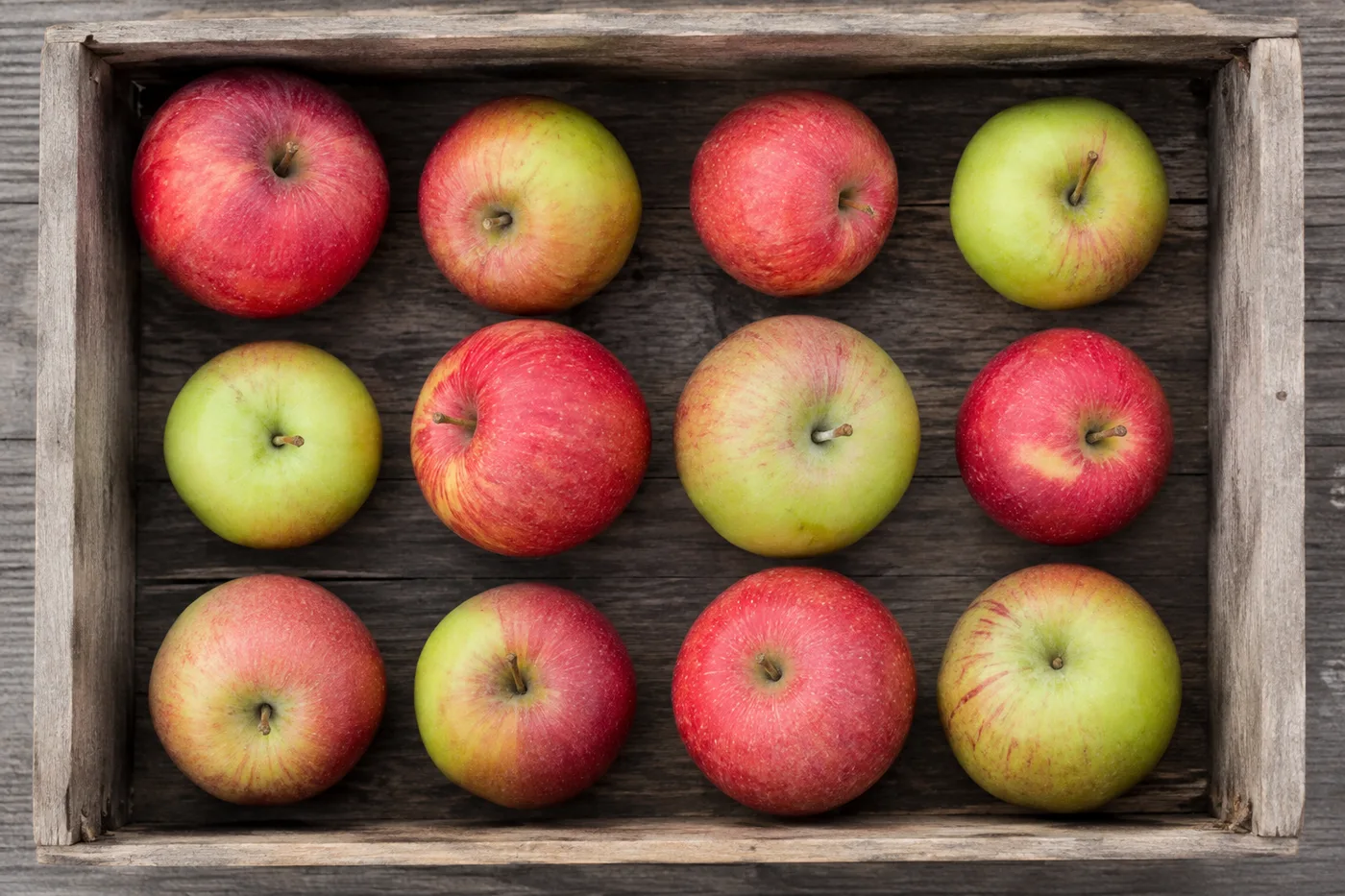
Conta i cavoli in fila da una foto
Funziona con JPG, PNG, WEBP · Gratuito fino a 20 MB, Premium 50 MB
Fotografa le file dall'alto o con un'angolazione elevata affinché ogni cavoli sia distinto; conta un'aiuola alla volta e unisci i risultati nel foglio di conteggio. Pensato per aziende agricole, centri di confezionamento e grossisti di prodotti: controlla e correggi ogni foto prima di aggiungerla a un conteggio CSV o PDF.
- Controlla la foto, quindi conta i cavoli visibili
- Count without marking; add example boxes if you need a guided recount
- Evita di contare due volte lo stesso cavoli per ottenere un totale preciso
- Uso gratuito · Nessuna registrazione richiesta · Senza filigrana
Funziona con JPG, PNG, WEBP · Gratuito fino a 20 MB, Premium 50 MB
Carica immagine
Consigli per un conteggio accurato
• Usa una foto ben illuminata in modo uniforme, con il cavoli interamente nell'inquadratura
• Verifica che ogni esempio contrassegnato racchiuda un cavoli intero, non una sua parte ripetuta
• Punti e mappa di calore mostrano i rilevamenti mantenuti — controlla e correggi il conteggio
Informazioni sul Contatore di Cavoli
The cabbages counter counts visible cabbages from your photo and marks detections for review. Auto mode uses the selected item name. For a guided recount, mark up to three examples of what you want counted. Visibility, overlap and similar-looking items can affect the total. Built for farms, packhouses and produce wholesalers.
Come funziona
1. Fotografa il tuo cavoli
2. Check that cabbages is selected, then choose Count
3. Review the markers and correct the tally; add example boxes for a guided recount if needed
4. Aggiungi al foglio di conteggio ed esporta il conteggio in CSV
Perfetto per
• Stime della resa fila per fila prima della pianificazione del raccolto
• Controllo del riempimento delle casse rispetto al conteggio dei campi
• Conteggi delle spedizioni del centro di imballaggio per un ordine all'ingrosso
• Confronto tra file piantate e teste raccoglibili
Domande frequenti
- Come conto file o aiuole lunghe?
- Fotografa un'aiuola o una sezione alla volta dall'angolazione più alta possibile, mantieni i filari a fuoco, poi esamina e correggi ogni risultato prima di aggiungerlo al foglio di conteggio. Le foto contrassegnate agevolano la verifica ma non costituiscono una prova della quantità fisica.
- E se la foto contiene anche elementi diversi da cavoli?
- Auto mode uses the selected item name to find what to count. For a guided recount, mark one complete, clearly visible cabbages — up to 3 examples for different-looking kinds. Similar-looking distractors can still affect the result, so review every marker before using the total.
- Posso contare più foto in un unico totale?
- Yes — count each photo and add every reviewed result to the tally sheet as a labelled row. If you use example boxes, mark them separately on each photo. Export the tally as CSV or a PDF report, or save it to your account.
- È gratis e privato?
- Sì. Puoi contare, controllare e scaricare un risultato gratuito senza un account. I download sono gratuiti e senza filigrana. Non serve registrarsi. Le foto elaborate sul server sono crittografate durante il trasferimento e rimosse secondo la nostra Informativa sulla sicurezza.
Cosa puoi fare con Contatore di frutta
Esamina le funzionalità principali prima di iniziare.
- Conta la frutta in casse, vassoi e cassoni di raccolta
- Conta mele, arance, manghi e altro ancora
- Esamina ogni marcatore di frutto conteggiato prima di stimare la resa
- Tieni traccia dei totali del raccolto nei contenitori etichettati
- Conta in blocco molte casse in un unico controllo
- Contrassegna facoltativamente un frutto per perfezionare le pile ammassate
Riferimento alle impostazioni
12 impostazioni
Controlli disponibili per Contatore di frutta.
Carica
- Foto singola / Conteggio in bloccoPreimpostazioni
- Scegli il conteggio di una singola foto o un controllo collettivo Premium. Rivedi ogni risultato.Opzioni: Foto singolaAudit in blocco
Conteggio
- Aggiungi al conteggioCon un clic
- Aggiungi questa foto come riga nell'inventario corrente.
- Modalità di conteggioPreimpostazioni
- Scegli il motore di conteggio: gli articoli Automatici e Simili contano in base agli esempi contrassegnati: seleziona da 1 a 3, un frutto completo per ogni tipo dall'aspetto diverso;Le etichette degli oggetti distinti separano gli elementi completamente visibili senza un esempio.Opzioni: AutomaticoElementi similiOggetti distinti
- Contrassegni inclusiCursoreIntervallo: 0–1 · Predefinito: 0.21
- Parte dal 21%; sposta il cursore verso Mostra di più per includere gli indicatori meno evidenti o verso Solo i più forti per nasconderli.
- Stile di sovrapposizionePreimpostazioni
- Scegli punti, una mappa termica, entrambi o un'anteprima pulita.Opzioni: EntrambiPuntiCaloreNessuno
- Cosa contareInserimento testo
- Indica l'oggetto da contare ed è precompilato con frutti; cancellalo o modificalo per contare un altro oggetto nella foto.
- Sensibilità di rilevamentoCursoreIntervallo: 0–1 · Predefinito: 0.5
- Regola la sensibilità di rilevamento per oggetti visibili più o meno grandi.
Esempi
- Contrassegna esempi di fruttiDisegna sull'immagine
- Trascina una scatola stretta attorno a un frutto completo e chiaramente visibile. Il bancone lo utilizza come riferimento visivo; rivedere ogni indicatore di risultato per sosia o elementi mancati.
Conteggio
- EtichettaInserimento testo
- Rinominare questa riga in modo che sia identificabile nell'inventario esportato.
- ConteggioCampo numerico
- Correggi il conteggio di questa riga; i totali e le esportazioni si aggiornano automaticamente.
Avanzate
- Sovrapposizione dei risultatiMenu a discesa
- Scegli la modalità di visualizzazione degli indicatori di conteggio sul risultato scaricato.Opzioni: Punti + mappa di caloreSolo puntiSolo mappa di calore
- Ignora piccoli rilevamentiCursoreIntervallo: 0–1 · Predefinito: 0
- Ignora i rilevamenti al di sotto della dimensione selezionata.
Strumenti correlati per Contatore di frutta
Strumenti per i passaggi successivi comuni dopo Contatore di frutta.

Conteggio e inventario
Contatore di oggetti
Stima il numero di oggetti in una foto. Controlla e correggi gli indicatori numerati prima di usare il conteggio.
Provalo ora
Conteggio e inventario
Contatore di Oggetti in Tempo Reale
Punta il tuo telefono su oggetti separati e completamente visibili e rivedi i marcatori del rilevatore mentre il conteggio si aggiorna in tempo reale.
Provalo ora
Conteggio e inventario
Contatore di bottiglie
Conta le bottiglie sugli scaffali, nelle casse o nelle celle frigorifere da una sola foto, con i rilevamenti conteggiati contrassegnati per la verifica.
Provalo oraCome Contatore di frutta ti aiuta a portare a termine il lavoro
Problemi reali che risolve ogni giorno: per aziende, creatori e attività quotidiane. Trova il caso d'uso adatto a te e inizia.
Monitoraggio della resa nel giorno del raccolto
Apri Controllo in blocco per eseguire la modalità Oggetti distinti su tutte le foto delle casse, quindi controlla ogni risultato prima di confrontare il totale progressivo con la scorsa stagione.
Scorte per mercati contadini e bancarelle su strada
Esegui la modalità Elementi simili su un tipo di frutta prima dell'apertura e di nuovo alla chiusura, poi esamina e correggi entrambi i conteggi prima di usare la loro differenza come stima delle vendite.
Campionamento del frutteto per stime di resa
Fotografa una porzione ben illuminata della chioma e lascia che l'AI conti i frutti visibili come metodo di campionamento, usando il cursore Sensibilità di rilevamento per regolarti sui frutti parzialmente nascosti quando stimi la resa di un intero frutteto.
Selezione in stabilimento e revisione delle casse
Seleziona 1-3 frutti di esempio nell'impostazione Esempi (uno per varietà nella cassa) e utilizza il risultato Articoli simili come bozza prima che la cassa venga sigillata. Quindi ispezionare la cassa fisica e correggere eventuali errori o duplicati prima dell'approvazione dell'impianto di confezionamento.
Revisione del conteggio delle consegne all'ingrosso
Usa l'immagine contrassegnata per rivedere una bozza di consegna assistita dall'IA, confrontala con un conteggio manuale o fisico qualificato e salva il conteggio corretto con i normali registri di consegna. L'immagine non è di per sé prova della quantità.
Conteggio del raccolto dell'orto di casa
Fotografa un cesto di pomodori, mele o bacche coltivati in casa al momento della raccolta per una stima del raccolto, poi esamina e correggi i contrassegni prima di aggiungere una riga di conteggio per la stagione.
Guarda ogni trasformazione applicarsi
Ogni foto attraversa la barra senza modifiche e ne esce dall'altro lato già completata.
 Miglioramento dell'intelligenza artificiale
 Arredamento virtuale
 Bellezza naturale
 Ritratti professionali con IA
 Flash diretto usa e getta
 Foto per inserzioni Amazon
 Riilluminazione autentica dell'ora d'oro
 Ristrutturazione della cucina
 Rifocalizzazione Intelligente
 Pubblicità di prodotti
 Acquerello
 Rimozione sfondo










