
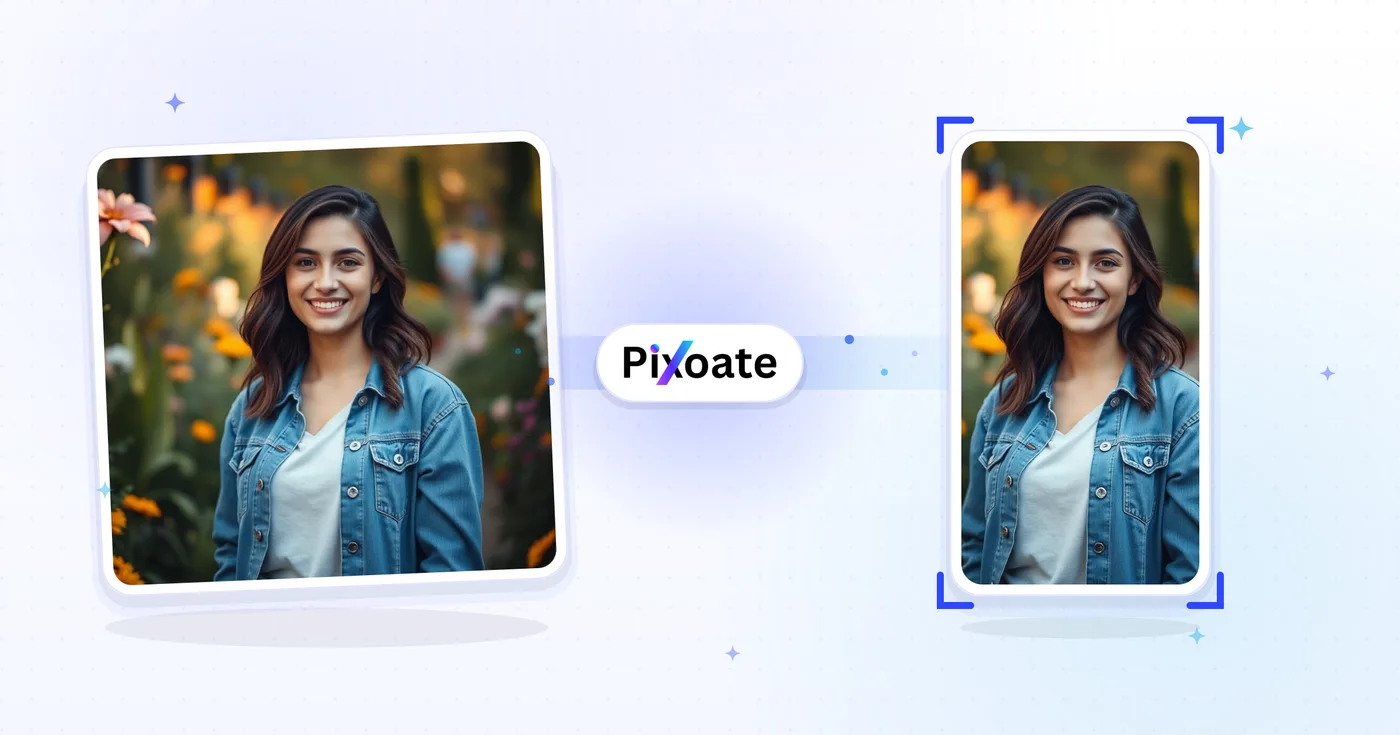
Ridimensionatore copertina TikTok: ridimensiona un'immagine per TikTok 1080×1920
Copertine 9:16 (1080×1920), foto del carosello, immagini del profilo e miniature: dimensioni esatte di TikTok senza congetture.
Trascina un'immagine — scegli copertina, carosello o profilo
Dimensioni delle immagini TikTok
TikTok è costruito attorno a contenuti verticali in formato 9:16. Le copertine video vanno caricate a 1080×1920: tutto ciò che è più stretto viene incorniciato ai lati e tutto ciò che è più largo viene ritagliato. Le immagini del profilo sono quadrate (minimo 200×200). I caroselli di foto seguono lo stesso formato 9:16 dei video. Questo strumento ridimensiona qualsiasi immagine alle esatte dimensioni in pixel richieste da ciascun posizionamento.
Cosa puoi fare con Ridimensionatore di copertine TikTok
Esamina le funzionalità principali prima di iniziare.
- Ridimensiona le copertine video in 9:16 per TikTok (1080×1920)
- Dimensiona le immagini per il carosello di foto di TikTok
- Ritaglia foto profilo e miniature pulite
- Vedi la zona sicura per mantenere leggibili le didascalie
- Aggiungi bordi o riempi i margini con un colore di sfondo
- Salva in JPG, PNG o WebP
Riferimento alle impostazioni
8 impostazioni
Controlli disponibili per Ridimensionatore di copertine TikTok.
- Modalità di elaborazionePreimpostazioni
- Elabora un singolo elemento oppure passa alla modalità batch di Premium per applicare le stesse impostazioni a più elementi. I tipi di input disponibili dipendono dallo strumento.Opzioni: Immagine singolaIn blocco
Dimensione
- Dimensioni TikTokPreimpostazioni
- Sceglie il posizionamento TikTok esatto per cui ridimensionare, dalla copertina video 1080×1920 fino alla foto profilo 200×200, così il risultato corrisponde alle dimensioni in pixel richieste da quello spazio.Opzioni: Video / CopertinaCarosello di fotoFoto profiloVideo del profiloMiniaturaMiniatura quadrata
Risultato
- AdattaPreimpostazioni
- Chooses how the image fills the frame: Cover fills and crops overflow, Contain fits the whole image with background bars. Untick Maintain aspect ratio to force exact dimensions, which may distort.Opzioni: CopertinaAdatta
- SfondoSelettore colore
- Imposta il colore di riempimento dietro le bande quando l'adattamento Adatta lascia spazio vuoto (nero per impostazione predefinita in questo strumento); nascosto quando è selezionato il formato PNG, perché l'output PNG mantiene quelle aree trasparenti.
- FormatoMenu a discesa
- Seleziona il tipo di file da scaricare: JPG per copertine fotografiche, PNG per testo nitido o trasparenza, WEBP o AVIF per file moderni più leggeri.Opzioni: JPGPNGWEBPAVIF
- QualitàCursoreIntervallo: 40–100% · Predefinito: 92%
- Controlla la compressione per l'output in JPG, WEBP e AVIF — valori più alti risultano più nitidi ma generano file più pesanti — ed è nascosto per il PNG, che è sempre senza perdita di qualità.
Anteprima
- Mostra zona sicuraAttivo / Disattivo
- Attiva o disattiva sull'anteprima una guida circolare (attiva per impostazione predefinita) che segna l'area effettivamente mostrata da TikTok; compare solo nei preset quadrati Immagine del profilo e Video del profilo.
Espansione con IA
- Estendi lo sfondo con l’IACon un clic
- Prolunga la scena fino alla dimensione selezionata con l'AI, mantenendo la foto sorgente preparata. I download gratuiti sono in formato web. Premium o i crediti sbloccano la piena risoluzione. I rapporti supportati richiedono di mantenere le proporzioni. In modalità In blocco, ogni immagine in coda viene estesa e consegnata nella dimensione e nel formato scelti.
Strumenti correlati per Ridimensionatore di copertine TikTok
Strumenti per i passaggi successivi comuni dopo Ridimensionatore di copertine TikTok.

Pubblicazione sociale
Ridimensiona per Instagram
Adatta una foto intera alle dimensioni di Instagram utilizzando un'imbottitura sfocata o in tinta unita quando necessario.
Provalo ora
Pubblicazione sociale
Downloader di miniature YouTube
Incolla l'URL o l'ID di un video YouTube per visualizzarne e scaricarne le miniature disponibili.
Provalo ora
Pubblicazione sociale
Ridimensionatore di pin Pinterest
Ridimensiona le immagini per i pin, i profili e le dimensioni della copertina Pinterest elencati, incluse le impostazioni predefinite 2:3 e quadrate.
Provalo oraDomande frequenti
Come Ridimensionatore di copertine TikTok ti aiuta a portare a termine il lavoro
Problemi reali che risolve ogni giorno: per aziende, creatori e attività quotidiane. Trova il caso d'uso adatto a te e inizia.
Branding di copertine video per creator
I creator di TikTok progettano copertine video coerenti, con font, colori e titoli uniformi, così la griglia del profilo appare come un brand curato invece che come una serie di miniature casuali
Copertine per brand di ristoranti e food
Ristoranti, caffetterie e brand del food ridimensionano le foto principali dei piatti alle dimensioni delle copertine di TikTok per spingere i follower a guardare i video dei piatti e visitare il link al menu in bio
Copertine di tutorial su bellezza e skincare
Beauty creator e brand di skincare progettano copertine di tutorial prima/dopo nelle giuste dimensioni TikTok per massimizzare il CTR durante lo scroll del feed Per Te
Copertine per video di fitness e allenamento
Creator del fitness, coach e brand di allenamento a casa progettano copertine TikTok con titoli degli allenamenti, durata e livelli di difficoltà, così gli utenti sanno a cosa stanno per dedicarsi
Copertine demo dei prodotti e-commerce
Ridimensiona la copertina di un prodotto alle dimensioni di TikTok in modo che TikTok Shop e gli annunci in-feed smettano di ritagliarla
Copertine per video educativi e tutorial
Creator di edutech, insegnanti di lingue ed educatori di skill-sharing progettano copertine TikTok chiare con il titolo della lezione e il messaggio chiave visibili ancora prima che l'utente tocchi play
Copertine per uscite musicali e clip di podcast
Musicisti e podcaster esportano un'immagine Video/Copertina (1080x1920) che annuncia un nuovo singolo o episodio, poi usano il Carosello di foto per slide che anticipano la tracklist, il tutto ritagliato nello stesso formato 9:16.
Copertine per reel di visite guidate agli immobili
Gli agenti immobiliari ridimensionano le foto degli annunci al preset Video/Copertina di TikTok con l'adattamento Contieni così uno scatto grandangolare del soggiorno non viene ritagliato, mantenendo l'intera stanza visibile prima che parta il video della visita guidata.
Copertine per il lancio di funzionalità SaaS
I marketer di prodotto usano l'adattamento Contieni con un colore di sfondo brandizzato per far entrare uno screenshot desktop completo nel frame 9:16 senza ritagliare l'interfaccia, per clip di annuncio di funzioni e demo.
Caroselli di Riepilogo per Conferenze ed Eventi
Gli organizzatori di eventi usano il preset Carosello di foto per ridimensionare una serie di foto delle sessioni in un post slideshow 9:16 coordinato che riepiloga una conferenza o un meetup per chi non ha potuto partecipare.
Copertine video prodotto per TikTok Shop
I venditori di TikTok Shop ridimensionano le foto di prodotto nel fotogramma Video/Copertina per i post video acquistabili e usano il carosello di foto per mostrare i prodotti da più angolazioni, mantenendo le copertine video della vetrina native del feed verticale di TikTok invece di farle sembrare una foto e-commerce ritagliata.
Guarda ogni trasformazione applicarsi
Ogni foto attraversa la barra senza modifiche e ne esce dall'altro lato già completata.
 Miglioramento dell'intelligenza artificiale
 Arredamento virtuale
 Bellezza naturale
 Ritratti professionali con IA
 Flash diretto usa e getta
 Foto per inserzioni Amazon
 Riilluminazione autentica dell'ora d'oro
 Ristrutturazione della cucina
 Rifocalizzazione Intelligente
 Pubblicità di prodotti
 Acquerello
 Rimozione sfondo










