
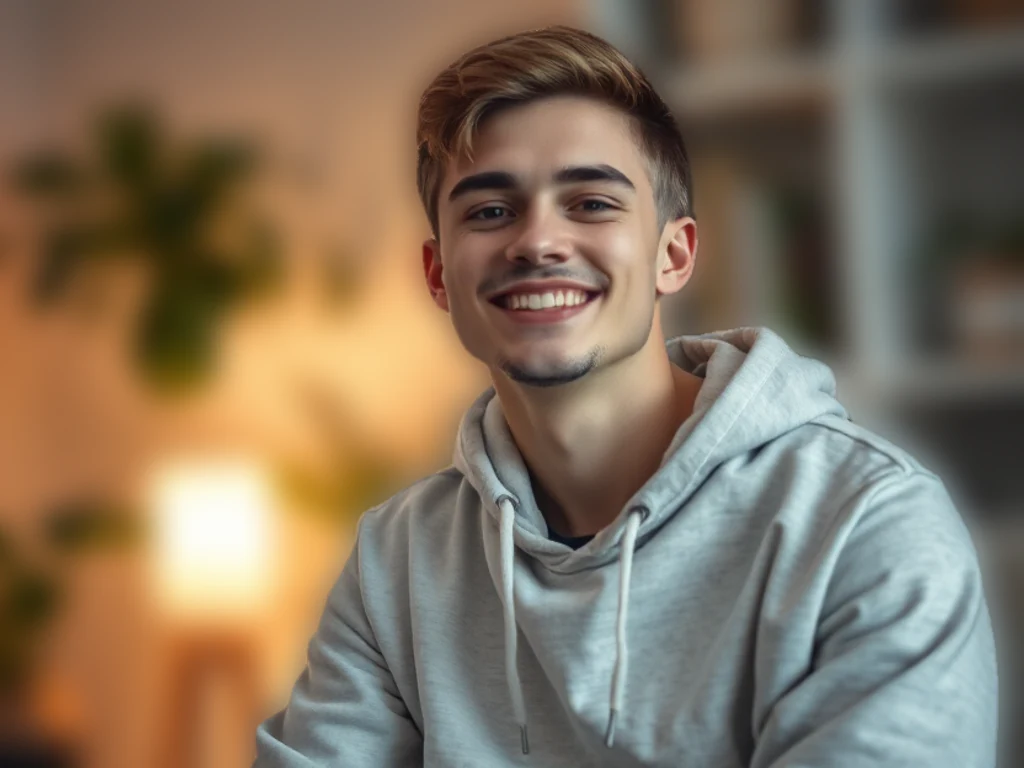

Rozmycie tła obrazu online — Darmowe zdjęcie Rozmycie tła
Współpracuje z JPG, PNG, WEBP i nie tylko
Rozmyj tło obrazu online w przypadku portretów, zdjęć głowy lub zdjęć produktów, zachowując ostrość obiektu. Wypróbuj bezpłatnie lub zastosuj to samo rozmycie w partii w wersji Premium.
- Krawędzie z dokładnością co do piksela — nawet włosy i drobne detale
- Otrzymaj przezroczysty plik PNG, gotowy do wstawienia w dowolny projekt
- Bez ręcznego maskowania i bez halo do późniejszego czyszczenia
Upuść tu zdjęcie — obiekt zostaje ostry, a tło się rozmywa
Wybierz ustawienia przed przesłaniem pliku
Wybierz ustawienia przed dodaniem pliku. Zostaną zastosowane po rozpoczęciu przetwarzania.
Silnik
Wskazówki dotyczące usuwania tła
• Ostre, dobrze oświetlone zdjęcia dają najbardziej precyzyjne krawędzie
• Zajęte tła są w porządku — przyczyną problemów jest niski kontrast między obiektem a tłem
• Powiększ włosy i cienkie krawędzie przed pobraniem, a nie po
• Zapisz jako PNG — plik JPG nie może przechowywać przezroczystości i wypełnia go bielą
O usuwaniu tła przez AI
Wycięcie z białą aureolą lub przeżutymi włosami jest gorsze niż brak wycięcia — ktoś musi je naprawić ręcznie, zanim będzie można je użyć. Ten przechowuje włosy i delikatne krawędzie oraz eksportuje przezroczysty plik PNG gotowy na listy produktów, zdjęcia profilowe i grafikę marketingową.
Jak to działa
1. Prześlij zdjęcie, które chcesz wyciąć
2. Sprawdź krawędzie — najpierw włosy i cienkie detale
3. Dodaj kolor, zdjęcie lub rozmyte tło, jeśli tego potrzebujesz
4. Pobierz przezroczysty plik PNG
Idealne do
• Zdjęcia produktów, które rynek ciągle odrzuca
• Portrety, na których pokój za tobą rozprasza
• Oferty e-commerce, które wymagają jednego, spójnego tła
• Treści w mediach społecznościowych, które muszą być w dowolnym kolorze
• Prace projektowe, w których temat przenosi się do nowego układu
Co możesz zrobić za pomocą Rozmycie Tła
Zanim zaczniesz, przejrzyj główne możliwości.
- Rozmyj tło za obiektem
- Uzyskaj efekt ostrości portretowej głębi ostrości
- Zachowaj ostrość obiektu, jednocześnie zmiękczając resztę
- Zastosuj efekt głębi ostrości do zdjęć portretowych
- Przygotuj zdjęcia portretowe do układów społecznościowych
Powiązane narzędzia dla Rozmycie Tła
Narzędzia do typowych kolejnych kroków po Rozmycie Tła.

Studio tła
Usuń tło
Remove a photo background and download a transparent PNG. Review hair and edges before use.
Wypróbuj teraz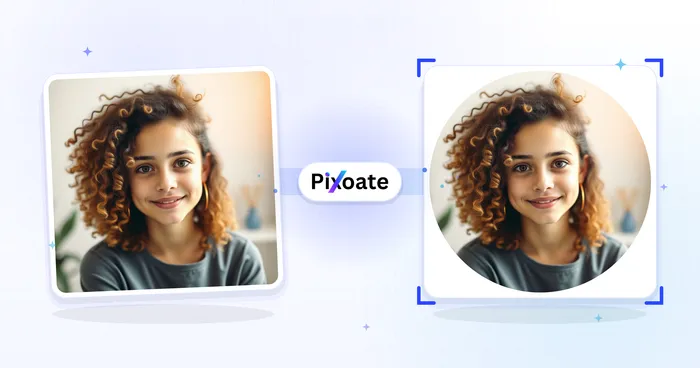
Portret & Headshot studio
Kreator zdjęć profilowych
Utwórz zdjęcie profilowe z rozmytym, jednolitym kolorystycznie lub niestandardowym tłem.
Wypróbuj teraz
Studio tła
Zmieniacz tła
Replace a background with a photo, color, gradient or library design. Choose from 21,000+ backgrounds.
Wypróbuj terazNajczęściej zadawane pytania
Jak Rozmycie Tła pomaga Ci osiągnąć cel
Prawdziwe problemy, które rozwiązuje każdego dnia — dla firm, twórców i codziennych zadań. Znajdź przypadek użycia, który Ci odpowiada i zacznij.
Zdjęcia profilowe w trybie portretowym
Nadaj zdjęciom wykonanym telefonem lub kamerą internetową efekt głębi ostrości przypominający lustrzankę cyfrową — obiekt pozostaje ostry, a tło delikatnie rozmyte — w przypadku profesjonalnych awatarów na LinkedIn, życiorysach i w mediach społecznościowych bez aparatu w trybie portretowym.
Zdjęcia produktów i ofert bez rozpraszania uwagi
Zmiękcz zabałaganione tło za produktem — pokój czy zatłoczoną półkę — tak by przedmiot się wyróżniał, zachowując kontekst, ale bez chaosu, na zdjęciach do marketplace'ów, katalogów i social commerce.
Obejrzyj each transformation li
Every zdjęcie crosses the slash untouched i comes out the other side finished.























