
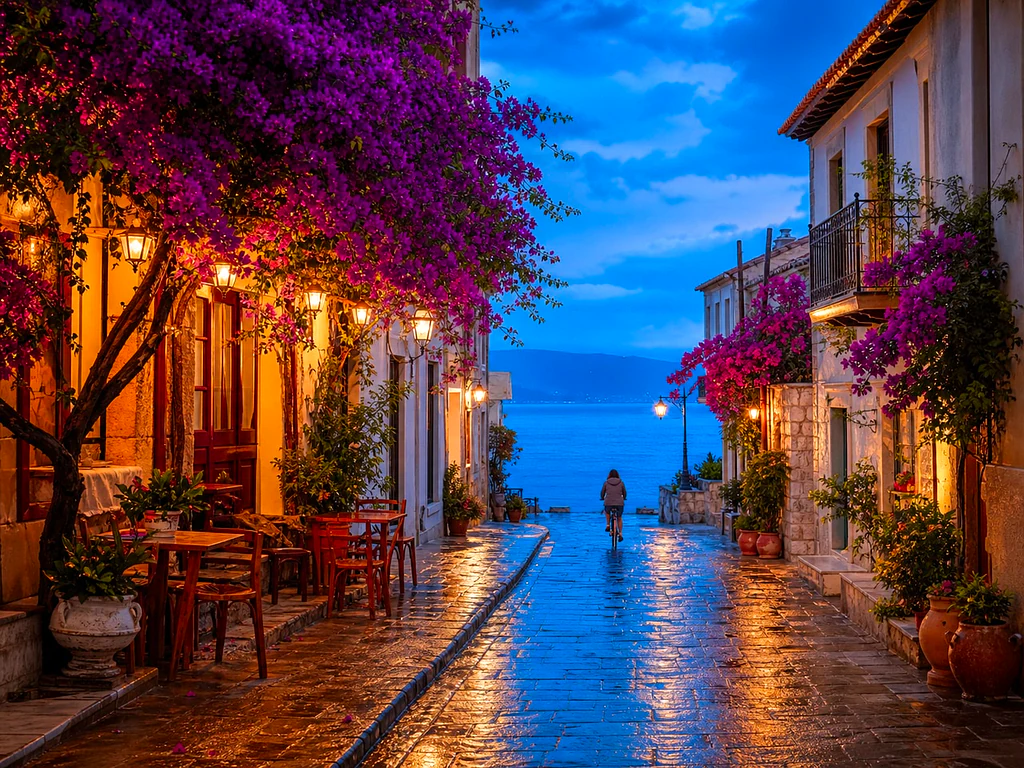
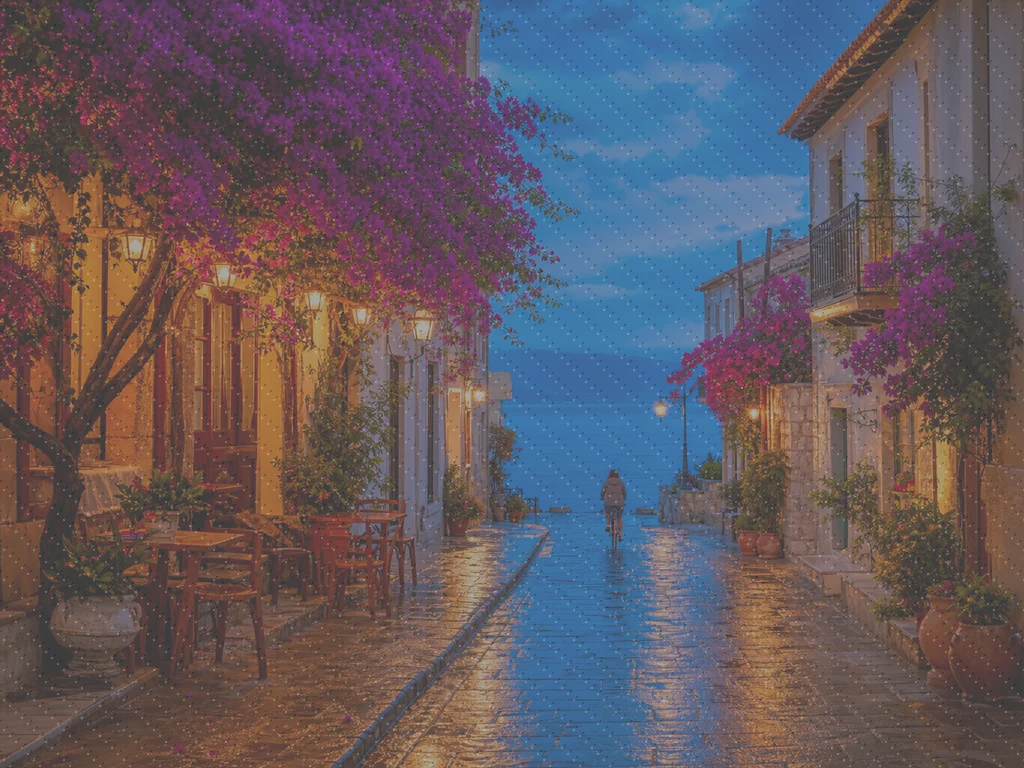
Wzmacniacz zdjęć AI — bezpłatny wzmacniacz obrazu AI online
Współpracuje z JPG, PNG, WEBP
Zdjęcie jest ciemne, ziarniste lub nieco nieostre i jest to jedyna istniejąca kopia. Ulepsz go jednym kliknięciem i porównaj, zanim go zatrzymasz.
- One click: denoise, sharpen, auto color and a 2x boost for small photos
- Idealny do starych, ciemnych, ziarnistych lub lekko rozmytych zdjęć
- Uratuj jedyną kopię ważnego zdjęcia, jaką posiadasz
Upuść matowe lub rozmyte zdjęcie — dostaniesz ostrą, żywą wersję
Wskazówki dla najlepszego efektu
• Subtelna intensywność wygląda najbardziej naturalnie na portretach
• Użyj mocniejszych ustawień na ciemnych lub ziarnistych zdjęciach
• Zacznij od największego oryginału, jaki posiadasz — już skompresowana kopia ogranicza to, co można odzyskać
O narzędziu AI Poprawa Jakości Zdjęć
Our photo enhancer combines several fixes into one click: noise reduction, edge-aware sharpening, automatic brightness, contrast and color correction, and a 2x enlargement for small photos. It turns dull, dark or low-res phone photos into crisp, vivid images without any manual editing.
Jak to działa
1. Prześlij swoje zdjęcie
2. The enhancer denoises, sharpens and fixes color
3. Dostosuj siłę efektu według uznania
4. Pobierz ulepszony efekt
Idealne do
• Matowe lub płaskie zdjęcia z telefonu
• Ciemne, słabo oświetlone i ziarniste zdjęcia
• Stare zdjęcia lub o niskiej rozdzielczości
• Zdjęcia produktów, ofert i do mediów społecznościowych
Co możesz zrobić za pomocą AI Poprawa Jakości Zdjęć
Zanim zaczniesz, przejrzyj główne możliwości.
- Uratuj zdjęcie, gdy nie ma szans na ponowne wykonanie
- Usuń szum i ziarnistość z ciemnych ujęć
- Wyostrz rozmyte lub miękkie zdjęcia wykonane telefonem
- Popraw matowe oświetlenie i płaskie kolory
- Zamień zdjęcia o niskiej rozdzielczości w ostre, żywe obrazy
- Kontroluj, jak mocne będzie wyglądać wzmocnienie
Odniesienie do ustawień
2 ustawienia
Dostępne elementy sterujące dla AI Poprawa Jakości Zdjęć.
- Tryb przetwarzaniaUstawienia gotowe
- Przetwórz jeden element lub przełącz na tryb wsadowy Premium, aby zastosować te same ustawienia do wielu elementów. Dostępne typy danych wejściowych zależą od narzędzia.Opcje: Pojedynczy obrazWsadowo
Dostosuj
- Siła poprawySuwakZasięg: 0–1 · Domyślne: 0.7
- Skaluje całe jednoklikowe czyszczenie (redukcja szumu, wyostrzanie, automatyczna korekta koloru i wzmocnienie detali) od ustawienia Subtelny do Mocny — trzymaj niżej dla naturalnych portretów, zwiększ dla ciemnych lub ziarnistych zdjęć.
Powiązane narzędzia dla AI Poprawa Jakości Zdjęć
Narzędzia do typowych kolejnych kroków po AI Poprawa Jakości Zdjęć.

Ulepszanie zdjęć
Powiększanie obrazu AI
Skaluj obraz 2×, 3× lub 4× i sprawdź ulepszony wynik przed pobraniem.
Wypróbuj teraz
Portret & Headshot studio
Usuwanie Niedoskonałości
Zredukuj widoczne przebarwienia, plamy i ciemne ślady, sprawdzając wpływ na otaczającą teksturę skóry.
Wypróbuj teraz
Portret & Headshot studio
Upiększanie Twarzy
Zastosuj regulowane wygładzanie i korektę kolorytu skóry, sprawdzając szczegóły i krawędzie twarzy.
Wypróbuj terazNajczęściej zadawane pytania
Jak AI Poprawa Jakości Zdjęć pomaga Ci osiągnąć cel
Prawdziwe problemy, które rozwiązuje każdego dnia — dla firm, twórców i codziennych zadań. Znajdź przypadek użycia, który Ci odpowiada i zacznij.
Ulepsz zeskanowane zdjęcia rodzinne
Przesuń suwak siły poprawy w stronę Silne przy zeskanowanych lub wyblakłych starych zdjęciach rodzinnych, aby usunąć szum i odzyskać szczegóły utracone z powodu wieku, niskiej rozdzielczości lub taniego oryginalnego skanu.
Wyostrz zdjęcia produktów przed wystawieniem oferty
Przepuść zdjęcia produktowe przez narzędzie z ustawieniem mocy Subtelny, aby usunąć drobną nieostrość i matowość kolorów typową dla aparatów w telefonach, bez przesadnego przetwarzania — dzięki temu oferty wyglądają wiarygodnie i zgodnie z rzeczywistością.
Popraw zdjęcia z wydarzeń i koncertów wykonane przy słabym oświetleniu
Ciemne, ziarniste zdjęcia z koncertów, imprez lub słabo oświetlonych miejsc zostają odszumione, rozjaśnione i wyostrzone jednym kliknięciem — przesuń siłę w stronę Mocnej, aby uzyskać najbardziej wyraźne usunięcie szumu.
Dopracuj zdjęcia ofert nieruchomości
Redukcja szumu, wyostrzanie i korekcja kolorów jednym kliknięciem zamieniają płaskie lub ciemne zdjęcia wnętrz i zewnętrz zrobione telefonem w ostrzejsze, bardziej zachęcające zdjęcia do ogłoszeń — bez pełnego procesu edycji.
Przygotuj skany i zrzuty ekranu do dokumentów
Ponieważ działa jako ogólne narzędzie do poprawy jakości obrazu, a nie tylko zdjęć, przepuść przez nie zeskanowane dokumenty, zdjęcia tablicy czy zrzuty ekranu, aby wyostrzyć tekst i usunąć artefakty kompresji przed udostępnieniem lub archiwizacją.
Poradniki do tego narzędzia
- How to Improve Shopify Product Images in Bulk for Better ListingsImprove Shopify product images in bulk with Pixoate. Review backgrounds, detail, resolution and file size to create a clearer, more consistent catalogue.
- How to Improve Etsy Product Photos for Handmade and Custom ItemsImprove Etsy photos of handmade and custom products with Pixoate. Show texture, finishing and personalisation clearly without changing the real item.
Obejrzyj each transformation li
Every zdjęcie crosses the slash untouched i comes out the other side finished.























