
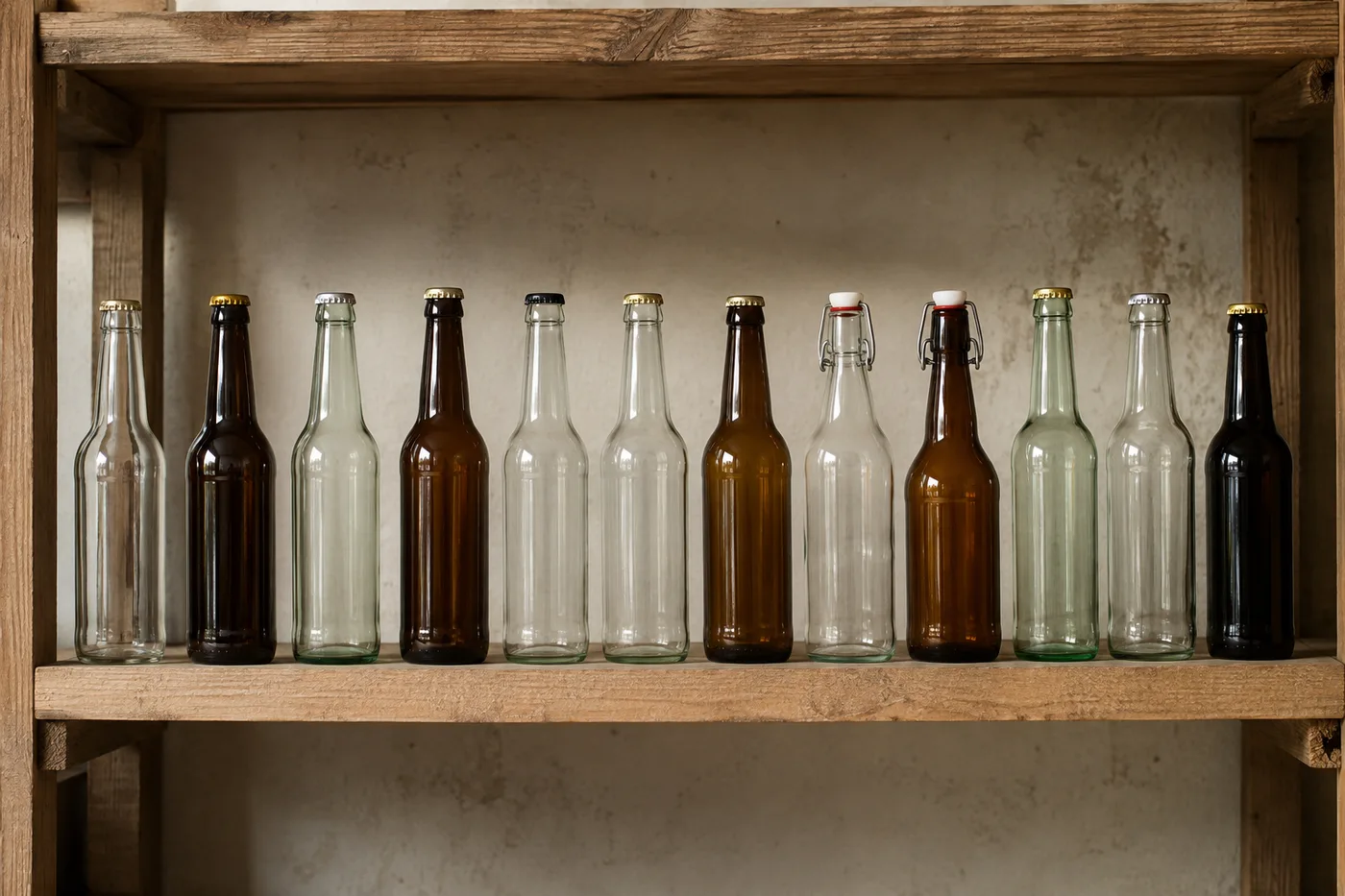
Policz butelki na zdjęciu — licznik butelek AI
Działa z JPG, PNG, WEBP · Bezpłatnie do 20 MB, Premium 50 MB
Photograph the shelf, crate or cold room, upload the photo and review the tally markers against the photo. Built for stock-takes in shops, bars and beverage distribution.
- Sprawdź zdjęcie, a następnie policz widoczne obiekty butelki
- Upload a photo and get an automatic count
- Review the markers to catch bottles counted twice or missed
- Bezpłatne korzystanie · Bez rejestracji · Bez znaku wodnego
Prześlij obraz
Wskazówki dla dokładnego zliczania
• Użyj równomiernie oświetlonego zdjęcia, na którym obiekt butelki w całości mieści się w kadrze
• Keep your bottles visible and avoid overlapping items
• Kropki i mapa cieplna pokazują zachowane wykrycia — sprawdź i popraw wynik liczenia
O narzędziu Licznik butelek
The bottle counter counts visible bottles from your photo and marks detections for review. Counting starts automatically once the photo and item are ready. Visibility, overlap and similar-looking items can affect the total. Built for shops, bars, beverage distributors and stockrooms.
Jak to działa
1. Sfotografuj swój obiekt: butelki
2. Upload your photo to count bottles automatically
3. Review the markers and correct the tally if needed
4. Dodaj do arkusza zliczeń i wyeksportuj wynik jako CSV
Idealne do
• Inwentaryzacje w sklepach i barach
• Dostawy dystrybutora napojów
• Kontrole w chłodniach i magazynach
• Liczenie zwrotów i opakowań zwrotnych
Co możesz zrobić za pomocą Licznik butelek
Zanim zaczniesz, przejrzyj główne możliwości.
- Licz butelki na półkach, skrzyniach i chłodniach
- Rejestruj zapasy barów i napojów
- Sprawdź każdy znacznik policzonej butelki przed użyciem wyniku
- Audyt wielu zdjęć w jednej sesji zbiorczej
- Prowadź bieżące rejestrowanie oznaczonych partii
- Pomiń drobne fałszywe wykrycia, aby uzyskać czystszą liczbę
Odniesienie do ustawień
14 ustawień
Dostępne elementy sterujące dla Licznik butelek.
Prześlij
- Pojedyncze zdjęcie / Audyt masowyUstawienia gotowe
- Wybierz liczbę pojedynczych zdjęć lub audyt zbiorczy Premium. Przejrzyj każdy wynik.Opcje: Pojedyncze zdjęcieAudyt masowy
Liczba
- Uwzględnione znacznikiSuwakZasięg: 0–1 · Domyślne: 0.21
- Starts at 21%; slide toward Show more to include weaker markers or Only strongest to hide them.
- Styl nakładkiUstawienia gotowe
- Wybierz kropki, mapę cieplną, oba lub czysty podgląd.Opcje: ObaKropkiCiepłoBrak
Zaawansowane
- Nakładka wynikuLista rozwijana
- Choose how count markers appear in the on-screen preview; the download keeps its own markers.Opcje: Kropki + mapa cieplnaTylko kropkiTylko mapa cieplna
Zliczenie
- Dodaj do zliczeńJedno kliknięcie
- Add this count to the tally sheet under the name of the object that was counted. Signed-in accounts add finished counts automatically unless that is turned off under Account settings; in bulk mode every photo also has its own Add to tally button.
- EtykietaWprowadzanie tekstu
- Rename a tally row. Edits and removals wait until you choose Save changes, so you can fix several rows at once.
- LiczbaWprowadzanie numeru
- Correct a row's count; totals, the chart and exports follow once the change is saved.
- Save changesJedno kliknięcie
- Apply every edited or removed tally row in one step, or choose Discard changes to leave the sheet as it was.
Chart
- By objectUstawienia gotowe
- The chart is the same in every counting tool and covers the tallies of all of them. By object draws a separate line chart for each tally name, such as pipes and people. By tool draws a chart for each counting tool.Opcje: By objectBy tool
- OkresUstawienia gotowe
- Choose how far back the chart looks. Days without a count appear as zero.Opcje: 7 days30 days90 days12 months
History
- Counting setupGaleria
- Keep comparable counts together. A first setup is created for you, so the first count can be saved straight away.
- Observed atWprowadzanie tekstu
- The date and time of the count, shown as a date and a time field.
- NutyWprowadzanie tekstu
- Starts with every detected object and its count, one per line, such as Pipes - 11. Edit it before saving.
- Save countJedno kliknięcie
- Save the count to your account history. Open a saved count later to correct it or download its source photo.
Powiązane narzędzia dla Licznik butelek
Narzędzia do typowych kolejnych kroków po Licznik butelek.

Liczenie i magazyn
Licznik obiektów
Oszacuj liczbę obiektów na zdjęciu. Przed użyciem wyniku sprawdź i popraw ponumerowane znaczniki.
Wypróbuj teraz
Liczenie i magazyn
Licznik obiektów na żywo
Skieruj telefon na oddzielone, w pełni widoczne przedmioty i przeglądaj znaczniki detektora, gdy liczba będzie aktualizowana w czasie rzeczywistym.
Wypróbuj teraz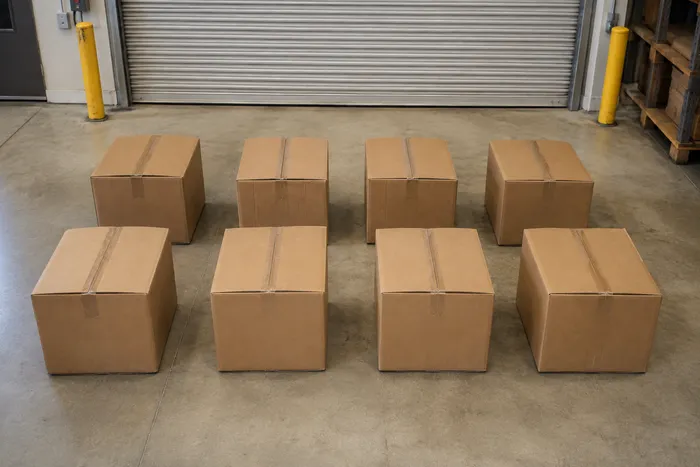
Liczenie i magazyn
Licznik pudełek i kartonów
Licz pudła na paletach, w stosach lub w ciężarówkach z jednego zdjęcia, a wykryte obiekty są oznaczone do sprawdzenia.
Wypróbuj terazNajczęściej zadawane pytania
Jak Licznik butelek pomaga Ci osiągnąć cel
Prawdziwe problemy, które rozwiązuje każdego dnia — dla firm, twórców i codziennych zadań. Znajdź przypadek użycia, który Ci odpowiada i zacznij.
Porównaj dostawę z fakturą
Sfotografuj paletę lub skrzynki, aby uzyskać wspomagane przez AI wstępne zestawienie, a następnie sprawdź fizyczną dostawę, popraw wynik i zastosuj standardową procedurę odbioru przed podpisaniem. Nie polegaj wyłącznie na zdjęciu.
Przeprowadź inwentaryzację baru z telefonu
Sfotografuj każdą półkę i rząd w chłodni aparatem telefonu, dodaj każde ujęcie do Arkusza zliczeń i wyeksportuj całą inwentaryzację jako plik CSV lub markowy raport PDF dla menedżera.
Przeprowadź audyt wielu magazynów za jednym razem
Otwórz audyt zbiorczy, aby uruchomić tryb odrębnych obiektów dla każdego zdjęcia na półce, a następnie przejrzyj każdy wynik przed użyciem sumy całkowitej.
Wyodrębnij jeden produkt na mieszanej półce
For one bri or SKU, mark a complete bottle in the Examples setting before counting, then review każde marker for similar-looking products before using the twszystkiey.
Udostępnij zweryfikowany wynik liczenia swojemu zespołowi
Po sprawdzeniu i poprawieniu znaczników względem stanu fizycznego, zapisz wynik liczenia i skopiuj link zespołowy tylko do odczytu, aby menedżer mógł zweryfikować wynik. Udostępniony obraz sam w sobie nie stanowi dowodu ilości.
Policz zwroty pustych butelek do zwrotu kaucji
Sfotografuj skrzynkę lub wózek pustych butelek, aby uzyskać wstępne zestawienie, a następnie fizycznie sprawdź je i popraw, zanim rozliczysz zwrot kaucji lub wymianę.
Obejrzyj each transformation li
Every zdjęcie crosses the slash untouched i comes out the other side finished.























