
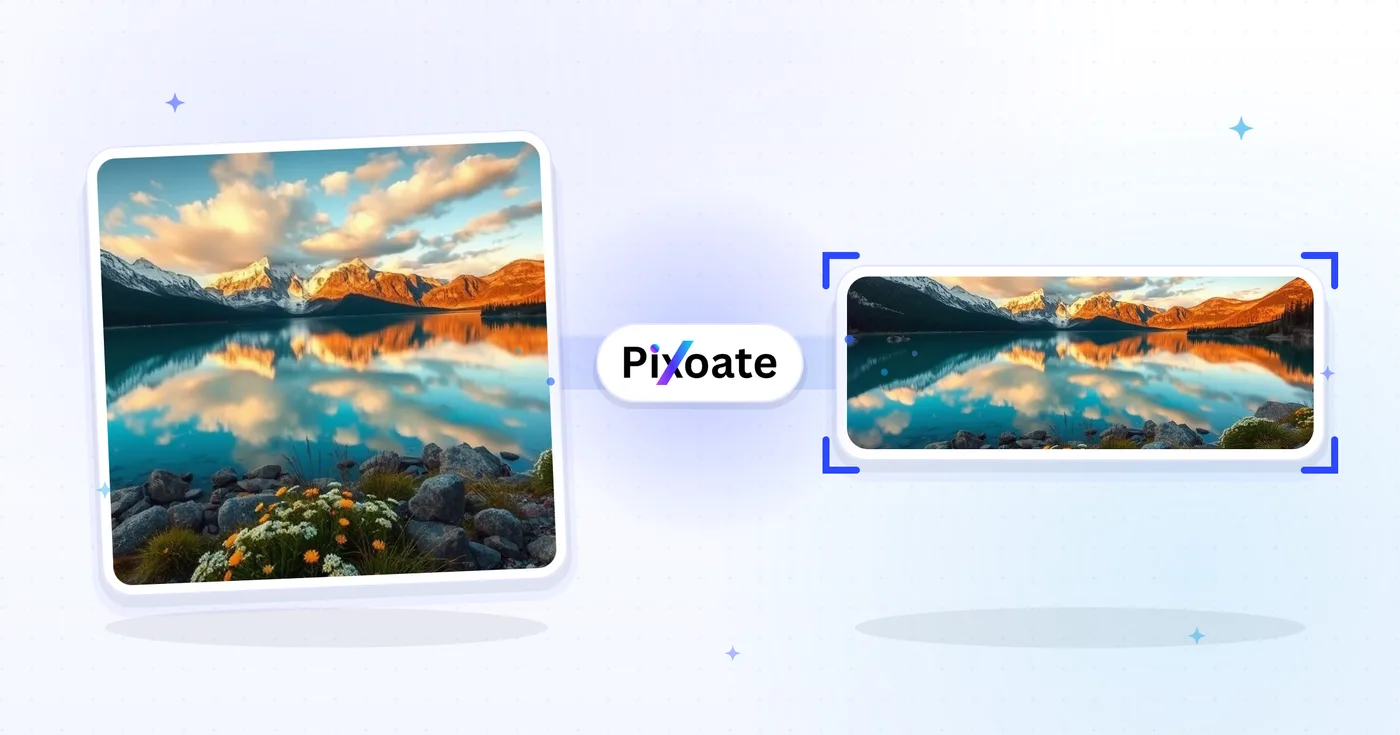
LinkedIn Photo Resizer — Profil 400×400 i Baner 1584×396
Zmień rozmiar a zdjęcie for Twoje LinkedIn profile picture (400×400) or banner (1584×396), or pick a logo, post or article preset, position the obraz i download the wybrane dimensions.
Upuść obraz — wybierz rozmiar banera, profilu lub posta
Rozmiary obrazów na LinkedIn
Wybierz spośród wymienionych ustawień okładki osobistej, okładki firmowej i postów, a następnie wybierz sposób dopasowania obrazu do docelowego obszaru roboczego. Wymagania dotyczące platformy mogą się zmieniać, dlatego przed publikacją zapoznaj się z aktualnymi wskazówkami LinkedIn.
Co możesz zrobić za pomocą Narzędzie do zmiany rozmiaru obrazów na LinkedIn
Zanim zaczniesz, przejrzyj główne możliwości.
- Zmień rozmiar zdjęć do banera LinkedIn o wymiarach 1584×396
- Rozmiar obrazów do zdjęć profilowych i logo firm
- Dopasuj grafikę do nagłówków postów i artykułów na LinkedIn
- Przed eksportem wyświetl podgląd bezpiecznej strefy
- Wypełnij puste krawędzie wybranym kolorem tła
- Eksportuj jako JPG, PNG lub WebP w odpowiedniej jakości
Odniesienie do ustawień
8 ustawień
Dostępne elementy sterujące dla Narzędzie do zmiany rozmiaru obrazów na LinkedIn.
- Tryb przetwarzaniaUstawienia gotowe
- Przetwórz jeden element lub przełącz na tryb wsadowy Premium, aby zastosować te same ustawienia do wielu elementów. Dostępne typy danych wejściowych zależą od narzędzia.Opcje: Pojedynczy obrazWsadowo
Rozmiar
- Rozmiary LinkedInUstawienia gotowe
- Wybierz miejsce na LinkedIn, do którego przesyłasz grafikę; dokładne wymiary w pikselach dla tego miejsca (np. baner osobisty 1584×396, grafika posta 1200×627) zostaną zastosowane automatycznie.Opcje: Baner osobistyBaner firmowyZdjęcie profiloweLogo firmyKwadratowe logoOpublikuj obrazOkładka artykułuOkładka wydarzenia
Wynik
- DopasujUstawienia gotowe
- Choose how the photo fills the target size: Cover crops to fill edge-to-edge, Contain keeps the whole image with padded space. To force the exact size instead, untick Maintain aspect ratio; that may distort.Opcje: OkładkaDopasuj
- TłoPróbnik kolorów
- Ustawia kolor wypełnienia pustej przestrzeni wokół obrazu dopasowanego w trybie Zmieść; domyślnie błękit LinkedIn, ale można dopasować dowolny kolor marki. Ukryte dla PNG, który zachowuje tę przestrzeń przezroczystą.
- SformatujLista rozwijana
- Wybiera typ pliku wyjściowego: JPG do zdjęć, PNG dla przezroczystości, WEBP lub AVIF dla mniejszych plików, gdy hostujesz obraz samodzielnie.Opcje: JPGPNGWEBPAVIF
- JakośćSuwakZasięg: 40–100% · Domyślne: 92%
- Steruje kompresją plików wyjściowych JPG, WEBP i AVIF; wyższe wartości zachowują ostrzejszy tekst i logo, niższe zmniejszają rozmiar pliku. Nie jest wyświetlany dla PNG, który zawsze jest bezstratny.
Podgląd
- Pokaż strefę bezpiecznąWł./Wył
- Pojawia się przy ustawieniu Zdjęcie profilowe: nakłada okrągłe kadrowanie, które faktycznie wyświetla LinkedIn, przyciemniając obcinane rogi kwadratu, dzięki czemu utrzymasz twarz lub logo w środku.
Rozszerzanie obrazu przez AI
- Rozszerz tło za pomocą AIJedno kliknięcie
- Kontynuuj scenę do wybranego rozmiaru za pomocą AI, zachowując przygotowane zdjęcie źródłowe. Darmowe pobrania mają rozmiar internetowy. Premium lub kredyty odblokowują pełną rozdzielczość. Obsługiwane proporcje wymagają zachowania proporcji obrazu. W trybie Wsadowo każdy obraz w kolejce jest rozszerzany i dostarczany w wybranym rozmiarze i formacie.
Powiązane narzędzia dla Narzędzie do zmiany rozmiaru obrazów na LinkedIn
Narzędzia do typowych kolejnych kroków po Narzędzie do zmiany rozmiaru obrazów na LinkedIn.

Publikowanie w mediach społecznościowych
Zmiana rozmiaru na Facebooka
Zmień rozmiar obrazów dla wymienionych wymiarów okładki, profilu i postu na Facebooku za pomocą elementów sterujących dopasowaniem i wypełnieniem.
Wypróbuj teraz
Publikowanie w mediach społecznościowych
Zmiana rozmiaru obrazów na X / Twitter
Zmień rozmiar obrazów dla podanych wymiarów nagłówka X, profilu, posta, karty i reklamy.
Wypróbuj teraz
Generatory biznesowe
Kreator wizytówek
Wybierz układ wizytówki, ustaw treść i kolory, a następnie pobierz plik PDF A4 w formacie 10 stron na arkusz do wydrukowania.
Wypróbuj terazNajczęściej zadawane pytania
Jak Narzędzie do zmiany rozmiaru obrazów na LinkedIn pomaga Ci osiągnąć cel
Prawdziwe problemy, które rozwiązuje każdego dnia — dla firm, twórców i codziennych zadań. Znajdź przypadek użycia, który Ci odpowiada i zacznij.
Banery marki osobistej i poszukiwania pracy
Osoby poszukujące pracy oraz budujące markę osobistą tworzą banery na LinkedIn, które wzmacniają ich nagłówek, docelową branżę i aktualną dostępność — to pierwsza rzecz, którą widzi rekruter
Banery profilowe założycieli i kadry kierowniczej
Założyciele startupów, prezesi i kadra zarządzająca publikują banery prezentujące logo firmy, bieżącą premierę produktu i wyróżnienia od inwestorów, aby zwiększyć widoczność wśród interesariuszy
Główne banery strony firmowej
Zespoły marketingowe projektują zdjęcia w tle stron firmowych z najnowszym zrzutem ekranu produktu, logotypami klientów i wyróżnieniami z Glassdoora, aby zamieniać odwiedziny profilu w obserwujących i kandydatów
Banery prelegentów i autorów konferencji
Zamień baner głośnika lub podcastu na bieżący sezon bez konieczności ponownego tworzenia układu za każdym razem
Banery dla rekruterów i menedżerów ds. zatrudnienia
Rekruterzy publikują banery reklamujące otwarte stanowiska, korzyści marki pracodawcy i zdjęcia zespołu, aby zamieniać wyświetlenia profilu w aplikacje i wiadomości od kandydatów
Banery sprzedażowe i rozwoju biznesu
Specjaliści ds. sprzedaży, account executive i liderzy sprzedaży wykorzystują baner, aby wyeksponować propozycję wartości produktu, logo klientów z analiz przypadków oraz wyraźne wezwanie do działania dla potencjalnych klientów
Zdjęcia profilowe na LinkedIn bezpieczne przy przycinaniu
Wybierz szablon Zdjęcie profilowe i włącz nakładkę strefy bezpiecznej, aby zobaczyć dokładnie, które rogi obetnie okrągły kadr LinkedIn, dzięki czemu twarze i loga nigdy nie zostaną przycięte po opublikowaniu.
Okładki wydarzeń: webinary i spotkania
Użyj ustawienia wstępnego Okładka wydarzenia (1776×444) z dopasowaniem Zmieść i tłem w kolorze marki, aby data webinaru, nazwisko prelegenta i logo pozostały w pełni widoczne, zamiast zostać przycięte przez kadrowanie wydarzeń na LinkedInie.
Jedno logo, każde miejsce na LinkedIn
Wyeksportuj ten sam znak marki za pomocą gotowych ustawień logo firmy (300 × 300) i logo kwadratowego (60 × 60) z pasującym kolorem tła, a następnie sprawdź każdy rozmiar na LinkedIn.
Szybko wczytujące się grafiki na LinkedIn
Eksportuj rozmiary obrazu posta i okładki artykułu jako WebP lub AVIF w jakości 85%+, gdy sam hostujesz grafikę, utrzymując krótkie czasy ładowania bez utraty ostrości tekstu czy logotypów.
Obejrzyj each transformation li
Every zdjęcie crosses the slash untouched i comes out the other side finished.























