
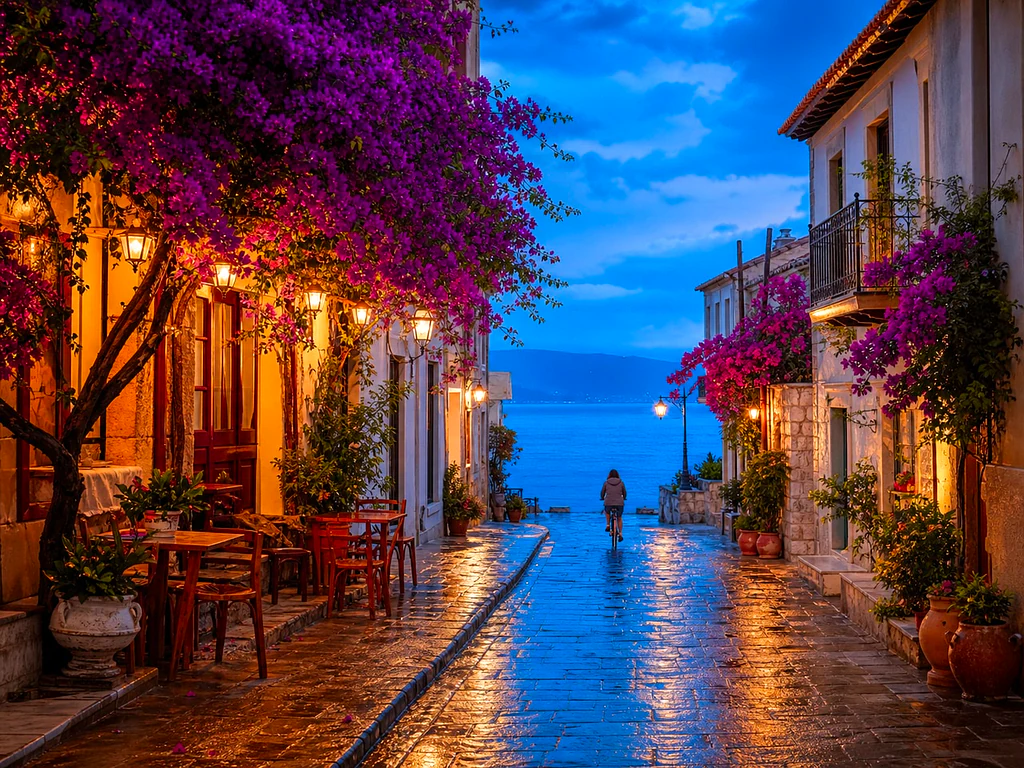
AI Photo Enhancer — бесплатный онлайн-усилитель изображений AI
Работает с JPG, PNG, WEBP.
Фотография темная, зернистая или слегка не в фокусе, и это единственная существующая копия. Улучшите его одним щелчком мыши и сравните, прежде чем сохранить.
- One click: denoise, sharpen, auto color and a 2x boost for small photos
- Идеально для старых, тёмных, зернистых или слегка размытых фото
- Спасите единственную копию важной фотографии, которая у вас есть.
Перетащите тусклое или размытое фото — получите чёткую, яркую версию
Советы для лучшего результата
• Слабая интенсивность выглядит наиболее естественно на портретах
• Используйте более сильные настройки для тёмных или зернистых фото
• Начните с самого большого оригинала, который у вас есть: уже сжатая копия ограничивает возможности восстановления.
Об ИИ-улучшении фото
Our photo enhancer combines several fixes into one click: noise reduction, edge-aware sharpening, automatic brightness, contrast and color correction, and a 2x enlargement for small photos. It turns dull, dark or low-res phone photos into crisp, vivid images without any manual editing.
Как это работает
1. Загрузите своё фото
2. The enhancer denoises, sharpens and fixes color
3. Настройте интенсивность по вкусу
4. Скачайте улучшенный результат
Идеально подходит для
• Тусклые или невыразительные фото с телефона
• Тёмные, плохо освещённые и зернистые снимки
• Старые снимки или изображения с низким разрешением
• Фото товаров, объявлений и для социальных сетей
Что можно сделать с помощью ИИ-улучшение фото
Прежде чем начать, ознакомьтесь с основными возможностями.
- Спасите фотографию, когда шансов на пересъемку нет
- Убирайте шум и зерно с тёмных снимков
- Повышайте резкость размытых или нечётких фото с телефона
- Исправьте тусклое освещение и плоский цвет
- Превращайте снимки в низком разрешении в чёткие, яркие изображения
- Регулируйте выраженность улучшения
Справочник по настройкам
2 настройки
Доступные элементы управления для ИИ-улучшение фото.
- Режим обработкиПресеты
- Обработайте один входной материал или перейдите в пакетный режим Premium, чтобы применить общие настройки к нескольким материалам. Доступные типы входных данных зависят от инструмента.Параметры: Одно изображениеПакет
Настроить
- Степень улучшенияСлайдерДиапазон: 0–1 · По умолчанию: 0.7
- Регулирует интенсивность комплексной очистки в один клик (шумоподавление, повышение резкости, автокоррекция цвета и детализации) от Слабой до Сильной — оставьте низкое значение для естественных портретов и увеличьте его для тёмных или зернистых снимков.
Сопутствующие инструменты для ИИ-улучшение фото
Инструменты для общих следующих шагов после ИИ-улучшение фото.

Улучшение фотографий
ИИ-апскейлер изображений
Увеличьте изображение в 2, 3 или 4 раза и просмотрите улучшенный результат перед загрузкой.
Попробовать сейчас
Студия портретов и портретов
Удаление дефектов кожи
Уменьшите видимые дефекты, пятна и темные следы, наблюдая за воздействием на окружающую текстуру кожи.
Попробовать сейчас
Студия портретов и портретов
Улучшить лицо
Применяйте регулируемое сглаживание кожи и коррекцию тона, просматривая детали и края лица.
Попробовать сейчасЧасто задаваемые вопросы
Как ИИ-улучшение фото помогает вам справиться с задачей
Реальные проблемы, которые он решает каждый день — для бизнеса, авторов и повседневных задач. Найдите вариант использования, который подходит вам, и начните.
Улучшение отсканированных семейных фотографий
Сдвиньте ползунок силы Enhancement к Strong на отсканированных или выцветших старых семейных фото, чтобы убрать шум и восстановить детали, утраченные из-за возраста, низкого разрешения или дешёвого исходного скана.
Повышайте резкость фото товаров перед публикацией
Обрабатывайте фото товаров с настройкой интенсивности «Мягкая», чтобы убрать лёгкую нечёткость и тусклость цвета со снимков с телефона без переобработки — карточки останутся точными и вызывающими доверие.
Улучшение снимков с мероприятий и концертов при слабом освещении
Тёмные зернистые фото с концертов, вечеринок или плохо освещённых мест очищаются от шума, осветляются и повышают резкость в один клик — увеличьте интенсивность к «Сильно» для максимально заметного устранения шума.
Улучшите фото объектов недвижимости
Устранение шума, резкость и коррекция цвета в один клик превращают тусклые и невыразительные фото интерьера и экстерьера с телефона в более чёткие и привлекательные снимки для объявлений — без полноценного редактирования.
Подготовка сканов и скриншотов для документов
Поскольку он работает как универсальный улучшатель изображений, а не только фото, прогоняйте через него отсканированные документы, снимки досок или скриншоты, чтобы повысить резкость текста и убрать артефакты сжатия перед отправкой или архивированием.
Руководства по этому инструменту
- How to Improve Shopify Product Images in Bulk for Better ListingsImprove Shopify product images in bulk with Pixoate. Review backgrounds, detail, resolution and file size to create a clearer, more consistent catalogue.
- How to Improve Etsy Product Photos for Handmade and Custom ItemsImprove Etsy photos of handmade and custom products with Pixoate. Show texture, finishing and personalisation clearly without changing the real item.
Наблюдайте за каждой трансформацией
Каждая фотография проходит через разделитель без изменений и выходит готовой.























