
Trình nén GIF - Thu nhỏ tệp mà không làm hỏng ảnh động
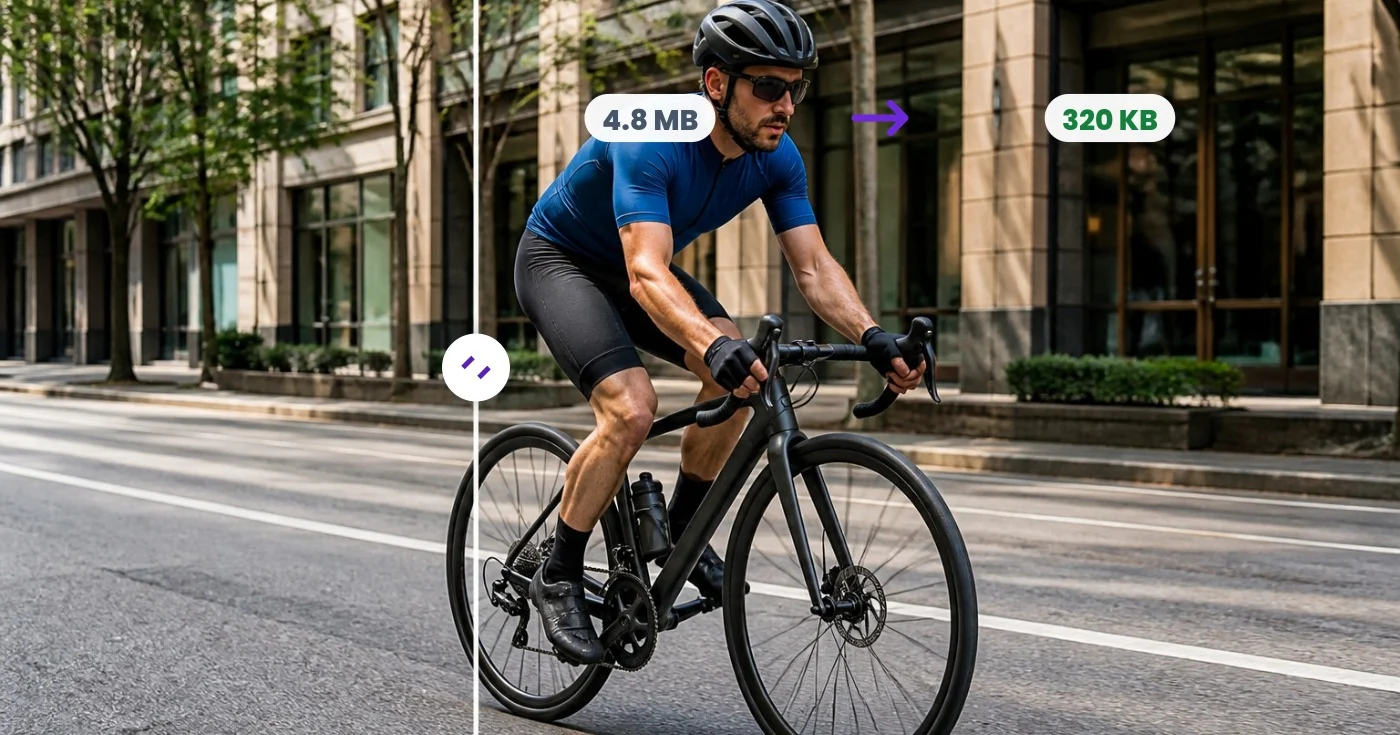
Nén ảnh GIF động bằng cách giảm màu, tối ưu hóa khung hình hoặc chia tỷ lệ ảnh. So sánh kích thước tệp trong khi vòng lặp và thời gian vẫn giữ nguyên hoặc nén hàng loạt bằng Premium.
Thả file GIF vào — xem ngay phiên bản đã giảm dung lượng
GIF only · Free up to 30 MB, Premium 50 MB
Bạn có thể làm gì với Công cụ nén GIF
Xem lại các khả năng chính trước khi bạn bắt đầu.
- Giảm dung lượng GIF động để tải nhanh hơn
- Giảm số lượng màu để GIF nhẹ hơn
- So sánh kích thước trước và sau ngay lập tức
- Giữ nguyên hoạt ảnh, vòng lặp và thời gian từng khung hình
- Thu nhỏ GIF để tiết kiệm dung lượng hơn nữa
- Tinh chỉnh mức nén mất dữ liệu giữa dung lượng và chất lượng
Tham khảo cài đặt
cài đặt 5
Các điều khiển có sẵn cho Công cụ nén GIF.
- Chế độ xử lýCài đặt sẵn
- Xử lý một đầu vào hoặc chuyển sang chế độ theo lô của Premium để áp dụng cùng thiết lập cho nhiều đầu vào. Loại đầu vào được hỗ trợ tùy thuộc vào công cụ.Tùy chọn: Một ảnh GIFHàng loạt
Cài đặt
- Màu sắcThanh trượtPhạm vi: 2–256 · Mặc định: 128
- Đặt số màu mà GIF sau khi nén giữ lại trong bảng màu; ít màu hơn cho tệp nhỏ hơn, nhưng giá trị quá thấp có thể gây hiện tượng phân dải màu thấy rõ.
- Mức độ nénThanh trượtPhạm vi: 1–10 · Mặc định: 7
- Điều chỉnh mức độ nỗ lực của bộ mã hóa khi tìm cách tiết kiệm dung lượng; mức nỗ lực cao hơn thường cho tệp nhỏ hơn nhưng xử lý lâu hơn.
- Mức độ nén (Lossy)Thanh trượtPhạm vi: 0–32 · Mặc định: 0
- Cho phép tái sử dụng những khác biệt điểm ảnh nhỏ giữa các khung hình, giúp thu nhỏ đáng kể các ảnh động nhiều chuyển động; để ở 0 (hiển thị là tắt) nếu muốn bỏ qua bước tối ưu này.
- Tỷ lệThanh trượtPhạm vi: 10–100% · Mặc định: 100%
- Đổi kích thước GIF theo phần trăm so với kích thước pixel gốc; thu nhỏ dưới 100% giúp giảm mạnh dung lượng tệp bên cạnh việc giảm số màu.
Các công cụ liên quan dành cho Công cụ nén GIF
Công cụ dành cho các bước tiếp theo phổ biến sau Công cụ nén GIF.
Chỉnh sửa ảnh & Tiện ích
Công cụ đổi kích thước GIF
Thay đổi kích thước ảnh GIF động theo tỷ lệ phần trăm hoặc pixel chính xác trong khi vẫn giữ nguyên mọi khung hình, vòng lặp và thời gian của nó.
Dùng thử ngayChỉnh sửa ảnh & Tiện ích
Công cụ cắt GIF
Cắt ảnh GIF động theo pixel chính xác, áp dụng cùng một vùng cho mọi khung hình và giữ nguyên vòng lặp cũng như thời gian.
Dùng thử ngay
Sáng tạo & Thiết kế
Tạo GIF
Tạo ảnh động từ các hình ảnh đã sắp xếp, hoặc cắt và lấy mẫu một đoạn video thành tối đa 50 khung hình, rồi điều chỉnh tốc độ và chất lượng.
Dùng thử ngayCâu hỏi thường gặp
Công cụ nén GIF giúp bạn hoàn thành công việc như thế nào
Những vấn đề thực tế mà nó giải quyết hàng ngày — cho doanh nghiệp, người sáng tạo và các công việc hàng ngày. Tìm trường hợp sử dụng phù hợp với bạn và bắt đầu.
Phù hợp với giới hạn tải lên của Discord và Slack
Các nền tảng nhắn tin giới hạn dung lượng tải lên cho người dùng miễn phí. Giảm số lượng màu và thêm một chút nén mất dữ liệu để đưa GIF phản ứng xuống dưới giới hạn mà không làm thay đổi rõ rệt cách nó phát.
Tăng tốc độ tải trang web có nhúng GIF
Một GIF dung lượng nhiều megabyte có thể chiếm phần lớn thời gian tải trang. Nén nó lại — thường giảm hơn một nửa dung lượng — giúp cải thiện Core Web Vitals và trải nghiệm trên di động trong khi vẫn giữ nguyên hoạt ảnh.
Gửi GIF qua email và các ứng dụng nhắn tin
Các tệp đính kèm email và ứng dụng nhắn tin thường từ chối hoặc giảm chất lượng các file lớn. Hãy nén GIF trước để gửi nhanh và phát mượt ngay trên thiết bị của người nhận.
Thu nhỏ banner quảng cáo và video demo sản phẩm
Banner động và các GIF demo sản phẩm ngắn thường bị giới hạn dung lượng bởi các mạng quảng cáo và sàn thương mại điện tử. Hãy điều chỉnh số lượng màu và tỷ lệ cho đến khi tệp đáp ứng đúng yêu cầu.
Ngắm nhìn từng vùng đất chuyển hóa
Mỗi bức ảnh đều vượt qua dấu gạch chéo và đi ra phía bên kia.























