
AI Photo Enhancer — Công cụ nâng cao hình ảnh AI miễn phí trực tuyến
Hoạt động với JPG, PNG, WEBP
Bức ảnh tối, nổi hạt hoặc hơi mất nét và đó là bản sao duy nhất tồn tại. Nâng cao nó chỉ bằng một cú nhấp chuột và so sánh trước khi bạn giữ nó.
- One click: denoise, sharpen, auto color and a 2x boost for small photos
- Tuyệt cho ảnh cũ, tối, bị nhiễu hạt hoặc hơi mờ
- Cứu bản sao duy nhất bạn có của một bức ảnh quan trọng
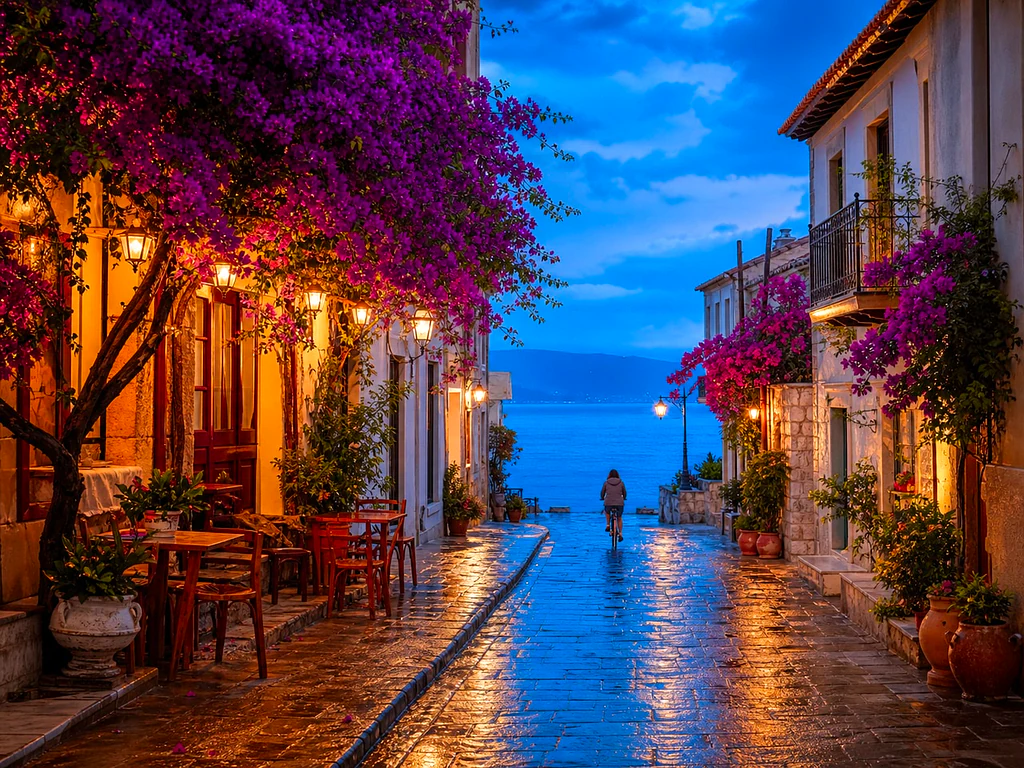
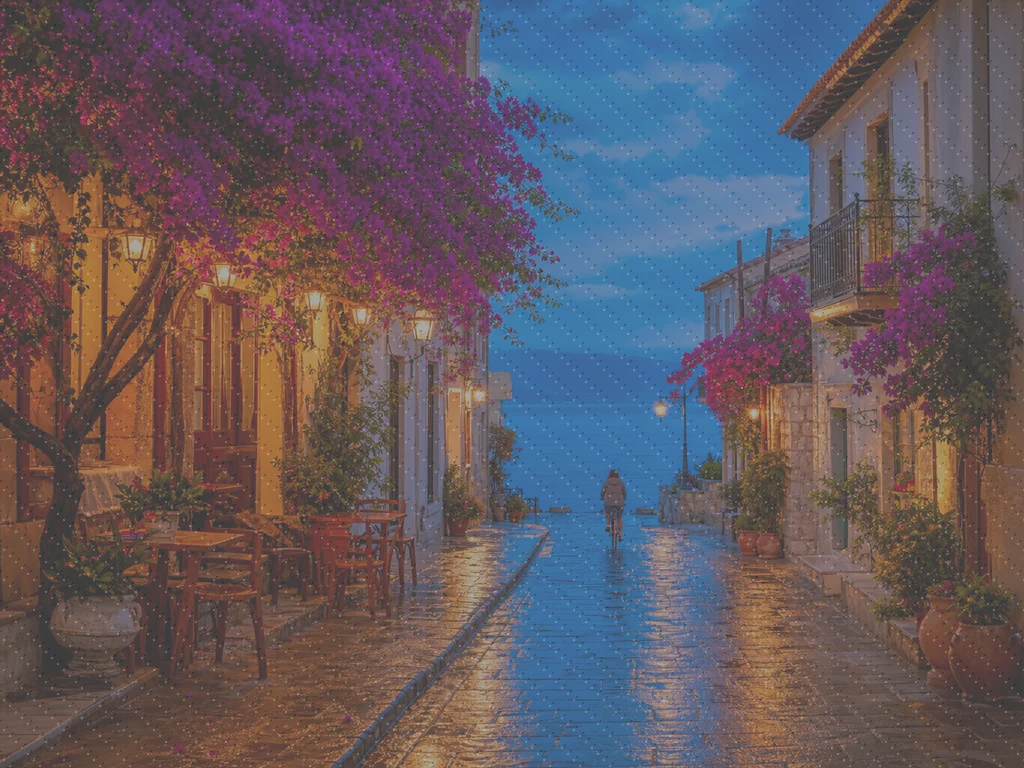
Thả ảnh mờ hoặc thiếu sắc nét vào — nhận lại phiên bản sắc nét, sống động
Mẹo để có kết quả tốt nhất
• Mức cường độ nhẹ trông tự nhiên nhất với ảnh chân dung
• Dùng thiết lập mạnh hơn với ảnh tối hoặc bị nhiễu hạt
• Bắt đầu từ bản gốc lớn nhất mà bạn có — bản sao đã được nén sẽ giới hạn những gì có thể phục hồi được
Về Công Cụ Nâng Cấp Ảnh AI
Our photo enhancer combines several fixes into one click: noise reduction, edge-aware sharpening, automatic brightness, contrast and color correction, and a 2x enlargement for small photos. It turns dull, dark or low-res phone photos into crisp, vivid images without any manual editing.
Cách hoạt động
1. Tải ảnh của bạn lên
2. The enhancer denoises, sharpens and fixes color
3. Điều chỉnh mức độ theo ý thích
4. Tải xuống kết quả đã nâng cấp
Hoàn hảo cho
• Ảnh điện thoại trông xỉn màu hoặc thiếu chiều sâu
• Ảnh tối, thiếu sáng và bị nhiễu hạt
• Ảnh cũ hoặc có độ phân giải thấp
• Ảnh sản phẩm, ảnh đăng bán và ảnh mạng xã hội
Bạn có thể làm gì với Công Cụ Nâng Cấp Ảnh AI
Xem lại các khả năng chính trước khi bạn bắt đầu.
- Cứu một bức ảnh khi không còn cơ hội chụp lại
- Khử nhiễu và hạt sạn khỏi ảnh chụp thiếu sáng
- Làm nét ảnh điện thoại bị mờ hoặc thiếu chi tiết
- Sửa ánh sáng thiếu sức sống và màu sắc nhạt nhòa
- Biến ảnh chụp nhanh có độ phân giải thấp thành hình ảnh sắc nét, sống động
- Điều chỉnh mức độ rõ rệt của hiệu ứng cải thiện
Tham khảo cài đặt
cài đặt 2
Các điều khiển có sẵn cho Công Cụ Nâng Cấp Ảnh AI.
- Chế độ xử lýCài đặt sẵn
- Xử lý một đầu vào hoặc chuyển sang chế độ theo lô của Premium để áp dụng cùng thiết lập cho nhiều đầu vào. Loại đầu vào được hỗ trợ tùy thuộc vào công cụ.Tùy chọn: Một ảnhHàng loạt
Điều chỉnh
- Mức độ nâng caoThanh trượtPhạm vi: 0–1 · Mặc định: 0.7
- Điều chỉnh mức độ của toàn bộ quá trình làm sạch một chạm (giảm nhiễu, làm sắc nét, tự động chỉnh màu và tăng cường chi tiết) từ Nhẹ đến Mạnh — để mức thấp cho ảnh chân dung tự nhiên, tăng lên với ảnh tối hoặc nhiễu hạt.
Các công cụ liên quan dành cho Công Cụ Nâng Cấp Ảnh AI
Công cụ dành cho các bước tiếp theo phổ biến sau Công Cụ Nâng Cấp Ảnh AI.

Cải thiện ảnh
Công cụ nâng cấp ảnh AI
Nâng cấp hình ảnh lên 2×, 3× hoặc 4× và xem lại kết quả nâng cao trước khi tải xuống.
Dùng thử ngay
Studio chụp chân dung & chân dung
Xóa Khuyết Điểm Da
Giảm các nhược điểm, đốm và vết thâm có thể nhìn thấy trong khi xem xét tác động lên kết cấu da xung quanh.
Dùng thử ngay
Studio chụp chân dung & chân dung
Làm Đẹp Khuôn Mặt
Áp dụng chức năng làm mịn da và điều chỉnh tông màu có thể điều chỉnh trong khi xem xét các chi tiết và góc cạnh của khuôn mặt.
Dùng thử ngayCâu hỏi thường gặp
Công Cụ Nâng Cấp Ảnh AI giúp bạn hoàn thành công việc như thế nào
Những vấn đề thực tế mà nó giải quyết hàng ngày — cho doanh nghiệp, người sáng tạo và các công việc hàng ngày. Tìm trường hợp sử dụng phù hợp với bạn và bắt đầu.
Cải thiện ảnh gia đình được quét
Đẩy thanh trượt cường độ Tăng cường về phía Mạnh trên các ảnh gia đình cũ được quét hoặc phai màu để xóa nhiễu và khôi phục chi tiết bị mất do thời gian, độ phân giải thấp hoặc bản quét gốc chất lượng kém.
Làm sắc nét ảnh sản phẩm trước khi đăng bán
Xử lý ảnh sản phẩm với mức cường độ Nhẹ để khắc phục hiện tượng mờ nhẹ và màu nhạt do camera điện thoại, mà không xử lý quá tay, giữ cho ảnh đăng bán trông chân thực và đáng tin cậy.
Làm sạch ảnh sự kiện và buổi hòa nhạc chụp thiếu sáng
Những ảnh tối, nhiễu hạt từ buổi hòa nhạc, tiệc tùng hay địa điểm thiếu sáng được khử nhiễu, làm sáng và làm nét chỉ với một cú nhấp — đẩy cường độ về phía Mạnh để khử nhiễu ấn tượng nhất.
Trau chuốt ảnh tin đăng bất động sản
Khử nhiễu, làm nét và chỉnh màu chỉ với một cú nhấp giúp biến ảnh nội thất, ngoại thất chụp bằng điện thoại bị phẳng hoặc tối thành ảnh đăng bán sắc nét, hấp dẫn hơn mà không cần cả quy trình chỉnh sửa ảnh phức tạp.
Chuẩn bị bản quét và ảnh chụp màn hình cho tài liệu
Vì nó hoạt động như một công cụ nâng cao ảnh nói chung, không chỉ ảnh chụp, hãy đưa các tài liệu đã quét, ảnh chụp bảng trắng hoặc ảnh chụp màn hình qua nó để làm sắc nét chữ và dọn sạch nhiễu nén trước khi chia sẻ hoặc lưu trữ.
Hướng dẫn cho công cụ này
- How to Improve Shopify Product Images in Bulk for Better ListingsImprove Shopify product images in bulk with Pixoate. Review backgrounds, detail, resolution and file size to create a clearer, more consistent catalogue.
- How to Improve Etsy Product Photos for Handmade and Custom ItemsImprove Etsy photos of handmade and custom products with Pixoate. Show texture, finishing and personalisation clearly without changing the real item.
Ngắm nhìn từng vùng đất chuyển hóa
Mỗi bức ảnh đều vượt qua dấu gạch chéo và đi ra phía bên kia.























