
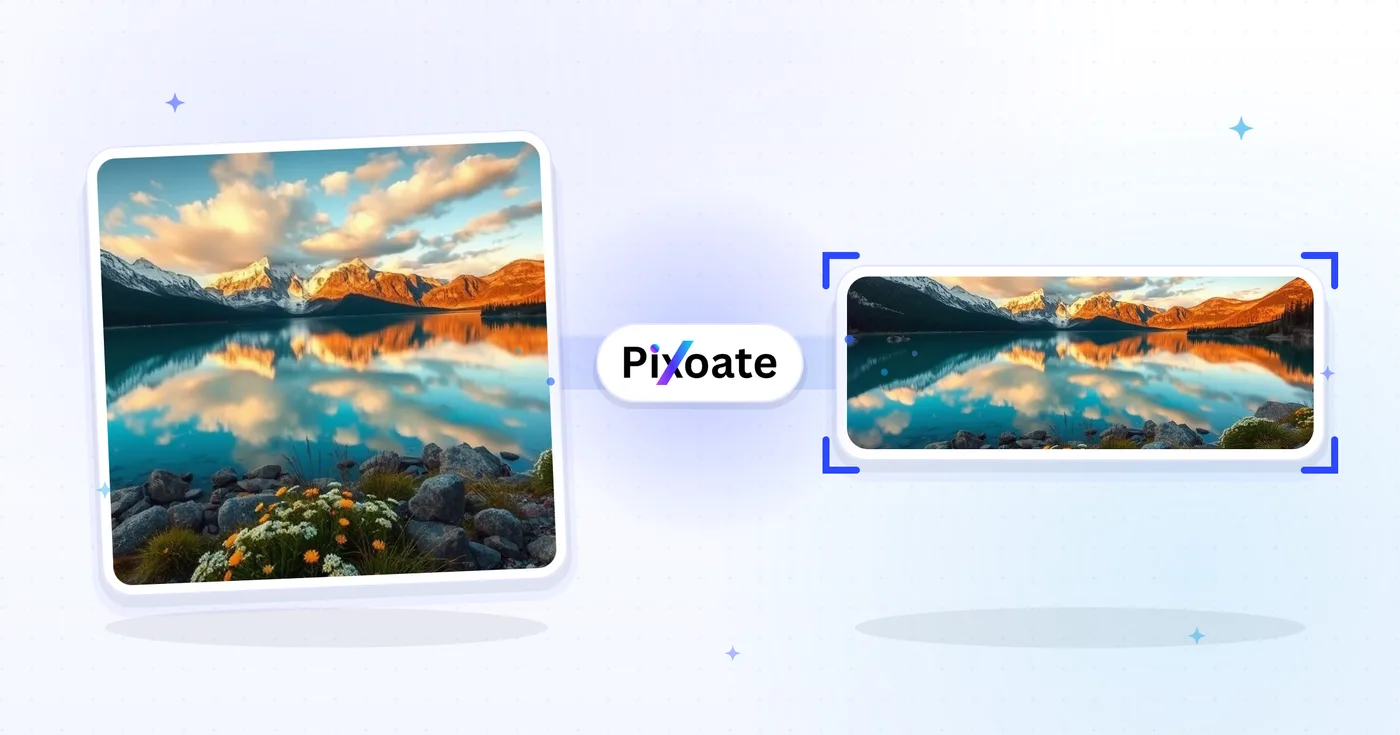
LinkedIn Photo Resizer — Hồ sơ 400×400 và Biểu ngữ 1584×396
Thay đổi kích thước ảnh cho ảnh hồ sơ LinkedIn của bạn (400×400) hoặc biểu ngữ (1584×396) hoặc chọn cài sẵn logo, bài đăng hoặc bài viết, định vị hình ảnh và tải xuống các kích thước đã chọn.
Thả ảnh vào — chọn kích thước banner, ảnh đại diện hoặc bài đăng
Kích thước ảnh LinkedIn
Chọn từ các cài đặt trước bìa cá nhân, bìa công ty và bài đăng được liệt kê, sau đó chọn cách hình ảnh phù hợp với canvas mục tiêu. Yêu cầu về nền tảng có thể thay đổi, vì vậy hãy xác nhận hướng dẫn hiện tại của LinkedIn trước khi xuất bản.
Bạn có thể làm gì với Công cụ chỉnh kích thước ảnh LinkedIn
Xem lại các khả năng chính trước khi bạn bắt đầu.
- Thay đổi kích thước ảnh thành banner LinkedIn 1584×396
- Chỉnh kích thước hình ảnh cho ảnh đại diện và logo công ty
- Chỉnh vừa hình ảnh cho bài đăng và ảnh bìa bài viết LinkedIn
- Xem trước vùng an toàn trước khi xuất ảnh
- Lấp đầy các mép trống bằng màu nền do bạn chọn
- Xuất thành JPG, PNG hoặc WebP với chất lượng bạn chọn
Tham khảo cài đặt
cài đặt 8
Các điều khiển có sẵn cho Công cụ chỉnh kích thước ảnh LinkedIn.
- Chế độ xử lýCài đặt sẵn
- Xử lý một đầu vào hoặc chuyển sang chế độ theo lô của Premium để áp dụng cùng thiết lập cho nhiều đầu vào. Loại đầu vào được hỗ trợ tùy thuộc vào công cụ.Tùy chọn: Một ảnhHàng loạt
Kích thước
- Kích thước LinkedInCài đặt sẵn
- Chọn vị trí trên LinkedIn mà bạn sắp đăng; kích thước pixel chuẩn cho vị trí đó (ví dụ ảnh bìa cá nhân 1584×396, ảnh bài đăng 1200×627) sẽ được áp dụng tự động.Tùy chọn: Băng rôn cá nhânẢnh bìa công tyẢnh đại diệnLogo công tyLogo vuôngĐăng ảnhẢnh bìa bài viếtẢnh bìa sự kiện
Kết quả
- Vừa khungCài đặt sẵn
- Choose how the photo fills the target size: Cover crops to fill edge-to-edge, Contain keeps the whole image with padded space. To force the exact size instead, untick Maintain aspect ratio; that may distort.Tùy chọn: Ảnh bìaVừa khung
- NềnBộ chọn màu
- Đặt màu lấp khoảng trống quanh ảnh dùng kiểu vừa khung Contain; mặc định là xanh LinkedIn nhưng có thể đổi theo bất kỳ màu thương hiệu nào. Bị ẩn với PNG vì định dạng này giữ khoảng trống đó trong suốt.
- Định dạngDanh sách thả xuống
- Chọn định dạng tệp đầu ra: JPG cho ảnh chụp, PNG cho nền trong suốt, WEBP hoặc AVIF cho tệp nhẹ hơn khi bạn tự lưu trữ ảnh.Tùy chọn: JPGPNGWEBPAVIF
- Chất lượngThanh trượtPhạm vi: 40–100% · Mặc định: 92%
- Điều chỉnh mức nén cho đầu ra JPG, WEBP và AVIF; giá trị cao giúp chữ và logo sắc nét hơn, giá trị thấp giúp giảm dung lượng tệp. Không hiển thị với PNG vì định dạng này luôn không mất dữ liệu.
Xem trước
- Hiển thị vùng an toànBật / Tắt
- Xuất hiện ở mẫu Ảnh đại diện: phủ lên vùng cắt tròn mà LinkedIn thực sự hiển thị, làm mờ các góc vuông sẽ bị cắt để bạn giữ khuôn mặt hoặc logo nằm gọn bên trong.
Mở rộng ảnh bằng AI
- Mở rộng nền bằng AIMột cú nhấp
- Mở rộng khung cảnh theo kích thước đã chọn bằng AI mà vẫn giữ ảnh nguồn đã chuẩn bị. Bản tải về miễn phí ở kích thước web. Premium hoặc tín dụng mở khóa độ phân giải đầy đủ. Các tỷ lệ được hỗ trợ yêu cầu giữ nguyên tỷ lệ khung hình. Ở chế độ Hàng loạt, mọi ảnh trong hàng đợi đều được mở rộng và xuất theo kích thước và định dạng bạn đã chọn.
Các công cụ liên quan dành cho Công cụ chỉnh kích thước ảnh LinkedIn
Công cụ dành cho các bước tiếp theo phổ biến sau Công cụ chỉnh kích thước ảnh LinkedIn.

Xuất bản xã hội
Đổi kích thước Facebook
Thay đổi kích thước hình ảnh cho kích thước ảnh bìa, hồ sơ và bài đăng được liệt kê trên Facebook với các điều khiển vừa vặn và điền vào.
Dùng thử ngay
Xuất bản xã hội
Đổi kích thước hình ảnh X / Twitter
Thay đổi kích thước hình ảnh cho các kích thước tiêu đề, hồ sơ, bài đăng, thẻ và quảng cáo X được liệt kê.
Dùng thử ngay
Máy phát điện kinh doanh
Công cụ tạo danh thiếp
Chọn bố cục danh thiếp, đặt nội dung và màu sắc, đồng thời tải xuống bản PDF A4 10 trang để in.
Dùng thử ngayCâu hỏi thường gặp
Công cụ chỉnh kích thước ảnh LinkedIn giúp bạn hoàn thành công việc như thế nào
Những vấn đề thực tế mà nó giải quyết hàng ngày — cho doanh nghiệp, người sáng tạo và các công việc hàng ngày. Tìm trường hợp sử dụng phù hợp với bạn và bắt đầu.
Banner thương hiệu cá nhân & tìm việc
Người tìm việc và những người xây dựng thương hiệu cá nhân tạo ra các banner LinkedIn nhằm củng cố tiêu đề hồ sơ, ngành nghề mục tiêu và tình trạng sẵn sàng làm việc hiện tại — điều đầu tiên mà nhà tuyển dụng nhìn thấy
Banner hồ sơ nhà sáng lập & lãnh đạo
Nhà sáng lập startup, CEO và lãnh đạo đăng banner phô bày logo công ty, sản phẩm đang ra mắt và sự ghi nhận từ nhà đầu tư để tăng độ nhận diện với các bên liên quan
Biểu ngữ chủ đạo cho trang công ty
Đội ngũ marketing thiết kế ảnh bìa trang công ty với ảnh chụp sản phẩm mới nhất, logo khách hàng và giải thưởng Glassdoor để biến lượt ghé thăm hồ sơ thành người theo dõi và ứng viên
Banner diễn giả và tác giả hội nghị
Hoán đổi biểu ngữ loa hoặc podcast cho phần hiện tại mà không phải xây dựng lại bố cục mỗi lần
Banner cho nhà tuyển dụng & quản lý tuyển dụng
Các nhà tuyển dụng đăng banner quảng bá vị trí đang tuyển, phúc lợi thương hiệu tuyển dụng và ảnh đội ngũ để biến lượt xem hồ sơ thành đơn ứng tuyển và tin nhắn từ ứng viên
Biểu ngữ bán hàng và phát triển kinh doanh
Các BDR, chuyên viên kinh doanh và lãnh đạo bán hàng dùng banner để làm nổi bật giá trị cốt lõi của sản phẩm, logo khách hàng trong case study và lời kêu gọi hành động rõ ràng dành cho khách hàng tiềm năng
Ảnh hồ sơ LinkedIn an toàn khi bị cắt
Chọn preset ảnh đại diện và bật lớp phủ Vùng An toàn để thấy chính xác góc nào sẽ bị vùng cắt hình tròn của LinkedIn cắt bỏ, để khuôn mặt và logo không bao giờ bị cắt sau khi bạn đăng.
Ảnh bìa sự kiện webinar & gặp gỡ
Dùng preset ảnh bìa Sự kiện (1776×444) với kiểu vừa khung Chứa trọn và nền màu thương hiệu để ngày webinar, tên diễn giả và logo của bạn luôn hiển thị đầy đủ thay vì bị cắt bởi cơ chế cắt sự kiện của LinkedIn.
Một logo, mọi vị trí trên LinkedIn
Xuất cùng một nhãn hiệu thương hiệu thông qua các cài đặt trước logo Công ty (300×300) và Logo hình vuông (60×60) với màu nền phù hợp, sau đó xem xét từng kích thước trong LinkedIn.
Tải nhanh LinkedIn
Xuất ảnh Bài đăng và kích thước ảnh bìa Bài viết dưới dạng WebP hoặc AVIF ở chất lượng 85%+ khi bạn tự lưu trữ đồ họa, giữ thời gian tải nhanh mà không mất độ sắc nét ở văn bản hoặc logo.
Ngắm nhìn từng vùng đất chuyển hóa
Mỗi bức ảnh đều vượt qua dấu gạch chéo và đi ra phía bên kia.























