Cách hoạt động
Upload a photo where someone blinked. AI draws natural open eyes on each clear face to suit the face and the light, then places only the face back onto your photo, so hair, clothing and background stay as you shot them.


Rescue the shot where someone blinked by opening their eyes with AI.
Xem lại các khả năng hiệu ứng có sẵn trước khi bạn bắt đầu.
Upload a photo where someone blinked. AI draws natural open eyes on each clear face to suit the face and the light, then places only the face back onto your photo, so hair, clothing and background stay as you shot them.
Upload a photo, adjust the Open Closed Eyes intensity, compare its processed preview with the source, and download the finished result.
Use the intensity control to balance the Open Closed Eyes treatment with the detail and character of your original photo.
A reduced Open Closed Eyes preview keeps adjustments responsive. Free downloads are clean and web-size; Premium or a credit unlocks the original resolution.
Open Closed Eyes uploads are processed on secure servers and automatically removed under the normal Pixoate retention policy.
Upload a photo where someone blinked. AI draws natural open eyes on each clear face to suit the face and the light, then places only the face back onto your photo, so hair, clothing and background stay as you shot them.
Open Closed Eyes uses an AI action. Any separate allowance is shown before this effect starts processing.
wedding portraits, family photos, team shots and solo portraits where one frame is perfect apart from a blink, with faces sharp and turned towards the camera.
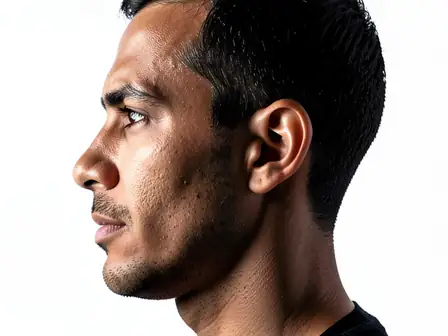
Ít phù hợp hơn với: side profiles, faces covered by hands or sunglasses, very small faces, and large group shots, where some blinks may stay closed.
Công cụ dành cho các bước tiếp theo phổ biến sau Hiệu ứng ảnh.
Sáng tạo & Thiết kế
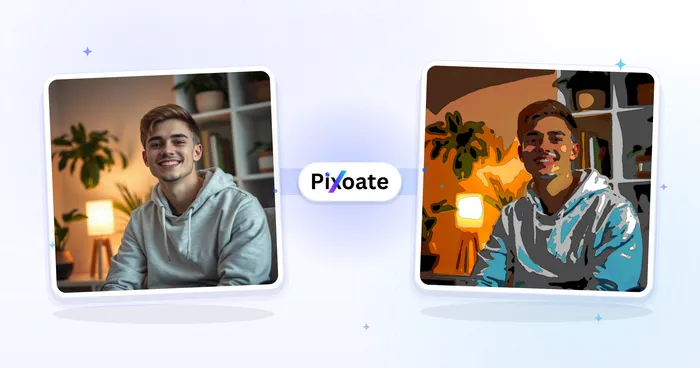
Biến một bức ảnh thành tác phẩm nghệ thuật cổ điển, truyện, nhãn dán, màu nước hoặc phim hoạt hình tùy chỉnh với các hướng dẫn AI có thể chỉnh sửa.
Dùng thử ngaySáng tạo & Thiết kế
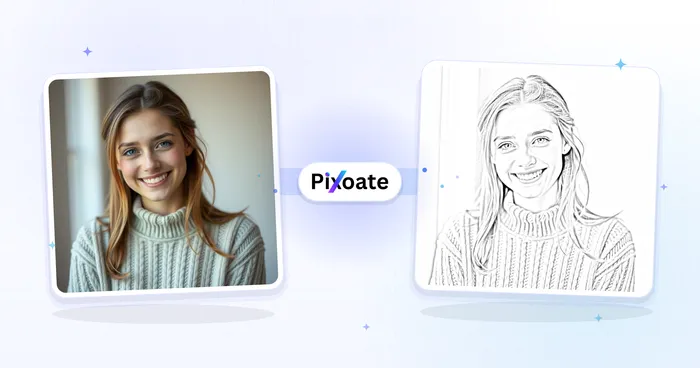
Chuyển đổi ảnh thành ảnh theo phong cách phác thảo bằng bút chì và điều chỉnh độ sâu của bóng trước khi tải xuống.
Dùng thử ngayChỉnh sửa ảnh & Tiện ích
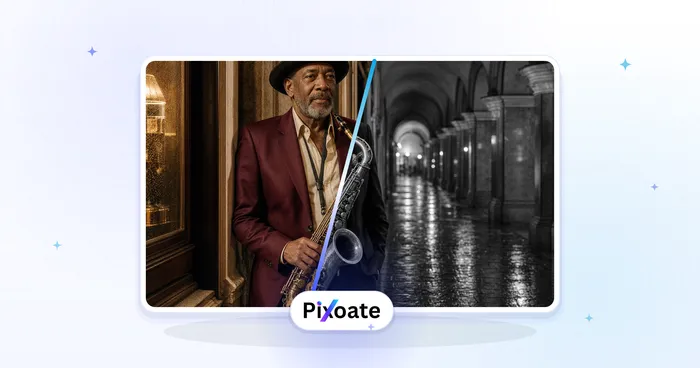
Chuyển hình ảnh sang đen trắng. Điều chỉnh cường độ và xem trước kết quả.
Dùng thử ngayLựa chọn có hiệu ứng mạnh nhất dẫn đầu đai này trước phần còn lại của danh mục.