
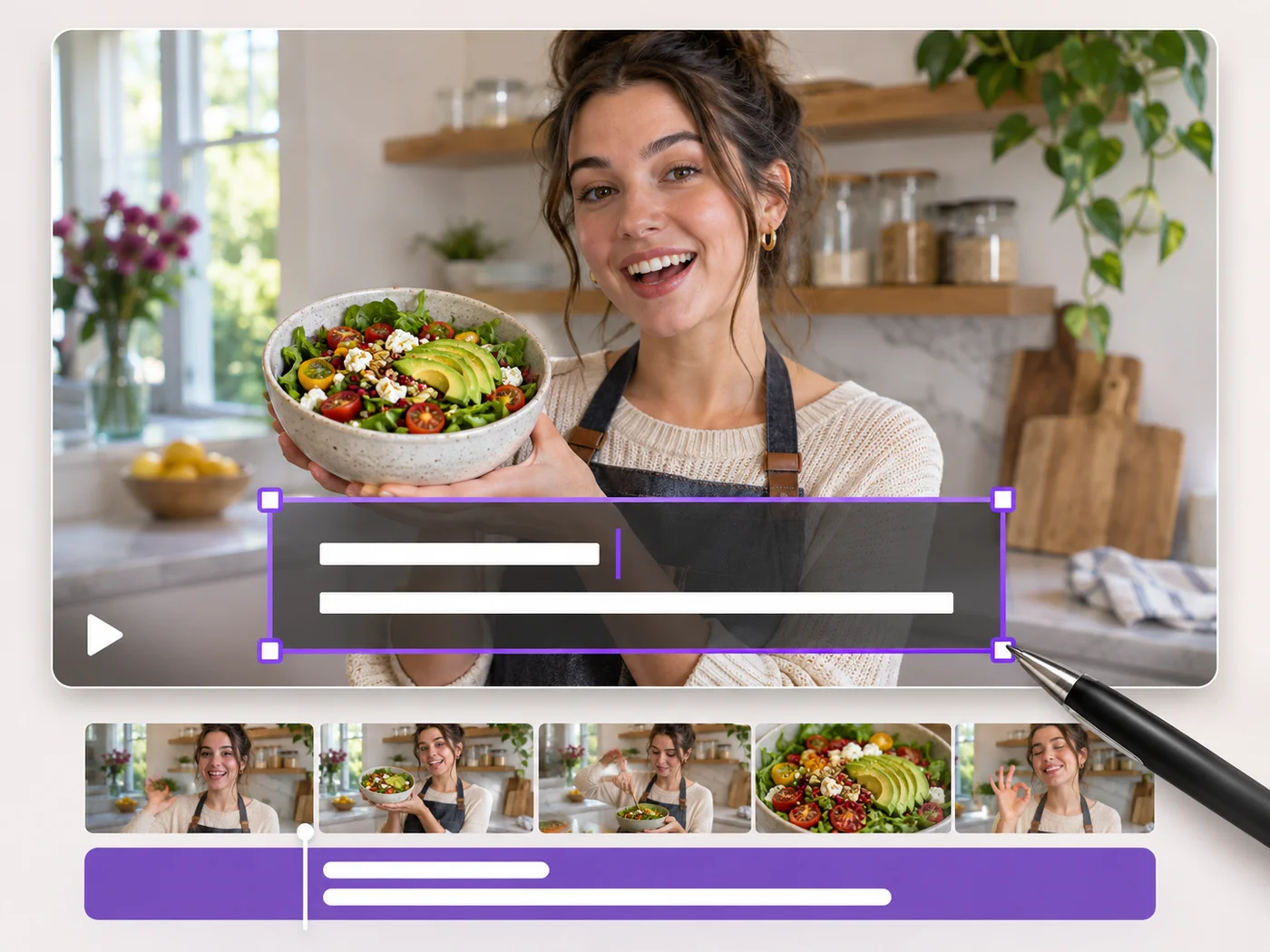
Illustrative preview
Add Text to Video — Titles, Captions and Labels
MP4, MOV, WebM · Free short clips at web size · No watermark
Write on your video in many fonts, with colors, outlines and backgrounds. Drag the text where you want it and see it on the video before you export.
- Many fonts, colors, outlines and backgrounds
- Drag and resize text right on the video
- Text stays on screen for the whole video
Upload your video
MP4, MOV, WebM · Checking your upload limit…
Files are uploaded for processing. Uploads and finished videos are automatically deleted within 24 hours.
How to add text to a video
- Upload your video.
- Type your text and choose a font, size and color.
- Drag the text into place on the video.
- Press Add text to video and download your MP4.
Titles and labels that stay readable
Add a title to a clip, label a product, or put your handle on a video. An outline or a background behind the text keeps it readable over busy footage.
Questions about this tool
Can I add more than one text to a video?
Yes. Press Add text for each new title or label, and style each one separately.
How long does the text stay on screen?
The text shows for the whole exported video. Trim the video in the same step if you want a shorter clip.
Can I add text to a portrait video?
Yes. Text works on portrait, landscape and square videos and keeps its place on the picture.
Is adding text to a video free?
Yes, with no watermark. Free exports are short clips at web size; paid plans export longer videos in Full HD and accept larger uploads.
为视频添加文字 相关工具
为视频添加文字 之后常见后续步骤的工具。
视频工具
视频特效
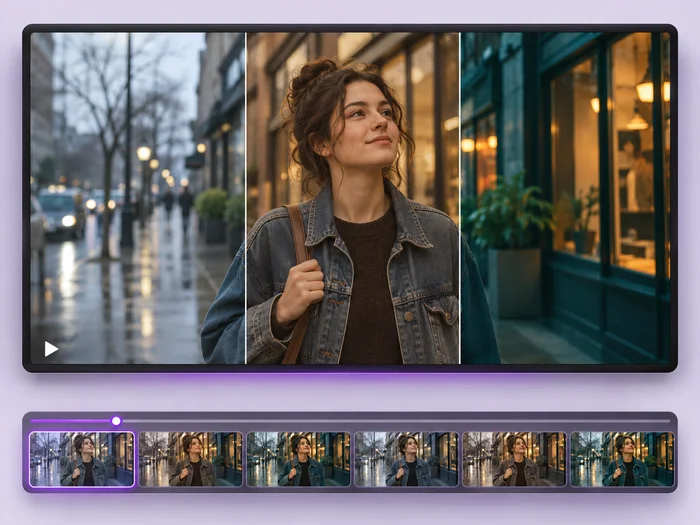
Give a video a new look: color filters, brightness and contrast, blur, speed changes and fade in or out. See every change live before you export.
立即试用
视频工具
视频编辑器
Make every common edit in one go: cut, crop, rotate, flip, add text and effects, change speed, then resize or compress. Preview it all before you export.
立即试用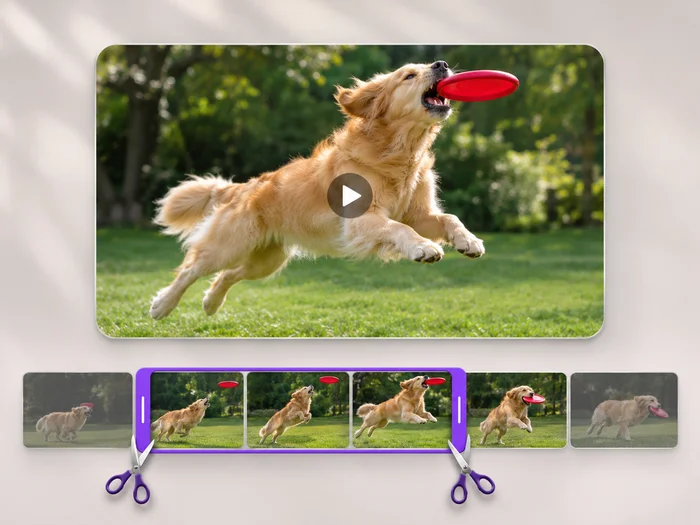
视频工具
视频时长裁剪
Cut the start, the end or a section from the middle of your video. Preview the exact part you keep, then download an MP4 without a watermark.
立即试用






















