
Illustrative preview
Crop Video Online — Keep Only the Area You Want
MP4, MOV, WebM · Free short clips at web size · No watermark
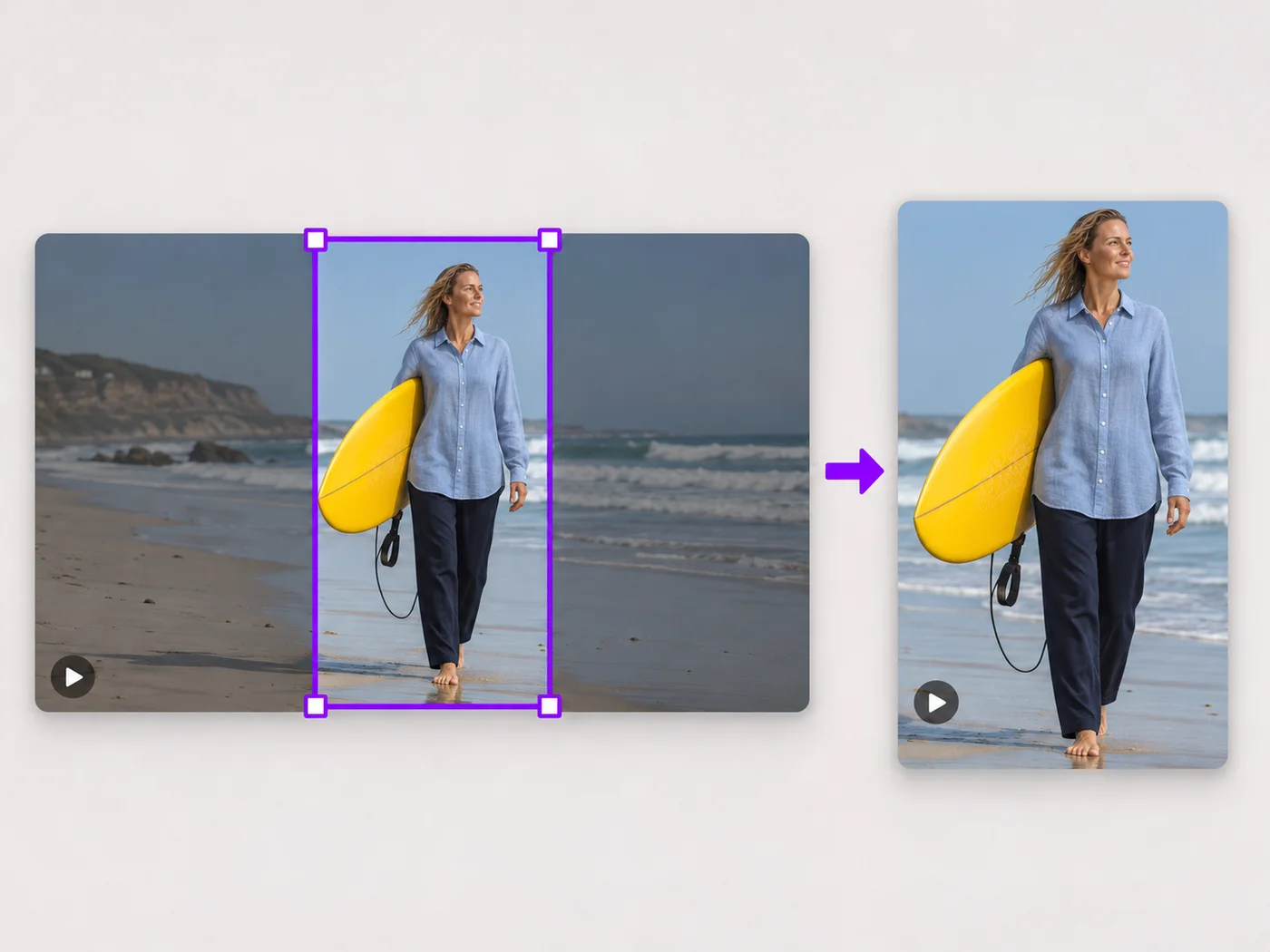
Drag a box over your video to cut away edges, black bars or anything in the background. Lock it to square, vertical or wide for social posts.
- Drag the box or its corners to choose the area
- Square, vertical, wide and 4:5 shapes
- Trim the length in the same step
Upload your video
MP4, MOV, WebM · Checking your upload limit…
Files are uploaded for processing. Uploads and finished videos are automatically deleted within 24 hours.
How to crop a video
- Upload your video.
- Drag the crop box, or choose a shape such as square or vertical.
- Play the video to check nothing important is cut off.
- Press Crop video and download your MP4.
Remove what you do not want in the frame
Cut off black bars from a screen recording, zoom in on the speaker, or reframe a landscape clip as a square or vertical video for social apps. The crop box shows exactly what stays.
Questions about this tool
How do I crop a video to a square?
Choose Square 1:1 under Shape, move the box over the part you want to keep, and press Crop video.
Can I remove black bars from a video?
Yes. Drag the edges of the crop box inside the bars so only the picture is kept.
Does cropping lower the quality?
The area you keep keeps its detail. Free exports are at web size; paid plans export in Full HD.
Is the video cropper free?
Yes, with no watermark. Free exports are short clips at web size; paid plans export longer videos in Full HD and accept larger uploads.
视频画面裁剪 相关工具
视频画面裁剪 之后常见后续步骤的工具。
视频工具
视频尺寸调整
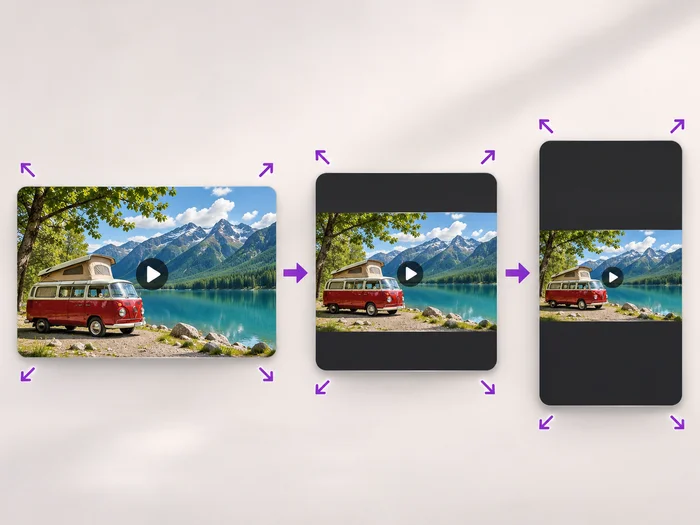
Scale a video down to a smaller size, or set an exact width and height and choose whether to add bars, fill the frame or stretch.
立即试用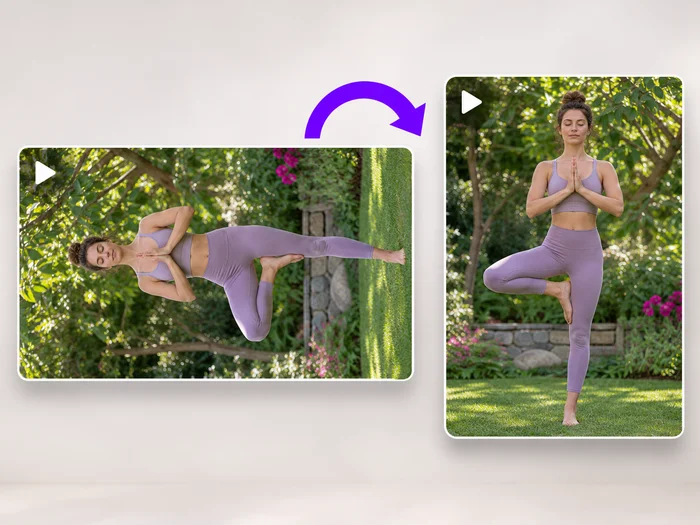
视频工具
视频旋转
Turn a video 90 degrees left or right, or 180 degrees, so it plays the right way up on every phone and computer.
立即试用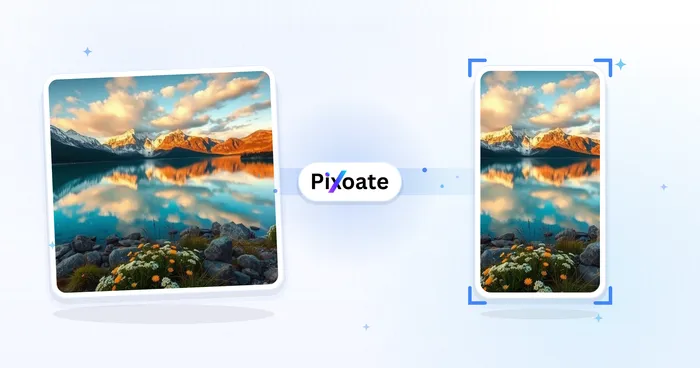
社会出版
横竖屏视频转换器
在竖屏、横屏、方形和自定义尺寸之间转换视频。保留完整画面、裁剪或添加背景,并免费下载无水印 MP4。
立即试用






















