图片对比滑块 - 前后图片对比工具

拖入两张图片并拖动滑块查看差异。支持横向或纵向,可左右互换,并将并排合成图导出为 PNG。

之前

拖入「之前」的图片

之后

拖入「之后」的图片

文件在处理后自动删除通过 HTTPS 安全处理

Frequently Asked Questions

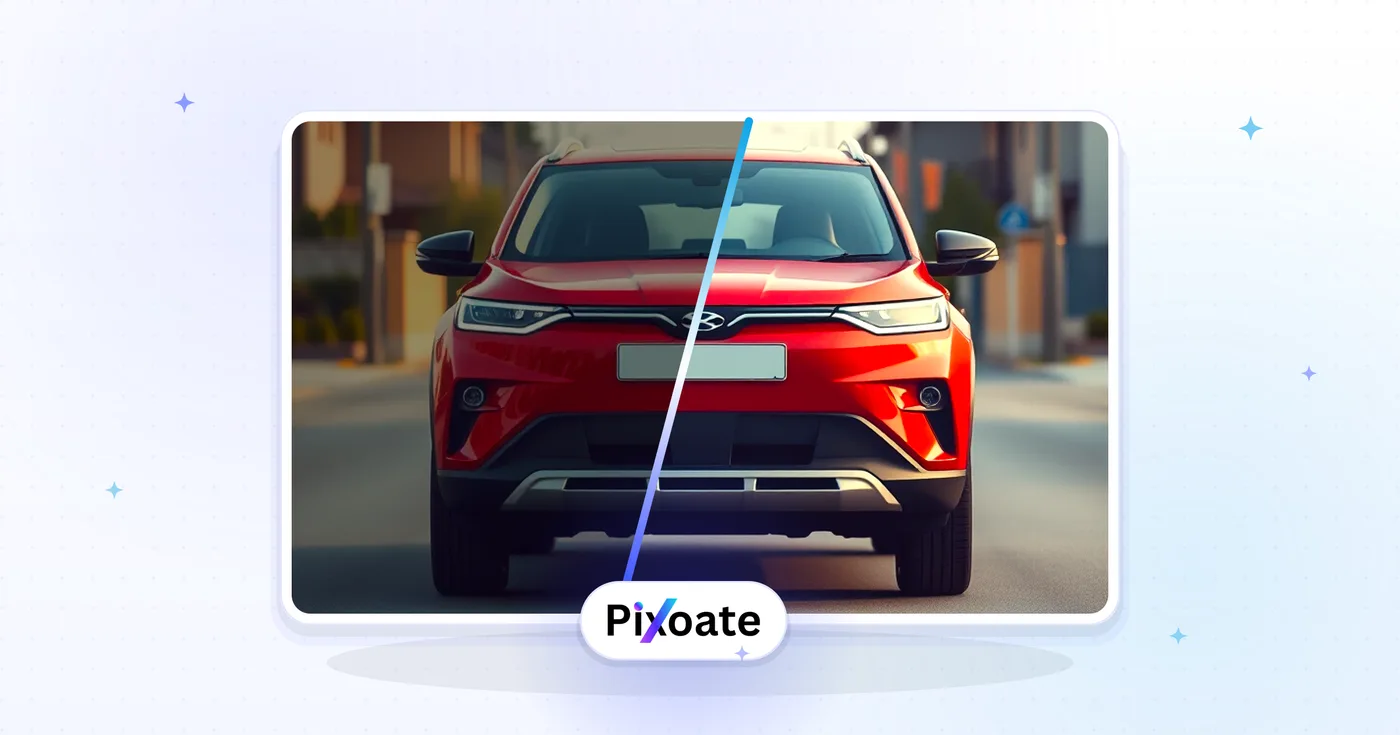
上传两张尺寸相同的图片,工具会用一个可拖动的滑块将它们叠加。向左滑动显示修改前图像,向右滑动显示修改后图像——非常适合展示修图、精修、减肥、装修、设计迭代和 AI 生成的效果对比。

usage

可以。将滑块导出为自动循环滑动的 MP4 或 GIF 动图——非常适合用于 Instagram、TikTok、X 和 LinkedIn 等观众无法拖动滑块的帖子。帧率和时长均可配置。

features

理想情况下是的,因为滑块是逐像素进行对比的。当两张图尺寸不同时,工具会自动裁剪或缩放第二张图以匹配第一张,并保持宽高比,从而确保对比准确。

technical

JPEG、PNG、WebP、GIF 和 HEIC 均可接受。导出的视频采用 H.264 MP4 以实现最大兼容性,导出的 GIF 文件足够小,便于快速分享到社交平台。

compatibility

The side-by-side comparison preview happens in your browser, but exporting the composite uploads both images to our secure server so the final file can be rendered; they are deleted automatically afterward and never shared or used to train models. For strictly confidential material where no upload is acceptable, capture a screenshot of the on-screen preview instead of using Export.

privacy

可以。复制生成的 HTML 代码片段,并将其粘贴到 WordPress、Webflow、Squarespace、Shopify 或任何静态网站中。该嵌入代码无依赖、适配移动端,且无需外部 JavaScript 库即可运行。

web

Use the Orientation control in the Compare panel to toggle between Horizontal (left-right swipe, best for landscape photos and side-by-side layouts) and Vertical (top-bottom swipe, better for tall portrait shots or before/after height comparisons like renovations or growth photos).

features

Split % sets where the divider line sits between the before and after image, from 0 (all after visible) to 100 (all before visible) — it defaults to 50 for an even split. Move it toward one side if you want more of a specific image visible in the exported composite, for example 70 to emphasize the "after" result.

usage

Click the Swap button in the Compare panel to instantly exchange the before and after images without re-uploading — handy if you dropped them in the wrong order or want to flip the reveal direction for a different visual effect.

usage

For a full-room renovation, Vertical orientation at a 50% split works well since it lets viewers compare top-to-bottom detail like flooring and ceiling changes. For side-by-side furniture or color changes, Horizontal orientation at a 40–60% split (favoring whichever image has the more striking result) tends to draw the eye most effectively.

tips

How Image Compare helps you get it done

Real problems it solves every day — for businesses, creators, and everyday tasks. Find the use case that fits you and start in seconds.

For Creators

照片编辑前后对比展示

摄影师、修图师和 Lightroom 调色师用可拖动的对比滑块向客户展示修图前后的效果,证明这笔修图费物有所值

For Creators

AI 图像生成对比

将 DALL-E、Midjourney、Stable Diffusion 和 Flux 的输出与原始提示词或参考图进行对比,直观展示提示词工程和模型质量上的差异

For Business

翻新与家居改造展示

承包商、建筑师和室内设计师在 Instagram、TikTok 和项目作品集网站上,用前后对比滑块展示厨房、卫浴和整屋翻新效果

Social Media

健身与减重前后对比

私人教练、健身指导和健身创作者发布 30 天、90 天和一整年的蜕变对比滑块,用于 Instagram Reels、TikTok 和 YouTube 吸引新客户

For Business

产品设计迭代与 A/B 测试

产品设计师、UX 团队和营销负责人在 Figma 评审、营销演示文稿和向干系人汇报时并排比较设计方案,从而更快做出决策

For Creators

修复与保护对比展示

艺术品修复师、老爷车精修师和照片修复专家用前后对比滑块直观展示其精心打磨的成果,从而印证工作的价值与价格

Real Estate

Real Estate Staging & Listing Comparisons

Show a room before virtual staging or a full flip renovation next to the after in listing photos and social posts — use Vertical orientation for tall room shots so buyers see floor-to-ceiling changes at a glance.

For Developers

Software UI Redesign Changelogs

Product and engineering teams compare an app's old interface against the redesigned one in release notes and internal design reviews, using the Split % slider to control exactly how much of each version is visible in the exported screenshot.

Personal Use

Skincare & Dental Treatment Progress

Dermatology clinics, orthodontists and skincare brands document treatment results with a clean before/after composite for patient consultations and clinic marketing — comparison and export happen entirely in-browser.

Education

Science & Classroom Demonstrations

Teachers export a before/after composite of a plant's growth, a chemistry reaction or an erosion experiment for a lesson slide or handout, switching orientation to match whichever axis the change happened along.