
Kontrollér transaktionerne på kontoudtoget uden at indtaste hver række manuelt
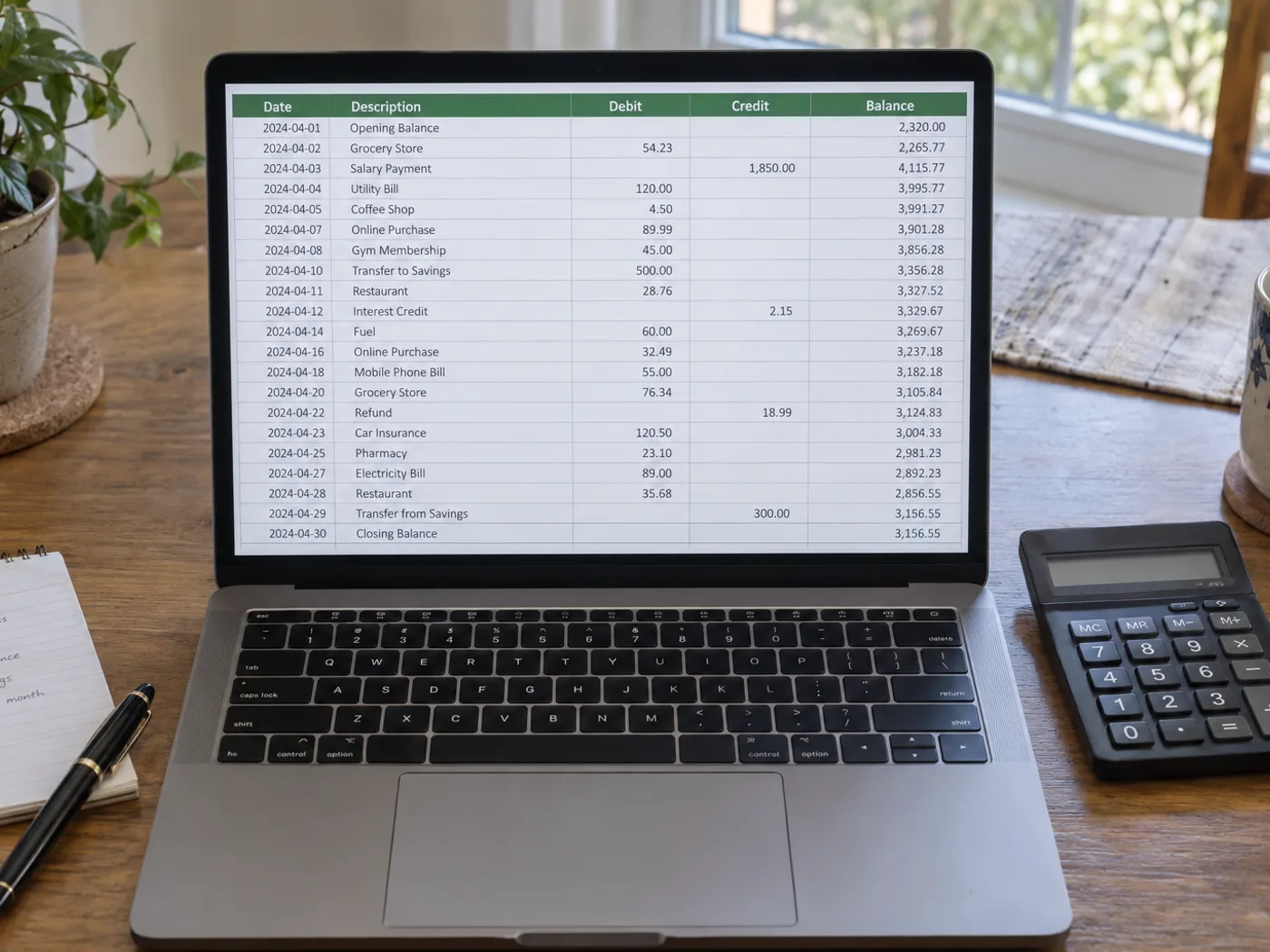
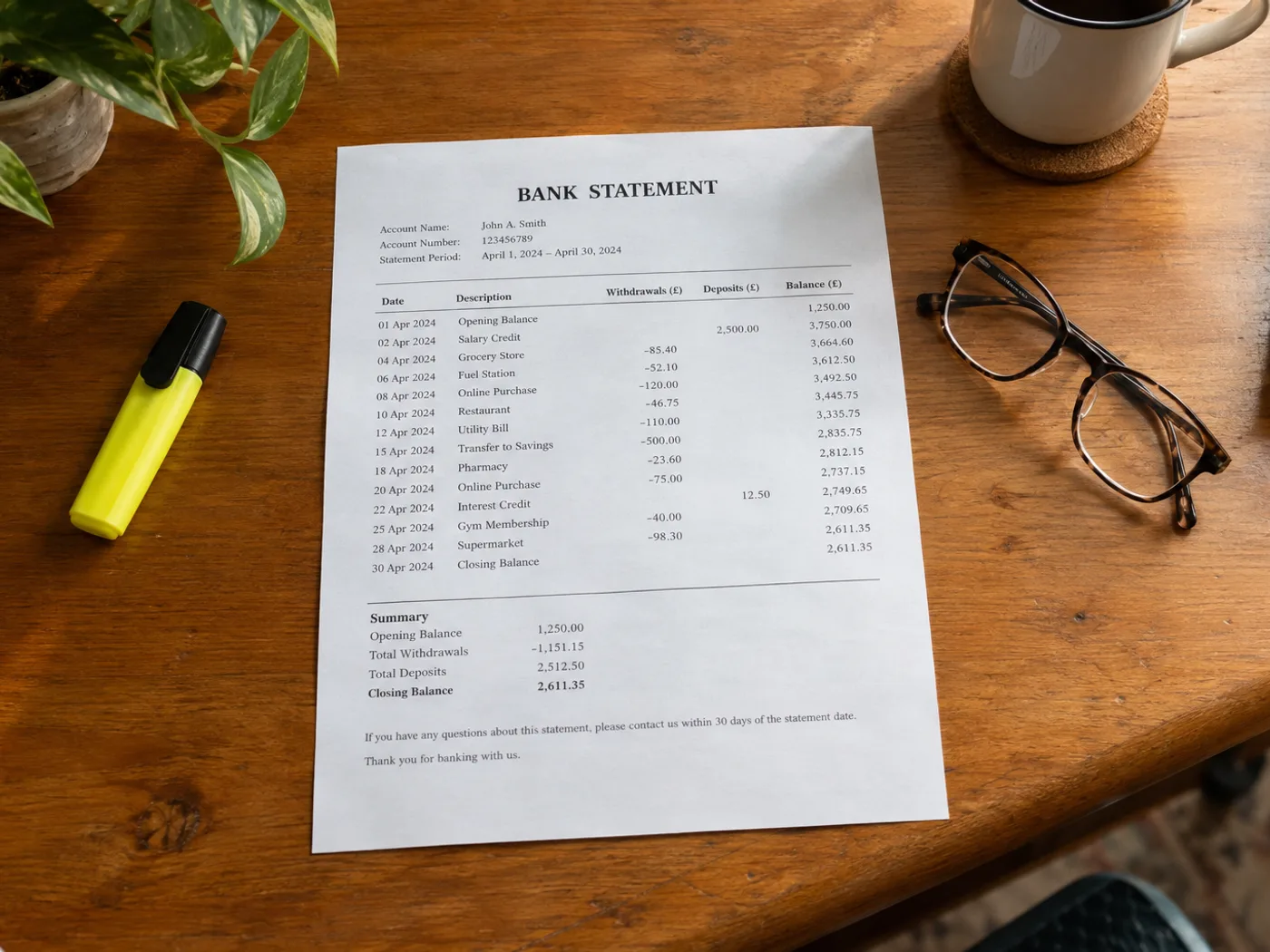
Læs transaktionstabellen fra et foto eller en scanning af et kontoudtog ind i Excel til manuel afstemning. Kontrollér debet- og kreditkolonner, datorækkefølge og løbende saldi; et læsbart regneark beviser ikke, at transskriptionen er korrekt.
Personlig kategorisering af transaktioner
Klargør gennemgåede rækker, før du tilføjer dine egne budgetkategorier. Bekræft, om hvert beløb er en indgående eller udgående betaling.
Sammenligning af poster på kontoudtoget med en hovedbog
Brug de udtrukne referencer og beløb som udgangspunkt for et manuelt match med de poster, du allerede vedligeholder.
Kontrollér symboler og datoer, før du afstemmer regnearket
- Vælg et billede af kontoudtoget med transaktionsoverskrifter og den relevante saldokontekst.
- Kontrollér alle datoer, beløbssymboler og referencer, og hold øje med beskrivelser, der ombrydes til en ny linje.
- Eksportér den rettede projektmappe, og afstem den med det oprindelige kontoudtog.
Bankadgang, debitmarkeringer og begrænsninger ved saldokontrol
- Opretter dette forbindelse til min bank for at hente transaktioner?
- Nej. Den behandler det billede af kontoudtoget, du uploader, og beder ikke om loginoplysninger til banken eller adgang til din bankkonto.
- Hvordan kontrollerer jeg fortegnene for debet og kredit i Excel-resultatet?
- Sammenlign kolonneoverskrifterne i kilden samt eventuelle minustegn eller parenteser. Bekræft retningen på hver transaktion, før du anvender dine egne formler.
- Kan jeg uploade min banks PDF-kontoudtog på denne side?
- Brug PDF til Excel til en eksisterende PDF. Denne billedarbejdsgang er beregnet til fotograferede, scannede eller skærmbilledebaserede kontoudtogstabeller.
- Kan konverteren bekræfte, at opgørelsen stemmer?
- Nej. OCR kan fejllæse beløb eller udelade rækker. Afstem totalerne uafhængigt, og bevar det originale kontoudtog som reference.


























