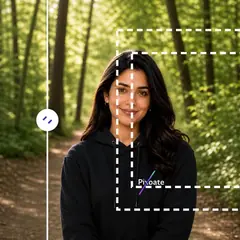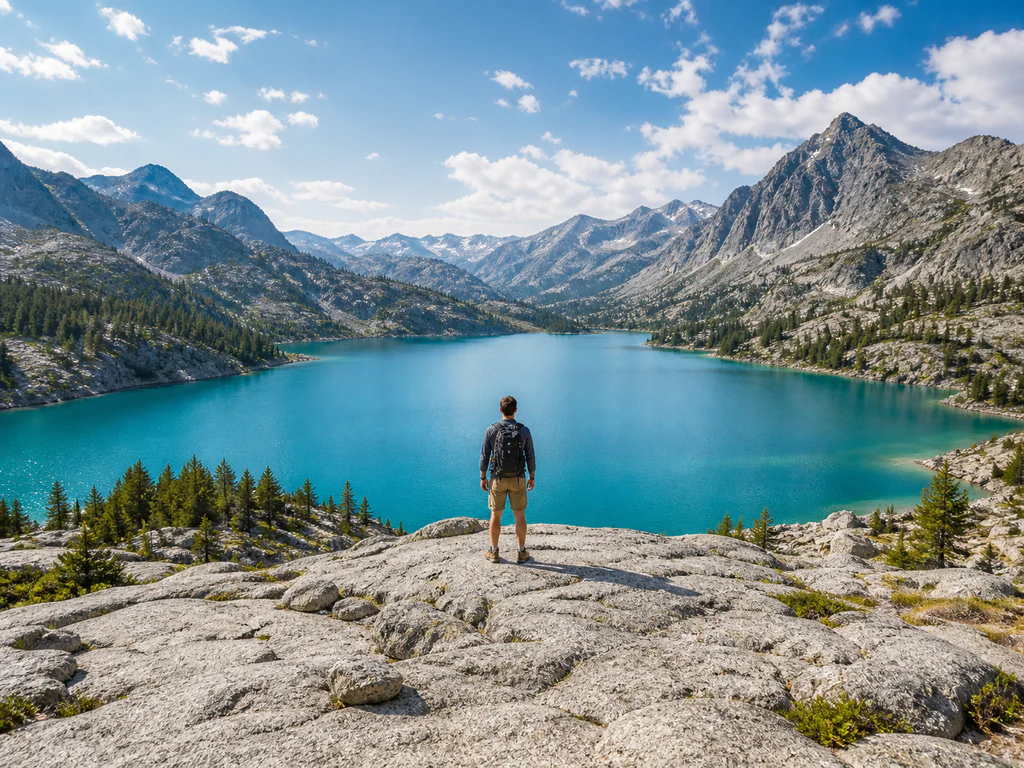
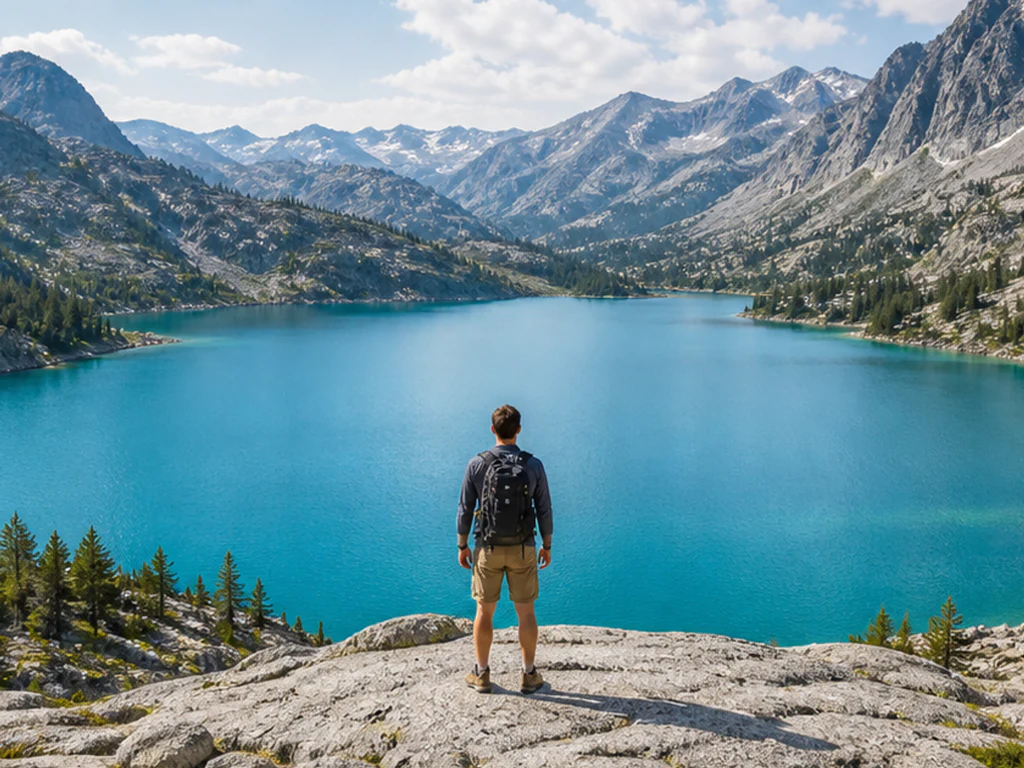
a tightly cropped travel photograph whose subject is cut close to all four edges; then Extend the scene naturally beyond the original frame with matching perspective, light, and texture.
Sesudah
Sebelum
Generative expand and uncrop

AI Image Expander — Extend and Uncrop Images Online

Upload a photo, choose the shape you need, and see the final canvas before you generate. The AI continues your scene outward while your original photo stays exactly as it is.

  • Live preview of the exact canvas you will get
  • Square, story, widescreen, and portrait ratios
  • Nothing is cropped, stretched, or letterboxed

One click, no prompt to write · AI results can vary

Choose the photo you want to expand

JPG, PNG, WebP, HEIC, and other supported image formats up to 50 MB.

Apa yang dapat Anda lakukan dengan Perluas Gambar dengan AI

Tinjau kemampuan utama sebelum Anda mulai.

  • Tinjau dan unduh gambar yang diedit
  • Tanpa instalasi — mulai mengedit langsung di browser Anda
  • Hasil download dalam resolusi tinggi
  • Bekerja dengan file JPG, PNG dan WebP

Referensi pengaturan

Kontrol yang tersedia untuk Perluas Gambar dengan AI.

Ukuran

Rasio aspekPreset
Pick the shape of the finished kanvas. The pratinjau shows that exact kanvas with Anda foto in Tempatkan and the area the AI Apakah buat shaded Di sekitar it, so Anda Lihat the framing Sebelum spending a pembuatan.Opsi: Kuadrat 1:1Lebar 16:9Cerita 9:16Potret 4:5Lanskap 5:4Potret 3:4Pemandangan 4:3
Gratis digunakan · Tanpa perlu mendaftar · Tanpa tanda airUnggahan dienkripsi saat transitDihapus berdasarkan kebijakan penyimpanan kami

Pertanyaan yang Sering Diajukan

Unggah foto Anda and pick the rasio aspek Anda need. The pratinjau immediately shows the exact kanvas akhir, with Anda foto in Tempatkan and the area the AI has to buat shaded Di sekitar it. Press busekaligus — there is no Prompt to write and no pengaturan to tune.

usage

No. Anda Lengkap foto is copied into the Lebih besar kanvas exactly as it is, and Saja the Baru area Di sekitar it is buatd. Nothing is cropped away, stretched, or padded with bars, which is what separates Ini from a plain Ubah Ukuran.

usage

Square 1:1, wide 16:9, story 9:16, Potret 4:5 and 3:4, and Lanskap 5:4 and 4:3. Each Satu shows its Nyata kanvas in the pratinjau Sebelum Anda buat. Choosing a ratio Anda foto already matches leaves nothing to Perluas, so the alat tells Anda and asks for a Berbeda Satu.

features

They are the same operation described from opposite directions. Expanding adds Baru Adegan beyond the current edges to reach a bigger kanvas; uncropping gives Kembali Ruang a tighter Pangkas removed. Keduanya run the same generative Perluasan Di sekitar Anda unchanged foto.

usage

Generative expansion is a Premium capability, and the upgrade options are shown before anything is generated, so nothing runs unexpectedly. Premium also covers AI scene extension on the resize and orientation tools and HD downloads.

pricing

The Baru area is invented from the Adegan it Dapat Lihat, so it is most reliable on Buka latar belakangs — Langit, walls, foliage, blurred depth — and least reliable where it has to continue faces, hands, Teks, logos, or strict architectural lines. Tinjau the outer edges Sebelum publishing, and Coba a Berbeda ratio if a specific side is where the trouble is.

troubleshooting

Hampir selalu ada satu dari tiga penyebab. Ukuran file melebihi batas unggahan gratis 11 MB — Premium menerima 50 MB dan Pro 120 MB. Formatnya mungkin tidak didukung alat ini; periksa daftar di panel unggahan. Atau isi file tidak sesuai dengan format pada namanya: mengganti nama tidak mengubah isi, sehingga gambar yang tampak valid ditolak.

troubleshooting

Ya — jika terdapat kontrol kekuatan atau intensitas, pengaturan default sengaja dibuat jelas agar Anda dapat melihat fungsi alat tersebut. Sebagian besar foto terbaca lebih baik di bawahnya. Turunkan kekuatannya hingga efeknya tampak seperti keputusan, bukan filter, dan bandingkan dengan yang asli sebelum Anda mengunduh.

troubleshooting

Unduhan Anda tidak pernah memiliki tanda air. Ini adalah kemampuan berbayar, dan dikatakan demikian sebelum Anda menggunakannya, bukan setelah Anda menyelesaikan pekerjaannya — itulah perbedaan keseluruhan dari alat yang memungkinkan Anda menyelesaikan dan kemudian melakukan ekspor di belakang pembayaran.

pricing

Tidak — AI Image Expander berjalan langsung di browser pada desktop dan ponsel. Tidak ada yang perlu diinstal, tidak ada uji coba yang perlu dimulai, dan tidak ada lisensi yang perlu dibeli sebelum Anda mengetahui apakah alat ini memenuhi kebutuhan Anda. Coba langsung pada file yang sedang Anda tangani, bukan pada contoh.

troubleshooting

Saksikan setiap transformasi selesai

Setiap foto crosses the slash untouched and comes out the other side finished.