
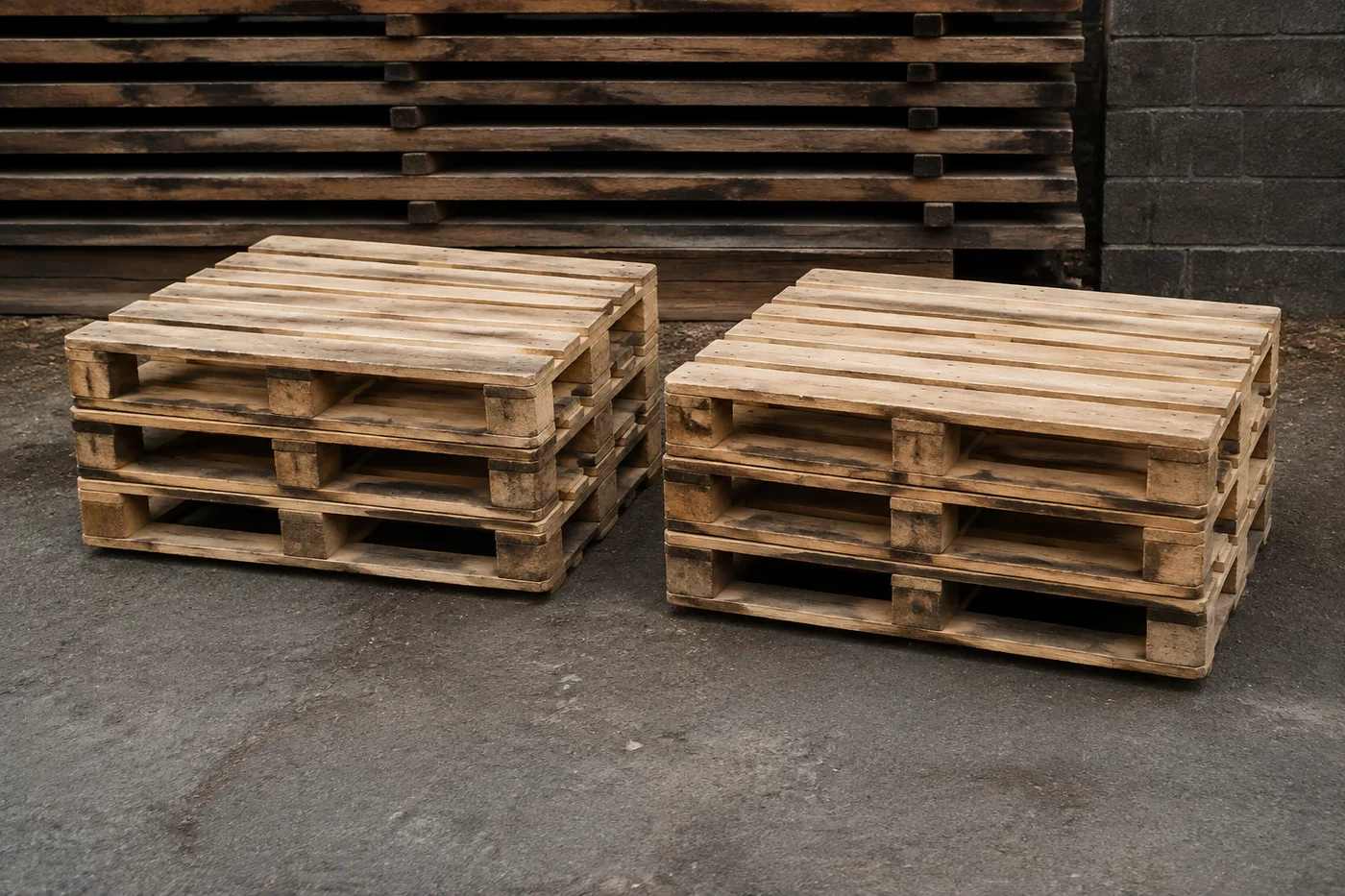
Hitung Palet dalam Foto — Penghitung Palet AI
Dapat digunakan dengan JPG, PNG, WEBP · Gratis hingga 20 MB, Premium 50 MB
Photograph the racking aisle, yard or trailer, upload the photo and review the tally markers against the photo. Built for empties tracking, yard audits and load checks.
- Tinjau foto, lalu hitung palet yang terlihat
- Upload a photo and get an automatic count
- Review the markers to catch pallets counted twice or missed
- Gratis digunakan · Tanpa perlu mendaftar · Tanpa tanda air
Unggah Gambar
Tips untuk hitungan yang akurat
• Gunakan foto yang terang dan merata, dengan seluruh palet berada di dalam bingkai
• Keep your pallets visible and avoid overlapping items
• Titik dan peta panas menunjukkan deteksi yang dipertahankan — tinjau dan perbaiki hasil hitungan
Tentang Penghitung Palet
The pallet counter counts visible pallets from your photo and marks detections for review. Counting starts automatically once the photo and item are ready. Visibility, overlap and similar-looking items can affect the total. Built for warehouses, hauliers and logistics yards.
Cara Kerjanya
1. Foto palet milik Anda
2. Upload your photo to count pallets automatically
3. Review the markers and correct the tally if needed
4. Tambahkan ke lembar tally dan ekspor hitungan Anda sebagai CSV
Cocok Untuk
• Pelacakan kemasan kosong dan pertukaran palet
• Audit halaman dan dermaga bongkar muat
• Draf muatan trailer yang telah ditinjau
• Pengecekan keterisian rak
Apa yang dapat Anda lakukan dengan Penghitung Palet
Tinjau kemampuan utama sebelum Anda mulai.
- Hitung palet di rak, pekarangan, dan trailer
- Audit stok gudang dari satu foto
- Lacak palet kosong dan kembalikan dengan cepat
- Opsional: tandai satu palet untuk menargetkan satu jenis
- Tinjau setiap penanda palet yang dihitung dalam overlay
- Gabungkan beberapa tembakan menjadi satu hitungan total
- Abaikan deteksi palsu kecil untuk akurasi
Referensi pengaturan
14 pengaturan
Kontrol yang tersedia untuk Penghitung Palet.
Unggah
- Foto tunggal / Audit MassalPreset
- Pilih jumlah foto tunggal atau audit massal Premium. Tinjau setiap hasil.Opsi: Foto tunggalAudit Massal
Jumlah
- Penanda yang disertakanPenggeserJangkauan: 0–1 · Bawaan: 0.21
- Dimulai dari 21%; geser ke Show more untuk menyertakan penanda yang lebih samar, atau Only strongest untuk menyembunyikannya.
- Gaya hamparanPreset
- Pilih titik, peta panas, keduanya, atau pratinjau bersih.Opsi: KeduanyatitikPanasTidak Ada
Lanjutan
- Overlay hasiltarik-turun
- Choose how count markers appear in the on-screen preview; the download keeps its own markers.Opsi: Titik + heatmapHanya titikPeta panas saja
Rekap
- Tambah ke tallySatu klik
- Add this count to the tally sheet under the name of the object that was counted. Signed-in accounts add finished counts automatically unless that is turned off under Account settings; in bulk mode every photo also has its own Add to tally button.
- LabelMasukan teks
- Rename a tally row. Edits and removals wait until you choose Save changes, so you can fix several rows at once.
- JumlahMasukan angka
- Correct a row's count; totals, the chart and exports follow once the change is saved.
- Save changesSatu klik
- Apply every edited or removed tally row in one step, or choose Discard changes to leave the sheet as it was.
Chart
- By objectPreset
- The chart is the same in every counting tool and covers the tallies of all of them. By object draws a separate line chart for each tally name, such as pipes and people. By tool draws a chart for each counting tool.Opsi: By objectBy tool
- PeriodePreset
- Choose how far back the chart looks. Days without a count appear as zero.Opsi: 7 days30 days90 days12 months
History
- Counting setupGaleri
- Keep comparable counts together. A first setup is created for you, so the first count can be saved straight away.
- Observed atMasukan teks
- The date and time of the count, shown as a date and a time field.
- NotMasukan teks
- Starts with every detected object and its count, one per line, such as Pipes - 11. Edit it before saving.
- Save countSatu klik
- Save the count to your account history. Open a saved count later to correct it or download its source photo.
Alat terkait untuk Penghitung Palet
Alat untuk langkah umum selanjutnya setelah Penghitung Palet.
Penghitungan & Inventaris
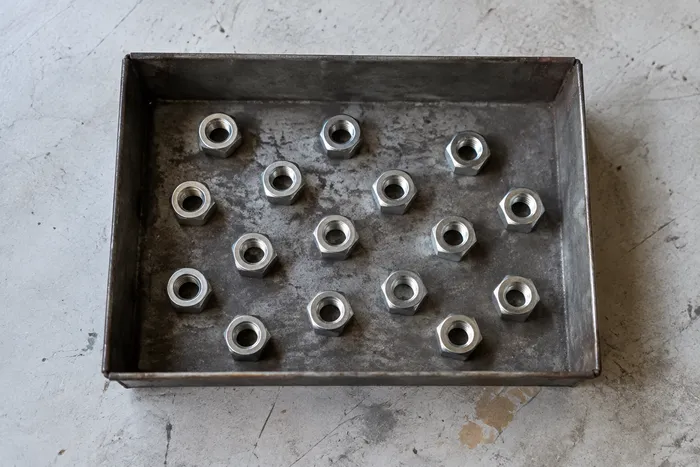
Penghitung Objek
Perkirakan jumlah objek dari sebuah foto. Tinjau dan koreksi penanda bernomor sebelum menggunakan jumlahnya.
Coba sekarang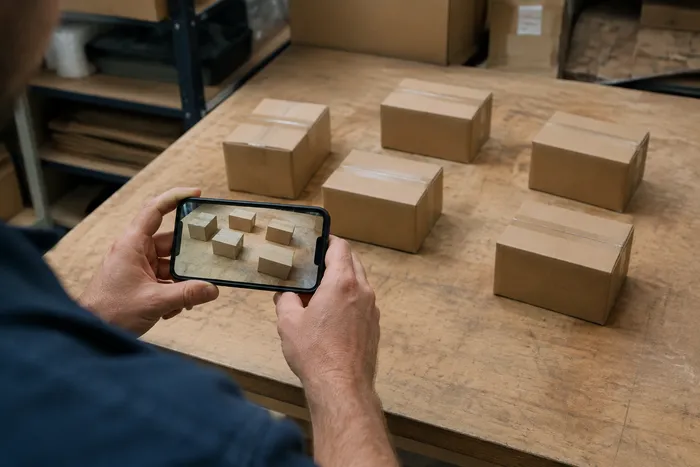
Penghitungan & Inventaris
Penghitung Objek Langsung
Arahkan ponsel Anda ke item yang terpisah dan terlihat sepenuhnya, lalu tinjau penanda detektor saat hitungan diperbarui secara real time.
Coba sekarang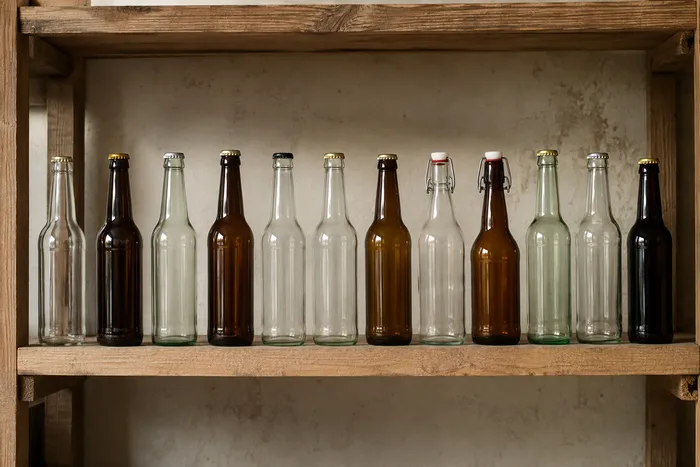
Penghitungan & Inventaris
Penghitung Botol
Hitung botol di rak, dalam krat, atau di ruang pendingin dari satu foto, dengan deteksi yang dihitung ditandai untuk ditinjau.
Coba sekarangPertanyaan yang Sering Diajukan
Bagaimana Penghitung Palet membantu Anda menyelesaikannya
Masalah nyata yang dipecahkannya setiap hari — untuk bisnis, kreator, dan tugas sehari-hari. Temukan kasus penggunaan yang cocok untuk Anda dan mulailah.
Rekonsiliasi Botol Kosong & Tukar Palet
For a split total, mark Satu example pallet per pass in the Examples pengaturan — Biru CHEP on Satu pass, Putih exchange on the next — and run a reviewed pass per type for reconciliation with hauliers.
Peninjauan Muat Keluar Trailer Sebelum Pengiriman
Foto trailer yang telah dimuat untuk mendapatkan draf berbantuan AI, lalu tinjau muatan secara fisik, perbaiki hitungan, dan selesaikan pemeriksaan manifes seperti biasa sebelum pengiriman.
Audit Halaman Multi-Lokasi dalam Satu Sesi
Buka Audit massal to run Objek terpisah mode across Setiap aisle foto, Tinjau Setiap hasil, and export the corrected total as CSV or PDF.
Laporan Stok 3PL untuk Klien
Simpan audit palet yang selesai ke akun Anda dan bagikan tautan hanya-baca dengan klien 3PL atau pengangkut, memberi mereka visibilitas langsung atas okupansi rak tanpa perlu memiliki akun sendiri.
Peninjauan Penerimaan Barang Masuk terhadap Pesanan Pembelian
Foto palet saat diturunkan untuk mendapatkan hitungan awal, lalu tinjau muatan fisiknya secara manual, perbaiki rekapnya, dan ikuti prosedur penerimaan seperti biasa sebelum menandatangani. Jangan hanya mengandalkan gambar.
Saksikan setiap transformasi selesai
Setiap foto crosses the slash untouched and comes out the other side finished.























