How to Count Boxes and Pallets in a Warehouse From Photos
Photograph cartons, stacks and pallets so a photo count is reliable, review each marker, handle depth honestly and keep records for goods-in checks.
Written by the Pixoate team. We check how each tool behaves before we describe it, and we date any prices or portal rules we quote.
Goods-in and dispatch both come down to a number: how many cartons arrived, how many pallets are in the yard, how many boxes are on this trailer. Counting them one by one is slow, and a miscount can turn into a dispute with a supplier or a customer.
A photo count lets you capture the scene once, check what the tool marked, and keep a picture of what was counted. This guide covers how to photograph pallets, stacks and loads so a count is reliable, and where you still need a physical check.
At a glance
- Photograph one visible face of a stack or one row of pallets, straight-on.
- Separate sizes or product codes and count each type on its own.
- Run the count and review every marker.
- Multiply by depth only as a labelled estimate, or photograph each accessible side.
- Save each count with its location, date and what it refers to.
What a photo can and cannot count
A photo shows what is visible. Cartons behind the front face are hidden, and no tool can reliably infer them. Cartons squeezed edge to edge, tilted stacks and shrink-wrap glare also make counts harder.
Use photo counting for reviewed drafts: goods-in checks, cycle counts, yard audits and load checks. Confirm exceptions physically before they affect a payment, a claim or a delivery.
How to photograph cartons on a pallet
- Stand square to the stack so rows and columns look straight.
- Fill the frame with the stack face, and keep the top and edges in view.
- Use even light. Avoid shooting into a bright door.
- For tall stacks, photograph from a position where the top row is still visible.
- Take a photo of each accessible side if you need to estimate depth.
How to photograph pallets in a yard or racking
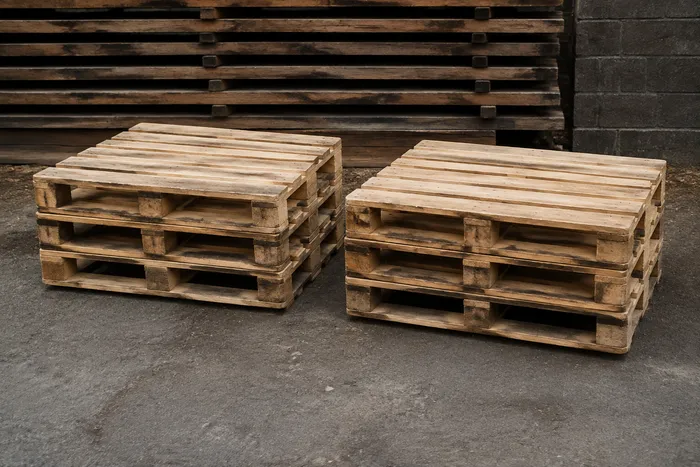
- Photograph stacks of empty pallets side-on so the edges stay visible.
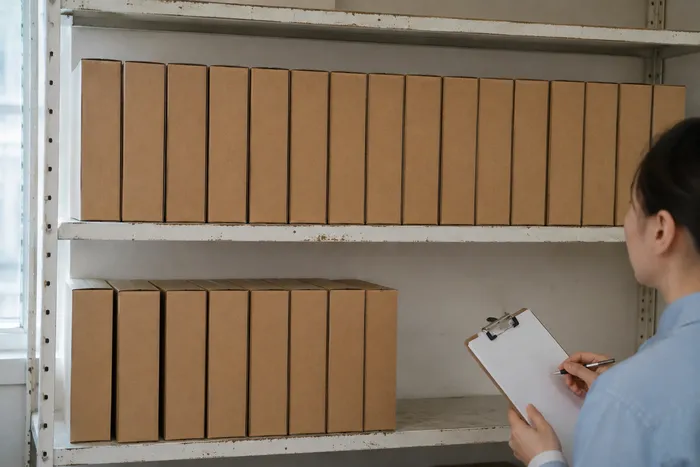
- In racking, photograph one bay or aisle section at a time.
- Keep a consistent route, so you do not count the same area twice.
- For a trailer, photograph the open load from the doors.
Count with Pixoate
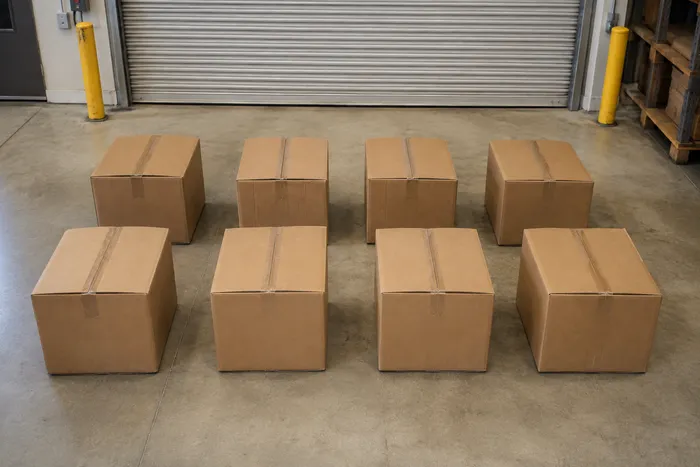
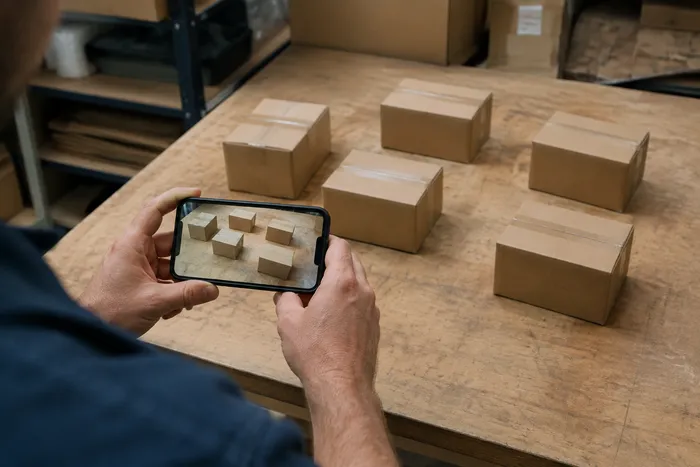
Use the Box and Carton Counter for cartons on pallets, in stacks or in trucks, and the Pallet Counter for racking, yards and trailers. Upload the photo, run the count, and each detected item is marked so you can check it. Premium can count many photos in one batch, which helps with a large yard or a long row of bays.
Review and correct
Before you save a count:
- Check for cartons without a marker or with two markers.
- Check that markers are on cartons, not on straps, labels or gaps.
- For a mixed pallet, separate the product types and count each one individually, then add each as its own row.
- Correct the tally where the picture and the physical stack disagree.
A goods-in example with depth
Suppose a purchase order lists 240 cartons arriving on five pallets. Each pallet has a face six cartons wide and four high, so 24 cartons are visible per pallet. You photograph the front of each pallet and review the counts. Five faces of 24 cartons gives 120 visible cartons.
The pallets are two cartons deep, which would bring the total to 240, matching the order. But notice what you have actually verified: 120 cartons you can see, and a calculation for the 120 you cannot. If a supplier shipped one pallet with a missing back layer, the front-face photos would look perfectly normal. That is why it is sensible to treat the visible count as evidence and the multiplication as an assumption, and to physically check one pallet, or photograph a side where the depth is visible, before you sign for the delivery.
This approach keeps the speed of a photo count and the honesty of a physical one. You check everything quickly, and you open up the one thing that could be wrong.
Handle depth honestly
Suppose the front face shows 12 cartons across and 5 high, and you know the pallet is four cartons deep. Multiplying gives an estimate, not an observation. Label it as an estimate, or photograph each accessible side and compare. If you cannot see it, do not present it as counted.
Warehouse conditions that make counts harder
Warehouses are not photo studios, and a few conditions cause most of the trouble. Stretch wrap reflects light in bright streaks that can hide the edges of cartons, so shoot from a slight angle where the glare falls away, or wait until the lights are in a better position. Dim aisles make cartons look like dark blocks with no clear edges, so add light where you can, or take the photo from the end of the aisle where more light reaches.
Mixed labels matter too. If a pallet carries cartons of two sizes, or two product codes with the same outer carton, a visual count cannot separate them, and the count should be recorded as a mixed total unless you split the pallet. Tall racking creates a different problem: the top positions may be too far away for a clear shot, so photograph from a safe distance with a clear line of sight and never climb or lean to improve a picture.
Keep records you can use later
Name counts clearly, for example "Dock 3, pallet 14, 12 oz cartons." Add the reviewed result to your tally and export it as a CSV file or PDF report. For a running record by location or product, create a setup in Count history when signed in, record each count with the time, and use the daily view to spot trends. The history shows the last count recorded each day, and a missing day is not a zero. To turn counts into a routine, see how to create daily stock reports.
A repeatable routine at the dock
Consistency is what makes counts comparable between days and between people. Mark a spot on the floor where the photographer stands, at a distance that keeps the whole pallet face in frame. Photograph pallets in the same order they are listed on the delivery note, and name each file with the delivery reference and pallet number. If a pallet has an exception, such as a damaged corner, take an extra photo and note it in the count label.
After the delivery has been checked, keep the marked image with the count. If a discrepancy is raised with the supplier later, you can show what was visible at the time, which is far more convincing than a number typed into a spreadsheet. Decide how long you will keep these images, and store them with your normal delivery paperwork.
When the count does not match the paperwork
A mismatch between a reviewed count and a delivery note is the moment the photo earns its keep, as long as you handle it calmly. Start by checking your own count: look again at the marked image for missed or doubled cartons. Then check the paperwork for how it describes the quantity, since some notes count cartons, some count inner packs and some count pallets.
Next, look for a physical explanation, such as a damaged carton set aside, a short pallet or a second delivery arriving separately. If a real shortage remains, note it on the delivery document before you sign, attach the marked image and the time, and tell the supplier promptly. A clear photo and a written note make the conversation factual. Without them, it tends to become one person's memory against another's, and that is rarely a conversation the receiving party wins.
Related guides
For the wider workflow, read how to count inventory from a photo. If you also handle timber or similar stock, the log counter counts logs from a photo of the cut ends and does not measure volume. For timber yards, read how to count logs and timber from a photo. For the wider picture, see our overview of counting from photos.
Frequently asked questions
Can it count cartons stacked on a pallet?
It can count the cartons that are visible on the face you photograph. Hidden cartons cannot be inferred reliably, so treat any multiplication by depth as an estimate or photograph each accessible side.
Does it work on mixed pallets?
It is more reliable when you separate cartons by size or product code and count one type per photo. Review each count and add it as its own row.
Can it count stacked empty pallets?
Photograph the stack side-on so each pallet edge is visible, review the markers, and correct merged or hidden edges by hand.
Can I use the result to settle a delivery dispute?
Treat the count as supporting evidence, and confirm exceptions physically. Keep the marked image with the reviewed count so you can show what was included.
The value of a photo count at the dock is the evidence it leaves behind, not just the number. The Box and Carton Counter gives you a marked image to keep beside the delivery note.