
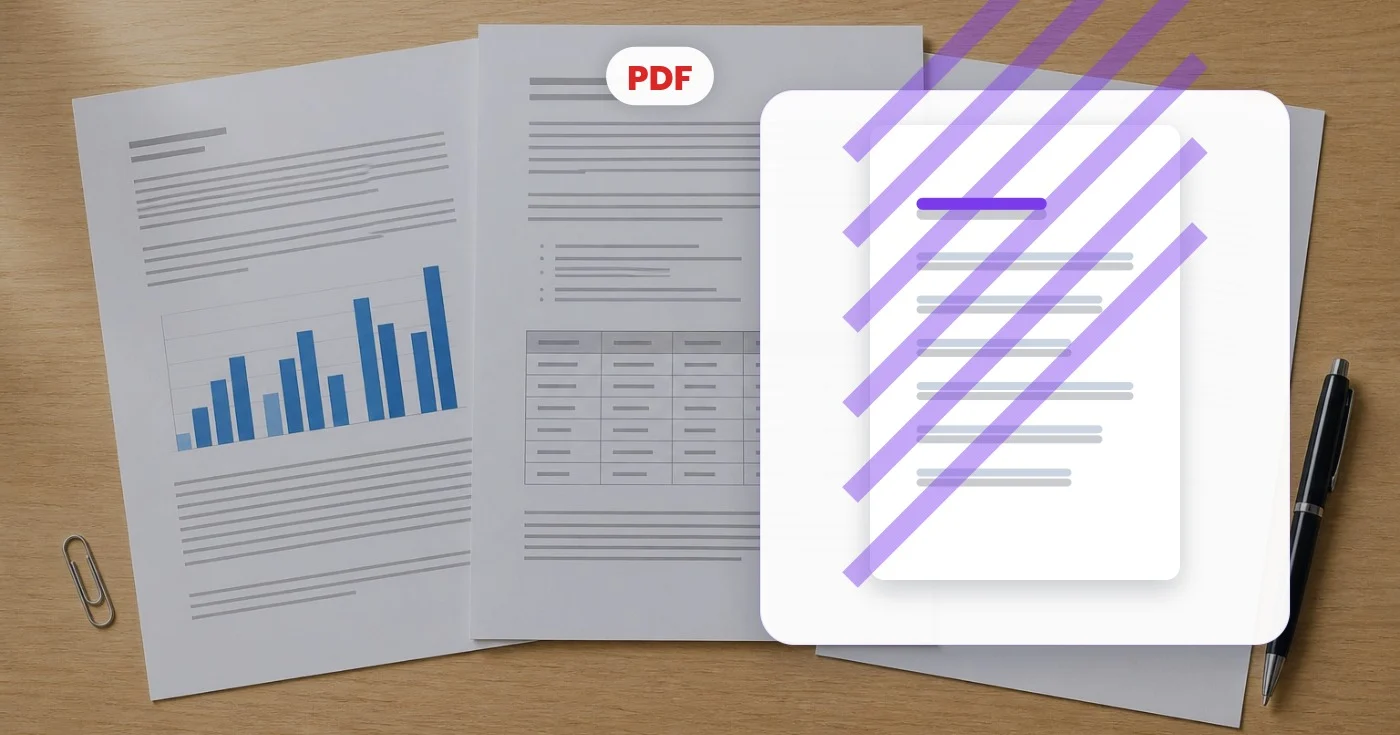
Tanda Air PDF — Tambahkan Tanda Air ke Setiap Halaman PDF Gratis
Tambahkan tanda air teks di seluruh halaman PDF dengan ukuran, warna, opasitas, dan sudut yang dapat disesuaikan.
Letakkan PDF di sini — dapatkan cap kembali di setiap halaman
File PDF
Apa yang dapat Anda lakukan dengan Beri Watermark PDF
Tinjau kemampuan utama sebelum Anda mulai.
- Stempel RAHASIA atau DRAFT di setiap halaman
- Tambahkan teks tanda air khusus Anda sendiri ke PDF
- Tandai dokumen sebagai pribadi sebelum dibagikan
- Atur opasitas, sudut, dan warna tanda air
- Lindungi draft dan bukti dengan stempel diagonal
Referensi pengaturan
8 pengaturan
Kontrol yang tersedia untuk Beri Watermark PDF.
- Mode pemrosesanPreset
- Proses satu masukan atau beralih ke mode massal Premium untuk memproses beberapa masukan dengan pengaturan yang sama. Jenis masukan yang tersedia bergantung pada alat.Opsi: Satu PDFMassal
Teks
- Preset cepatPreset
- Stempel satu klik yang langsung mengisi teks watermark sekaligus warna yang serasi, seperti CONFIDENTIAL berwarna merah atau DRAFT berwarna abu-abu; Anda tetap bisa menyempurnakan semuanya setelahnya.Opsi: RAHASIADRAFSALINANDISETUJUIFINALCONTOHLUNASDILARANG DISALIN
- Teks watermarkMasukan teks
- Teks yang dibubuhkan pada setiap halaman PDF; ketik kata-kata kustom apa pun seperti nama perusahaan, status dokumen, atau catatan versi.
- Ukuran fontPenggeserJangkauan: 10–120pt · Bawaan: 60pt
- Mengatur seberapa besar teks watermark tampil di setiap halaman; ukuran besar cocok untuk peringatan diagonal yang mencolok, sedangkan ukuran kecil lebih pas untuk cap sudut yang tidak mengganggu.
Gaya
- PosisiPreset
- Menempatkan watermark di salah satu dari sembilan titik pada halaman, atau gunakan Diagonal untuk membentangkannya melintasi tengah setiap halaman dengan gaya anti-salin klasik.Opsi: Kiri atasAtasKanan atasKiriTengahKananKiri bawahBawahKanan bawahDIAGONAL
- OpasitasPenggeserJangkauan: 5–100% · Bawaan: 25%
- Mengatur seberapa tembus pandang tanda airnya; nilai lebih rendah menjaga isi halaman di bawahnya tetap terbaca, sedangkan nilai lebih tinggi membuat capnya menonjol kuat.
- RotasiPenggeserJangkauan: -90–90° · Bawaan: -30°
- Memiringkan watermark ke sudut mana pun saat posisi Diagonal dipilih; posisi sudut dan tengah selalu tegak, sehingga slidernya dinonaktifkan untuk posisi tersebut.
- WarnaPemilih warna
- Menentukan warna teks watermark lewat sembilan swatch cepat atau pemilih lengkap tempat Anda bisa memasukkan kode hex yang persis agar cocok dengan gaya merek atau dokumen Anda.
Alat terkait untuk Beri Watermark PDF
Alat untuk langkah umum selanjutnya setelah Beri Watermark PDF.

PDF & Dokumen
Tanda Tangani PDF
Gambar, ketik atau unggah tanda tangan, letakkan di halaman PDF dan unduh salinan yang ditandatangani.
Coba sekarangPDF & Dokumen
Kata Sandi PDF
Tambahkan enkripsi kata sandi ke PDF, atau hapus kata sandi yang diketahui dari file yang Anda izinkan untuk mengubahnya.
Coba sekarang
PDF & Dokumen
Gabungkan PDF
Gabungkan beberapa PDF, atur dalam urutan yang diperlukan, dan unduh satu file gabungan.
Coba sekarangPertanyaan yang Sering Diajukan
Bagaimana Beri Watermark PDF membantu Anda menyelesaikannya
Masalah nyata yang dipecahkannya setiap hari — untuk bisnis, kreator, dan tugas sehari-hari. Temukan kasus penggunaan yang cocok untuk Anda dan mulailah.
Cap RAHASIA pada Dokumen Internal
Deck strategi internal, uji tuntas M&A, dan materi dewan harus diberi tanda rahasia dengan jelas. Cap setiap halaman secara diagonal sebelum diedarkan untuk mencegah kebocoran jika sebuah file lepas ke luar audiens yang dituju.
Tandai DRAFT pada Kontrak yang Masih Dikerjakan
Watermark "DRAFT" di setiap halaman mencegah versi awal disangka kontrak yang sudah ditandatangani. Hapus watermark dengan penggabungan baru setelah versi final disetujui.
Watermark Khusus Klien
Tambahkan watermark per klien (mis. nama klien + tanggal) ke hasil kerja sehingga jika berkas dibagikan di luar perikatan, Anda tahu salinan siapa yang bocor. Pencegah yang halus, pelacakan yang kuat.
Branding Materi Edukasi
Penyedia kursus online membubuhkan nama siswa dan ID pendaftaran pada PDF kursus untuk mencegah berbagi ulang. Watermark yang dipersonalisasi mengalahkan DRM menyeluruh untuk sebagian besar platform konten berbayar.
Proof Fotografer & Desainer
Saat mengirim portofolio PDF ke calon klien, watermark "PROOF" mencegah penggunaan tanpa lisensi sebelum pembayaran. Hapus setelah faktur lunas.
Pengelolaan Versi Formulir Pemerintah
Tandai versi template dengan jelas (mis. "DRAFT v3 - 2026") agar peninjau tahu persis versi mana yang ada di meja mereka. Penting saat beberapa pemangku kepentingan meninjau formulir yang sama selama berminggu-minggu.
Stempel Bukti Listing Properti
Agen membubuhkan stempel "SAMPLE" atau "NOT FOR DISTRIBUTION" secara diagonal pada denah lantai dan brosur PDF yang dikirim ke calon pembeli, agar draf tak tertukar dengan paket pemasaran final.
Pemberian Stempel Status Faktur untuk Pekerja Lepas
Freelancer dan agensi kecil menggunakan pemilih warna dan bidang teks untuk menstempel "PAID" dengan warna hijau atau "UNPAID" dengan warna merah pada PDF faktur, sehingga status pembayaran tidak salah dimengerti oleh siapa pun yang membuka file.
Tanda Anti-Penipuan Tiket Acara & Kartu Pers
Penyelenggara acara menstempel nama peserta atau "VOID IF COPIED" di tiket PDF dan kartu pers pada posisi sudut kecil, mencegah penjualan ulang dan penggandaan.
Cap Contoh Itinerari untuk Agen Perjalanan
Agen perjalanan membubuhkan stempel "SAMPLE ITINERARY — NOT VALID FOR TRAVEL" secara diagonal di seluruh PDF rencana perjalanan yang dikirim ke klien sebelum pemesanan, mencegah draf disalahartikan sebagai dokumen perjalanan asli.
Penstempelan Kerahasiaan Rekam Medis
Klinik dan administrator layanan kesehatan menstempel "CONFIDENTIAL - PROTECTED HEALTH INFORMATION" secara diagonal di seluruh PDF rekam medis pasien sebelum memfaks atau mengirimkannya melalui email ke perusahaan asuransi, penyedia rujukan, atau penasihat hukum, sehingga sensitivitas dokumen tak salah lagi dilihat sekilas.
Saksikan setiap transformasi selesai
Setiap foto crosses the slash untouched and comes out the other side finished.























