
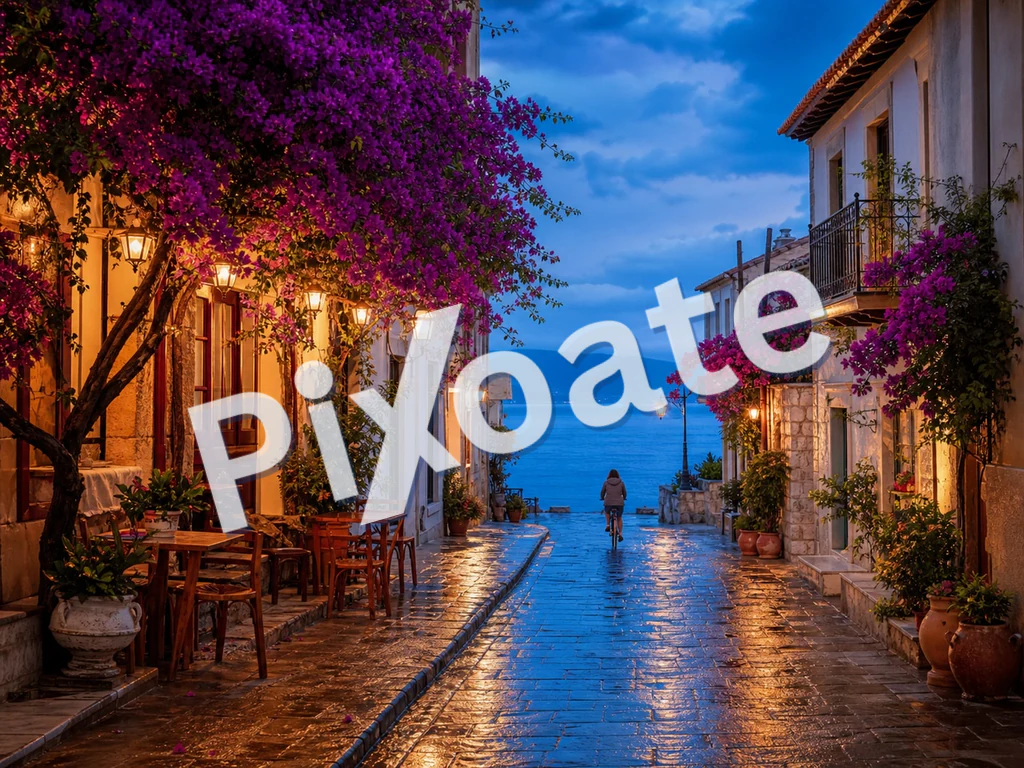
Gambar Tanda Air Online — Tambahkan Tanda Air Teks atau Logo Gratis
JPG, PNG, WEBP, dan lainnya
Anda mengirim bukti dan mereka kembali mem-posting ulang tanpa nama Anda. Beri tanda air pada setiap gambar dengan teks atau logo Anda sebelum lepas dari tangan Anda.
- Stempel nama atau logo Anda di seluruh bukti sebelum Anda mengirimkannya
- Tanda air teks atau logo, disusun di seluruh gambar atau ditempatkan satu kali
- Sesuaikan opasitas, ukuran, dan posisi sehingga melindungi tanpa merusak bidikan
Jatuhkan foto Anda — posisikan teks atau logo Anda dan unduh salinan yang diberi tanda air
Apa yang dapat Anda lakukan dengan Watermark Gambar
Tinjau kemampuan utama sebelum Anda mulai.
- Tambahkan tanda air teks ke foto Anda
- Stempel logo Anda di seluruh gambar produk
- Lindungi foto agar tidak digunakan kembali tanpa kredit
- Posisikan, putar, dan ubah ukuran tanda air
- Atur opasitas tanda air untuk overlay yang halus
- Beri tanda air pada banyak gambar sekaligus dan unduh ZIP
Referensi pengaturan
11 pengaturan
Kontrol yang tersedia untuk Watermark Gambar.
Tanda Air
- Tanda AirPreset
- Mengubah watermark antara teks yang diketik dan gambar logo yang diunggah; kontrol di bawahnya akan menyesuaikan dengan tipe yang dipilih.Opsi: Tekslogo
- Teks cepatPreset
- Frasa preset satu klik seperti baris hak cipta, CONFIDENTIAL, atau DRAFT yang langsung mengisi kolom teks watermark dan tetap bisa diedit.Opsi: © 2026© PixoateRAHASIADRAFCONTOHDILARANG DISALINPRATINJAU
- Teks watermarkMasukan teks
- Teks persis yang dibubuhkan ke setiap gambar; ketik frasa Anda sendiri atau mulai dari preset teks cepat lalu ubah sesuai kebutuhan.
- huruftarik-turun
- Jenis huruf yang dipakai untuk watermark teks, mulai dari sans-serif yang bersih hingga serif klasik dan gaya display tebal; pilih yang tetap terbaca pada ukuran kecil.Opsi: system-uiArialGeorgiaCourier NewImpactTimes New Roman
- TebalHidup / Mati
- Menebalkan teks watermark agar tetap terbaca meski pada opasitas rendah atau ukuran kecil.
- WarnaPemilih warna
- Menentukan warna watermark teks lewat pemilih warna lengkap atau swatch preset sekali ketuk; pilih rona yang kontras dengan foto Anda.Opsi: #ffffff#000000#dc2626#16a34a#1e40af#4387f4#eab308
- Unggah logo (PNG dengan latar belakang transparan paling cocok)masukan berkas
- Gambar kedua yang dipakai sebagai watermark saat tab Logo dipilih; PNG transparan menyatu paling rapi di atas foto Anda.
Posisi
- PosisiPreset
- Menempatkan watermark di salah satu dari sembilan titik pada gambar, atau menyusunnya berulang di seluruh bingkai untuk perlindungan anti-salin yang lebih kuat.Opsi: Kiri atasAtasKanan atasKiriTengahKananKiri bawahBawahKanan bawahUbin
- RotasiPenggeserJangkauan: -90–90° · Bawaan: 0°
- Memiringkan watermark hingga 90 derajat ke salah satu arah; kemiringan diagonal terbaca alami sekaligus lebih sulit dipotong.
Gaya
- OpasitasPenggeserJangkauan: 5–100% · Bawaan: 50%
- Seberapa pekat watermark terlihat, dari 5% yang samar hingga sepenuhnya solid; nilai yang lebih rendah membuat foto di baliknya tetap terlihat jelas.
- SkalaPenggeserJangkauan: 2–40% · Bawaan: 18%
- Ukuran watermark sebagai persentase dari setiap gambar, sehingga tanda tetap proporsional dan konsisten pada foto-foto berukuran berbeda dalam satu batch.
Alat terkait untuk Watermark Gambar
Alat untuk langkah umum selanjutnya setelah Watermark Gambar.

PDF & Dokumen
Beri Watermark PDF
Tambahkan teks seperti RAHASIA atau DRAFT di seluruh halaman PDF dengan font, warna, opasitas, dan sudut yang dapat disesuaikan.
Coba sekarang
Kreatif & Desain
Tambah Teks ke Gambar
Tambahkan teks bergaya dengan font, warna, dan kerangka khusus ke format gambar yang didukung, lalu unduh gambar yang diedit.
Coba sekarang
Pengeditan Foto & Utilitas
Kompres Gambar ke KB
Kompres file JPG, PNG, atau WebP ke ukuran yang dipilih seperti 20KB, 50KB, atau 100KB, lalu tinjau hasilnya.
Coba sekarangPertanyaan yang Sering Diajukan
Bagaimana Watermark Gambar membantu Anda menyelesaikannya
Masalah nyata yang dipecahkannya setiap hari — untuk bisnis, kreator, dan tugas sehari-hari. Temukan kasus penggunaan yang cocok untuk Anda dan mulailah.
Perlindungan Portofolio Fotografer
Terapkan watermark hak cipta yang halus pada pratinjau galeri klien sehingga klien dapat melihat hasil karya, tetapi versi yang dicuri dan diposting ulang tetap mencantumkan nama Anda. Proses seluruh sesi pemotretan dalam satu unggahan, unduh ZIP, dan kirim ke klien.
Branding Produk E-commerce
Cap setiap foto produk dengan logo atau URL toko Anda sehingga saat pembeli mengambil tangkapan layar dan membagikannya, merek Anda ikut menyebar bersama gambarnya. Mode ubin menutupi setiap area untuk jangkauan maksimal.
Listing Properti
Tambahkan branding agensi yang konsisten ke daftar foto sebelum memublikasikannya. Logo sudut kecil membuat properti tetap terlihat sambil mengidentifikasi sumbernya.
Liputan Konferensi & Acara
Fotografer yang meliput acara menerapkan logo acara ke setiap foto di galeri sebelum membagikannya kepada peserta dan sponsor. Mendorong keterlibatan sosial dan melindungi dari penggunaan komersial tanpa izin.
Pra-Rilis Foto Stok
Saat menawarkan ke agensi stok atau platform lisensi, watermark "PROOF" atau "SAMPLE" mencegah penggunaan gratis selama jendela peninjauan. Hapus watermark pada kiriman yang diterima.
Postingan Media Sosial Massal
Terapkan watermark merek yang konsisten pada satu folder gambar media sosial sebelum penjadwalan. Menghemat proses manual di Canva untuk setiap unggahan.
Perlindungan Tangkapan Layar Kursus & Ebook
Instruktur memberi watermark pada tangkapan layar pelajaran dan ekspor slide dengan tanda 'CONFIDENTIAL' atau nama kursus yang berulang sehingga konten kursus berbayar tidak bisa dibagikan ulang secara bebas di luar platform.
Pembubuhan Stempel Foto Berkas Perkara & Bukti
Cap barang bukti hasil pindaian atau foto inspeksi dengan nomor referensi kasus dan watermark 'CONFIDENTIAL' yang diputar menggunakan posisi Tile, sehingga penyebaran ulang dokumen sensitif tanpa izin menjadi mudah terlihat.
Baris Kredit Koleksi Digital Museum & Arsip
Cap pindaian beresolusi tinggi dari karya seni, manuskrip, atau artefak dengan baris kredit lembaga sebelum menerbitkannya secara online, sehingga koleksi tetap dapat dilihat publik sementara setiap gambar yang digunakan ulang tetap membawa atribusi yang benar.
Panduan untuk alat ini
Saksikan setiap transformasi selesai
Setiap foto crosses the slash untouched and comes out the other side finished.























