
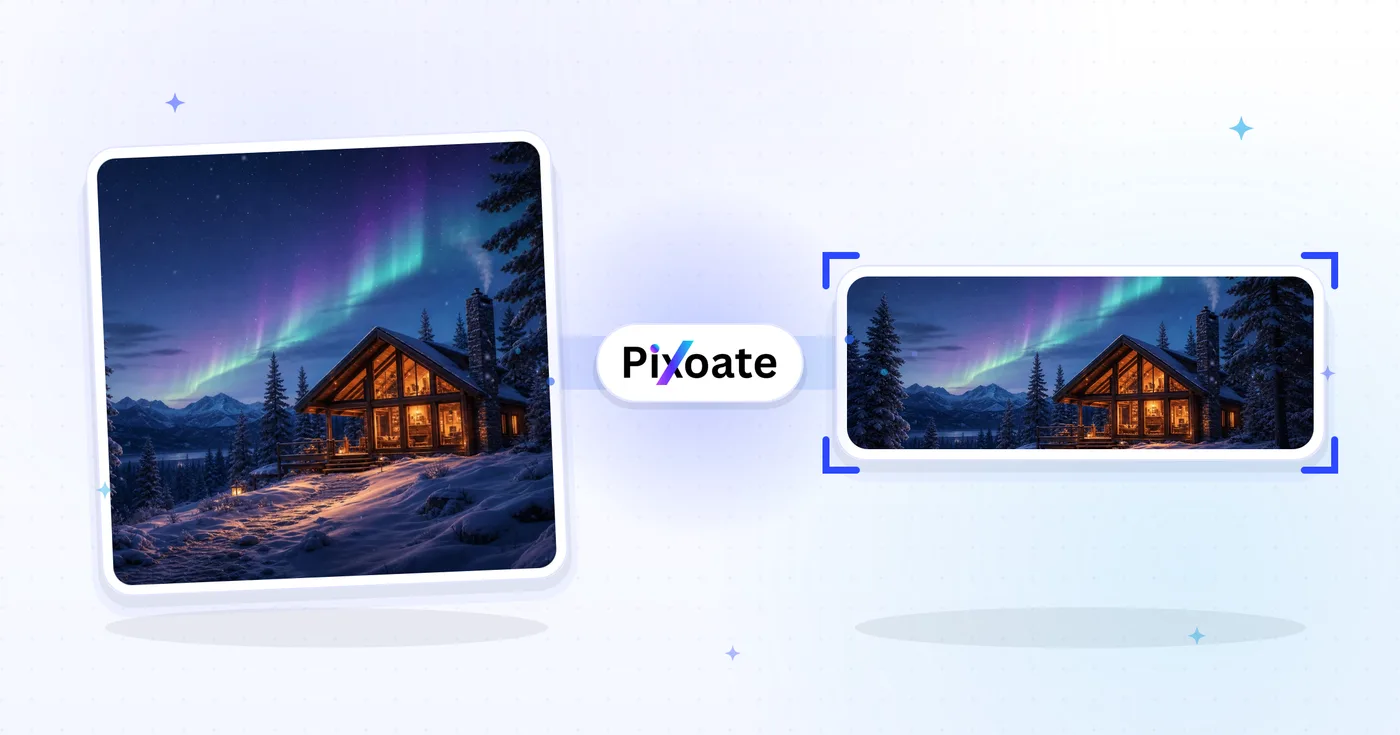
Twitch Banner Resizer — Mengubah ukuran Spanduk dan Panel Twitch
Spanduk (1200×480), profil, layar offline, sub lencana, panel, dan overlay — ekspor masing-masing sesuai ukuran yang diharapkan Twitch.
Jatuhkan gambar — pilih spanduk, panel, atau lencana
Ukuran Aset Twitch
Twitch memiliki lebih banyak penempatan gambar daripada platform mana pun. Banner channel berukuran 1200×480, foto profil berbentuk persegi (minimal 256×256), dan layar offline — aset yang paling sering dilihat pada channel yang sedang tidak aktif — berukuran 1920×1080. Lencana sub berukuran sangat kecil (18×18 pada 1x, plus varian hi-DPI 36×36 dan 72×72). Overlay siaran untuk OBS menggunakan 1920×1080 agar sesuai dengan kanvas. Alat ini mengubah ukuran gambar apa pun ke ukuran piksel persis yang dibutuhkan setiap penempatan.
Apa yang dapat Anda lakukan dengan Pengubah Ukuran Banner Twitch
Tinjau kemampuan utama sebelum Anda mulai.
- Ubah ukuran spanduk Twitch Anda menjadi 1200×480
- Ukuran gambar profil dan layar offline
- Buat sub lencana, panel, dan hamparan aliran
- Pratinjau zona aman sebelum mengunggah
- Isi ruang kosong dengan warna latar belakang
- Ekspor dalam format JPG, PNG, atau WebP sesuai kualitas Anda
Referensi pengaturan
8 pengaturan
Kontrol yang tersedia untuk Pengubah Ukuran Banner Twitch.
- Mode pemrosesanPreset
- Proses satu masukan atau beralih ke mode massal Premium untuk memproses beberapa masukan dengan pengaturan yang sama. Jenis masukan yang tersedia bergantung pada alat.Opsi: Gambar tunggalMassal
Ukuran
- Ukuran TwitchPreset
- Menentukan penempatan Twitch yang tepat untuk pengubahan ukuran, mulai dari banner kanal 1200×480 hingga lencana subscriber 18×18; pratinjau langsung beralih ke ukuran piksel tersebut.Opsi: Spanduk saluranGambar profilSpanduk profilLayar luringBanner pemutar videoHamparan aliranGambar panelSub lencana (1x)Sub lencana (4x)
Keluaran
- SesuaikanPreset
- Menentukan cara gambar mengisi bingkai preset: Sampul memotong kelebihannya, Muat menambahkan isian warna latar belakang agar tidak ada yang terpotong, Regangkan memaksakan kecocokan persis dan berpotensi mendistorsi.Opsi: SampulMuatRegangkan
- Latar BelakangPemilih warna
- Mengatur warna isian untuk area padding saat memakai mode Muat, dengan default ungu Twitch agar letterbox menyatu dengan tema channel Anda; disembunyikan untuk PNG, yang membiarkan padding tetap transparan.
- Formattarik-turun
- Memilih jenis file unduhan: JPG untuk foto, PNG untuk lencana tajam dan padding transparan, WEBP atau AVIF untuk file modern yang lebih ringan.Opsi: JPGPNGWEBPAVIF
- KualitasPenggeserJangkauan: 40–100% · Bawaan: 92%
- Menyeimbangkan ukuran file dengan kualitas gambar untuk ekspor JPG, WEBP, dan AVIF; nilai lebih rendah memperkecil file, nilai lebih tinggi mempertahankan lebih banyak detail, dan penggeser ini tidak ditampilkan untuk PNG.
Pratinjau
- Tampilkan zona amanHidup / Mati
- Pada preset Foto profil, menampilkan pemotongan avatar bundar di atas pratinjau sehingga Anda bisa memastikan wajah atau logo Anda tetap utuh setelah dipotong bundar; matikan untuk melihat gambar perseginya.
Perluasan dengan AI
- Perluas latar belakang dengan AISatu klik
- Continue the scene into the selected size with AI while keeping the prepared source photo. Uses your AI allowance with free downloads up to 800px on the longest side. Premium or credits unlock full resolution. Supported ratios require maintaining aspect ratio. In Batch, every queued image is extended and delivered at the size and format you chose.
Alat terkait untuk Pengubah Ukuran Banner Twitch
Alat untuk langkah umum selanjutnya setelah Pengubah Ukuran Banner Twitch.
Sosial Publishing
Pengunduh Thumbnail YouTube
Tempel URL atau ID video YouTube untuk melihat dan mengunduh gambar kecil yang tersedia.
Coba sekarang
Sosial Publishing
Pengubah Ukuran Gambar X / Twitter
Ubah ukuran gambar untuk dimensi header, profil, postingan, kartu, dan iklan X yang terdaftar.
Coba sekarang
Sosial Publishing
Pengubah Ukuran Sampul TikTok
Ubah ukuran gambar untuk dimensi sampul, carousel, profil, dan thumbnail TikTok yang terdaftar, termasuk 1080×1920.
Coba sekarangPertanyaan yang Sering Diajukan
Bagaimana Pengubah Ukuran Banner Twitch membantu Anda menyelesaikannya
Masalah nyata yang dipecahkannya setiap hari — untuk bisnis, kreator, dan tugas sehari-hari. Temukan kasus penggunaan yang cocok untuk Anda dan mulailah.
Branding Channel Streamer Game
Streamer Twitch merancang banner profil yang menampilkan game, sponsor, dan undangan Discord mereka agar pengunjung baru langsung paham tentang apa channel tersebut
Banner Offline dengan Jadwal Streaming
Streamer mendesain banner offline yang sekaligus berfungsi sebagai papan iklan pemasaran — jadwal, logo sponsor, undangan Discord, dan akun media sosial saat saluran sedang tidak siaran
Spanduk Tim Esports & Pemain Pro
Pemain esports profesional dan akun tim merancang spanduk dengan logo sponsor, kemenangan turnamen, dan detail roster agar penggemar dan penyelenggara turnamen dapat menemukan informasi sponsorship
Gambar Panel Saluran Streaming
Buat gambar panel channel yang berada di bawah stream — About, Schedule, Donate, Discord, Merch, Sponsors — sehingga halaman profil menceritakan kisah merek yang lengkap
Branding Streamer Variety & IRL
Streamer IRL, kreator variety, dan host Just Chatting merancang banner yang mencerminkan nuansa gaya hidup channel alih-alih berfokus pada satu waralaba game saja
Banner Streaming Amal & Acara
Streaming amal, maraton, dan acara khusus merancang banner spesifik acara dengan logo tujuan, total donasi, dan tingkatan insentif yang diperbarui sepanjang akhir pekan streaming
Kit Overlay Sponsor untuk OBS
Merek dan streamer yang menjalankan sponsor berbayar membangun aset Stream overlay (1920x1080) dengan logo sponsor yang diposisikan untuk OBS, dikirim sebagai PNG agar area transparannya tetap bersih di atas gameplay.
Perangkat Simulcast Talk Show & Podcast
Podcaster yang menyiarkan ulang ke Twitch memadukan layar Offline dan banner Video player (keduanya 1920x1080) dengan gambar Panel untuk catatan acara, memberikan saluran tampilan seperti talk show, bukan tata letak gaming yang biasa.
Tingkat Sub-Badge Pertama untuk Afiliasi Baru
Afiliasi Twitch baru merancang tingkat loyalitas pertama mereka menggunakan preset Sub badge (1x) dan Sub badge (4x), mengekspor PNG tajam pada 18x18 dan 72x72 untuk penonton standar dan hi-DPI.
Branding Streamer Lintas-Platform
Streamer yang juga memposting ke YouTube dan Kick menjaga banner Channel dan gambar Panel mereka konsisten secara visual dengan karya platform lain mereka, sehingga klip dan tautan profil yang diposting lintas platform terasa seperti satu merek.
Kit Stream Maraton Amal
Penyelenggara maraton amal membangun set Offline screen, Stream overlay, dan Panel image yang serasi dan menampilkan target donasi serta penerima manfaat, memberi stream penggalangan dana 24-48 jam tampilan profesional dan kohesif yang berbeda dari branding harian sang streamer.
Saksikan setiap transformasi selesai
Setiap foto crosses the slash untouched and comes out the other side finished.























