
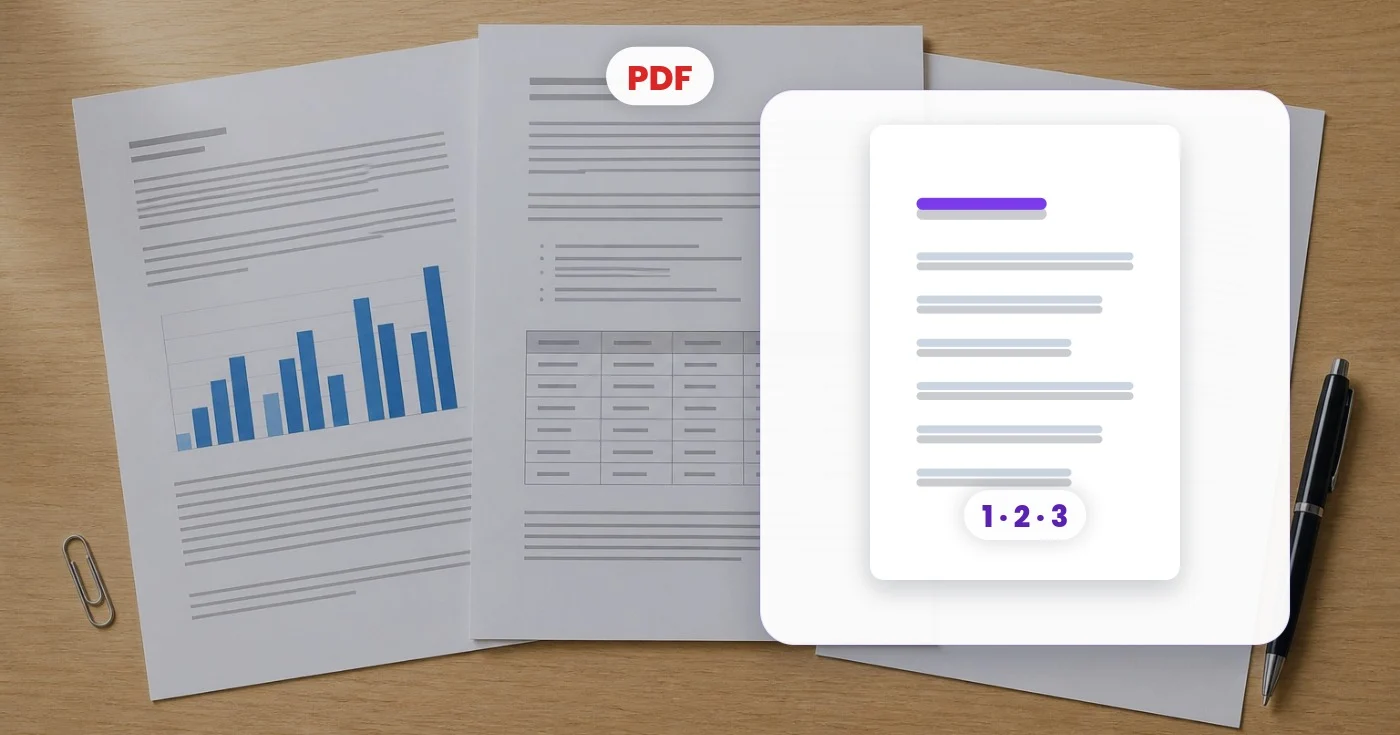
Aggiungi numeri di pagina al PDF in un solo passaggio
Aggiungi numeri di pagina a un PDF con posizione personalizzata, numero iniziale, dimensione del carattere e salto della copertina. Visualizza l'anteprima di un PDF gratuito o di più PDF con la modalità batch Premium.
Trascina qui un PDF — te lo restituiamo con tutte le pagine numerate
Cosa puoi fare con Aggiungi Numeri di Pagina
Esamina le funzionalità principali prima di iniziare.
- Aggiungi i numeri di pagina a ogni pagina del PDF
- Scegli in che punto della pagina compare il numero
- Inizia la numerazione dal valore che preferisci
- Salta la copertina durante la numerazione
- Imposta la dimensione del carattere dei numeri di pagina
- Prepara report e manoscritti per la stampa
Riferimento alle impostazioni
5 impostazioni
Controlli disponibili per Aggiungi Numeri di Pagina.
- Modalità di elaborazionePreimpostazioni
- Elabora un singolo elemento oppure passa alla modalità batch di Premium per applicare le stesse impostazioni a più elementi. I tipi di input disponibili dipendono dallo strumento.Opzioni: PDF singoloIn blocco
Opzioni
- PosizionePreimpostazioni
- Scegli dove viene applicato il numero su ogni pagina: in basso al centro, in basso a destra o in alto a destra.Opzioni: In basso al centroIn basso a destraIn alto a destra
- Inizia daCampo numericoIntervallo: 0–9999 · Predefinito: 1
- Imposta il numero stampato sulla prima pagina numerata, utile quando il documento prosegue la numerazione di un file precedente.
- Dimensione del carattereCampo numericoIntervallo: 6–48 · Predefinito: 12
- Regola la dimensione dei numeri di pagina: aumentala per una numerazione ben visibile o riducila per un piè di pagina discreto.
- Salta la prima pagina (copertina)Attivo / Disattivo
- Lascia la prima pagina senza numero, così la copertina resta pulita mentre il resto del documento viene numerato.
Strumenti correlati per Aggiungi Numeri di Pagina
Strumenti per i passaggi successivi comuni dopo Aggiungi Numeri di Pagina.

PDF e documenti
Filigrana sul PDF
Aggiungi testo come RISERVATO o BOZZA sulle pagine PDF con carattere, colore, opacità e angolazione regolabili.
Provalo oraPDF e documenti
Organizza PDF
Riordina, estrai o rimuovi le pagine PDF utilizzando le miniature visive, quindi scarica il documento rivisto.
Provalo ora
PDF e documenti
Unisci PDF
Combina più PDF, disponili nell'ordine richiesto e scarica un file unito.
Provalo oraDomande frequenti
Come Aggiungi Numeri di Pagina ti aiuta a portare a termine il lavoro
Problemi reali che risolve ogni giorno: per aziende, creatori e attività quotidiane. Trova il caso d'uso adatto a te e inizia.
Numera un report prima di stamparlo
Numera in sequenza un report lungo così le copie stampate e pinzate restano in ordine, senza dover aprire un editor desktop.
Numera le pagine di una tesi o di un manoscritto
Aggiungi numeri di pagina che saltano il frontespizio e iniziano dove richiesto dal tuo istituto, mantenendo la numerazione allineata al tuo indice.
Prepara documenti legali o per i clienti
Assegna un numero visibile a ogni pagina di un pacchetto di contratti così le parti possono fare riferimento a pagine precise durante la revisione e la firma.
Guarda ogni trasformazione applicarsi
Ogni foto attraversa la barra senza modifiche e ne esce dall'altro lato già completata.
 Miglioramento dell'intelligenza artificiale
 Arredamento virtuale
 Bellezza naturale
 Ritratti professionali con IA
 Flash diretto usa e getta
 Foto per inserzioni Amazon
 Riilluminazione autentica dell'ora d'oro
 Ristrutturazione della cucina
 Rifocalizzazione Intelligente
 Pubblicità di prodotti
 Acquerello
 Rimozione sfondo










