
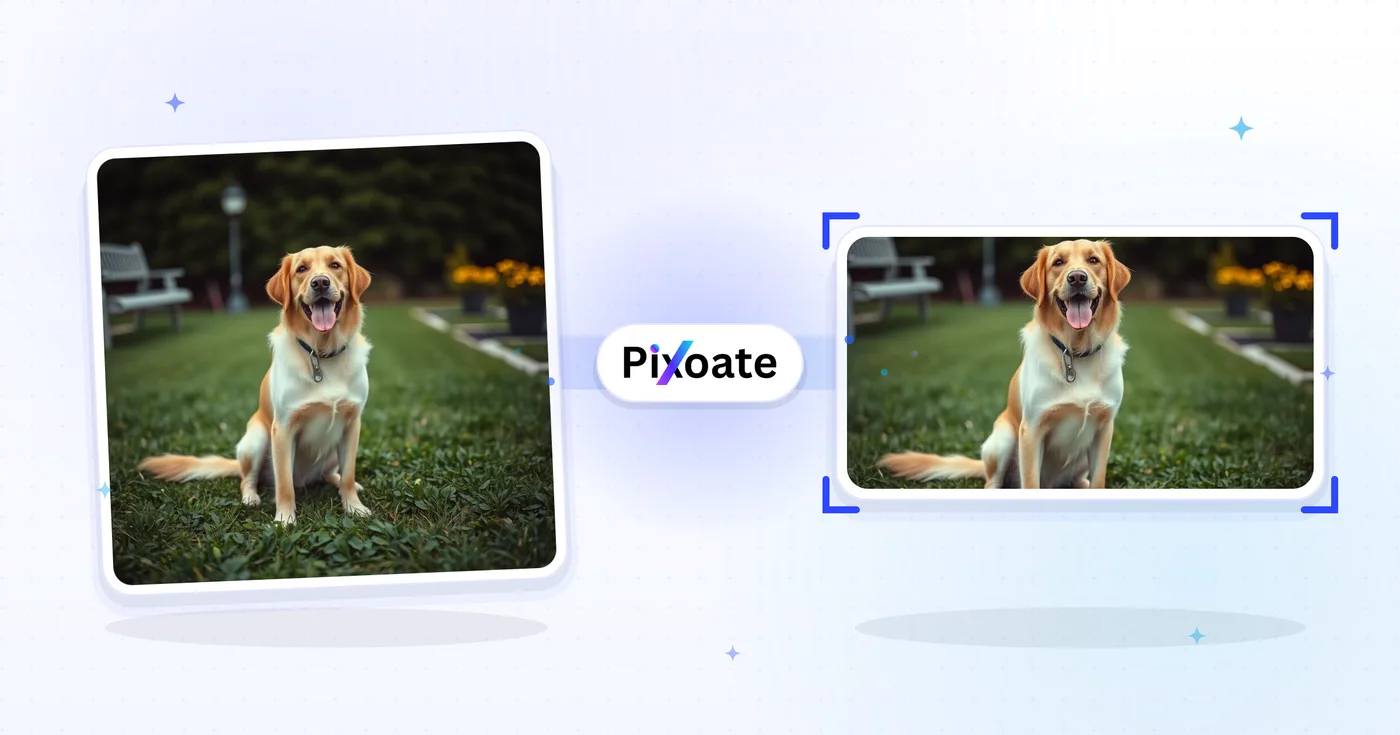
Ridimensiona immagini Twitter — foto per post Twitter e X
Intestazioni 1500×500, foto del profilo, post 16:9, schede riepilogative e dimensioni degli annunci: scarica le dimensioni esatte che X utilizza oggi.
Trascina un'immagine — scegli il formato intestazione, post o profilo
Dimensioni delle immagini per X (Twitter)
X utilizza un banner di copertina in 3:1 (1500×500), una foto profilo quadrata (400×400) e ridimensiona in modo aggressivo le immagini caricate nella timeline. I post con una sola immagine rendono al meglio in 16:9 (1600×900), mentre il formato verticale 4:5 (1080×1350) occupa più spazio in altezza sui dispositivi mobili. Le summary card con immagini grandi usano il formato 1200×628, lo stesso rapporto delle OG card adottato da LinkedIn e Facebook. Questo strumento ridimensiona qualsiasi immagine alle dimensioni esatte in pixel richieste da ciascun posizionamento.
Cosa puoi fare con Ridimensiona immagini per X / Twitter
Esamina le funzionalità principali prima di iniziare.
- Ridimensiona il tuo header X / Twitter a 1500×500
- Dimensiona foto profilo e immagini dei post in 16:9
- Crea post verticali, schede riepilogative e immagini pubblicitarie
- Vedi la zona sicura per proteggere i contenuti chiave
- Aggiungi uno sfondo per adattarti a qualsiasi proporzione
- Scarica in JPG, PNG o WebP
Riferimento alle impostazioni
8 impostazioni
Controlli disponibili per Ridimensiona immagini per X / Twitter.
- Modalità di elaborazionePreimpostazioni
- Elabora un singolo elemento oppure passa alla modalità batch di Premium per applicare le stesse impostazioni a più elementi. I tipi di input disponibili dipendono dallo strumento.Opzioni: Immagine singolaIn blocco
Dimensione
- Dimensioni per X / TwitterPreimpostazioni
- Sceglie il posizionamento X (Twitter) esatto per cui ridimensionare — banner di intestazione (1500×500), foto profilo (400×400), immagini dei post, card dei link o annunci — e ne applica automaticamente le dimensioni in pixel.Opzioni: Intestazione / bannerFoto profiloImmagine singola per postImmagine quadrata per postImmagine post verticaleImmagine card (grande)Immagine card (piccola)Immagine per annunci
Risultato
- AdattaPreimpostazioni
- Controls how your image fills the chosen size: Cover fills the frame and crops overflow, Contain fits the whole image and pads gaps. Untick Maintain aspect ratio to force exact dimensions, which may distort proportions.Opzioni: CopertinaAdatta
- SfondoSelettore colore
- Imposta il colore di riempimento dietro le bande quando l'adattamento Adatta lascia spazi vuoti attorno all'immagine; il valore predefinito è il nero ed è nascosto per l'output PNG, che mantiene quelle aree trasparenti.
- FormatoMenu a discesa
- Sceglie il tipo di file in uscita: JPG per le foto, PNG per un output senza perdite con bande trasparenti, WEBP o AVIF per file moderni più leggeri.Opzioni: JPGPNGWEBPAVIF
- QualitàCursoreIntervallo: 40–100% · Predefinito: 92%
- Regola la compressione per l'output JPG, WEBP e AVIF; valori più bassi danno file più leggeri, valori più alti conservano più dettagli. Non compare quando è selezionato il PNG, perché il PNG è sempre senza perdita di qualità.
Anteprima
- Mostra zona sicuraAttivo / Disattivo
- Nel preset Profile picture, sovrappone all'anteprima il ritaglio circolare dell'avatar di X così puoi verificare che volti o loghi non vengano tagliati; disattivalo per vedere l'immagine quadrata semplice.
Espansione con IA
- Estendi lo sfondo con l’IACon un clic
- Prolunga la scena fino alla dimensione selezionata con l'AI, mantenendo la foto sorgente preparata. I download gratuiti sono in formato web. Premium o i crediti sbloccano la piena risoluzione. I rapporti supportati richiedono di mantenere le proporzioni. In modalità In blocco, ogni immagine in coda viene estesa e consegnata nella dimensione e nel formato scelti.
Strumenti correlati per Ridimensiona immagini per X / Twitter
Strumenti per i passaggi successivi comuni dopo Ridimensiona immagini per X / Twitter.

Pubblicazione sociale
Ridimensiona per Facebook
Ridimensiona le immagini per le dimensioni della copertina, del profilo e del post di Facebook elencate con i controlli di adattamento e riempimento.
Provalo ora
Pubblicazione sociale
Ridimensiona immagini LinkedIn
Ridimensiona le immagini per banner, profili, post o intestazioni di articoli su LinkedIn usando le dimensioni indicate.
Provalo ora
Pubblicazione sociale
Ridimensiona per Instagram
Adatta una foto intera alle dimensioni di Instagram utilizzando un'imbottitura sfocata o in tinta unita quando necessario.
Provalo oraDomande frequenti
Come Ridimensiona immagini per X / Twitter ti aiuta a portare a termine il lavoro
Problemi reali che risolve ogni giorno: per aziende, creatori e attività quotidiane. Trova il caso d'uso adatto a te e inizia.
Post con immagini In-Feed che non vengono ritagliati
Ridimensiona le foto alle dimensioni del feed di X (1600 × 900), così il ritaglio dell'anteprima mostra il soggetto principale, generando più clic, like e quote-tweet rispetto ai post ritagliati male
Aggiornamento dell'header per account aziendali
I team di marketing aggiornano stagionalmente le immagini di intestazione di X (1500 × 500) per mettere in evidenza lanci di prodotto, hashtag delle campagne e partecipazione a conferenze, rafforzando il branding del profilo
Immagini di anteprima delle card dei link
Ridimensiona le immagini principali di articoli del blog e landing page alle dimensioni della scheda link di X (1200 × 628), così i link condivisi mostrano un'ampia scheda di anteprima invece di una minuscola miniatura
Visual per lancio e annuncio di prodotti
I fondatori di startup e i product marketer ridimensionano grafiche di lancio, screenshot GIF e infografiche per post su X che intercettano gli argomenti di tendenza e il pubblico di Product Hunt
Grafiche per la copertura live di notizie e sport
Testate giornalistiche, account sportivi e team di eventi live ridimensionano grafiche di ultim'ora, schede dei risultati delle partite e aggiornamenti dei tabelloni in tempo reale per visualizzarli nitidamente nel feed di X
Immagini di copertina per quote tweet e thread
Crea immagini hero per aprire thread lunghi e per le risposte con quote-tweet che ottengono più retweet dei post di solo testo sull'algoritmo di X
Avatar per Foto Profilo a Prova di Ritaglio Circolare
Usa il preset Immagine del profilo (400×400) con l'overlay circolare dell'area sicura integrato per verificare che un volto o un logo sopravviva al ritaglio circolare dell'avatar di X prima di scaricare, invece di procedere a tentativi e ricaricare.
Post verticali in formato ritratto per chi scorre da mobile
Esporta il preset per immagine di post verticale (1080×1350, 4:5) per riempire più schermo nelle timeline mobile — ideale per quote card, fotografia di ritratti e miniature verticali che devono spiccare durante lo scorrimento.
Creatività per annunci sponsorizzati pronte per Ads Manager
Ridimensiona la creatività della campagna al preset dedicato Immagine annuncio (1600×900) con l'adattamento Contieni e un colore di sfondo abbinato al brand così i post sponsorizzati a pagamento rispettano le specifiche senza stiramenti o ritagli indesiderati.
Guarda ogni trasformazione applicarsi
Ogni foto attraversa la barra senza modifiche e ne esce dall'altro lato già completata.
 Miglioramento dell'intelligenza artificiale
 Arredamento virtuale
 Bellezza naturale
 Ritratti professionali con IA
 Flash diretto usa e getta
 Foto per inserzioni Amazon
 Riilluminazione autentica dell'ora d'oro
 Ristrutturazione della cucina
 Rifocalizzazione Intelligente
 Pubblicità di prodotti
 Acquerello
 Rimozione sfondo










