
使い方
Upload one portrait and choose the effect strength. AI applies a light photographic finish with instructions to preserve the same person, expression, and composition. Compare the result with your original before downloading.
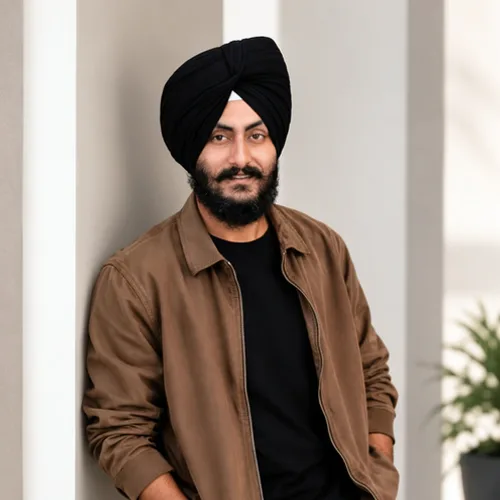

Give your portrait a light finishing touch to lighting, color, and contrast.
始める前に、利用可能なエフェクト機能を確認してください。
Upload one portrait and choose the effect strength. AI applies a light photographic finish with instructions to preserve the same person, expression, and composition. Compare the result with your original before downloading.
写真をアップロードし、ポートレート写真仕上げ 強度を調整し、処理されたプレビューをソースと比較し、完成した結果をダウンロードします。
強度コントロールを使用して、ポートレート写真仕上げ 処理と元の写真のディテールや特徴のバランスをとります。
ポートレート写真仕上げ プレビューを縮小すると、調整の応答性が維持されます。無料ダウンロードはクリーンで Web サイズです。 Premium またはクレジットにより、元の解像度のロックが解除されます。
ポートレート写真仕上げ アップロードは安全なサーバーで処理され、通常の Pixoate 保持ポリシーに基づいて自動的に削除されます。
Upload one portrait and choose the effect strength. AI applies a light photographic finish with instructions to preserve the same person, expression, and composition. Compare the result with your original before downloading.
ポートレート写真仕上げは AI アクションを使用します。このエフェクトの処理が開始される前に、個別の許容値が表示されます。
明るさや色をさりげなく調整したい、鮮明でピントの合ったポートレート。.
以下にはあまり適していません: 顔がぼやけている写真、極端に暗い写真、被写体が遠い写真、人物の輪郭がはっきりしない画像。.
写真エフェクト の後の一般的な次のステップのためのツール。
特に効果の高い候補を先に表示し、その後に残りのカタログが続きます。























