
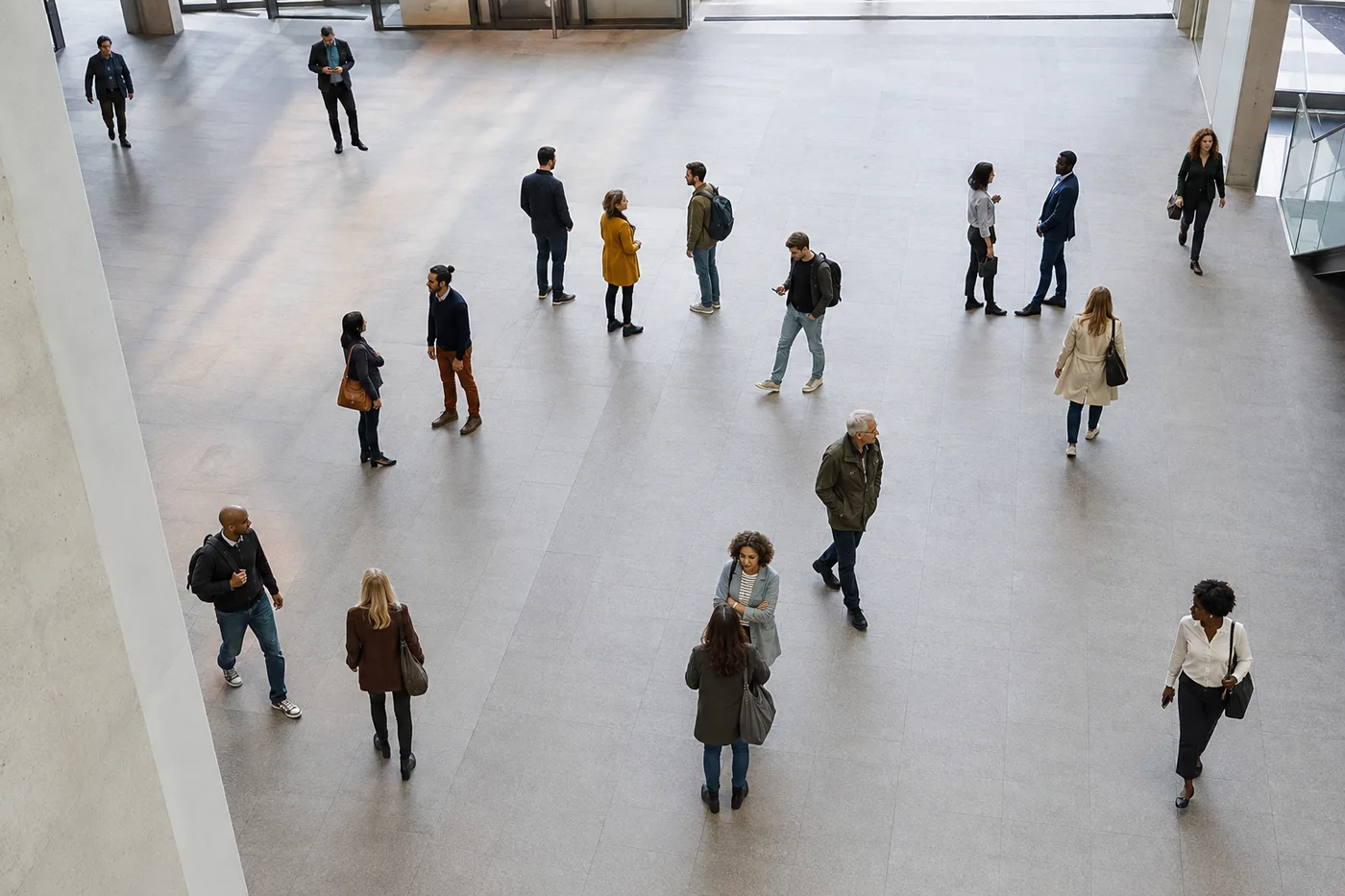
写真内の人数を数える — AI 群衆カウンターと人数
JPG、PNG、WEBP に対応
表を 1 行ずつ数えることは、順位を失い、最初からやり直すことを意味します。イベント、クラス、集まりの写真をアップロードし、マークされたすべての人の人数を取得します。
- 小さな集団だけでなく密集した群衆もカウント
- イベントの来場者数や教室の人数把握に最適
- 誰かが途中で移動したため、数え直すのをやめてください
- マークされた結果で検出されたすべての人物を直接確認します
群衆や集合写真をドロップ - マークされた全員の人数を取得します
正確にカウントするためのコツ
• 高い位置から広く撮ると、より多くの人を捉えられます
• 少人数のグループで一部の人が検出されない場合は感度を上げてください
• If people are turned away or in profile, turn on “Include people facing away” — it counts them too, not just visible faces; check the markers for any duplicates
人数カウンターについて
人数カウンターは写真に合わせて最適なエンジンを選びます。少人数のグループは一人ずつ検出し、確認可能な番号付きのボックスで表示します。密集した群衆の場合は、体が重なり合い通常の検出器では数え漏れが生じる集まり向けに開発されたAI群衆密度エンジンに切り替わります。イベントの来場者数の推定、教室や会議の人数確認、群衆密度のチェックを1枚の写真から行えます。手作業での集計は不要です。
使い方
1. グループや群衆の写真をアップロード
2. AIが一人ひとりを検出
3. 検出数を増減できるよう感度を調整
4. 人数を確認してマーカー付き画像をダウンロード
こんな用途に最適
• イベントやパーティーの参加人数
• 教室や会議の人数カウント
• 群衆密度のチェック
• 行列や来場者数の推定
人数カウンター でできること
始める前に、主な機能を確認してください。
- 場所を見失うことなく、群衆の中で人数を数えます
- 単一の画像からイベントの参加者数を推定する
- 教室や集会で頭を数える
- 画像上にマークされたカウントされた各人物を確認してください
- カメラから背を向けている人も含める
- 密集した群衆に対して最大精度をオンにする
- 小さな顔や遠くの顔の検出を微調整する
設定リファレンス
16 設定
人数カウンター で使用可能なコントロール。
- 処理モードプリセット
- 1件ずつ処理するか、Premium の一括処理モードに切り替えて複数の入力に同じ設定を適用できます。対応する入力形式はツールによって異なります。オプション: 単一の写真一括監査
数
- 含まれるマーカースライダーレンジ: 0–1 · デフォルト: 0.21
- 21%から開始します。「さらに表示」側にスライドすると検出の弱い人物マーカーも含め、「最も強いもののみ」側にスライドすると非表示にできます。人数はすぐに更新されます。
- オーバーレイスタイルプリセット
- カウントした人物をプレビューにどう表示するかを設定します — ドット、密度のヒートマップ、その両方、またはマークなしの画像 — 人数を目で確認できます。オプション: 両方ドット熱なし
- 向こうを向いている人も含めるオン/オフ
- Counts people turned away, in profile, or whose face is hidden — not just visible faces — while never counting one person twice and never counting legs alone as a person.本当に密集した群衆の場合、密度推定値にエスカレートします。
- 最高精度(処理は遅め)オン/オフ
- すべてのカウントエンジンで写真を解析し、結果を照合して最も信頼できる人数を割り出します。処理には少し時間がかかります。
- 検出感度スライダーレンジ: 0–1 · デフォルト: 0.5
- 人物をどれだけ積極的に検出するかを「厳しめ」から「ゆるめ」まで調整します — 小さな集団の中の人が見落とされる場合は上げ、人以外のものが数に入ってしまう場合は下げてください。
集計
- 集計に追加ワンクリック
- Add this count to the tally sheet under the name of the object that was counted. Signed-in accounts add finished counts automatically unless that is turned off under Account settings; in bulk mode every photo also has its own Add to tally button.
- ラベルテキスト入力
- Rename a tally row. Edits and removals wait until you choose Save changes, so you can fix several rows at once.
- 数数値入力
- Correct a row's count; totals, the chart and exports follow once the change is saved.
- Save changesワンクリック
- Apply every edited or removed tally row in one step, or choose Discard changes to leave the sheet as it was.
Chart
- By objectプリセット
- The chart is the same in every counting tool and covers the tallies of all of them. By object draws a separate line chart for each tally name, such as pipes and people. By tool draws a chart for each counting tool.オプション: By objectBy tool
- 期間プリセット
- Choose how far back the chart looks. Days without a count appear as zero.オプション: 7 days30 days90 days12 months
History
- Counting setupギャラリー
- Keep comparable counts together. A first setup is created for you, so the first count can be saved straight away.
- Observed atテキスト入力
- The date and time of the count, shown as a date and a time field.
- 音符テキスト入力
- Starts with every detected object and its count, one per line, such as Pipes - 11. Edit it before saving.
- Save countワンクリック
- Save the count to your account history. Open a saved count later to correct it or download its source photo.
人気のプリセット
人数カウンター の関連ツール
人数カウンター の後の一般的な次のステップのためのツール。
カウント・在庫管理
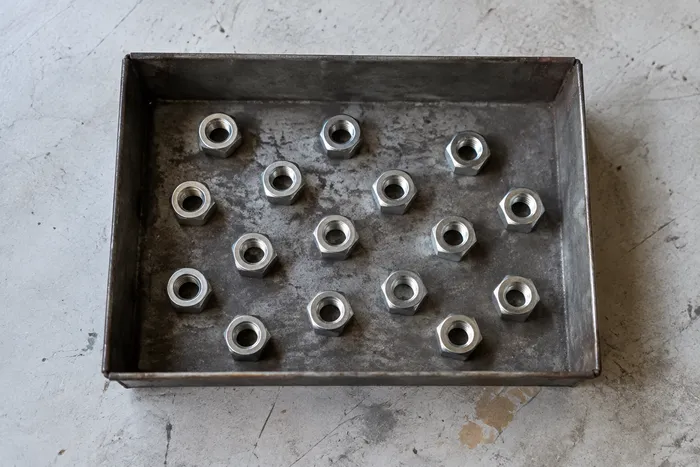
オブジェクトカウンター
Estimate an object count from a photo. Review and correct the numbered markers before using the count.
今すぐ試す
OCR とデータ抽出
画像からテキスト(OCR)
サポートされている 30 以上の言語で、スクリーンショット、写真、またはスキャンから編集可能なテキストを抽出します。
今すぐ試す
写真編集&ユーティリティ
EXIFビューア&リムーバー
サポートされている EXIF、IPTC、XMP メタデータ (場所、デバイス、タイムスタンプ フィールドなど) を検査し、削除可能なメタデータをクリアしたコピーをエクスポートします。
今すぐ試すよくある質問
人数カウンターでできること
ビジネス、クリエイター、日常業務など、実際の問題を毎日解決します。自分に合ったユースケースを見つけて始めましょう。
イベント・カンファレンス参加者の照合
部屋や会場を撮影して来場者数の概算を推定してください。結果を確認したうえで、照合には承認済みの目視カウントまたはチケット集計を使用してください。
集会・抗議活動の群衆規模推定
俯瞰または広角の写真から群衆規模のおおまかな推定値を算出します。その不確実性を確認したうえで、公表したり判断を下したりする前に、他の証拠と照らし合わせて裏付けを取ってください。
小売の来客数&行列のスナップショット
行列や店頭の買い物客を1枚の写真から数え、特定の瞬間の来客数や行列の長さをカメラシステムなしで手軽に確認できます。
教室・会議の出席簿
1枚の室内写真で人数の概算を出せます。その後、権限を持つ担当者が出席簿を手作業で作成または照合してください。
会場収容人数の概算見積もり
写真による概算は、あくまで早期警告としてのみ利用してください。開場前には、承認された実地確認または公式の収容人数チェックを完了させる必要があります。AIの結果は、防火や収容人数の遵守を証明する記録にはなりません。
交通機関のプラットフォームと待合エリアの混雑チェック
駅のプラットフォーム、バス停、待合スペースを撮影して概算の密度を推定し、安全性や収容人数に関する判断を下す前に、承認された運用チェックで裏付けを取ってください。
このツールのガイド
- A Busy Café Photo Tells One Part of the Demand StoryA busy cafe photo captures occupancy at one moment. Explore Pixoate people counts, their limits and how reviewed snapshots can inform demand discussions.
- Count Restaurant Customers from CCTV Photos: A Practical GuideUse café and restaurant photos to review occupancy and queues. Learn a checked headcount workflow and why snapshots cannot measure unique daily visitors.
変換結果を一つずつ確認
すべての写真はスラッシュをそのまま通過し、反対側が完成して出てきます。























