TikTokカバー画像リサイズツール ― 9:16の動画・写真・プロフィールサイズ
画像をTikTokの正確なサイズにリサイズ:9:16動画/カバー(1080×1920)、フォトカルーセル、プロフィール画像、サムネイル。品質を調整しながら、トリミング表示・全体表示・引き伸ばしが選べます。
TikTok用にリサイズしたい画像をドロップ
TikTokの画像サイズ
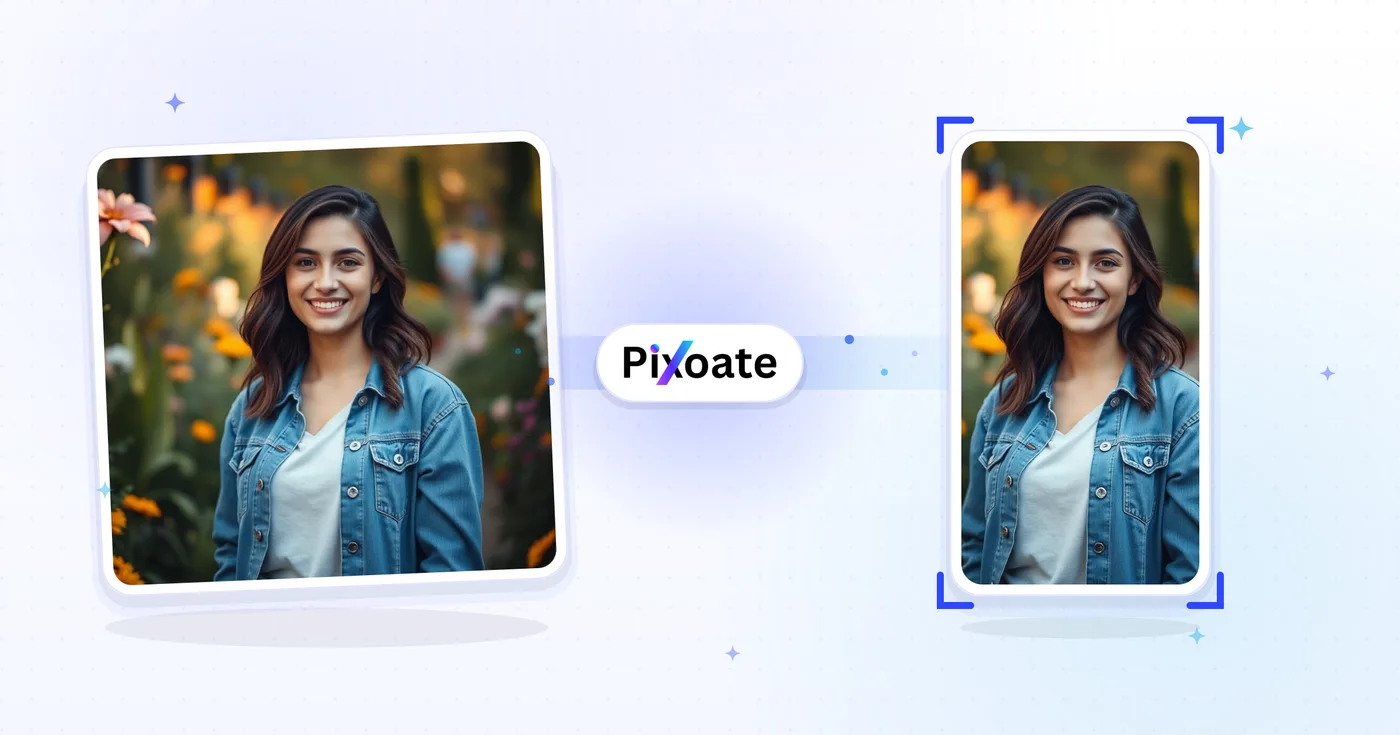
TikTokは9:16の縦型コンテンツを中心に設計されています。動画カバーは1080×1920でアップロードしてください。これより縦が短いと両端に余白が入り、横が広いと切り取られます。プロフィール写真は正方形(最小200×200)です。写真のカルーセルは動画と同じ9:16のフレームに従います。このツールは、どの画像でも各掲載位置に必要な正確なピクセルサイズにリサイズします。
TikTokカバーリサイザーの利用は完了しましたか?次はこちらもお試しください
TikTokカバーサイズ変更と相性の良い厳選ツール。ファイルを失うことなく作業を続けられます。
Instagramリサイズ
写真全体をトリミングせずに Instagram に収められます——正方形に合わせて端を切り落とす代わりに、スマートな余白(ぼかしまたはお好みの色)を追加。無料、登録不要、ウォーターマークなしです。
今すぐ試すYouTubeサムネイルダウンローダー
任意の YouTube の URL または動画 ID を貼り付けるだけで、利用可能なすべてのサムネイルサイズ(HD、SD、HQ、MQ、デフォルト)をダウンロードできます。
今すぐ試すPinterestピンサイズ変更ツール
画像をPinterestのあらゆるフォーマットにリサイズ:2:3の標準ピン、ロングピン、正方形、ストーリーピン、プロフィールカバー、ボードカバー。
今すぐ試す画像をKB単位で圧縮
JPG、PNG、WebP などを、目に見える品質を損なうことなく目標サイズちょうどに圧縮できます——20KB、50KB、100KB、お好みの KB まで自由自在。複数の画像をまとめて一括圧縮でき、しかも無料です。
今すぐ試す画像を切り抜き
JPG、PNG、WebP、GIF、SVG の画像を、ライブプレビューでリアルタイムにトリミングできます。ピクセル単位の正確な指定や、お好みの縦横比でのトリミングも可能。無料、登録不要、ウォーターマークなしです。
今すぐ試す写真フィルター・エフェクト
23種類以上のプロ仕様の効果で写真を変身させましょう。芸術的なスタイル、ビンテージフィルター、モダンな効果、特別な変換が揃っています。
今すぐ試すFrequently Asked Questions
TikTokの動画カバーは1080 × 1920ピクセル(9:16、縦型フルスクリーン)です。安全領域は中央の1080 × 1440の範囲です。その上下にあるものは、おすすめフィードでユーザー名、キャプション、アクションボタンに隠れてしまう可能性があります。
social画像をアップロードし、TikTokカバープリセット(1080 × 1920)を選び、セーフエリアマーカー内で焦点をドラッグして調整したら、縦長のPNGまたはJPEGをダウンロードできます。セーフエリアガイドにより、TikTokのUIオーバーレイでテキストや顔が隠れないようにできます。
usage下部280ピクセルは空けておきましょう(キャプション、ユーザー名、音楽のティッカーが配置される場所です)。また右端はアクションボタン(いいね、コメント、シェア)を避けて空けてください。見出しは上部中央に配置すると最も目立ちます。
tipsはい。プリセットは、TikTokのプロフィール画像(200 × 200)、動画カバー(1080 × 1920)、インフィード広告カバー(720 × 1280)、TopView広告カバー(1080 × 1920)に対応しています。いずれもTikTokの広告プラットフォームが想定するサイズです。
features写真を使ったカバーには、品質80〜90%のJPEGが最適です(ファイルが小さいほどアップロードが速くなります)。カバーにくっきりとしたテキスト、グラデーション、透明な部分があり、JPEG圧縮で目立つノイズが生じる場合は、PNGの方が適しています。
technicalYour image is uploaded to our server over HTTPS to perform the resize, then automatically deleted right after processing — we never store it long-term or share it with anyone, so unreleased content, brand visuals and influencer drafts stay confidential.
privacyCover scales your image to fill the whole frame and crops any overflow — best when your subject is centered. Contain shrinks the image to fit entirely inside the frame and fills the leftover space with your chosen background color — best when you can't afford to lose any edges. Stretch forces the image to the exact preset dimensions, which can distort the aspect ratio, so use it only when the source is already close to 9:16.
featuresOpen the background color picker in Settings — it's only visible when the Contain fit leaves empty space around your image. Pick a brand color or a solid black/white bar instead of the default so the letterboxing looks intentional rather than accidental.
features形式のドロップダウンから JPG、PNG、WEBP、AVIF を選べます。品質 85-90 の JPG(品質スライダーで調整可能)は、写真を使ったカバーに最も無難な既定値です。くっきりした文字やロゴを含むカバーには PNG を選びましょう。PNG では品質スライダーが無効になります(常にロスレスのため)。
technicalOn circular-crop presets like TikTok's Profile picture, a toggle button lets you show or hide a circular safe-zone guide over the square canvas. Turn it on to check that faces and logos stay inside the circle TikTok actually displays, since the corners of the square get cropped away.
usagePick the Video/Cover preset (1080×1920), use Contain fit if your source photo isn't already 9:16, set the background color to match your brand or a plain black bar, and export as JPG at quality 90 for a crisp, undistorted cover.
tipsThe Photo carousel preset exports at 1080 x 1920 pixels — identical to the Video/Cover preset — because TikTok displays carousel (slideshow) posts in the same full-screen 9:16 frame as video. Pick Photo carousel when you're resizing images for a multi-photo slideshow post rather than a single video thumbnail; the output dimensions are the same either way, it's just a clearer label for your export queue.
featuresTikTok lets you upload a short looping video as your profile picture instead of a static photo, and it expects a slightly larger frame — 207 x 207 pixels — for that first frame, compared to 200 x 200 for a static Profile picture. Because the preset name contains 'profile' and the frame is square, the same circular safe-zone guide used on the static Profile picture preset also appears here, so you can confirm your subject survives TikTok's circular avatar crop before exporting.
featuresTikTok's app chrome — the username, caption text and side icons — sits over a black background, so when Contain fit leaves empty space around your image, black bars (#000000) blend in and look intentional rather than like an accidental white letterbox. Open the background color swatch in Settings any time to switch it to white, your brand color, or any custom hex value instead.
featuresThumbnail exports the same 9:16 vertical frame as Video/Cover but at a lower 720×1280 resolution, which is enough for a draft cover, an internal review copy, or anywhere a smaller file matters more than maximum sharpness. Square thumbnail instead crops to a 1:1 1080×1080 frame, matching the square preview TikTok links show when embedded on other sites, in link-preview cards, or in third-party grid layouts that can't display a 9:16 image.
featuresHow TikTok Cover Resizer helps you get it done
Real problems it solves every day — for businesses, creators, and everyday tasks. Find the use case that fits you and start in seconds.
クリエイター動画カバーのブランディング
TikTokクリエイターは、一貫したフォント、色、見出しでまとまりのある動画カバーをデザインし、プロフィールのグリッドがバラバラなサムネイルではなく、洗練されたブランドとして見えるようにします
レストラン・フードブランドのカバー
レストラン、カフェ、フードブランドは、料理のメイン写真をTikTokのカバーサイズにリサイズして、フォロワーを料理動画の視聴やプロフィールのメニューリンクへと誘導します
ビューティー・スキンケアのチュートリアルカバー
ビューティー系クリエイターやスキンケアブランドは、TikTok の最適なサイズでビフォー/アフターのチュートリアルカバーをデザインし、おすすめフィードのスクロールからの CTR を最大化しています
フィットネス・ワークアウト動画のカバー
フィットネスクリエイターやコーチ、宅トレ系ブランドは、ワークアウトのタイトルや所要時間、難易度を載せたTikTokカバーを作成し、視聴者がこれから取り組む内容を事前に把握できるようにしています
ECサイトの商品デモ用カバー
D2Cブランドは、コンバージョンにつながるTikTok Shop、フィード内広告、オーガニックな商品動画向けに、商品デモのカバー画像をTikTokのサイズにリサイズします
教育・ハウツー動画のカバー
エドテッククリエイター、語学講師、スキルシェアの教育者は、ユーザーが再生をタップする前にレッスンのタイトルと要点が見える、わかりやすいTikTokカバーをデザインします
Music Release & Podcast Clip Covers
Musicians and podcasters export a Video/Cover (1080x1920) image announcing a new single or episode, then use Photo carousel for slides teasing the tracklist, all cropped to the same 9:16 frame.
Property Walkthrough Reel Covers
Real estate agents resize listing photos to TikTok's Video/Cover preset with Contain fit so a wide-angle living-room shot isn't cropped, keeping the whole room visible before the walkthrough video plays.
SaaS Feature Launch Covers
Product marketers use Contain fit with a branded background color to fit a full desktop screenshot inside the 9:16 frame without cropping the UI, for feature-announcement and demo clips.
Conference & Event Recap Carousels
Event organizers use the Photo carousel preset to resize a set of session photos into a matching 9:16 slideshow post recapping a conference or meetup for attendees who missed it.
TikTok Shop Product Video Covers
TikTok Shop sellers resize product photography into the Video/Cover frame for shoppable video posts and use Photo carousel for multi-angle product showcases, keeping storefront video covers native to TikTok's vertical feed instead of looking like a cropped e-commerce photo.
Pixoate