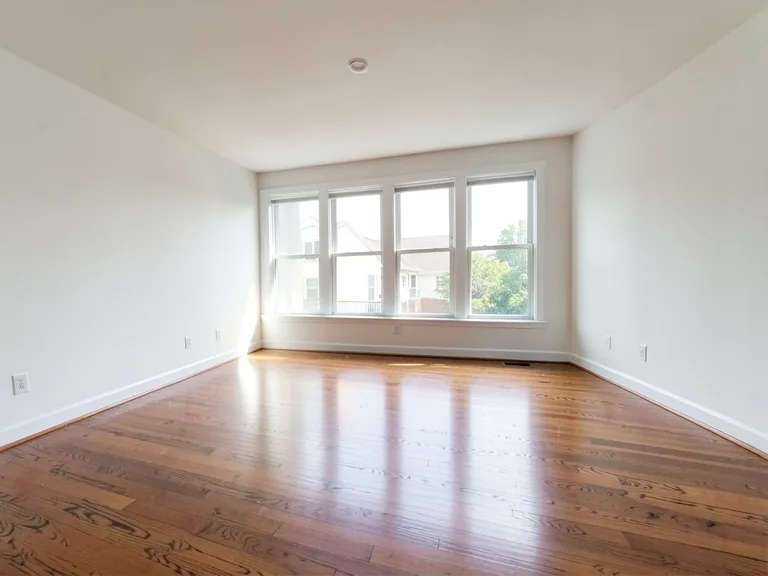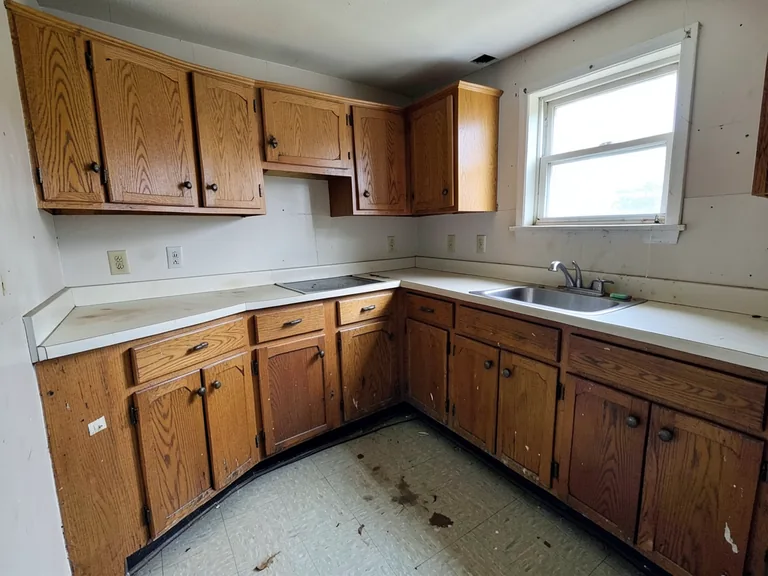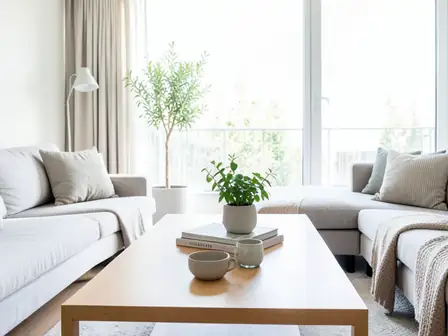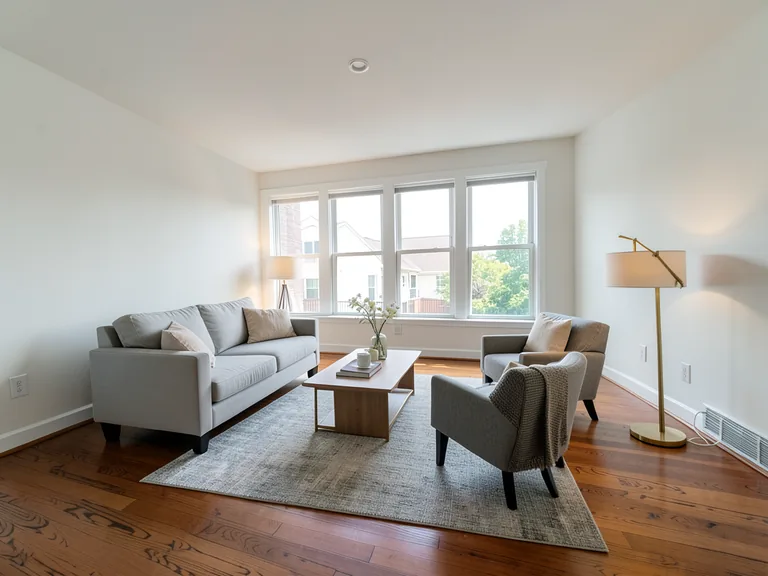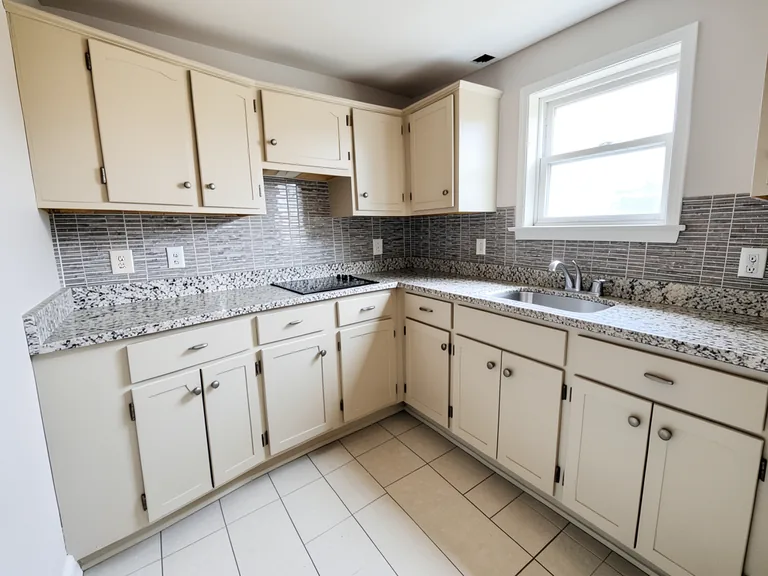
Interior Paint Visualizer workflow
벽 페인트 색상 미리보기
생성 결과는 달라질 수 있으므로 게시하기 전에 전체 결과를 검토하세요.
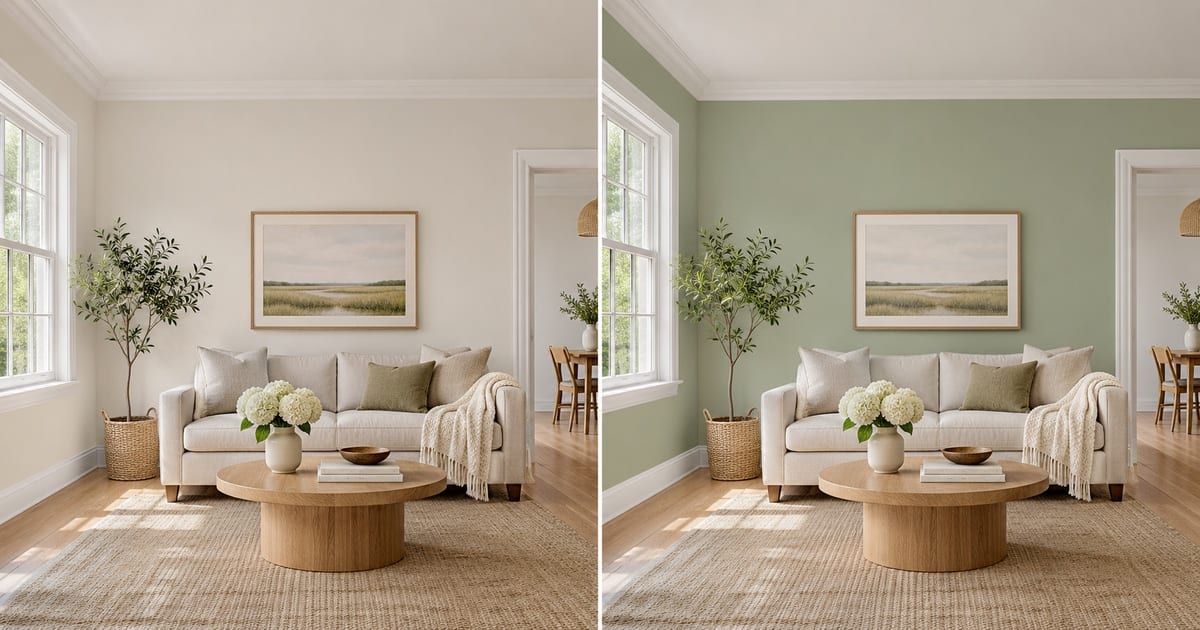
A swatch the size of a postcard tells you very little. It looks different at noon and at night, and a color that felt calm on a screen can turn heavy once it covers four walls. This visualizer repaints a photo of your own room, so you judge the color against your floor, your furniture and your window light, and keep the trim, ceiling and doors exactly as they are. Pick a color, add an accent wall or white trim with one tap, and compare versions before you open a single tin.
- Prepared Interior Paint Visualizer direction
- 수정 가능한 프롬프트
- 전체 결과 검토 필수
Choose a source image for Interior Paint Visualizer
JPG, PNG, WebP, HEIC 등 지원되는 형식을 사용할 수 있습니다. 이 도구의 업로드 한도는 Free 20 MB, Premium 이상 50 MB입니다.
가상 스테이징 및 부동산 공간 디자인사전 설정이 자동으로 로드됨
벽 페인트 색상 미리보기에 대한 설정
준비된 설정
- 출발점
- 원본 이미지 한 장 업로드
- 페이지가 올바른 편집 작업 흐름으로 열리므로, 업로드만 하면 바로 시작할 수 있습니다.
- 준비된 워크플로우
- Prepared Interior Paint Visualizer workflow
- Interior Paint Visualizer opens with the Interior Paint Visualizer direction preselected, so there is no need to find the operation manually.
- 출력 형식
- 업로드한 원본과 동일
- 결과물은 업로드한 이미지의 가로세로 비율을 유지합니다.
- 검토 규칙
- 사용하기 전에 생성된 전체 결과 검토
- 생성된 이미지는 결과가 달라질 수 있으며, 다운로드 전 최종 결과는 사용자의 승인을 거칩니다.
최적의 용도
- Compare three wall colors on one photo before buying paint
- Show a landlord, partner or client the repainted room
- Try an accent wall or two-tone finish without committing
자주 묻는 질문
- Will the color in the picture match the paint in the tin?
- Not exactly, and no visualizer can promise that. Photos and screens shift color, and your light changes it again. The picture shows how a hue sits with your floor, furniture and daylight, which is what settles most decisions. Confirm the final choice with a sample on the wall at morning, noon and evening.
- Does it repaint only the walls?
- The instruction asks for the walls only, keeping the ceiling, trim, doors, windows and furniture as they are. Look along the edges where a wall meets a curtain, a picture frame or a shelf, and if anything bled, run it again with a short note about that spot.
- Can I try an accent wall, white trim or a two-tone wall?
- Yes. Under "Add to your result" you can tap an accent wall, crisp white trim, a painted ceiling or a two-tone finish, and it is combined with the color you chose and anything you type in the custom instructions box.
- Which photo gives the most believable result?
- A daylight photo with the walls fully in the frame, taken straight on, with no strong color cast from curtains or a bright window. Turn off warm lamps if you can, so the AI sees the true wall color to start from.
AI 부동산 사진 편집기로 할 수 있는 일
시작하기 전에 주요 기능을 검토하세요.
- 가상 연출임을 밝히는 콘셉트 이미지용으로 방 전체를 자동 스테이징
- 선택한 TV, 벽 색상, 조경을 정확하게 추가
- 설명한 케이블, 쓰레기통, 표지판 등 시선을 분산시키는 잡동사니 제거
- 하늘을 교체하고 사실적인 황혼 외관 만들기
- 필요할 때 자동 편집 영역을 직접 다듬기
설정 참고
5 설정
AI 부동산 사진 편집기에 사용 가능한 제어 기능입니다.
작업
- 유형 수정드롭다운
- 수행할 편집 작업을 선택하세요. 선택한 편집 유형에 맞춰 프롬프트, 선택 도구, 출력 설정이 바뀝니다.옵션: 텍스트 기반 편집생성 채우기매직 지우개하늘 교체룸 스테이징
- 원탭 프리셋프리셋
- 준비된 스타일을 한 번의 탭으로 고르세요. 생성할 때 선택한 프리셋이 자동으로 적용됩니다.옵션: 가구 추가추가 TV벽을 따뜻한 흰색으로 칠하기황혼 하늘교체 sky제거 clutter조경 새로 꾸미기
- 맞춤 지시 (선택)텍스트 입력
- 요청된 변경 사항, 관련 재료, 조명, 관점 및 변경되지 않아야 하는 세부 사항을 설명합니다.
선택
- 선택 브러시 크기슬라이더범위: 4–160px · 기본값: 32px
- 생성 전에 추가, 채우기 또는 교체할 정확한 영역을 표시할 브러시 두께를 설정하세요.
출력
- AI가 인물의 얼굴 특징과 제품 디테일을 유지하도록 요청켜기 / 끄기
- 요청에 따라 변경되지 않는 한 주요 주제, 모양, 브랜딩, 레이블 및 읽을 수 있는 텍스트를 유지하라는 명시적 지침을 추가합니다.
무료 이용 · 회원가입 불필요 · 워터마크 없음업로드는 전송 중에 암호화됩니다.보관 정책에 따라 삭제됨
벽 페인트 색상 미리보기 관련 도구
벽 페인트 색상 미리보기 이후 일반적인 다음 단계를 위한 도구입니다.

이 도구 사용 가이드
- How to Prepare Real Estate Listing Photos in Bulk for an AgencyOrganize bulk real estate photo editing with Pixoate. Keep properties, room sequences and concept images clear across an agency's listing workflow.
- How to Remove Temporary Clutter from Real Estate Photos with AIRemove temporary clutter from real estate photos with Pixoate. Review cables and stray objects while preserving the property's actual condition.
각 변화를 확인하세요
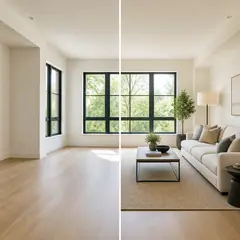
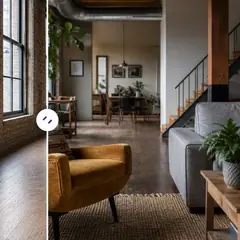
모든 사진이 원본 그대로 슬래시를 지나 반대편에서 완성된 결과물로 나옵니다.