
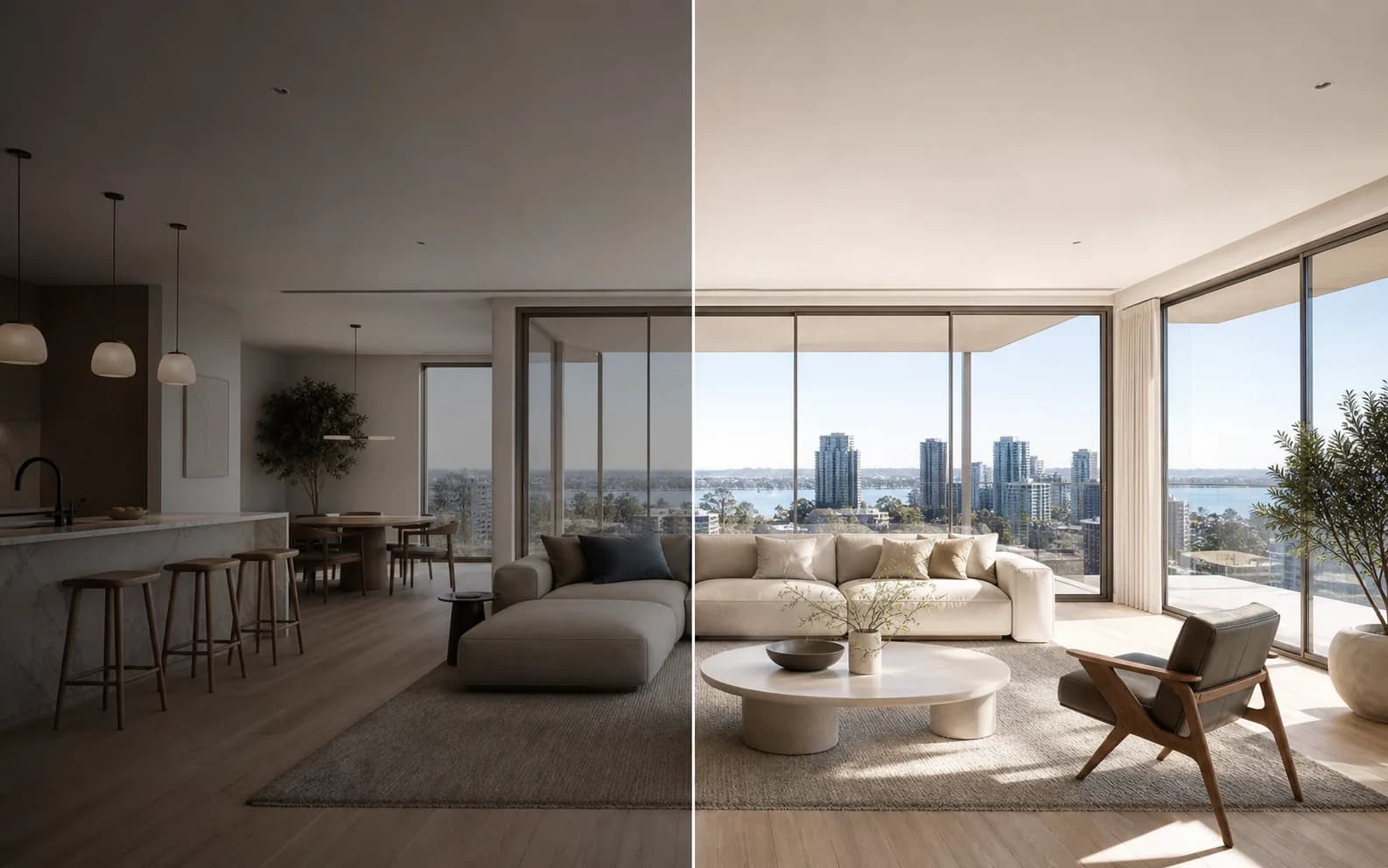
Mixed lighting across rooms
Interior, exterior, window, and evening images often need different correction before they feel like one set.
Real estate
Balance weak source images, recover usable detail, create channel-ready crops, and keep an entire property set visually coherent.
 Workflow illustration
Input
Source files
Output
Workflow-ready result
Industry challenges
A property set is judged as a whole. One dim room, inconsistent crop, or oversized file can interrupt the listing experience even when the rest of the photography is strong.
Interior, exterior, window, and evening images often need different correction before they feel like one set.
Inherited or mobile-captured images may be too small or poorly composed for the listing placement.
Portal listings, social campaigns, email, and print materials require different crops and file weights.
End-to-end workflow
Preserve the property's reality while applying repeatable technical preparation to the images selected for a listing.
Start with the images that accurately represent the rooms, exterior, and important features.
Improve noise, sharpness, color, and lighting on suitable source photographs.
AI Photo EnhancerUpscale small source images when the intended placement requires a larger output.
Image UpscalerMove between landscape listing views and portrait campaign placements.
Landscape & Portrait ConverterUse the Photo Editor for intentional crop, adjustment, composition, and review.
Photo EditorPrepare lighter listing assets after the visual edit is approved.
Image CompressorRelevant products
These products improve technical presentation; they do not fabricate property features or replace accurate listing disclosure.
Pixoate product
Creates a more consistent baseline across rooms captured in different lighting conditions.
Pixoate product
Helps prepare smaller inherited images for placements that need more pixels.
Pixoate product
Adapts a listing image for portrait marketing placements without rebuilding the composition elsewhere.
Pixoate product
Keeps crop, adjustment, text, and final review in the flagship editing workspace.
Pixoate product
Reduces delivery weight after the listing set is visually approved.
Before and after
The visual preview focuses on exposure, clarity, framing, and delivery—not invented rooms, views, or features.
Source room
Dim exposure, mixed color, camera-sized file
Listing image
Balanced light, clear detail, channel-ready frame
API and automation
A property platform can call supported enhancement, upscaling, resizing, or format-conversion functions after an image enters its own review workflow.
Sample request
POST /api/v1/process
X-API-Key: <your-key>
Idempotency-Key: <unique-key>

[email protected]
functionName=applyPhotoEnhance
parameters={"strength":0.6,"upscale":false}
Sample response
{"success":true,"processedFileId":"<file-id>","downloadUrl":"/processed/<file-id>","creditsSpent":1}Current boundary: The API returns a technical image transformation. Property accuracy, disclosure, selection, and publication remain the customer's responsibility.
Workflow value
Start from your current baseline, run the workflow, and measure these operational indicators in your own environment.
Product evidence
The Photo Editor, enhancer, upscaler, composition, and compression routes are available now.
Enhancement, upscaling, landscape/portrait adaptation, and compression are registered batch products.
Enhancement, upscaling, resizing, and supported format conversion can be integrated through `/api/v1/process`.
Practical answers
This solution is positioned around technical image preparation—enhancement, upscaling, framing, resizing, and compression. Listing accuracy and disclosure remain with the agent or platform.
Several relevant products are registered for Premium web batch processing. The full Photo Editor remains an interactive workspace, and the public API is currently single-request and synchronous.
Yes. Resize and landscape/portrait products can prepare different output dimensions, while the Photo Editor supports deliberate final composition.
Yes. `applyPhotoEnhance` is a supported public image function. API access starts with Pro. Calls use credits purchased separately.
Enhancement and upscaling can improve suitable inputs, but they cannot guarantee that an unusable or misleading source becomes appropriate for a listing. Review every final image.
Product limits and access can change by route and plan. The linked product, pricing, and developer pages remain the final source.
Related solutions
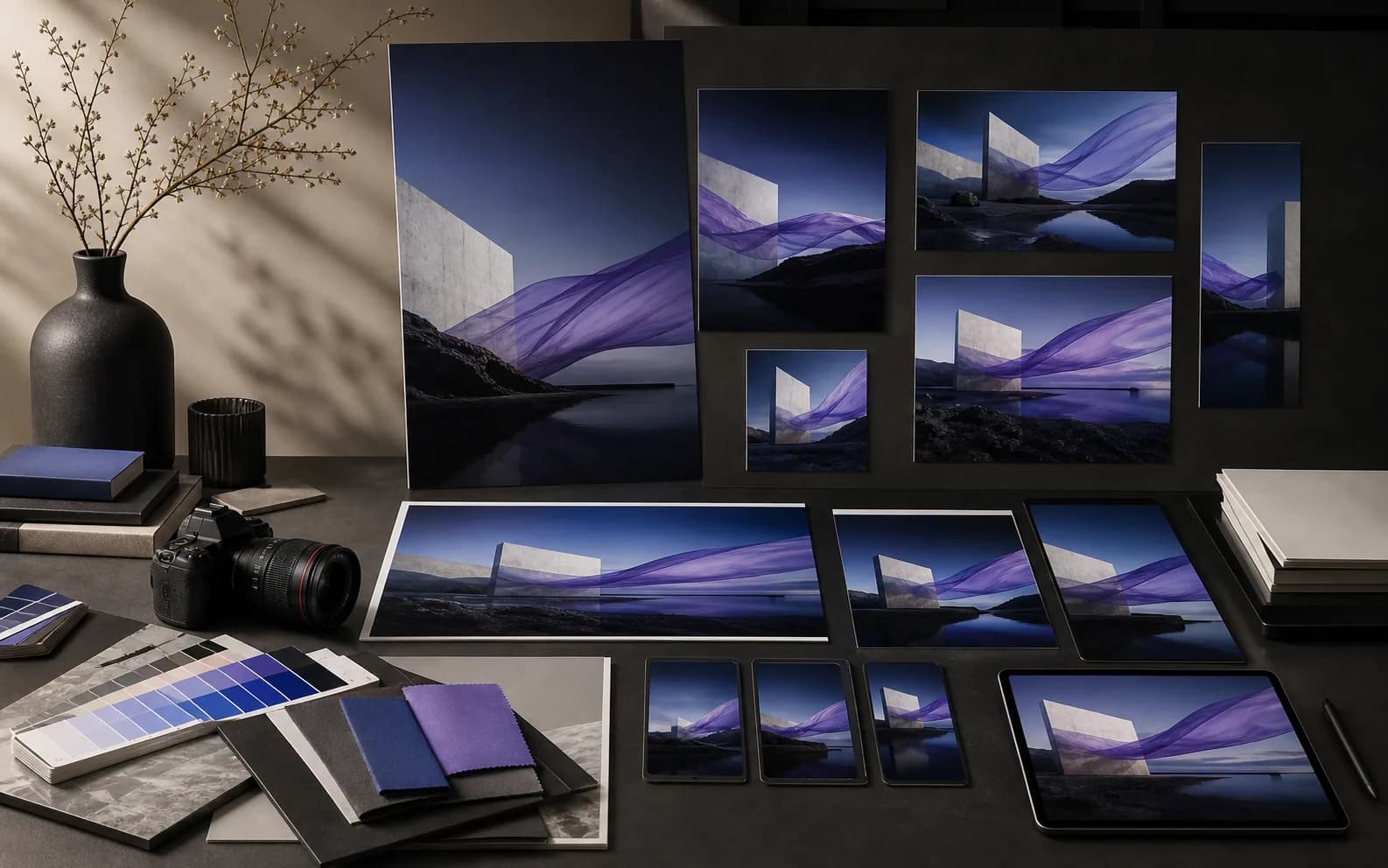 Marketing Agencies
Move campaign images from one approved concept into polished channel variants and client-ready outputs.
Explore solution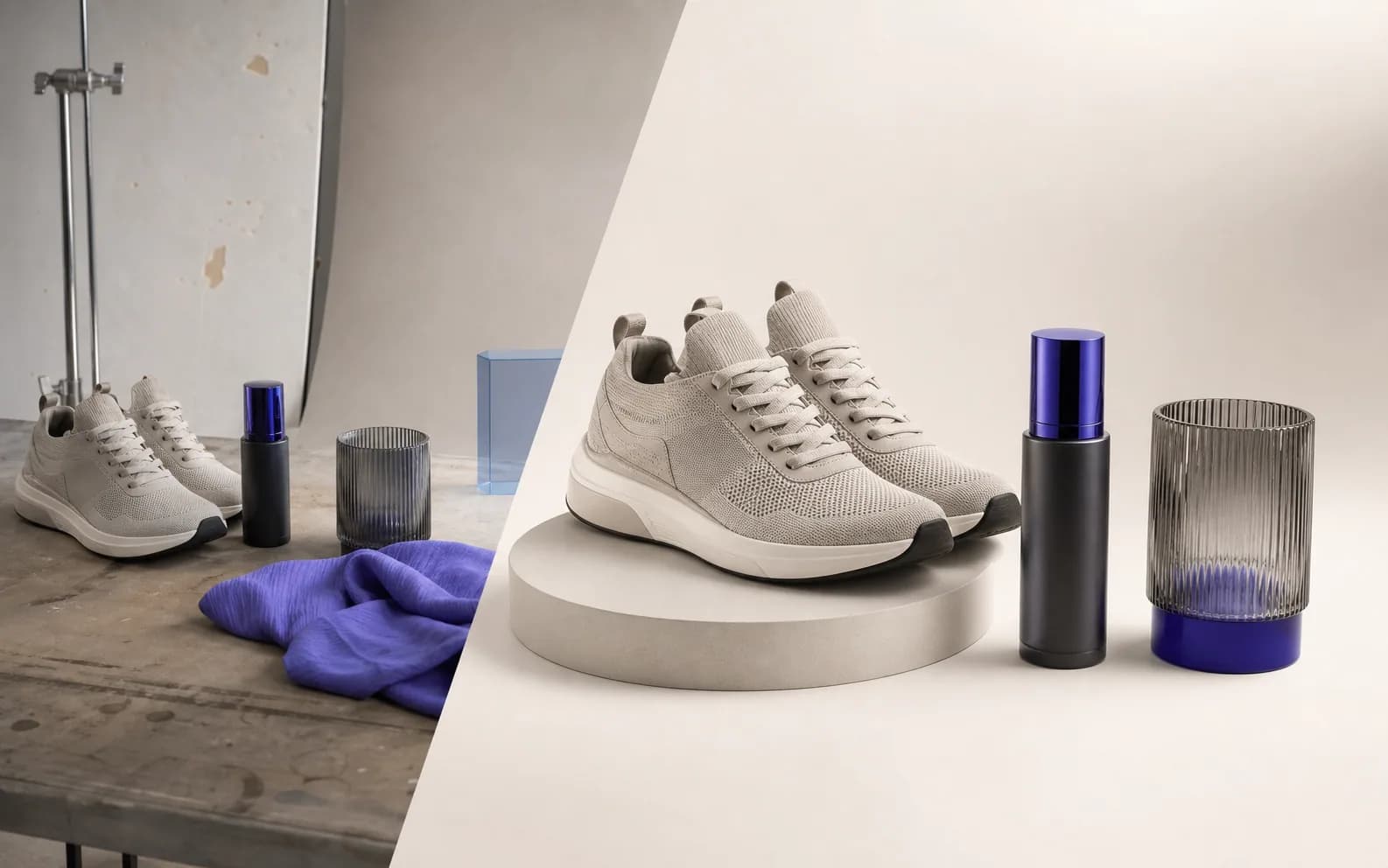 E-commerce & Retail
Build a repeatable path from raw product photos to consistent, web-ready catalog assets.
Explore solution Technology & SaaS
Embed selected image transformations, extraction, and counting in a product you already operate.
Explore solutionChoose your path
Edit one property in the flagship workspace, use supported web batches for repeatable stages, or integrate selected image preparation into a listing platform.
Every photo crosses the slash untouched and comes out the other side finished.























