How to Prepare Real Estate Listing Photos in Bulk for an Agency
Organize bulk real estate photo editing with Pixoate. Keep properties, room sequences and concept images clear across an agency's listing workflow.
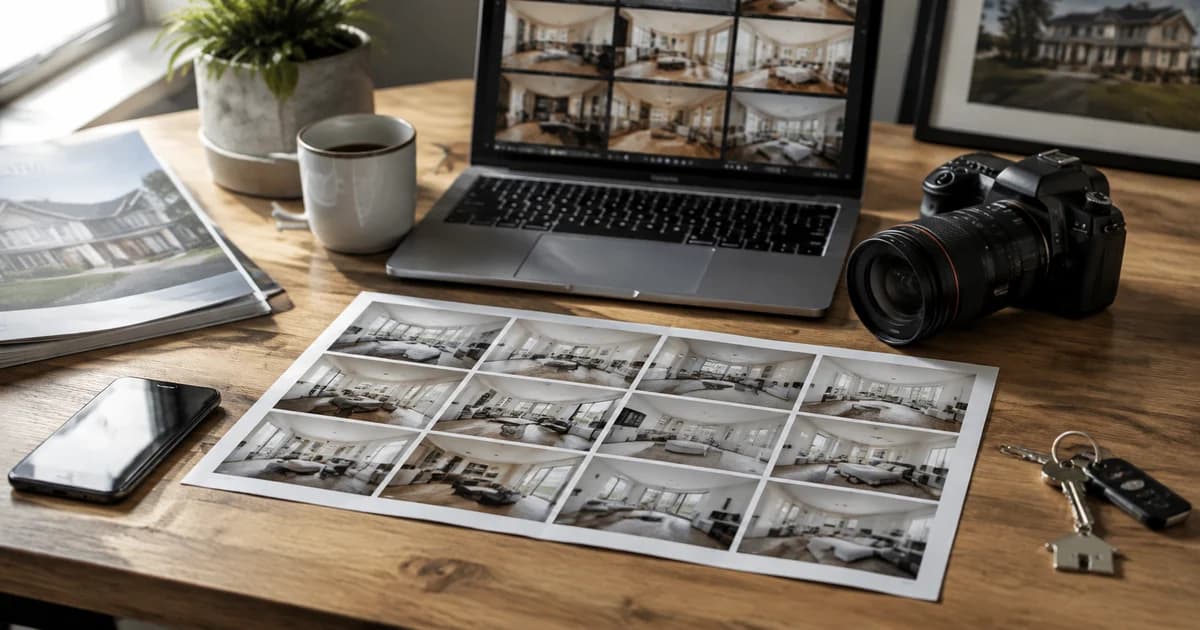
An agency receives a mix of empty-room photos, dark interiors and oversized exterior files. The same folder may also contain several properties with similar kitchens. A useful bulk workflow starts with organisation and ends with a property-by-property review.
Pixoate Real Estate Photo Editor provides focused property-image operations, including staging, temporary-clutter removal and sky changes. Use the operation that fits the specific image and keep the original-condition photographs.
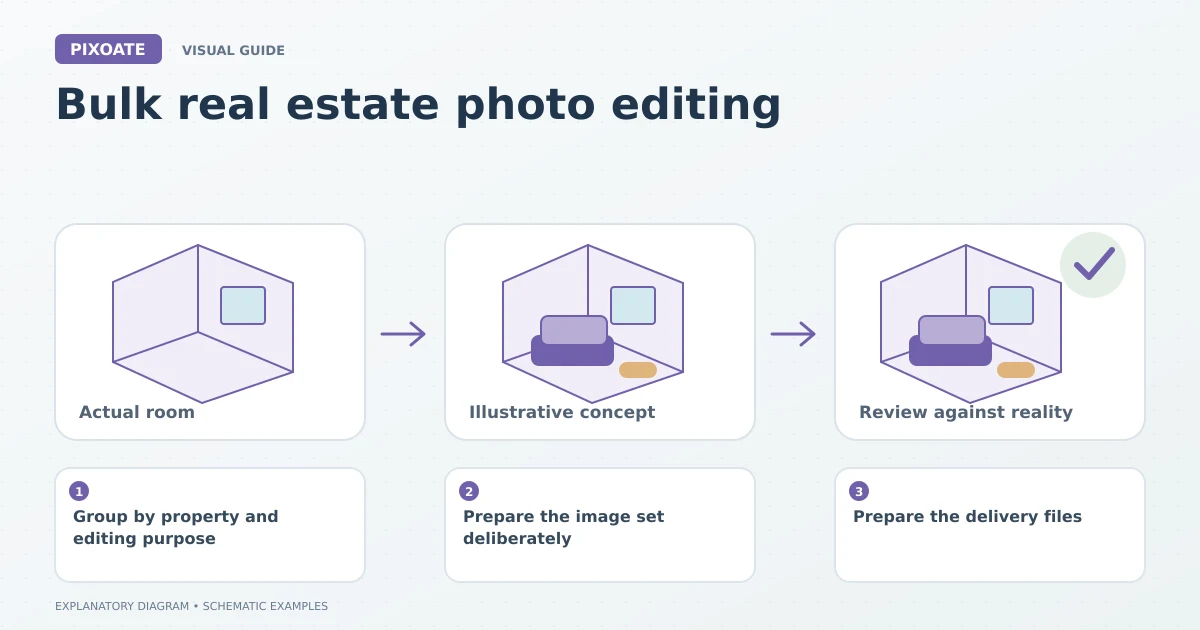
Original explanatory graphic. The scenes and sample records are schematic illustrations, not screenshots or measured tool results.
Group by property and editing purpose
Keep each property and room identifiable in your working files. Separate genuine lighting corrections from generated furnishing concepts. A staged living room should not accidentally replace an original image in a condition record.
Choose one representative image from each group. Review its treatment before processing similar sources with shared settings. Batch availability depends on the tool and account.
Prepare the image set deliberately
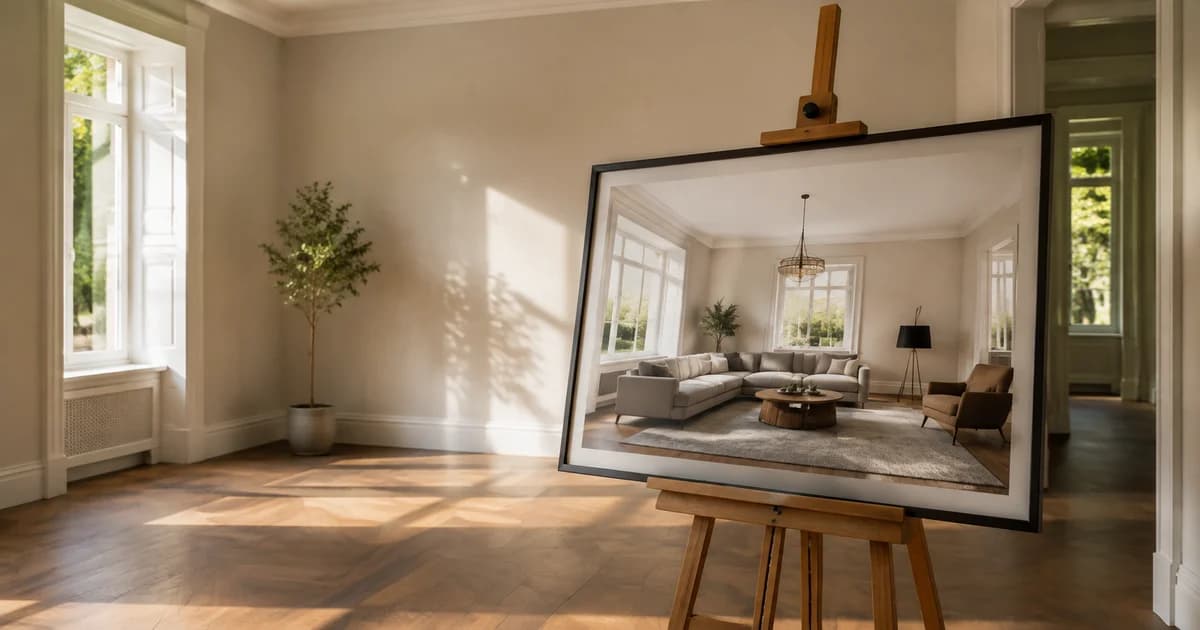
For empty interiors, batch virtual staging for listing photos can apply a room-purpose and style direction. Review each result for fixed architecture, plausible furniture placement and consistency with the real property.
Use the property editor's other operations only where appropriate. Removing a temporary cable is different from concealing damage; generating a garden concept is different from documenting the existing garden.
Keep generated concepts clearly identified and check the publishing requirements that apply to your portal, agency and location. Do not infer a universal disclosure rule from one market.
Prepare the delivery files
Use Resize Image for the intended destination dimensions, preserving proportions. Use Compress Image when file size needs reduction, and inspect window frames, text and fine architectural detail afterward.
Review the upload in the actual listing interface. A portal crop can remove a doorway or distort the intended room impression even when the source image is well composed.
| Final check | Why it matters |
|---|---|
| Correct property and room | Similar images are easy to misassign. |
| Original versus concept identified | Viewers need to understand what exists. |
| Architecture retained accurately | Generated changes can misrepresent the space. |
| Plausible furniture and clear access | Attractive staging should still make sense. |
| Readable, appropriately sized exports | The images must work in the destination. |
Does a batch produce the same furniture across every angle?
Do not assume exact multi-view consistency. Shared directions can still produce differing objects and layouts. Review a property's images together.
Can these tools automatically upload to property portals?
This workflow prepares files. Uploading, ordering and approving the listing remain separate tasks.
Start with one property in Pixoate Real Estate Photo Editor, establish a reviewed treatment and then extend it to similar images while keeping each property's record distinct.