How to Remove Temporary Clutter from Real Estate Photos with AI
Remove temporary clutter from real estate photos with Pixoate. Review cables and stray objects while preserving the property's actual condition.
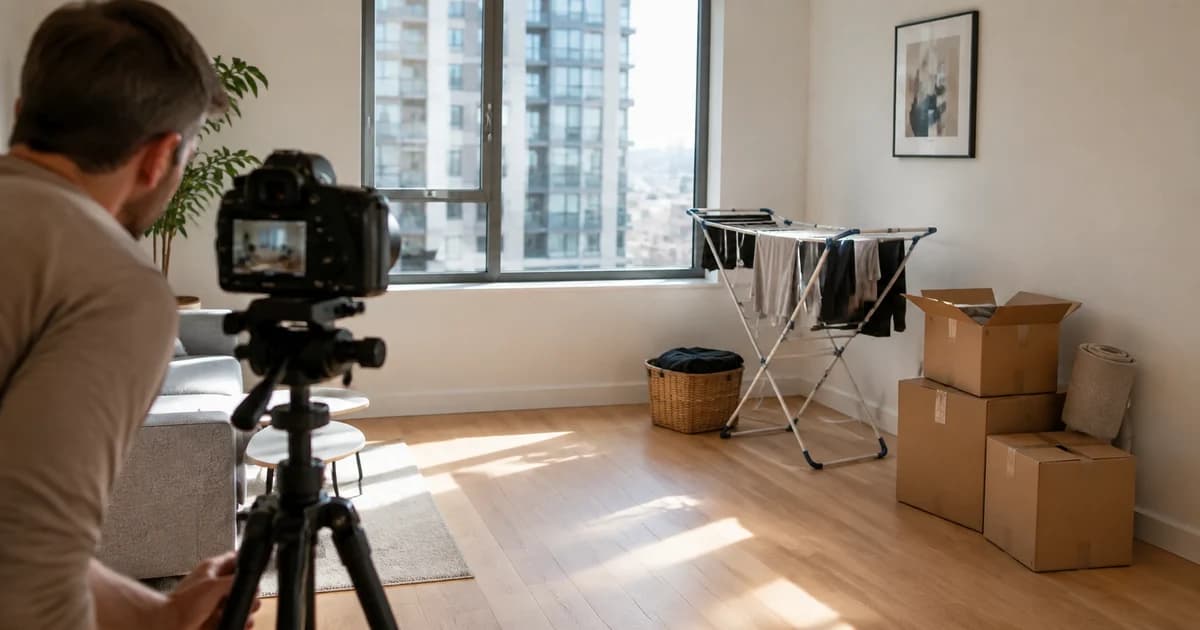
A bin, loose cable or moving box can distract from a property photograph. Removing a temporary distraction may help explain the room, but changing the property's actual condition is a different matter.
Use Pixoate AI Object Remover for property-photo distractions with a specific target and a careful comparison to the original. Keep the source image and use the edited result only where its representation is appropriate.
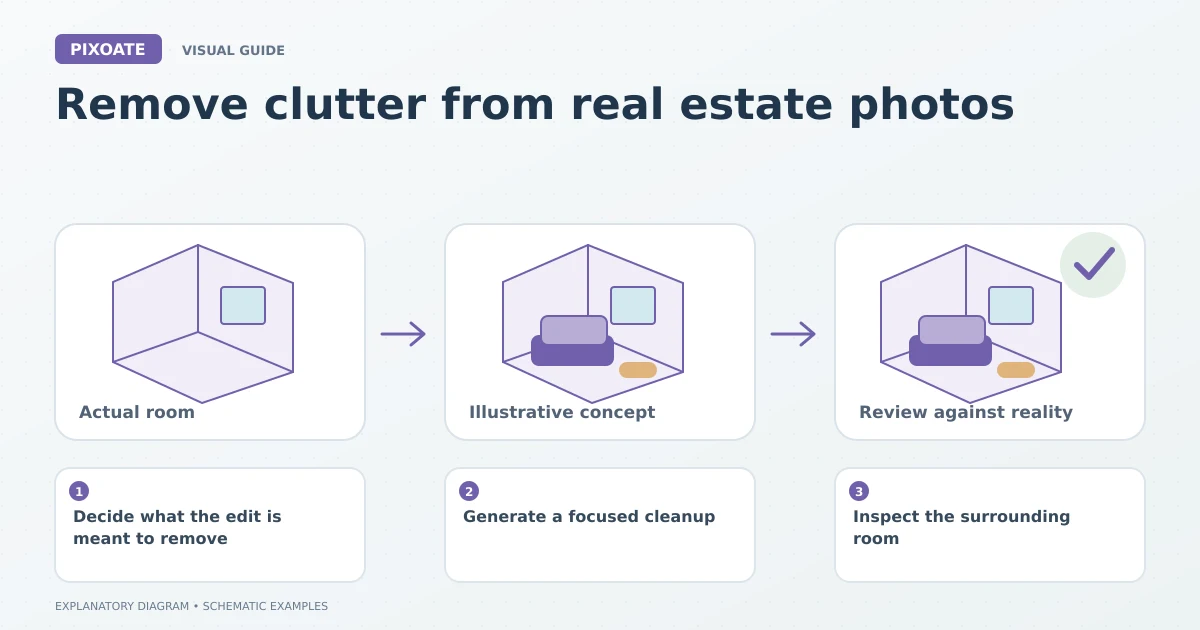
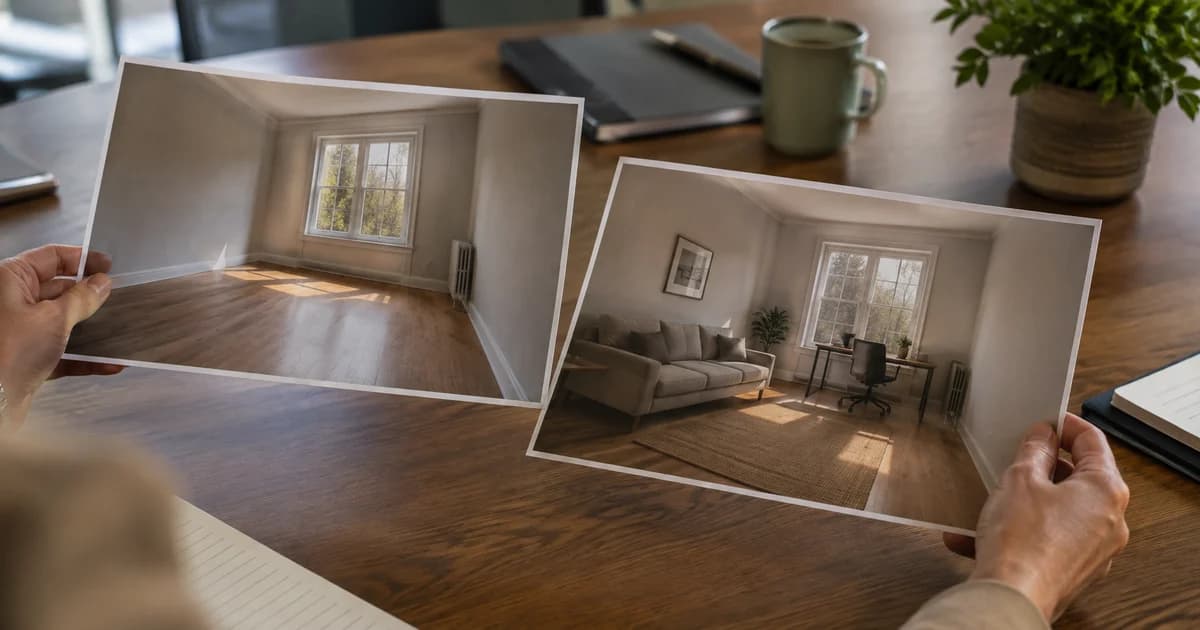
Original explanatory graphic. The scenes and sample records are schematic illustrations, not screenshots or measured tool results.
Decide what the edit is meant to remove
Describe the temporary item clearly. Avoid a broad request such as “make everything perfect,” which gives less control over what changes.
Do not use cleanup to conceal damage, fixed fixtures, access limitations or other material property features. If an image illustrates a proposed change, identify it as a concept rather than current condition.
Generate a focused cleanup
Upload the image and describe the unwanted object. Use manual refinement where the tool offers it and the target overlaps important details.
For a broader property workflow, Real Estate Photo Editor includes a clutter-removal task alongside other operations. Select the intended operation explicitly rather than applying unrelated styling.
Review the reconstructed area closely. The AI must generate pixels where the object was, and those pixels may not reflect what was actually behind it.
Inspect the surrounding room
Use Image Compare to examine floor lines, skirting, sockets, window edges and furniture near the edit. Repeated patterns and straight architectural lines can reveal a poor reconstruction.
| Review question | Why ask it? |
|---|---|
| Was only the intended distraction removed? | Adjacent objects may have changed too. |
| Is the reconstructed area plausible? | Generated texture can be inconsistent. |
| Does the image still describe the actual property? | A convincing edit can still mislead. |
| Is the original available? | It preserves the reference condition. |
Prefer a new photograph when it is practical
If the room is accessible, moving the temporary item and taking another photo can provide a more direct record of the scene. Editing is useful in some workflows, but it does not establish the hidden background as fact.
Check the relevant listing or portal requirements before publishing altered property imagery. Keep condition records separate from marketing concepts.
Can I remove a permanent fixture because it looks untidy?
That would change how the property is represented. Treat proposed removals as clearly identified concepts and keep the existing condition visible.
Start with one precisely described distraction in Pixoate. Approve the result only after reviewing both the edited area and the meaning of the whole photograph.