
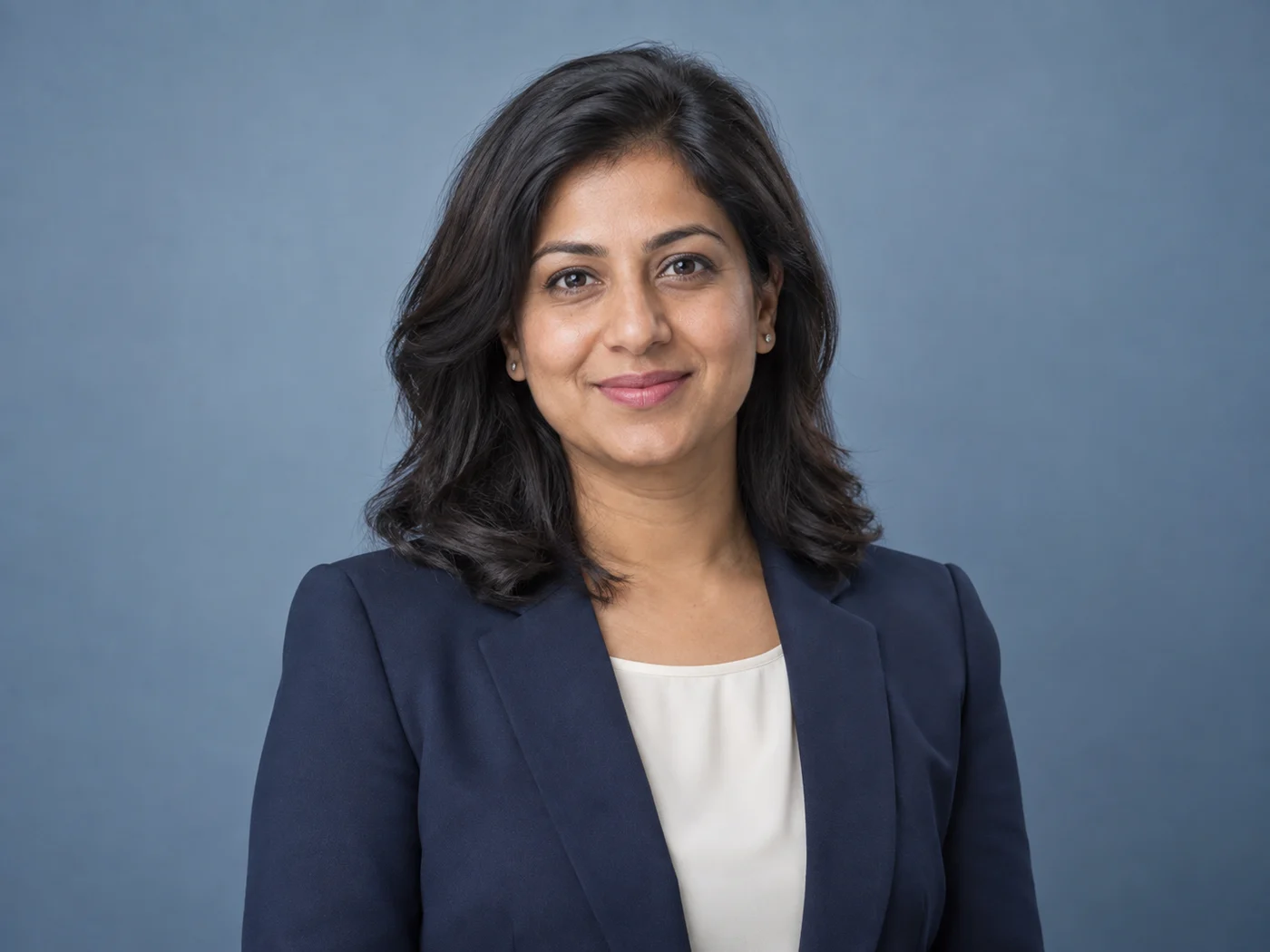
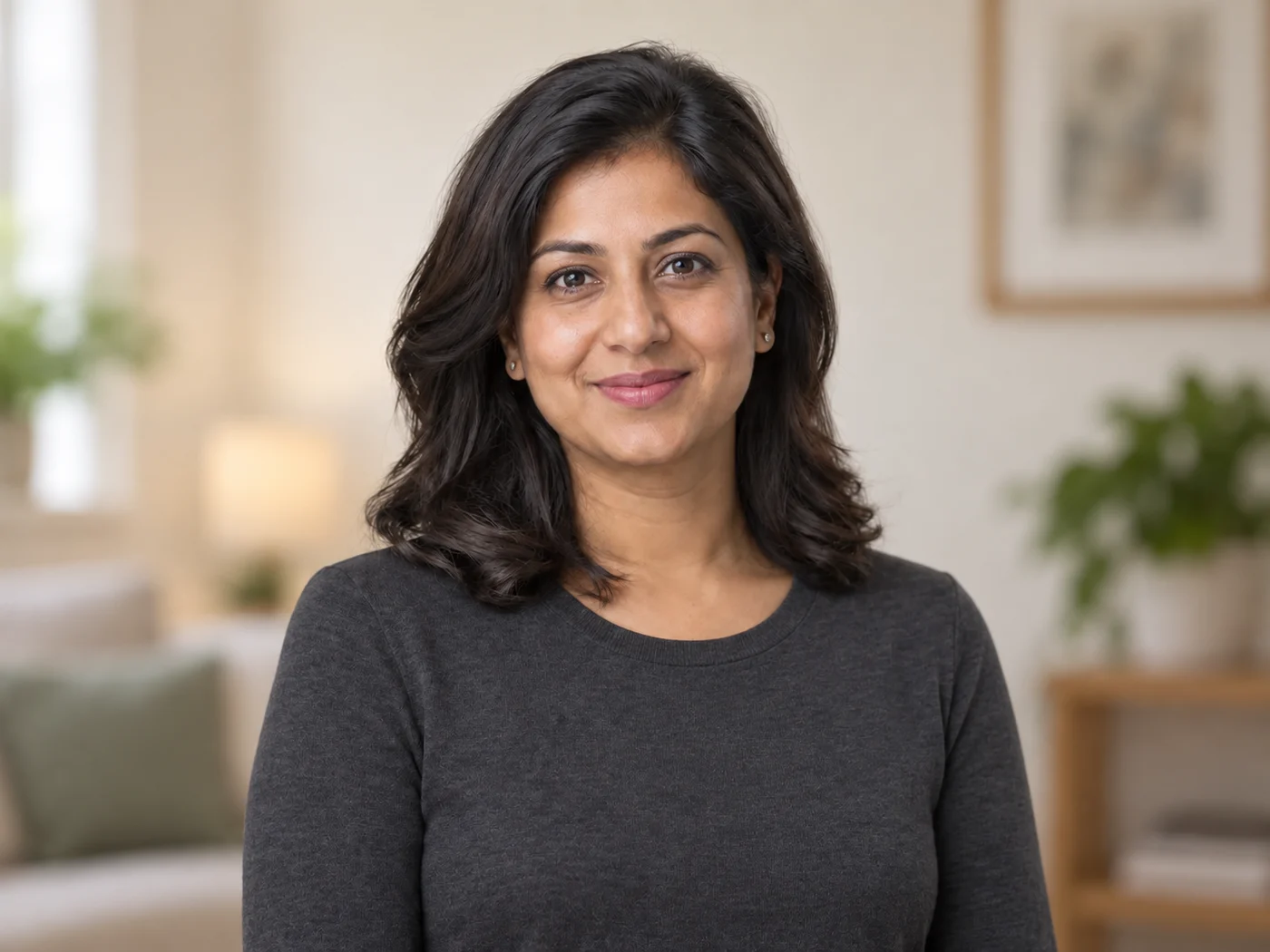
Illustrative preview
AI 프로필 사진 생성기 — 셀카를 전문적인 인물 사진으로
공개 전에 얼굴의 닮은 정도와 본인을 식별하는 세부 특징을 확인하세요
Create a professional headshot with directed clothing, background, and lighting. Generative results vary, so compare facial likeness and every identity-relevant detail before publishing.
- Professional look built on your own head-and-shoulders photo
- 의상, 배경, 조명 방향 지정
- 인물의 고유한 특징을 유지하도록 명시적으로 지시
선명한 최근 인물 사진 선택
JPG, PNG, WebP, HEIC 등 지원되는 형식을 사용할 수 있습니다. 이 도구의 업로드 한도는 Free 20 MB, Premium 이상 50 MB입니다.
LinkedIn 헤드샷 생성기로 할 수 있는 일
시작하기 전에 주요 기능을 검토하세요.
- 셀카를 전문적인 헤드샷으로 변환하세요
- 깔끔한 스튜디오 배경 추가
- 세련된 머리와 어깨 프레임을 얻으세요.
- 업무용 룩을 위한 균일한 조명
- LinkedIn의 얼굴 사진을 준비하고 이력서를 작성하세요.
- 스타일 프롬프트로 의상, 배경, 조명을 직접 지정
설정 참고
5 설정
LinkedIn 헤드샷 생성기에 사용 가능한 제어 기능입니다.
작업 흐름
- 단일 이미지 또는 일괄 이미지프리셋
- 이미지 한 장을 처리하거나, Premium ‘일괄 이미지’로 여러 장에 같은 자동 레시피를 적용하고 ZIP 파일 하나로 다운로드하세요.옵션: 단일 이미지일괄 이미지
스타일
- 원탭 프리셋프리셋
- 준비된 스타일을 한 번의 탭으로 고르세요. 생성할 때 선택한 프리셋이 자동으로 적용됩니다.옵션: 중성적인 스튜디오현대적인 사무실따뜻한 에디토리얼
- 맞춤 지시 (선택)텍스트 입력
- 요청된 변경 사항, 관련 재료, 조명, 관점 및 변경되지 않아야 하는 세부 사항을 설명합니다.
출력
- 헤드샷 비율프리셋
- The generated headshot keeps the framing of the photo you upload whichever ratio is selected, so crop your selfie to head and shoulders first.옵션: 세로 4:5정사각형 1:1세로 3:4
- AI가 인물의 얼굴 특징과 제품 디테일을 유지하도록 요청텍스트 입력
- 요청에 따라 변경되지 않는 한 주요 주제, 모양, 브랜딩, 레이블 및 읽을 수 있는 텍스트를 유지하라는 명시적 지침을 추가합니다.
인기 프리셋
LinkedIn 헤드샷 생성기 관련 도구
LinkedIn 헤드샷 생성기 이후 일반적인 다음 단계를 위한 도구입니다.


자주 묻는 질문
LinkedIn 헤드샷 생성기가 작업을 완수하도록 돕는 방법
비즈니스, 크리에이터, 일상 업무의 실제 문제를 매일 해결합니다. 귀하에게 적합한 사용 사례를 찾아 시작해보세요.
LinkedIn 프로필 사진
일상적인 셀카를 깔끔한 스튜디오 배경의 전문 LinkedIn 프로필 사진으로 바꿔 보세요
이력서 및 입사 지원
사진관 없이도 이력서, CV, 입사 지원용 세련된 프로필 사진을 만들어보세요
회사 인명부 및 팀 소개 페이지
소개 및 팀 페이지를 위해 일관된 구도와 배경으로 팀 프로필 사진을 통일하세요
연사 소개 및 컨퍼런스 프로필
컨퍼런스 연사 소개, 패널, 이벤트 프로필에 어울리는 전문 프로필 사진을 만들어 보세요
스타트업을 위한 브랜드 컬러 팀 얼굴 사진
사용자 정의 배경 색상 선택기를 사용하여 모든 팀원의 얼굴 사진 뒤에 있는 브랜드 16진수를 정확하게 일치시키십시오. 그러면 실제 스튜디오를 예약하지 않고도 정보 페이지와 팀 디렉토리가 일관되게 브랜드처럼 보입니다.
부동산 중개인 프로필 사진
Soft Blue와 Warm Beige 배경 프리셋은 중개인 소개와 매물 사이트에서 친근하고 신뢰감 있게 보입니다. 구매자가 믿을 만한 진솔한 느낌을 위해 보정 강도를 낮게 유지하세요.
프리랜서 및 컨설턴트 포트폴리오 사진
Charcoal이나 Brand Blue 배경으로 바꿔 자신감 있고 고급스러운 인물 사진을 만들고, Upwork, 개인 웹사이트, 피치 덱 전반에 재사용하세요.
동문 및 대학 디렉터리 사진
White 또는 Light Gray 배경은 제출된 모든 사진에 동일한 중립 배경을 부여하므로, 모두가 서로 다른 셀카를 올리더라도 동문 명부나 교직원 페이지가 일관되게 보입니다.
이 도구 사용 가이드
- How to Create Consistent Staff Headshots for a Company WebsiteCreate consistent staff headshots for a company website with Pixoate. Coordinate framing and backgrounds while keeping each person's likeness clear.
- A Better Team Page Starts with Headshots That Belong TogetherA coherent team page starts with portraits that belong together. Explore Pixoate framing and background choices that preserve individual likenesses.
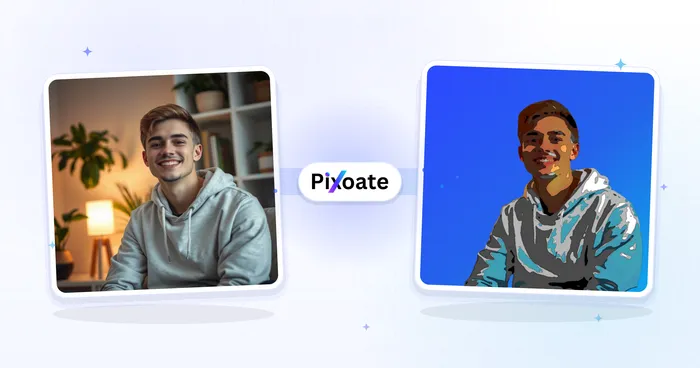
각 변화를 확인하세요
모든 사진이 원본 그대로 슬래시를 지나 반대편에서 완성된 결과물로 나옵니다.























