
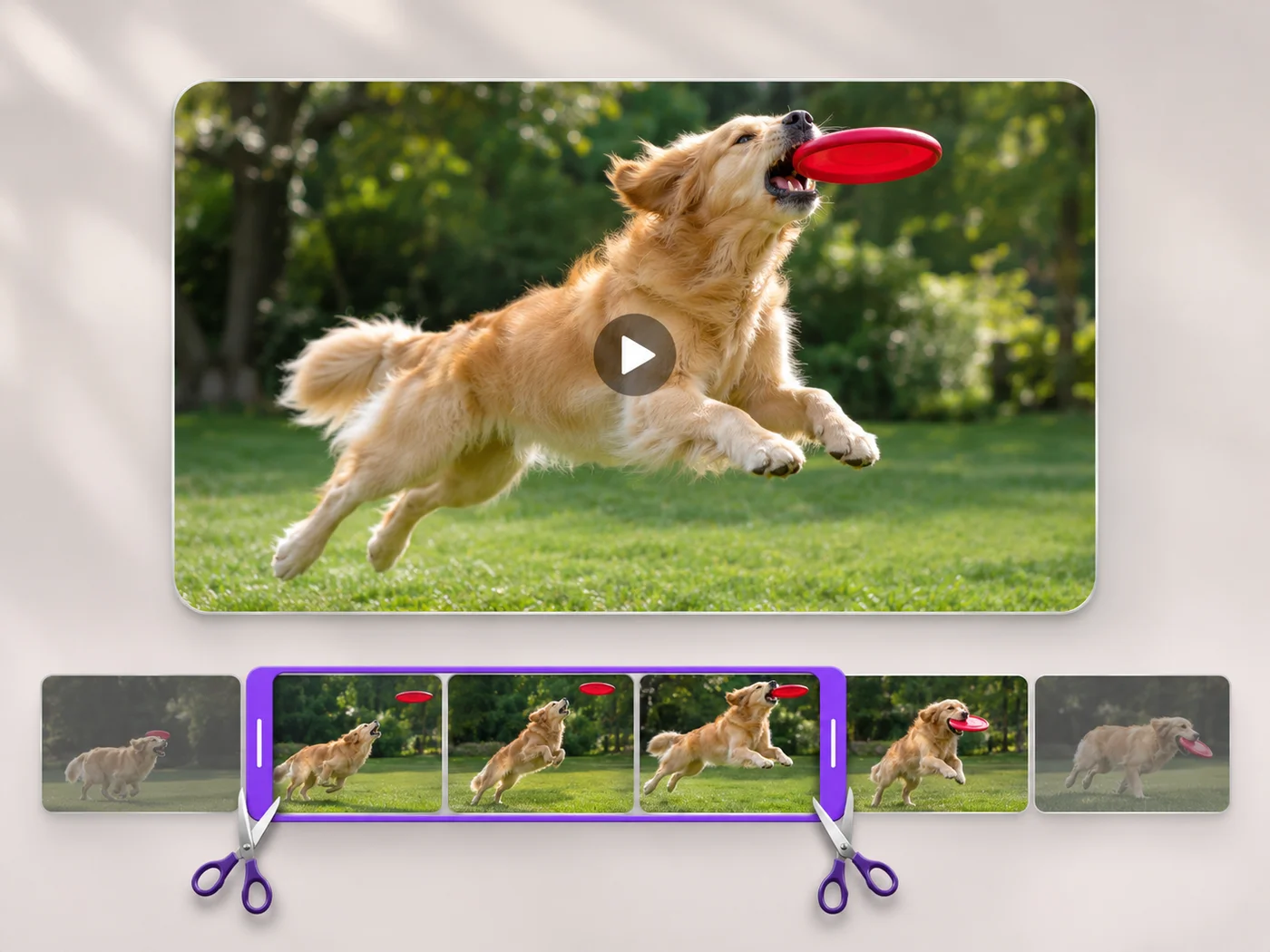
Illustrative preview
Trim Video Online — Free Video Cutter
MP4, MOV, WebM · Free short clips at web size · No watermark
Cut the start, the end or a section from the middle of your video. Preview the exact part you keep, then download an MP4 without a watermark.
- Keep one part, or cut a section out of the middle
- Exact start and end times, to a tenth of a second
- Preview first — nothing changes until you export
Upload your video
MP4, MOV, WebM · Checking your upload limit…
Files are uploaded for processing. Uploads and finished videos are automatically deleted within 24 hours.
How to trim a video
- Upload an MP4, MOV or WebM video.
- Drag the two handles, or type the start and end times.
- Choose Keep the selection, or Cut out the selection to remove a middle part.
- Press Trim video and download your MP4.
Cut a video down to the moment that matters
Phone recordings, screen captures and meeting clips often start too early and run too long. Trim the dead air at the start and end, or cut out a mistake in the middle, and the parts you keep are joined into one clip. You can also remove the sound in the same step.
Questions about this tool
Is the video trimmer free?
Yes, with no watermark. Free exports are short clips at web size; paid plans export longer videos in Full HD and accept larger uploads.
Can I cut out a part from the middle of a video?
Yes. Select the part you do not want, choose Cut out the selection, and the parts before and after it are joined into one video.
Which video formats can I trim?
You can upload MP4, MOV and WebM videos. The trimmed video downloads as an MP4 that plays on phones, computers and social apps.
What happens to my video after trimming?
Your upload and the finished video are deleted automatically within 24 hours.
Powiązane narzędzia dla Przycinanie długości filmu
Narzędzia do typowych kolejnych kroków po Przycinanie długości filmu.

Narzędzia wideo
Edytor wideo
Make every common edit in one go: cut, crop, rotate, flip, add text and effects, change speed, then resize or compress. Preview it all before you export.
Wypróbuj teraz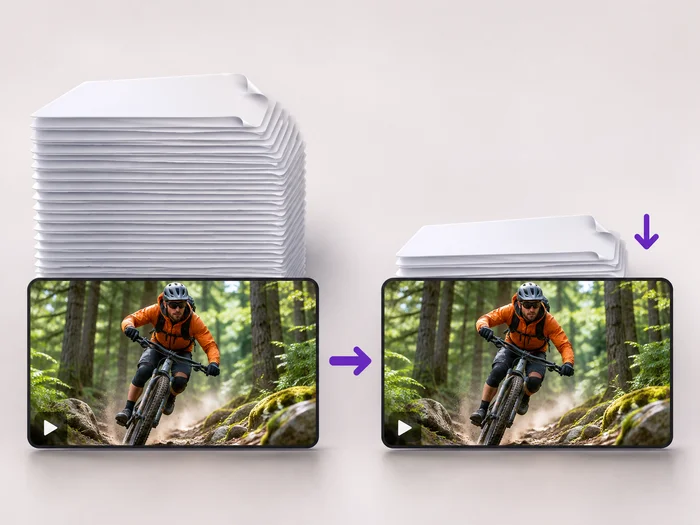
Narzędzia wideo
Kompresor wideo
Make a video file smaller so it fits email, chat and upload limits. Choose how much to shrink it and keep the picture sharp.
Wypróbuj teraz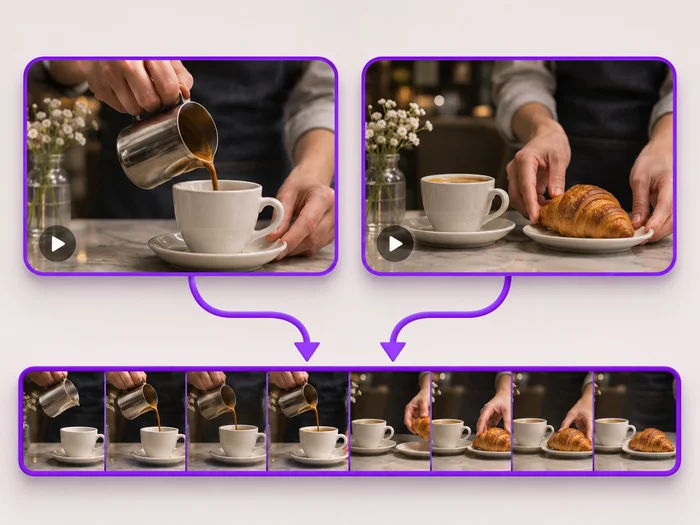
Narzędzia wideo
Łączenie filmów
Join clips into one MP4 in the order you choose. Clips of different shapes are fitted onto one frame, so nothing is stretched.
Wypróbuj terazObejrzyj each transformation li
Every zdjęcie crosses the slash untouched i comes out the other side finished.























