
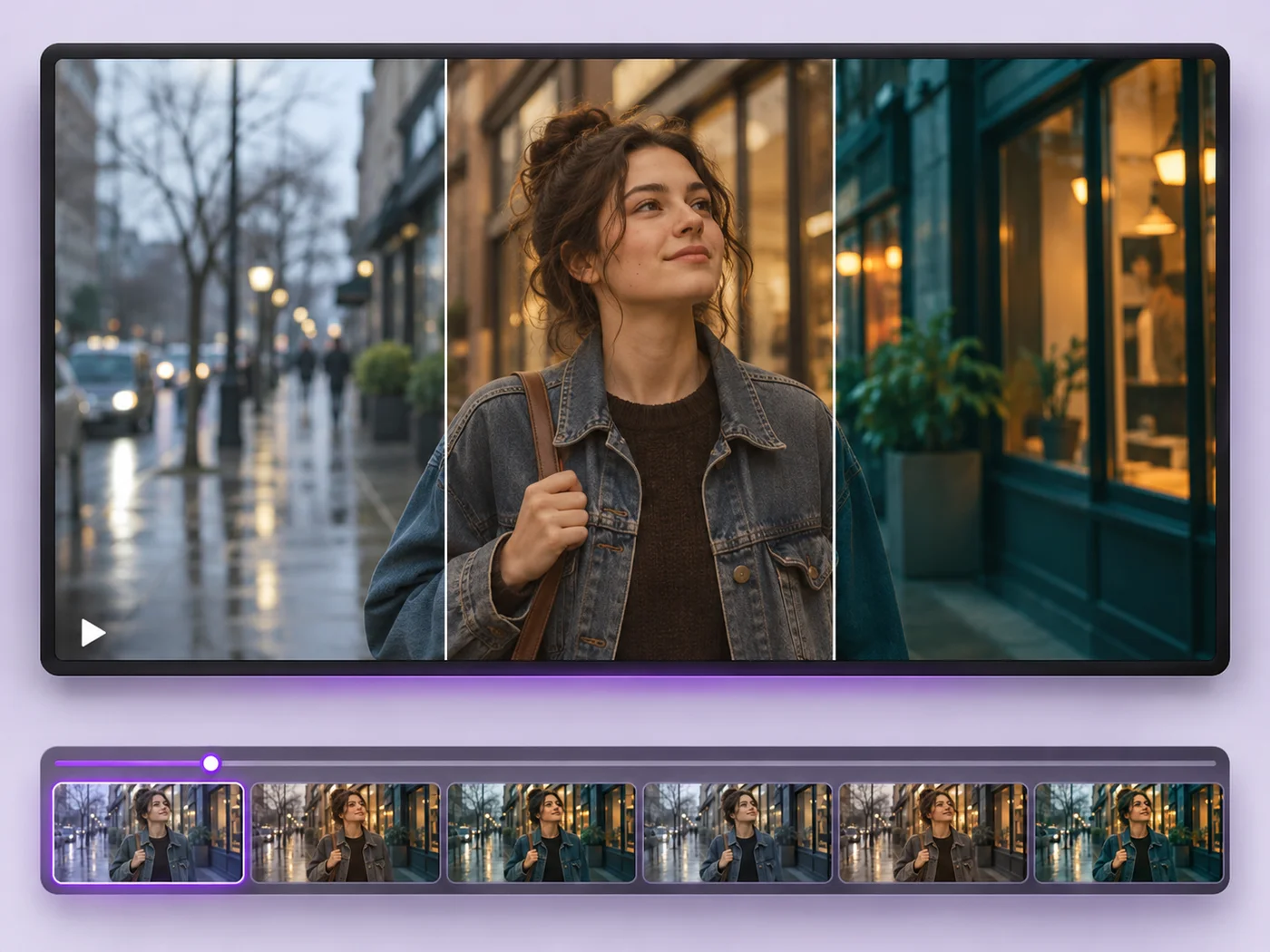
Illustrative preview
Video Effects — Add Filters, Speed and Fades to a Clip
MP4, MOV, WebM · Free short clips at web size · No watermark
Give a video a new look: color filters, brightness and contrast, blur, speed changes and fade in or out. See every change live before you export.
- Black and white, sepia, vintage, vivid, warm and cool looks
- Adjust brightness, contrast, saturation and blur
- Slow down, speed up and fade in or out
Upload your video
MP4, MOV, WebM · Checking your upload limit…
Files are uploaded for processing. Uploads and finished videos are automatically deleted within 24 hours.
How to add effects to a video
- Upload your video.
- Pick an effect and fine-tune it with the sliders.
- Change the speed or add a fade if you like.
- Press Apply effects and download your MP4.
Quick looks, previewed live
Every effect plays live on your video, so you can try a look before anything is uploaded. Effects are applied in the same step as the export, so they add very little waiting time.
Questions about this tool
Which video effects are available?
Black and white, sepia, vintage, vivid, warm, cool and muted, plus sliders for brightness, contrast, saturation and blur. You can also change the speed and add fades.
Can I make a slow-motion or sped-up video?
Yes. Choose a speed from half speed to double speed. The sound plays at the new speed too.
Does the preview match the final video?
The preview shows each effect live on your video, and the exported colors are very close to it. Play the finished video before you share it.
Are the video effects free?
Yes, with no watermark. Free exports are short clips at web size; paid plans export longer videos in Full HD and accept larger uploads.
Powiązane narzędzia dla Efekty wideo
Narzędzia do typowych kolejnych kroków po Efekty wideo.

Narzędzia wideo
Edytor wideo
Make every common edit in one go: cut, crop, rotate, flip, add text and effects, change speed, then resize or compress. Preview it all before you export.
Wypróbuj teraz
Narzędzia wideo
Dodaj tekst do filmu
Write on your video in many fonts, with colors, outlines and backgrounds. Drag the text where you want it and see it on the video before you export.
Wypróbuj teraz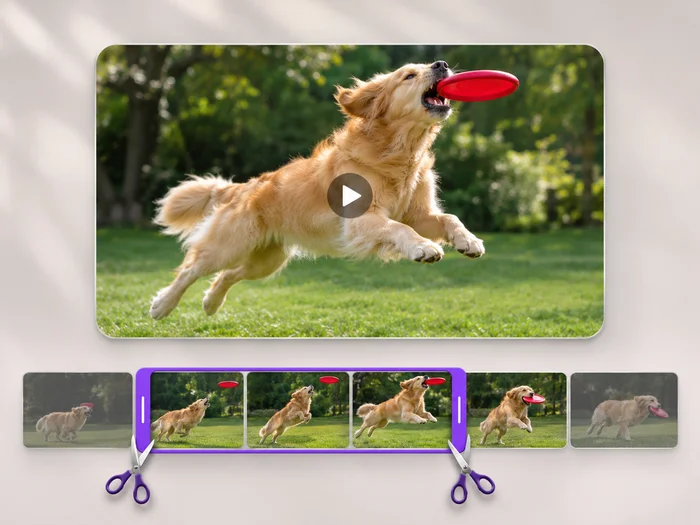
Narzędzia wideo
Przycinanie długości filmu
Cut the start, the end or a section from the middle of your video. Preview the exact part you keep, then download an MP4 without a watermark.
Wypróbuj terazObejrzyj each transformation li
Every zdjęcie crosses the slash untouched i comes out the other side finished.























