
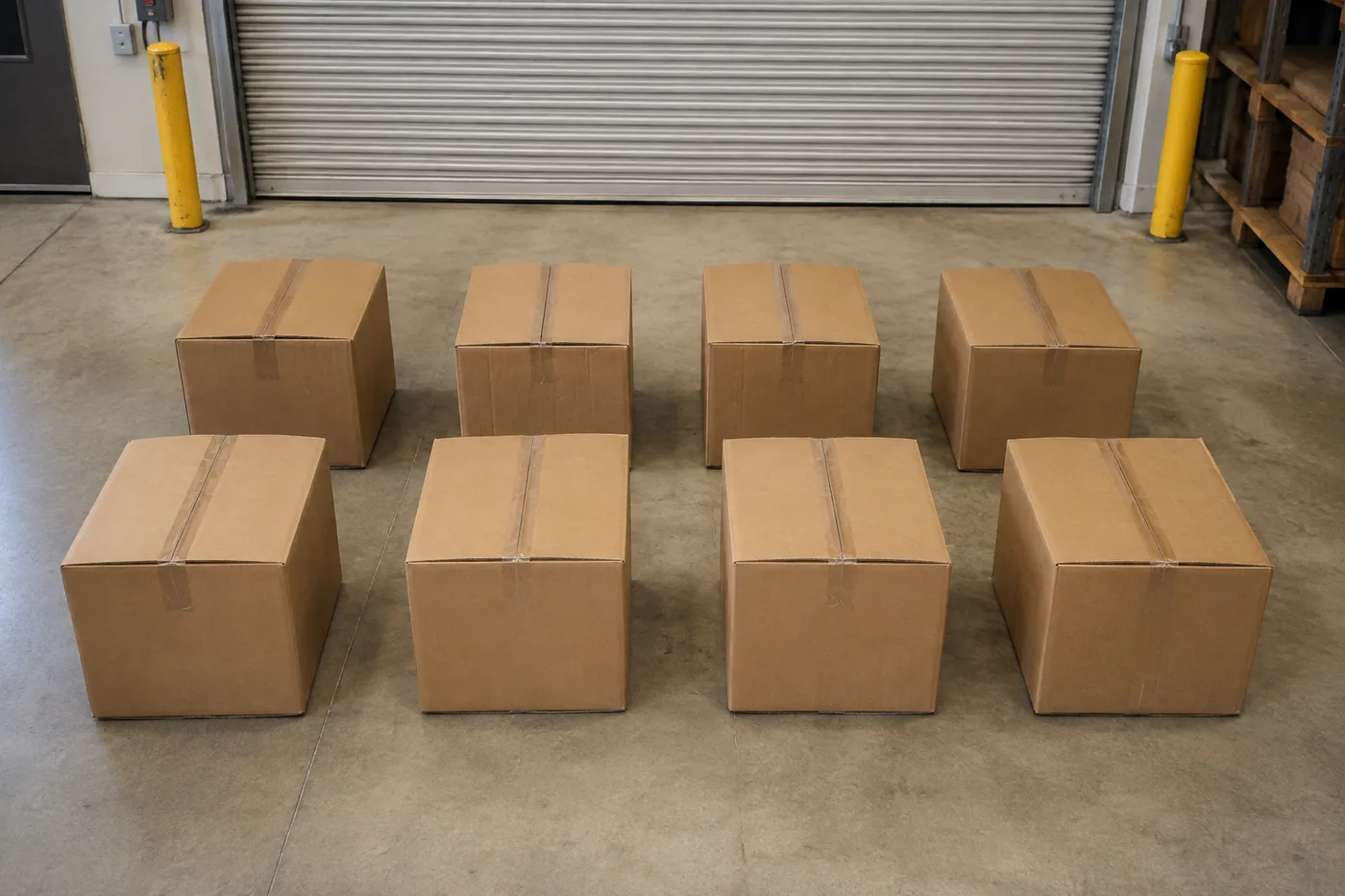
Подсчитайте коробки на фотографии — AI Box и счетчик коробок
Работает с JPG, PNG, WEBP · Бесплатно до 20 MB, Premium 50 МБ
Photograph the pallet, stack or truck load, upload the photo and review the tally markers against the photo. Built for goods-in, dispatch and warehouse audits.
- Проверьте фотографию, затем посчитайте видимые объекты коробки
- Upload a photo and get an automatic count
- Review the markers to catch boxes counted twice or missed
- Бесплатно · Без регистрации · Без водяного знака
Загрузить изображение
Советы для точного подсчёта
• Используйте равномерно освещённую фотографию, на которой объект коробки полностью находится в кадре
• Keep your boxes visible and avoid overlapping items
• Точки и тепловая карта показывают сохраненные обнаружения — просмотрите и исправьте подсчеты.
Об инструменте Счётчик коробок и картонных упаковок
The box & carton counter counts visible boxes from your photo and marks detections for review. Counting starts automatically once the photo and item are ready. Visibility, overlap and similar-looking items can affect the total. Built for warehouses, wholesalers and goods-in teams.
Как это работает
1. Сфотографируйте объект: коробки
2. Upload your photo to count boxes automatically
3. Review the markers and correct the tally if needed
4. Добавьте в таблицу подсчёта и экспортируйте результат в CSV
Идеально подходит для
• Проверенные предварительные ведомости приёмки и отгрузки
• Подсчёт паллет и грузов в фурах
• Циклический пересчёт на складе
• Проверка оптовых заказов
Что можно сделать с помощью Счётчик коробок и картонных упаковок
Прежде чем начать, ознакомьтесь с основными возможностями.
- Подсчёт коробок и картонной тары на паллетах и в штабелях
- Быстро проверяйте оценку загрузки грузовика и поступающих поставок
- Проверьте каждый маркер подсчитанных коробок и скорректируйте итог
- Проводите массовую проверку по набору складских фото
- Добавляйте несколько партий в один общий подсчёт
- Игнорировать мелкие случайные обнаружения для точности
Справочник по настройкам
14 настроек
Доступные элементы управления для Счётчик коробок и картонных упаковок.
Загрузить
- Одно фото / Массовый подсчётПресеты
- Выберите подсчет одной фотографии или массовый аудит Premium. Просмотрите каждый результат.Параметры: Одно фотоМассовый аудит
Количество
- Включённые маркерыСлайдерДиапазон: 0–1 · По умолчанию: 0.21
- Starts at 21%; slide toward Show more to include weaker markers or Only strongest to hide them.
- Стиль наложенияПресеты
- Выберите точки, тепловую карту, и то, и другое или чистый предварительный просмотр.Параметры: ОбаТочкиТеплоНет
Дополнительно
- Наложение результатаВыпадающий список
- Choose how count markers appear in the on-screen preview; the download keeps its own markers.Параметры: Точки + тепловая картаТолько точкиТолько тепловая карта
Подсчёт
- Добавить в подсчётВ один клик
- Add this count to the tally sheet under the name of the object that was counted. Signed-in accounts add finished counts automatically unless that is turned off under Account settings; in bulk mode every photo also has its own Add to tally button.
- МеткаТекстовое поле
- Rename a tally row. Edits and removals wait until you choose Save changes, so you can fix several rows at once.
- КоличествоЧисловое поле
- Correct a row's count; totals, the chart and exports follow once the change is saved.
- Save changesВ один клик
- Apply every edited or removed tally row in one step, or choose Discard changes to leave the sheet as it was.
Chart
- By objectПресеты
- The chart is the same in every counting tool and covers the tallies of all of them. By object draws a separate line chart for each tally name, such as pipes and people. By tool draws a chart for each counting tool.Параметры: By objectBy tool
- ПериодПресеты
- Choose how far back the chart looks. Days without a count appear as zero.Параметры: 7 days30 days90 days12 months
History
- Counting setupГалерея
- Keep comparable counts together. A first setup is created for you, so the first count can be saved straight away.
- Observed atТекстовое поле
- The date and time of the count, shown as a date and a time field.
- НотыТекстовое поле
- Starts with every detected object and its count, one per line, such as Pipes - 11. Edit it before saving.
- Save countВ один клик
- Save the count to your account history. Open a saved count later to correct it or download its source photo.
Сопутствующие инструменты для Счётчик коробок и картонных упаковок
Инструменты для общих следующих шагов после Счётчик коробок и картонных упаковок.

Подсчет и инвентаризация
Счётчик объектов
Оцените количество объектов на фото. Перед использованием результата проверьте и исправьте пронумерованные маркеры.
Попробовать сейчас
Подсчет и инвентаризация
Живой счётчик объектов
Направьте телефон на отдельные, полностью видимые предметы и просматривайте маркеры детектора по мере обновления счетчика в режиме реального времени.
Попробовать сейчас
Подсчет и инвентаризация
Счётчик бутылок
Посчитайте бутылки на полках, в ящиках или в холодильных камерах по одному фото — все найденные объекты отмечаются для проверки.
Попробовать сейчасЧасто задаваемые вопросы
Как Счётчик коробок и картонных упаковок помогает вам справиться с задачей
Реальные проблемы, которые он решает каждый день — для бизнеса, авторов и повседневных задач. Найдите вариант использования, который подходит вам, и начните.
Приёмка грузовика по накладной
Сфотографируйте каждую паллету для чернового подсчёта коробок, затем проверьте физическую загрузку, скорректируйте метки и выполните обычную проверку по манифесту перед приёмкой товара.
Проводите циклический пересчёт на складе с телефона
Пройдите по проходам, снимая каждую стопку камерой телефона, добавляйте каждый результат в таблицу подсчёта и в конце обхода экспортируйте весь циклический подсчёт в виде CSV или фирменного PDF.
Подсчёт отгрузки на несколько объектов одним пакетом
Откройте групповой аудит, чтобы запустить режим «Отдельные объекты» для каждой фотографии поддона, а затем просмотрите каждый результат, прежде чем использовать итоговую сумму отгрузки.
Выделение одного SKU на смешанной паллете
Для одного размера коробки или SKU перед подсчётом отметьте в настройке «Примеры» целую коробку, затем проверьте каждый маркер на похожие коробки на палете.
Передайте проверенный подсчёт в приёмку товара
После проверки и корректировки подсчёта по факту физического наличия сохраните его и поделитесь ссылкой только для чтения, чтобы менеджер по приёмке товара мог его просмотреть. Само по себе размеченное изображение не является подтверждением количества.
Проверка оптового заказа перед отправкой
Сфотографируйте упакованные коробки для чернового подсчёта, затем сверьте с фактическим заказом, исправьте маркеры и выполните обычную проверку перед отгрузкой.
Наблюдайте за каждой трансформацией
Каждая фотография проходит через разделитель без изменений и выходит готовой.























