
AI Inventory Counter — создайте запасы из фотографий
Работает с JPG, PNG, WEBP · Бесплатно до 20 MB, Premium 50 МБ
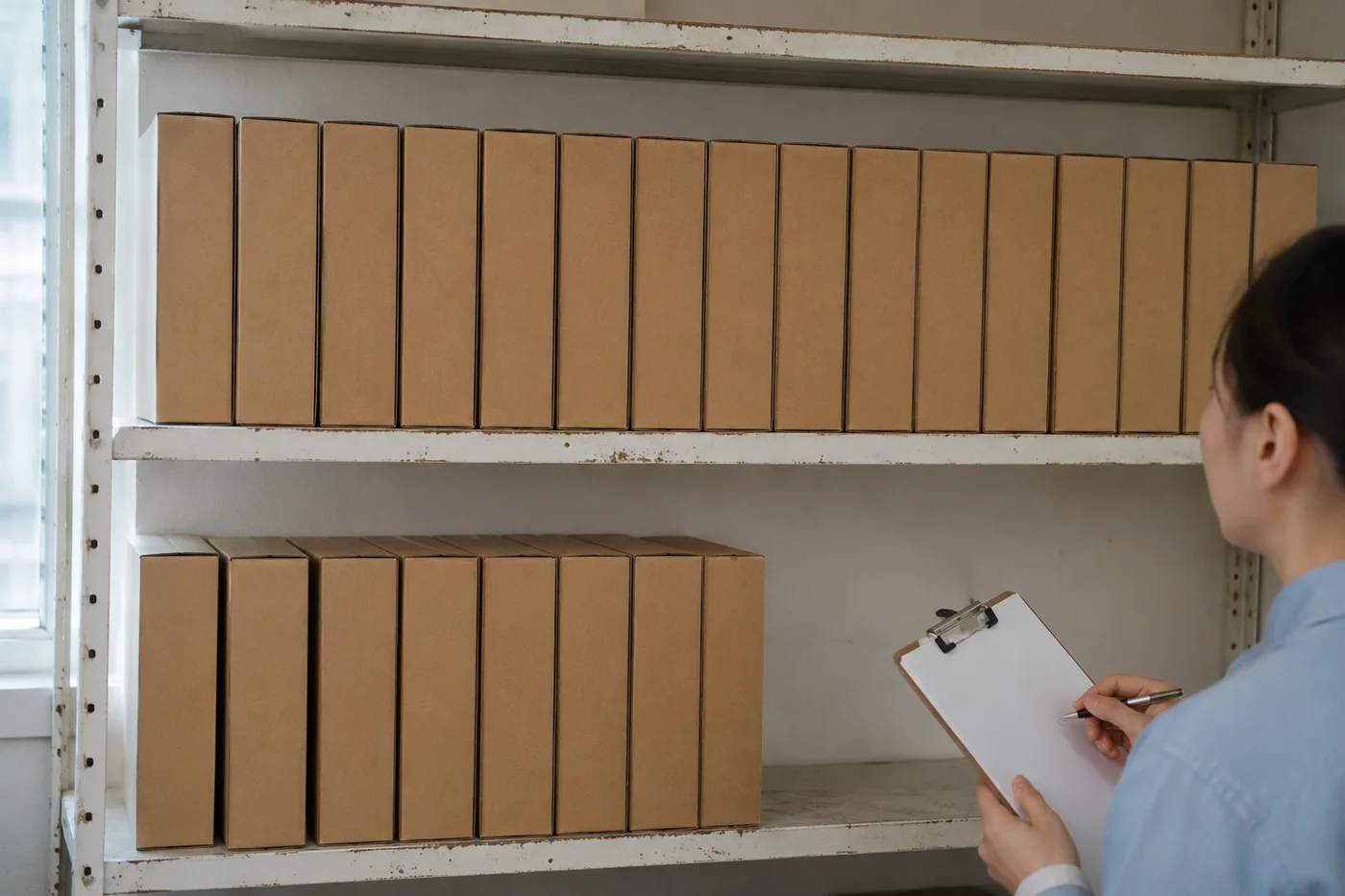
Photograph each shelf or stack, upload the photo, review the result markers against the photo, then add the tally to an exportable stock-take.
- Проверьте фотографию, затем посчитайте видимые объекты элементы
- Upload a photo and get an automatic count
- Review the markers to catch items counted twice or missed
- Бесплатно · Без регистрации · Без водяного знака
Загрузить изображение
Советы для точного подсчёта
• Используйте равномерно освещённую фотографию, на которой объект элементы полностью находится в кадре
• Keep your items visible and avoid overlapping items
• Точки и тепловая карта показывают сохраненные обнаружения — просмотрите и исправьте подсчеты.
Об инструменте ИИ-счётчик инвентаря
The ai inventory counter counts visible items from your photo and marks detections for review. Counting starts automatically once the photo and item are ready. Visibility, overlap and similar-looking items can affect the total. Built for shops, warehouses, pharmacies and distributors.
Как это работает
1. Сфотографируйте объект: элементы
2. Upload a photo and enter the product name to count automatically
3. Review the markers and correct the tally if needed
4. Добавьте в таблицу подсчёта и экспортируйте результат в CSV
Идеально подходит для
• Инвентаризации и циклические пересчёты в рознице
• Проверенные предварительные ведомости приёмки товаров на склад
• Проверка аптечных запасов и деталей квалифицированным сотрудником
• Предварительное сравнение для выявления недостачи
Что можно сделать с помощью ИИ-счётчик инвентаря
Прежде чем начать, ознакомьтесь с основными возможностями.
- Подсчёт по фото содержимого полок, штабелей, ящиков и паллет
- Проверяйте и исправляйте подсчёт по фото перед экспортом
- Экспортируйте инвентаризацию в файл CSV.
- Проводите полную проверку полка за полкой
- При необходимости отметьте предмет, чтобы выбрать конкретный артикул (SKU)
- Объедините массово загруженные фото в один итог инвентаризации
- Игнорировать мелкие случайные обнаружения для точности
Справочник по настройкам
15 настроек
Доступные элементы управления для ИИ-счётчик инвентаря.
Загрузить
- Одно фото / Массовый подсчётПресеты
- Выберите подсчет одной фотографии или массовый аудит Premium. Просмотрите каждый результат.Параметры: Одно фотоМассовый аудит
Количество
- Включённые маркерыСлайдерДиапазон: 0–1 · По умолчанию: 0.21
- Starts at 21%; slide toward Show more to include weaker markers or Only strongest to hide them.
- Стиль наложенияПресеты
- Выберите точки, тепловую карту, и то, и другое или чистый предварительный просмотр.Параметры: ОбаТочкиТеплоНет
- Что считатьТекстовое поле
- Enter the item to count, then press Enter or leave the field to start automatically. Review every result marker.
Дополнительно
- Наложение результатаВыпадающий список
- Choose how count markers appear in the on-screen preview; the download keeps its own markers.Параметры: Точки + тепловая картаТолько точкиТолько тепловая карта
Подсчёт
- Добавить в подсчётВ один клик
- Add this count to the tally sheet under the name of the object that was counted. Signed-in accounts add finished counts automatically unless that is turned off under Account settings; in bulk mode every photo also has its own Add to tally button.
- МеткаТекстовое поле
- Rename a tally row. Edits and removals wait until you choose Save changes, so you can fix several rows at once.
- КоличествоЧисловое поле
- Correct a row's count; totals, the chart and exports follow once the change is saved.
- Save changesВ один клик
- Apply every edited or removed tally row in one step, or choose Discard changes to leave the sheet as it was.
Chart
- By objectПресеты
- The chart is the same in every counting tool and covers the tallies of all of them. By object draws a separate line chart for each tally name, such as pipes and people. By tool draws a chart for each counting tool.Параметры: By objectBy tool
- ПериодПресеты
- Choose how far back the chart looks. Days without a count appear as zero.Параметры: 7 days30 days90 days12 months
History
- Counting setupГалерея
- Keep comparable counts together. A first setup is created for you, so the first count can be saved straight away.
- Observed atТекстовое поле
- The date and time of the count, shown as a date and a time field.
- НотыТекстовое поле
- Starts with every detected object and its count, one per line, such as Pipes - 11. Edit it before saving.
- Save countВ один клик
- Save the count to your account history. Open a saved count later to correct it or download its source photo.
Сопутствующие инструменты для ИИ-счётчик инвентаря
Инструменты для общих следующих шагов после ИИ-счётчик инвентаря.

Подсчет и инвентаризация
Счётчик объектов
Оцените количество объектов на фото. Перед использованием результата проверьте и исправьте пронумерованные маркеры.
Попробовать сейчас
Подсчет и инвентаризация
Живой счётчик объектов
Направьте телефон на отдельные, полностью видимые предметы и просматривайте маркеры детектора по мере обновления счетчика в режиме реального времени.
Попробовать сейчас
Подсчет и инвентаризация
Счётчик бутылок
Посчитайте бутылки на полках, в ящиках или в холодильных камерах по одному фото — все найденные объекты отмечаются для проверки.
Попробовать сейчасЧасто задаваемые вопросы
Как ИИ-счётчик инвентаря помогает вам справиться с задачей
Реальные проблемы, которые он решает каждый день — для бизнеса, авторов и повседневных задач. Найдите вариант использования, который подходит вам, и начните.
Циклический подсчёт запасов в нескольких торговых точках
Менеджеры могут использовать массовую проверку, чтобы запустить режим «Отдельные объекты» для всех фотографий полок, проверить каждый результат и отдельно сохранить исправленный сеанс для каждого магазина.
Аудит приёмки товаров на склад
Сотрудники склада фотографируют каждый поддон, отмечают 1–3 образца в разделе «Примеры» — по одному на каждый SKU на снимке — и экспортируют проверенные подсчеты в формате CSV для сопоставления с заказом на поставку.
Журналы проверки учёта контролируемых препаратов в аптеке
Аптеки могут создать черновик ИИ по полкам, отметив 1–3 примера в разделе «Примеры» — по одному на SKU — а затем поручить квалифицированному специалисту просмотреть и исправить его в соответствии с необходимой ручной процедурой. Экспорт поддерживает проверку, но сам по себе не является записью о соответствии.
Выборочные проверки для предотвращения потерь и усушки
Менеджеры магазинов могут сравнивать проверенные и скорректированные фотоподсчёты в динамике как предварительный индикатор недостачи, а затем физически проверять расхождения перед принятием решений.
Подсчёт деталей для мелких производителей и мастерских
Работники механических мастерских фотографируют контейнеры с винтами, крепежом или прокладками и перед подсчётом для планирования сборки или повторного заказа отмечают в настройке «Примеры» от 1 до 3 деталей — по одной для каждого типа в смешанном лотке.
Наблюдайте за каждой трансформацией
Каждая фотография проходит через разделитель без изменений и выходит готовой.























