
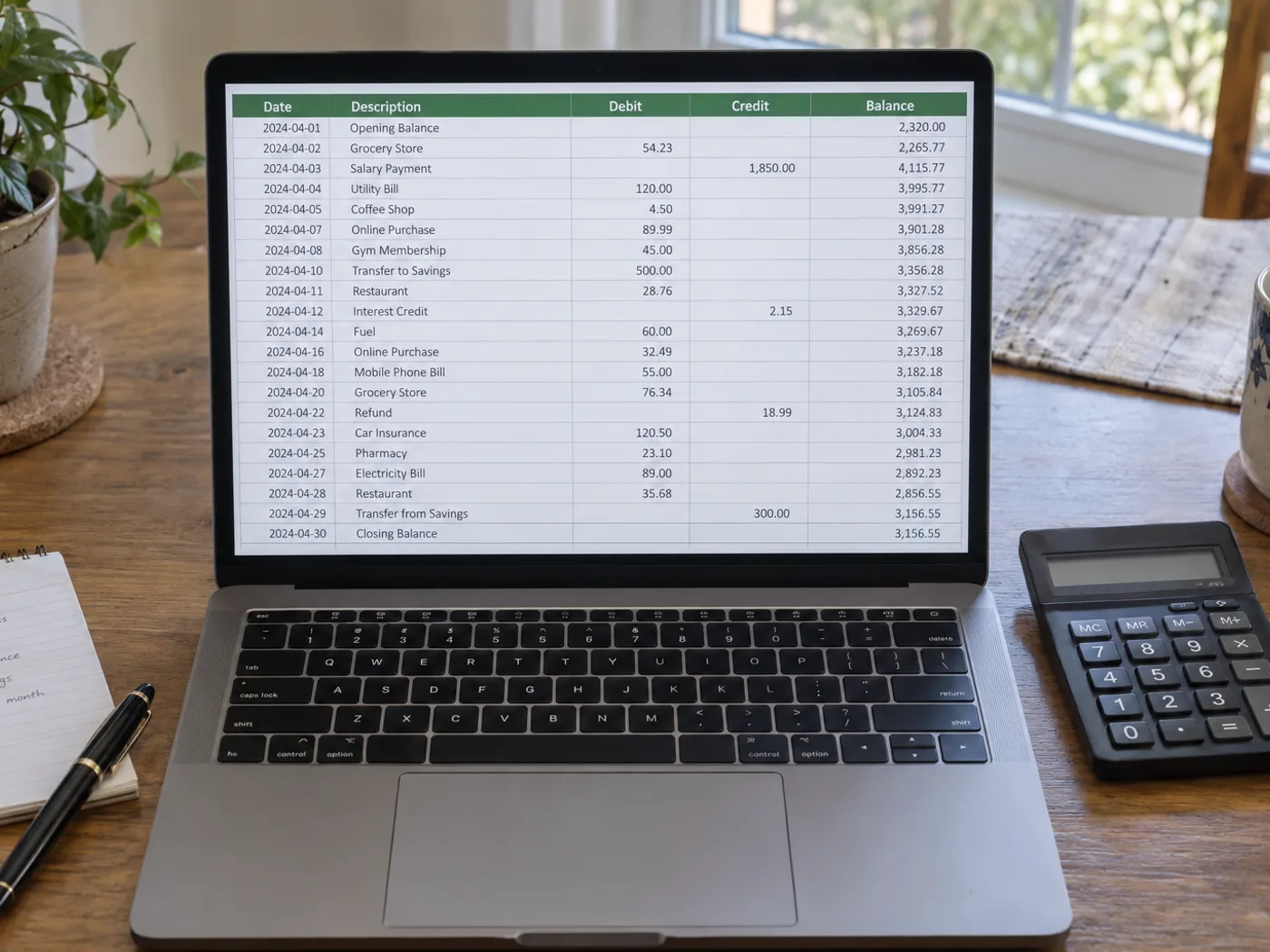
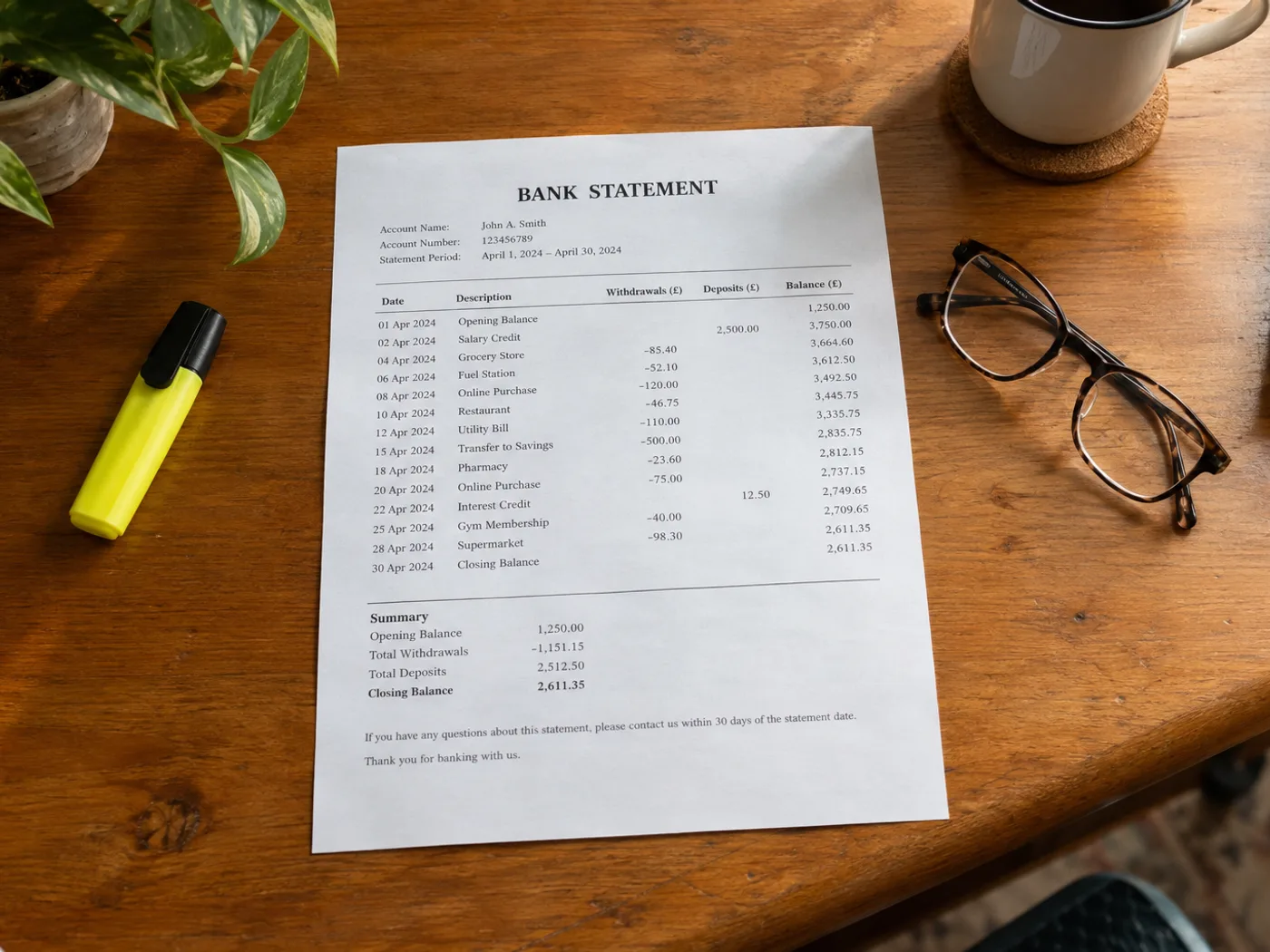
Kontrollera transaktionerna i kontoutdraget utan att skriva in varje rad manuellt
Läs in transaktionstabellen från ett fotograferat eller skannat kontoutdrag i Excel för manuell avstämning. Kontrollera debet- och kreditkolumner, datumordning och löpande saldon. Ett läsbart kalkylblad är inget bevis på att avskriften är korrekt.
Kategorisering av privata transaktioner
Förbered granskade rader innan du lägger till egna budgetkategorier. Bekräfta om varje belopp är en inbetalning eller utbetalning.
Jämför kontoutdragets poster med en reskontra
Använd de extraherade referenserna och beloppen som utgångspunkt för att manuellt stämma av mot dina befintliga register.
Kontrollera tecken och datum innan du stämmer av kalkylbladet
- Välj en bild av ett kontoutdrag med transaktionsrubriker och relevanta saldouppgifter.
- Kontrollera alla datum, beloppstecken och referenser. Se upp med beskrivningar som fortsätter på nästa rad.
- Exportera den korrigerade arbetsboken och stäm av den mot originalutdraget.
Bankåtkomst, debiteringar och gränser för saldokontroll
- Ansluter verktyget till min bank för att hämta transaktioner?
- Nej. Verktyget bearbetar bilden av kontoutdraget som du laddar upp. Det begär inga inloggningsuppgifter till banken och får inte åtkomst till ditt bankkonto.
- Hur kontrollerar jag debet- och kredittecknen i Excel-resultatet?
- Jämför kolumnrubrikerna i källan och alla minustecken eller parenteser. Bekräfta riktningen för varje transaktion innan du använder egna formler.
- Kan jag ladda upp min banks PDF-kontoutdrag på den här sidan?
- Använd PDF till Excel om du redan har en PDF. Det här bildflödet är till för kontoutdragstabeller som har fotograferats, skannats som bilder eller sparats som skärmbilder.
- Kommer konverteraren att intyga att kontoutdragets saldo stämmer?
- Nej. OCR kan läsa belopp fel eller hoppa över rader. Stäm av totalsummorna separat och behåll originalutdraget som referens.


























