
Stock expires quietly
The cost appears later as waste, a rush replacement, a customer complaint, or a missing critical supply.
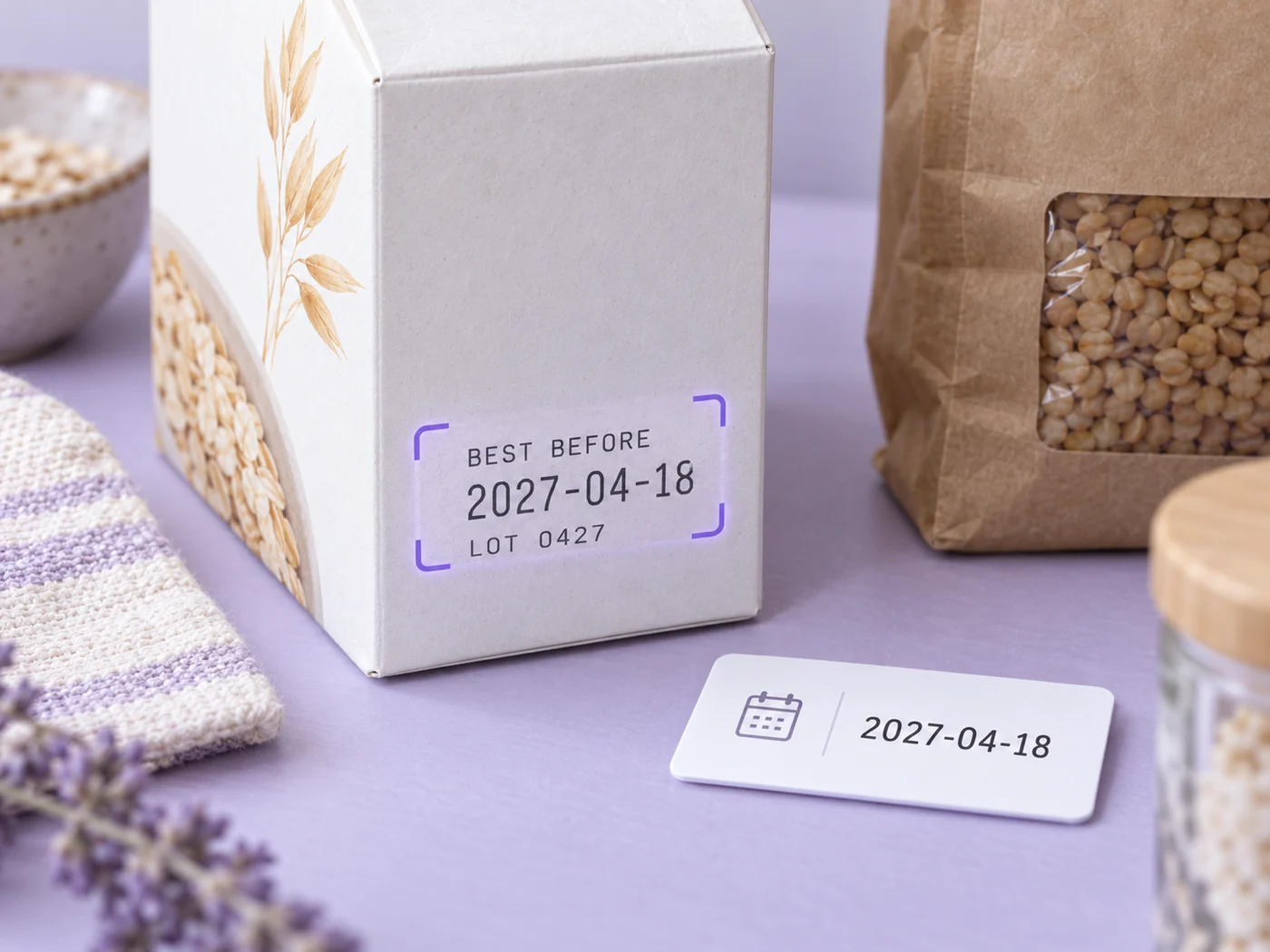

Illustrative preview
Date labels can be ambiguous or obscured. Verify the product and date before disposal, sale, use, or a safety decision.
Expired stock is usually found when someone needs it—not when there is still time to use, rotate, discount, return, or replace it. Photograph the label and turn the date into an actionable list.
The real problem
The date is sitting on the box, bottle, package, or test kit. But small teams rarely have the time or systems to type every code into a spreadsheet and keep checking it.
The cost appears later as waste, a rush replacement, a customer complaint, or a missing critical supply.
Small fonts, stamped characters, and mixed date formats make repetitive manual entry slow and error-prone.
Even a correct spreadsheet does nothing unless someone remembers to open and sort it before the date.
How Pixoate helps
Pixoate extracts common date and lot fields, gives you an editable row for the product, quantity, and location, and can remind the signed-in owner before the verified expiration date.
Fill the frame with the printed or stamped date and lot information; avoid glare and blur.
Review ambiguous month/day order, product identity, lot code, quantity, and storage location.
Download CSV for your existing process or save selected intervals as email reminders.
Track dated kits and supplies as an administrative aid, with required professional checks still in place.
Create a rotation list for packaged inventory without typing every code at a desk.
Track adhesives, sealants, filters, chemicals, test kits, and other date-sensitive consumables.
The scanner reads expiration, manufacture, and best-by dates, plus product, lot code, quantity, and location. Common EXP, MFG, and LOT labels are supported. Stamped or embossed labels may be difficult to read.
The extractor normalizes unambiguous dates. If a numeric date can be interpreted more than one way, the user must compare it with the package context and correct the editable value.
Yes. Lot Code is a separate editable field and is included in CSV exports and saved records.
Yes, for records saved by a signed-in user. Choose supported intervals between 90 days and 1 day before the verified expiration date.
Not necessarily. Date-label meaning depends on the product, manufacturer, regulation, storage, and condition. Pixoate transcribes and tracks the printed information; it does not make a safety or disposal decision.
Retake the photo with side lighting, tap to focus, and crop close to the code. If OCR still cannot read it reliably, enter the value manually rather than guessing.
Công cụ dành cho các bước tiếp theo phổ biến sau Công cụ quét hạn sử dụng.
OCR & trích xuất dữ liệu
Trích xuất nhà cung cấp, ngày, tổng, thuế, tiền tệ và chi tiết đơn hàng từ biên nhận thành JSON có cấu trúc.
Dùng thử ngayOCR & trích xuất dữ liệu
Trích xuất các trường tùy chỉnh từ hình ảnh, bản quét, hóa đơn, biên nhận, biểu mẫu hoặc ID thành JSON sạch cho bảng tính, kế toán và API.
Dùng thử ngayOCR & trích xuất dữ liệu
Trích xuất bảng từ ảnh hoặc ảnh chụp màn hình và tải xuống tệp .xlsx có thể chỉnh sửa với các hàng và cột được giữ nguyên.
Dùng thử ngayMỗi bức ảnh đều vượt qua dấu gạch chéo và đi ra phía bên kia.
























