How to Extract Expiry Dates and Lot Codes from Stock Label Photos
Extract expiry dates and lot codes from stock labels with Pixoate. Review date formats and uncertain characters before creating an actionable stock record.
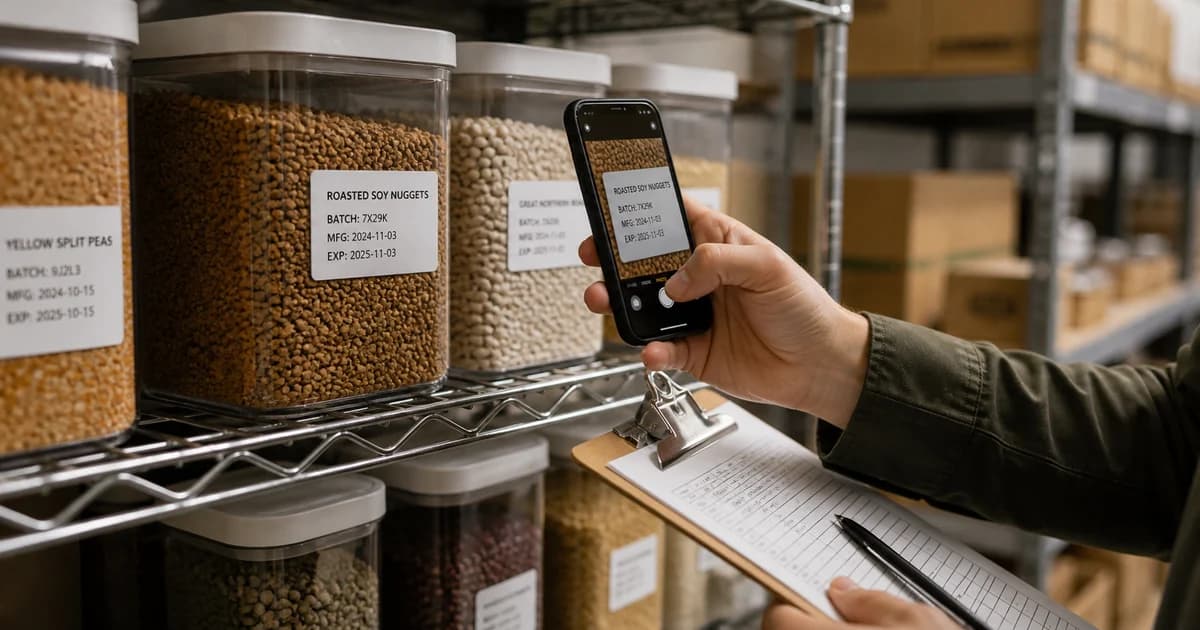
A shelf label may show a lot code, a best-before date and another production reference in a small area. Copying the wrong one into an expiry column creates an organised-looking record with the wrong meaning.
Pixoate Expiration Date Scanner extracts product dates and lot codes into editable fields. Review the label wording as well as the characters before saving a watchlist or scheduling a reminder.
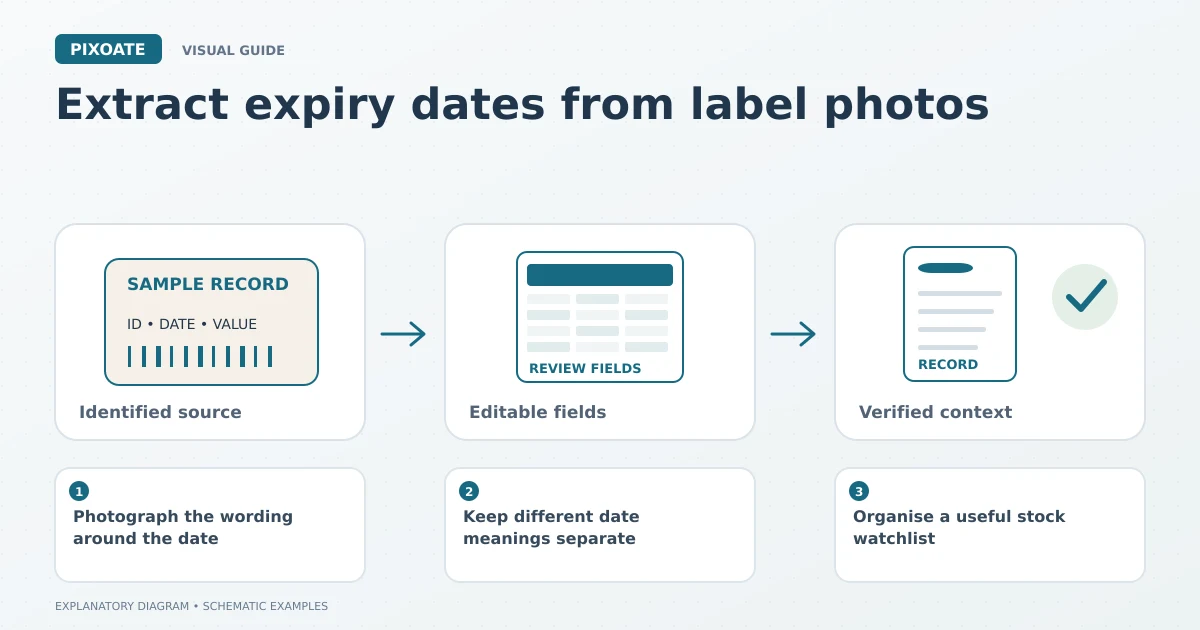
Original explanatory graphic. The scenes and sample records are schematic illustrations, not screenshots or measured tool results.
Photograph the wording around the date
Include the product identity and the label that explains each code. A close-up of “05/06” without surrounding text may leave both the date order and its purpose unresolved.
Use even light, especially on curved or glossy packaging. Capture another angle if a reflection covers the date. Do not infer unreadable characters from what the date is expected to be.
Keep different date meanings separate
Upload the supported label image and review the extracted date, lot code, quantity and location fields. Correct uncertain values against the source.
Best-before, use-by, manufacture and other date labels are not interchangeable. Their significance depends on the actual product and applicable requirements. Recording a date does not determine whether an item is safe or suitable to use.
Organise a useful stock watchlist
| Field | Practical use |
|---|---|
| Product identity | Connects the label to the item. |
| Date and its stated meaning | Avoids combining different date types. |
| Lot code | Keeps the batch reference separate. |
| Quantity and location | Helps staff find the relevant stock. |
| Source image | Allows another person to check the reading. |
Export the reviewed CSV for your existing process or save supported records with available reminder options. Verify the saved date and account notification settings before relying on a reminder workflow.
For additional fields, Extract Data lets you define a custom extraction task. For visible, separated items, Count Objects can support a reviewed tally, but it does not establish hidden quantities or product condition.
Decide who acts on the record
A reminder needs an owner and a defined next step. Keep your organisation's stock-handling decisions separate from the OCR result. The tool reads the label; it does not issue product-specific storage or safety instructions.
Can I use a lot code as an expiry date?
Only when the issuer's verified information establishes that meaning. Do not guess a date from an unfamiliar code pattern.
Start with one clear stock label in Pixoate. Preserve the label's meaning, verify the date and then connect the record to your established follow-up process.