
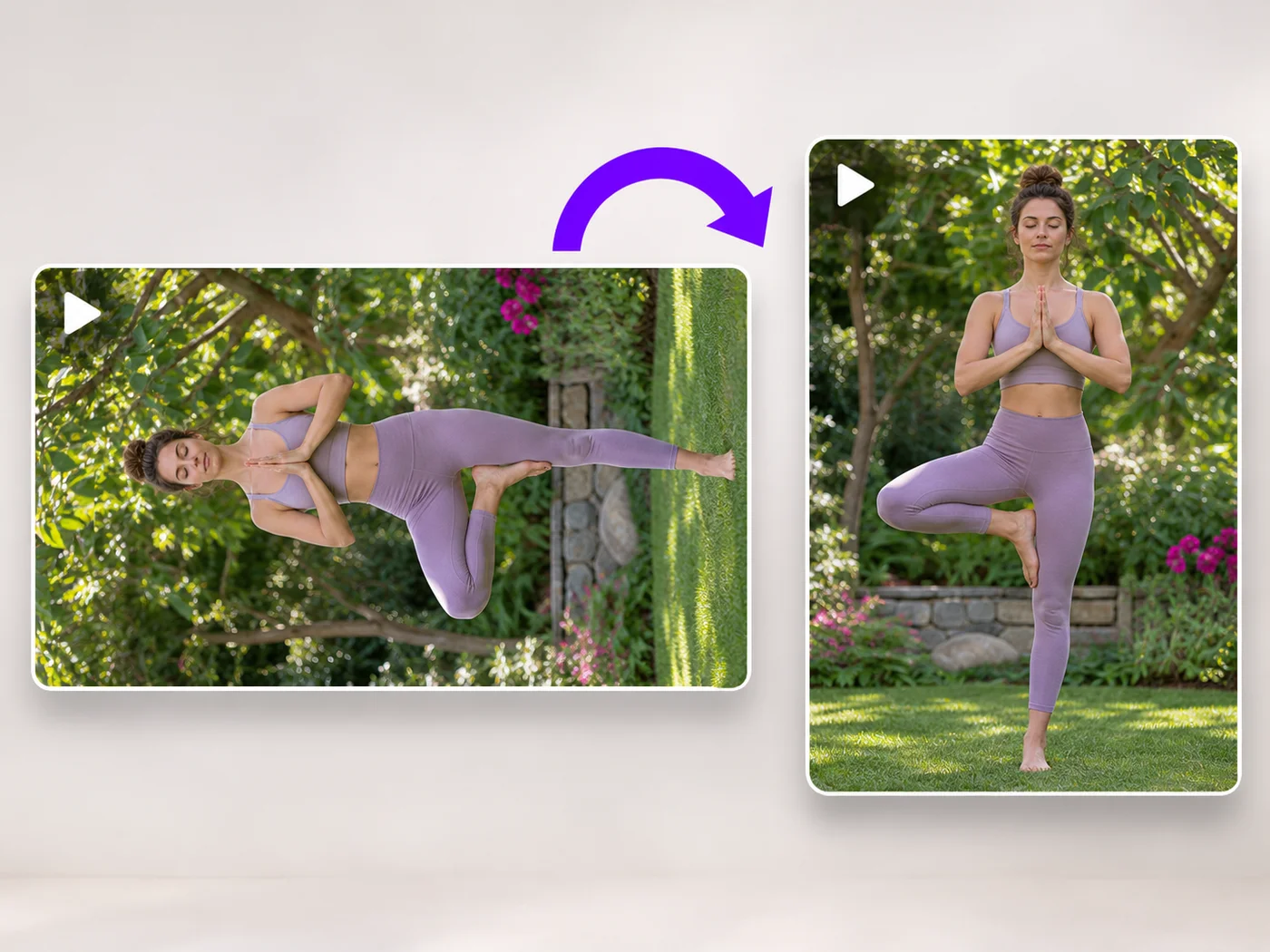
Illustrative preview
Rotate Video Online — Fix Sideways and Upside-Down Videos
MP4, MOV, WebM · Free short clips at web size · No watermark
Turn a video 90 degrees left or right, or 180 degrees, so it plays the right way up on every phone and computer.
- Rotate left, right or upside down
- See the rotated video before you download
- Works with MP4, MOV and WebM
Upload your video
MP4, MOV, WebM · Checking your upload limit…
Files are uploaded for processing. Uploads and finished videos are automatically deleted within 24 hours.
How to rotate a video
- Upload the sideways or upside-down video.
- Press Rotate left or Rotate right until it looks right.
- Play it to check.
- Press Rotate video and download your MP4.
Fix a video filmed the wrong way
Phones sometimes save a video sideways, and some players ignore the rotation setting. Rotating it here turns the picture itself, so it plays the right way up everywhere.
Questions about this tool
How do I rotate a video 90 degrees?
Upload it, press Rotate right or Rotate left once, and press Rotate video. Each press turns it a quarter turn.
Will rotating change the shape of my video?
A quarter turn swaps width and height, so a landscape video becomes portrait. A half turn keeps the shape.
Is the sound kept?
Yes, the sound stays in sync. You can also remove it under Sound.
Is the video rotator free?
Yes, with no watermark. Free exports are short clips at web size; paid plans export longer videos in Full HD and accept larger uploads.
Các công cụ liên quan dành cho Xoay video
Công cụ dành cho các bước tiếp theo phổ biến sau Xoay video.
Công cụ video
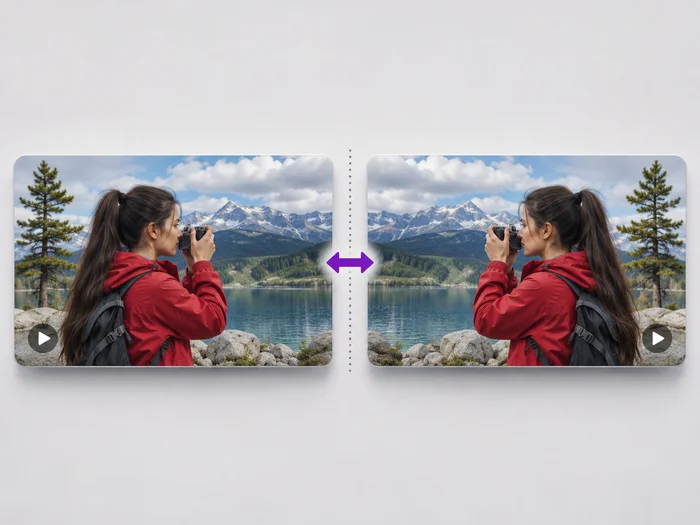
Lật video
Undo the mirror effect of a front camera, or flip a video upside down. See the flipped video before you download it.
Dùng thử ngay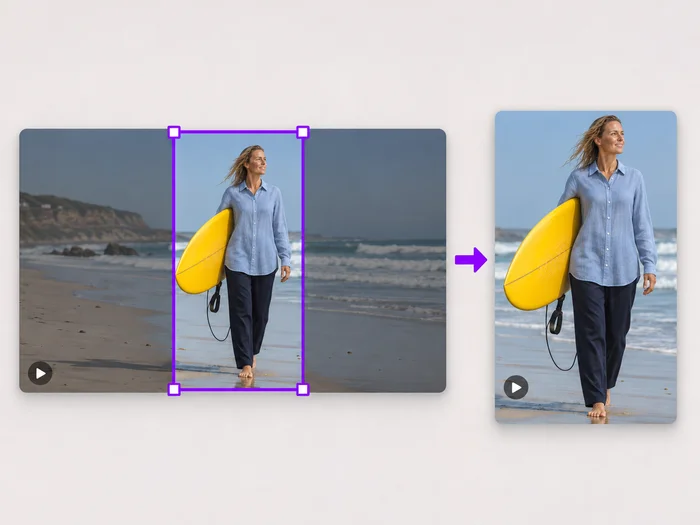
Công cụ video
Cắt khung hình video
Drag a box over your video to cut away edges, black bars or anything in the background. Lock it to square, vertical or wide for social posts.
Dùng thử ngay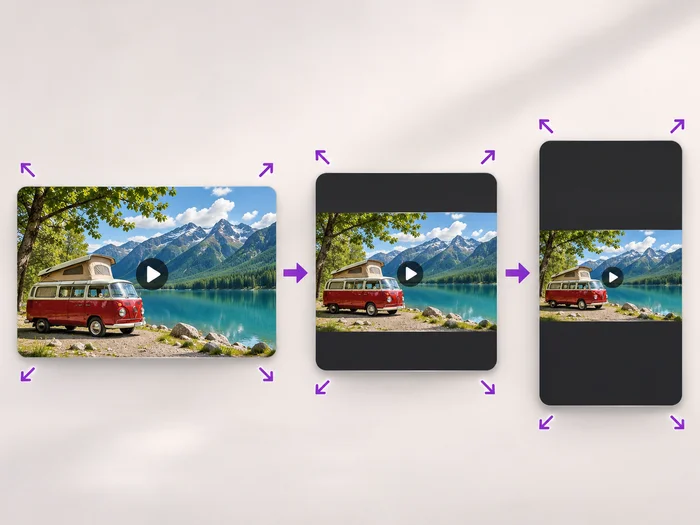
Công cụ video
Đổi kích thước video
Scale a video down to a smaller size, or set an exact width and height and choose whether to add bars, fill the frame or stretch.
Dùng thử ngayNgắm nhìn từng vùng đất chuyển hóa
Mỗi bức ảnh đều vượt qua dấu gạch chéo và đi ra phía bên kia.























